
Ever think your doorbell could double as your own personal security guard? Wireless doorbell cameras blend safety and ease of use, giving you clear video both day and night and letting you chat with visitors in real time. In this post, we'll walk through the standout features and benefits that make these gadgets more than just a neat tech trick. Read on to find out how one of these cameras can add an extra layer of protection to your home.
Wireless Doorbell Camera Essentials: Features & Benefits
Wireless doorbell cameras add a smart security touch to your home by helping you keep an eye on your front door. They record video in clear resolutions from 1080p to 4K and cover a wide area, usually between 130° and 150°. With built-in two-way audio, you can chat with visitors in real time, and the infrared night vision shows clear images even when it is dark.
You can pick between battery-powered and wired models to best match your home setup. Battery models work great if you want to avoid extra wires, though they need recharging every 3 to 6 months. Wired models use your current doorbell wiring for steady power. For saving footage, most systems offer cloud storage plans that keep recordings for 10 to 60 days, or you can use local storage with a microSD card or sync module. Many of these devices also come with smart motion alerts that only notify you for important movements like a person or a package, cutting down on needless alerts.
| Feature | Benefit |
|---|---|
| High-resolution video | Clear images from 1080p up to 4K |
| Two-way communication | Talk with visitors in real time |
| Infrared night vision | Reliable monitoring even in the dark |
| Flexible storage | Cloud or local storage options for your footage |
These features work together to keep you connected to your home. With crisp video, easy communication, and smart alerts, a wireless doorbell camera gives you a friendly, user-focused way to monitor your doorstep and keep your home safe.
DIY Wireless Doorbell Camera Installation Guide
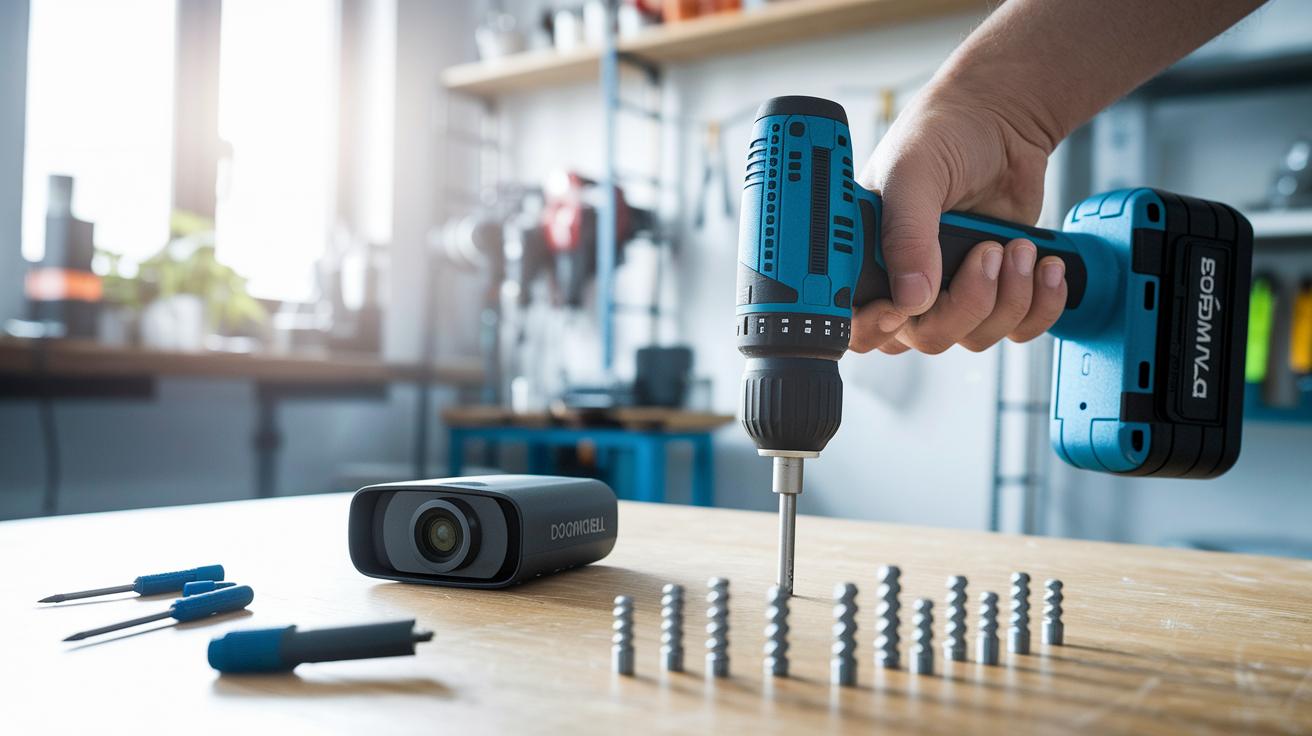
Before you begin, make sure you have a drill, screwdriver, and the mounting hardware ready. Clear your workspace and check that your mobile device has the required app installed. This simple prep makes the installation smooth and stress-free.
- Fully charge the battery unit.
- Attach the mounting bracket securely.
- Drill small pilot holes and insert the anchors.
- Secure the camera using screws.
- Open the app, scan the provided QR code, and join the 2.4 GHz Wi-Fi network.
- Adjust the motion zones and test the alerts.
Once you've finished, run a quick test to make sure your doorbell works as intended. Verify that the camera streams clear video and that your phone receives motion alerts reliably. If any parts seem loose or the motion zones are off, tighten the screws and realign the settings. Should you run into connectivity issues, try moving the device closer to your router or reset the Wi-Fi connection. Small hiccups like a misread QR code or a slight misalignment are common, so take a moment to double-check each step.
This easy install process helps ensure your wireless doorbell camera not only enhances your home security but also stays reliable day after day.
Best Wireless Doorbell Cameras Compared: Top Models 2026
Choosing the right doorbell camera can make your home feel safer with a touch of modern convenience. We tested several doorbells and found that each offers clear visuals, dependable power, and different storage options. Whether you like a wired setup or the flexibility of a battery design, our guide breaks down what each model has to offer.
| Model | Power Type | Resolution | Price | Subscription Plan |
|---|---|---|---|---|
| Google Nest Doorbell (Wired, 3rd Gen) | Wired | 2K HDR | Varies | $10/mo for 60-day storage |
| Ring Video Doorbell Wired | Wired | 1080p | ~$60 | N/A |
| TP-Link Tapo D225 | Battery | 2K | ~$50 | N/A |
| Eufy Security Video Doorbell S220 | Battery | 2K → 1080p Cloud | ~$160 | Local storage based |
| Arlo 2K Video Doorbell (2nd Gen) | Wired | 2K | ~$60 | N/A |
| Ring Battery Doorbell Pro | Battery | 1080p | ~$200 | Plan for advanced zones |
For those on a budget, the TP-Link Tapo D225 and Ring Video Doorbell Wired deliver clear video and reliable alerts without a steep price tag. If you prefer to keep your recordings local and skip monthly fees, the Eufy Security Video Doorbell S220 could be a perfect match, especially with its long-lasting battery. And if high-resolution images are your top priority, the Google Nest Doorbell and Arlo 2K Video Doorbell offer outstanding clarity, though they come with extra storage costs. Each option is built to fit different home security needs, ensuring you find a smart doorbell that suits your specific situation.
Wireless Doorbell Camera Connectivity & Storage Solutions
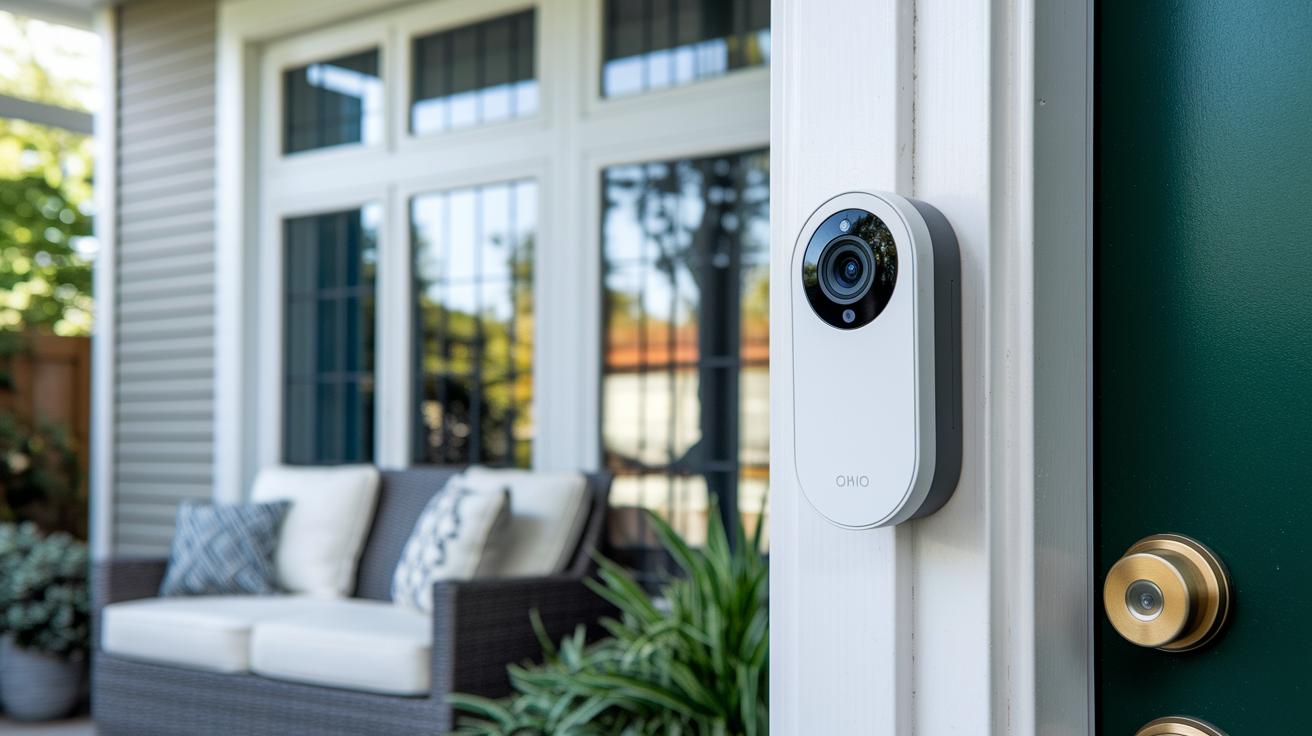
Wireless doorbell cameras need a 2.4 GHz Wi-Fi connection to work reliably, though some newer models can use both bands to lessen network crowding. We recommend placing your router near the doorbell for a strong signal, and using a Wi-Fi extender if the distance becomes an issue. This ensures you get live video feeds from anywhere without lag.
When storing your footage, you have choices. Many systems offer cloud plans like Ring Protect for $5 per month or Arlo Secure for $8, storing videos for up to 60 days. Alternatively, you can opt for local storage options like a microSD card (up to 128 GB) or a dedicated hub such as Eufy HomeBase for keeping recordings directly at home. This way, you can balance cost and convenience while securing your videos.
Managing alerts is simple with the mobile apps available. You can view live video, speak through the device, and customize notifications to match your routine. Most systems encrypt data during transfer and storage, though a few live streams may not use full end-to-end encryption. This flexibility lets you stay on top of your doorstep while keeping security in check.
Privacy and Security Features in Wireless Doorbell Cameras
Wireless doorbells come with a range of privacy and security features designed to keep your footage and data safe. Many models encrypt your data as it's sent and stored, but there are key differences. For instance, Ring devices don't use full end-to-end encryption, whereas Google Nest live view operates without encryption. Meanwhile, Eufy's systems store recordings on a local hub, a solid choice if you prefer keeping your data at home.
These doorbells also offer adjustable motion detection to minimize false alerts so that recordings only kick in when needed.
Key features include:
- Encryption type: compares protection during transfer/storage with full end-to-end encryption.
- Local-only storage: ideal if you want to keep your recordings off the cloud.
- Customizable motion-detection zones: helps target specific areas that matter.
- Subscription-free clip lengths: typically limited to 10–30 seconds without a plan.
When choosing a wireless doorbell camera, think about how each device manages your data. If you value local storage, pick a system that keeps recordings within your home. And if you're not signing up for a subscription, be aware that the clip lengths are shorter. Also, check the encryption method to see if it offers the complete protection you need, and adjust motion settings to match the activity in your home.
Maintaining Your Wireless Doorbell Camera: Tips & Troubleshooting

Regular upkeep keeps your doorbell camera in top shape. We suggest wiping the lens about once a month to prevent blurry images and strange distortions. It also helps to update the firmware often so you get better motion detection and faster alerts, plus extra protection from security risks.
Keep an eye on your battery levels, checking them every two months works well for most wireless cameras. If you notice the connection faltering, try placing a Wi-Fi extender close by. A strong Wi-Fi signal ensures smooth live streaming and timely notifications.
When you hit snags like false motion alerts or audio glitches, recalibrating your motion zones can cut down on unwanted triggers. And if the sound isn’t coming through correctly, make sure your app has the proper microphone permissions enabled. Regular checks and a few simple fixes like these will help your doorbell camera run reliably day after day.
Wireless Doorbell Camera FAQs
-
Subscription: With a free plan, you’ll only see quick clips (about 10 to 30 seconds long). Upgrade to a paid plan to watch longer videos and get a full event history.
-
Battery Life: Most battery-powered doorbells keep running for 3 to 6 months on a single charge. If you use a lot of motion alerts or stream constantly, the battery might drain faster.
-
Remote Viewing: These cameras connect to a 2.4 GHz Wi‑Fi network and work with a dedicated smartphone app, so you can easily watch live feeds or check out past recordings.
-
Local Storage: Many models let you record straight to a microSD card or a special hub, letting you bypass extra cloud storage fees.
-
Wired Installation: Wired doorbells require a C‑wire or existing doorbell wiring. Some people follow detailed guides to install them themselves, while others choose to hire a professional for a safer setup.
Final Words
In the action, we covered what makes a wireless doorbell camera stand out, from its high resolution and two-way talk to flexible power and storage options. We walked through easy setup techniques, compared top models, and explained connectivity and security features that matter for daily use.
We also offered practical maintenance tips and tackled common questions. It's clear that an effective wireless doorbell camera boosts everyday home security while keeping things simple and reliable. Enjoy the improved peace of mind it brings.
FAQ
Do I need a subscription to view recordings?
The need for a subscription depends on the model. Many doorbell cameras offer limited free viewing, but a subscription unlocks longer retention periods and additional features.
How long does the battery last?
The battery in wireless doorbell cameras typically lasts between 3 to 6 months on regular use, though this may vary based on usage intensity and environmental factors.
Can I view my doorbell camera remotely?
Remote viewing is available with most wireless doorbell cameras as they connect via 2.4 GHz Wi‑Fi, allowing live stream and alerts through the manufacturer’s smartphone app.
Is local SD card storage available?
Many models support local recording via microSD cards or paired hubs, offering an alternative to cloud storage for users who prefer subscription-free video retention.
Do wired models require professional installation?
Wired doorbell cameras often use existing wiring, like a C‑wire or transformer. While some users manage on their own, professional installation might be recommended to ensure proper voltage.