
Smart video doorbells help you keep an eye on who’s at your door even when you're not home. They mix crisp video with fast alerts so you can see and respond in real time. Imagine getting an instant update as soon as someone rings, even if you're out running errands. With high-definition views and smooth integration with your smart home devices, these doorbells make it easier to protect your home. If your front door is your first line of defense, adding a smart video doorbell is a straightforward step toward a safer living space.
Comprehensive Overview of Smart Video Doorbell Cameras
Smart video doorbells are changing how we secure our homes. They combine classic surveillance with interactive features that let you see and speak to visitors without having to open your door. Imagine this: when someone presses your doorbell, you get an immediate alert, no matter where you are.
Top models deliver clear HD or 2K video with a wide 180° view and up to 12× zoom. You get a sharp view of who’s at your door, day or night. For example, the Arlo 2K Video Doorbell (2nd gen) offers great value at about $60 on Amazon, striking a smart balance between performance and cost. Many wireless options last between 2 and 8 months on one charge, making them a hassle-free choice if you prefer a DIY setup.
They also work easily with common smart home systems like Alexa, Google Home, IFTTT, and SmartThings. This means your new doorbell fits right in with your current security gear, alerting you instantly when someone comes to your door.
Overall, smart video doorbells bring together high-resolution video, smart home connectivity, and quick two-way communication to keep your home safe and your everyday routine running smoothly.
Key Video Doorbell Features to Compare

When you're picking out a smart video doorbell, resolution is a big deal. For example, Arlo streams 2K HD video using a 180° diagonal view and a 12x digital zoom. This lets you zoom in on a visitor without losing detail. Similarly, the TP-Link Tapo D225 offers crisp 2K clarity with a 180° full-view lens, giving you a complete look at your doorstep.
Some models pack extra features to fit different needs. The Eufy E340, for instance, uses two cameras, a 2K main camera for overall scene capture and a secondary 1080p camera focused on package detection. Then there's the Ring Wired Pro which ups the ante with 4K video and a 10x zoom, perfect for users wanting ultra-high detail.
Motion detection is another crucial feature. Nest Doorbell stands out with smart motion detection that can tell the difference between people, animals, and vehicles. This helps cut down on false alerts. Meanwhile, devices like Blink (2025) offer 1440p resolution with a 150° field of view, balancing clear images with broad coverage.
Night vision and sensor quality also affect how well the doorbell works day or night. Looking at these details can help you choose a doorbell that meets your security needs with clear visuals, sharp motion alerts, and handy zoom functions.
Installation Guide for Smart Video Doorbell Cameras
Smart video doorbells work great for folks who enjoy a DIY project and for those who want professional help. First off, decide if you want a wireless model or a wired version. For instance, the Arlo Video Doorbell works wirelessly with about four months of battery life, or you can plug it into an 8-24 V power transformer for nonstop power.
If you’re setting it up yourself, here’s what to do:
- Check the box for the tools you'll need, like the power kit or mounting screws.
- For wireless models, fully charge the battery before you begin. This is important for doorbells like the Arlo or TP-Link Tapo D225, which can run up to eight months on a single charge.
- Make sure you line up your doorbell properly on the doorframe. A level tool helps keep it straight.
- Connect the doorbell to your home network using a dual-band Wi-Fi setup, similar to how the Nest Battery Doorbell works. This step is key to keep your phone in the loop.
- For models like Blink (2025), include the Sync Module found in the box to ensure steady connectivity.
If you decide on a wired installation, get your wiring ready and double-check that all connections meet the manufacturer's instructions. If new wiring is needed or you're not sure about the process, having a pro do it might save you some headaches.
Even if some high-resolution 2K models drop to 1080p when uploaded to the cloud, this won’t change your basic setup steps. Follow these straightforward DIY steps to secure your home with the perfect smart video doorbell setup.
App Integration and Connectivity for Smart Video Doorbells
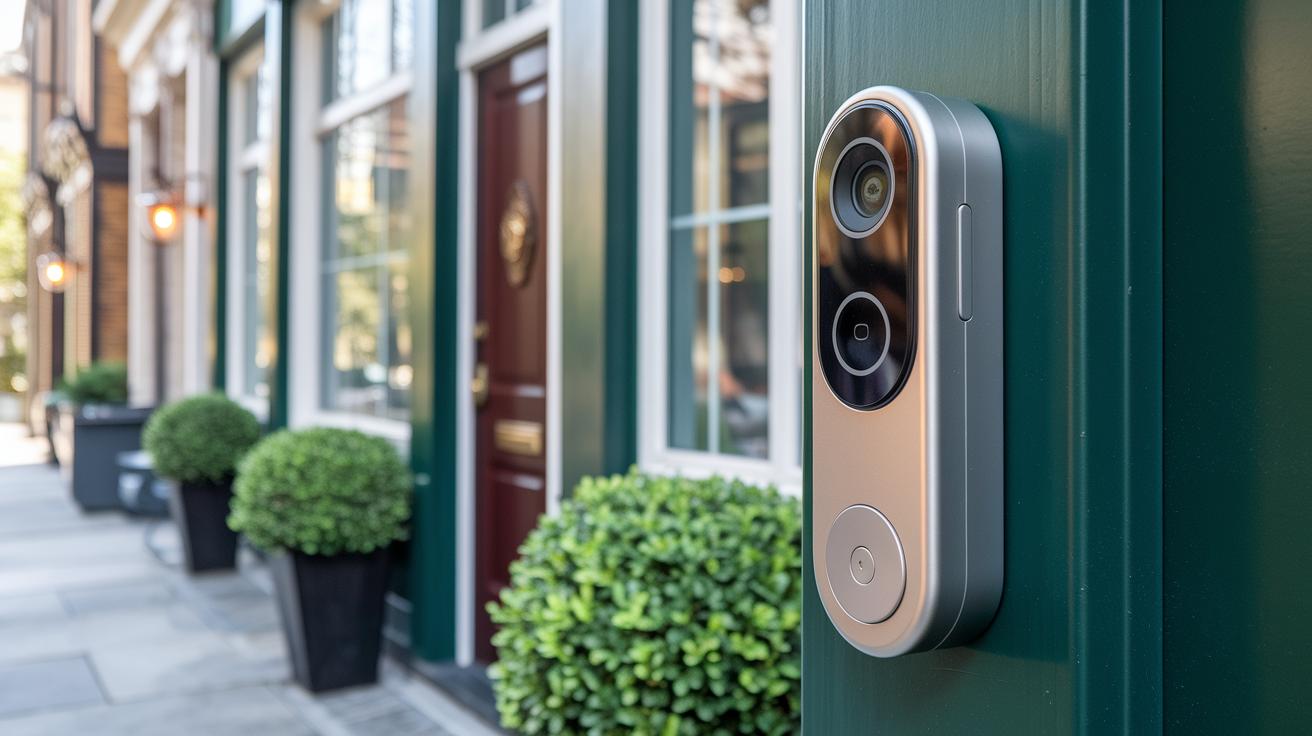
Smart video doorbells join your home network and smartphone apps easily. They send you quick alerts and allow two-way talk when someone comes to your door. Today, brands like Arlo, Tapo, Ring, and Reolink work with both Alexa and Google Assistant. That means you can simply say, "Alexa, show me the front door," and the device will stream the live feed right away.
Before adding a new doorbell to your setup, it's wise to check compatibility. Most devices sync with popular platforms, but the Eufy FamiLock S3 Max is a standout with support for Matter, Thread (a way for smart devices to talk to each other), Apple Home, Google Home, and SmartThings. This broad support makes it flexible for many smart home systems. Reolink also offers extra connectivity by including an Ethernet port, which helps create a more stable and reliable setup while still letting you use voice commands with Alexa.
Some models, like the Nest Doorbell, sync with Google Home for basic alerts. However, you may need an Aware subscription to unlock advanced features. It is also a good idea to check if a doorbell supports IFTTT since limited support might hold back custom automation options. Making sure your device fits well with your current smart setup will help you get the most out of your smart doorbell.
Battery-Powered vs Wired Smart Video Doorbells: Integrated Installation and Power Considerations
We’ve already covered both power options in the installation guide. Here, let’s dive into how each type performs, the best user scenarios, and how environmental factors like weather can play a role.
Battery-powered doorbells let you place your device wherever you like without major hassles. They are easy to set up yourself and can last anywhere from 2 to 8 months on a single charge. For instance, Arlo typically lasts around 4 months, Tapo up to 8 months, and the Eufy S220 about 4 months. Keep in mind that cold weather can cut down battery life, meaning you might need to recharge or replace batteries more often when it gets chilly.
Wired doorbells, on the other hand, get their power from an 8–24 V transformer. This continuous power supply means you get uninterrupted uploads and steady performance. This option is ideal if you need a doorbell that consistently performs well and you don’t mind the extra setup steps or even calling in professional help for wiring.
| Battery-Powered Doorbells | Wired Doorbells |
|---|---|
| Flexible placement and DIY setup | Continuous power with stable performance |
| Great for temporary installations or rentals | Reliable uploads regardless of weather conditions |
| Best in milder climates | Fewer performance shifts over time |
Pricing and Subscription Plans for Smart Video Doorbells
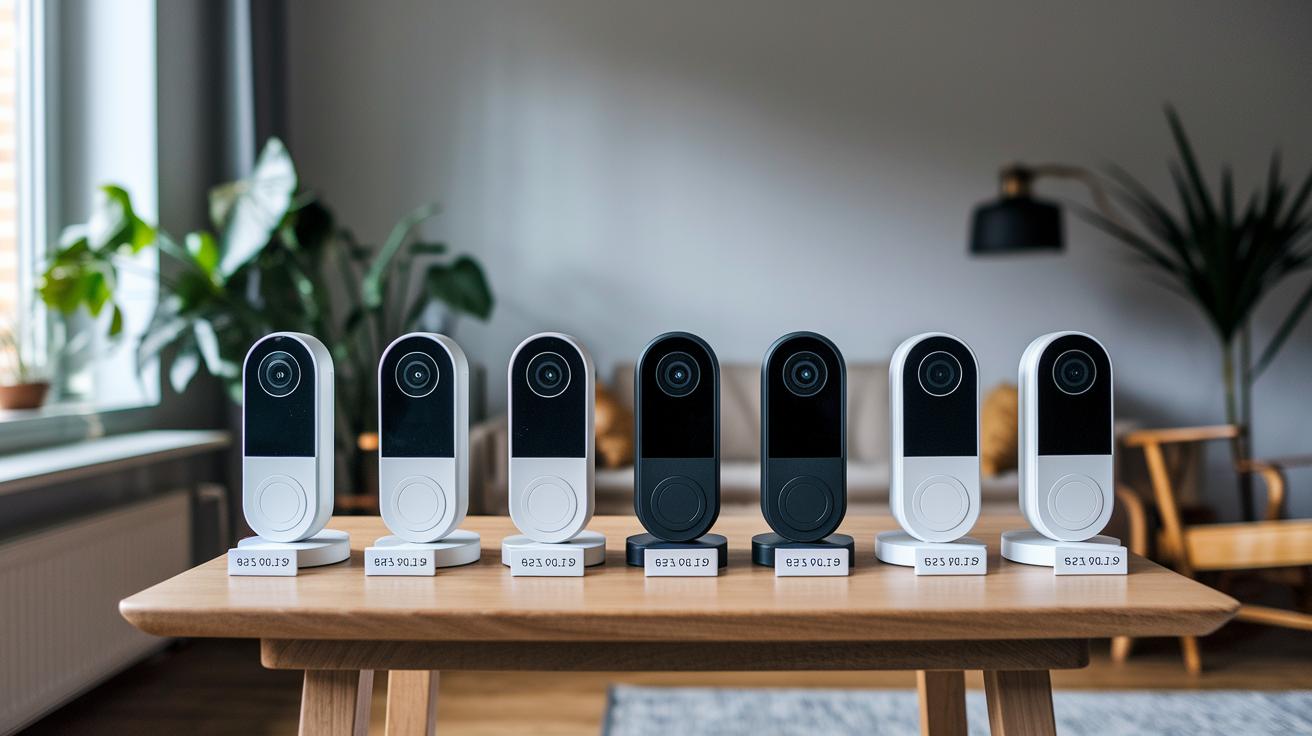
When you shop for a smart doorbell, it helps to know both the device price and any monthly fees so you can stick to your budget. Smart doorbells come in a range of prices, from affordable models to higher-end options that integrate smoothly with your smart home. For example, the Arlo 2K Doorbell (2nd gen) usually costs around $60, while the Nest Battery Doorbell is about $120. If you need top-notch performance, the Ring Battery Doorbell Pro runs roughly $200. Those on a tighter budget might look at the Blink Video Doorbell (2025) for under $70 or the TP-Link Tapo D225 for about $85. There’s also the Lorex 4K Wired Doorbell, which is priced at nearly $190.
Some doorbells let you record locally without a subscription, but many offer extra features like cloud backups and smart alerts for a monthly fee. For instance:
| Service | Monthly Cost |
|---|---|
| Ring Protect | $5 |
| Arlo Secure | $8 |
| Nest Aware | $8 |
Keep in mind that if you need professional help for installation, that can add to your overall cost. On the flip side, doing it yourself, especially with a wireless model, might help keep expenses down. Balancing the upfront investment with any ongoing fees lets you pick a smart doorbell that offers the right mix of features and value for your home security needs.
Expert Reviews and Top Picks of Smart Video Doorbells
Experts have spoken, and the Arlo 2K Video Doorbell (2nd gen) leads the pack. It features a wide 180° view, clear two-way audio, and an easy setup that works smoothly with your favorite smart devices.
The Google Nest Doorbell (2nd gen, battery) earns high marks for its smart motion detection and effortless integration with Google devices. It even tells the difference between people, pets, and vehicles, which is great if you’re already in the Google ecosystem.
If you’re after extra precision, the Ring Battery Doorbell Pro might be your best bet. Its radar-powered 3D motion tracking and crisp imaging make it stand out for those who want a tech-savvy solution, even if it occasionally sends a few false alerts.
For those keeping an eye on budget without sacrificing reliability, the Blink Video Doorbell (2025) offers solid Alexa support at a competitive price. It may not hit 2K clarity, but it delivers exactly what you need when funds are tight.
Lastly, the TP-Link Tapo D225 is perfect if you value installation flexibility. You can choose between wired and wireless setups, though it isn’t as tightly integrated with smart home systems as some of the other options.
| Rank | Product | Expert Highlight |
|---|---|---|
| 1 | Arlo 2K Video Doorbell (2nd gen) | Wide view, robust smart integration, and reliable performance |
| 2 | Google Nest Doorbell (2nd gen, battery) | Smart motion detection with seamless Google connection |
| 3 | Ring Battery Doorbell Pro | High-resolution imaging with advanced 3D motion tracking |
| 4 | Blink Video Doorbell (2025) | Budget-friendly with solid Alexa support |
| 5 | TP-Link Tapo D225 | Versatile with wired and wireless installation options |
-
Arlo 2K Video Doorbell (2nd gen)
- Pros: Wide-angle view, clear 2K visuals, broad compatibility
- Cons: Some features need a subscription
-
Google Nest Doorbell (2nd gen, battery)
- Pros: Smart motion detection, seamless Google integration
- Cons: Battery may need frequent recharging with heavy use
-
Ring Battery Doorbell Pro
- Pros: Crisp imaging and precise 3D motion tracking
- Cons: Occasional false alerts from its radar sensor
-
Blink Video Doorbell (2025)
- Pros: Reliable performance with Alexa support at an affordable price
- Cons: Lower resolution compared to true 2K models
-
TP-Link Tapo D225
- Pros: Offers both wired and wireless installation options
- Cons: Limited compatibility with extensive smart home systems
Troubleshooting and Maintenance for Smart Video Doorbells
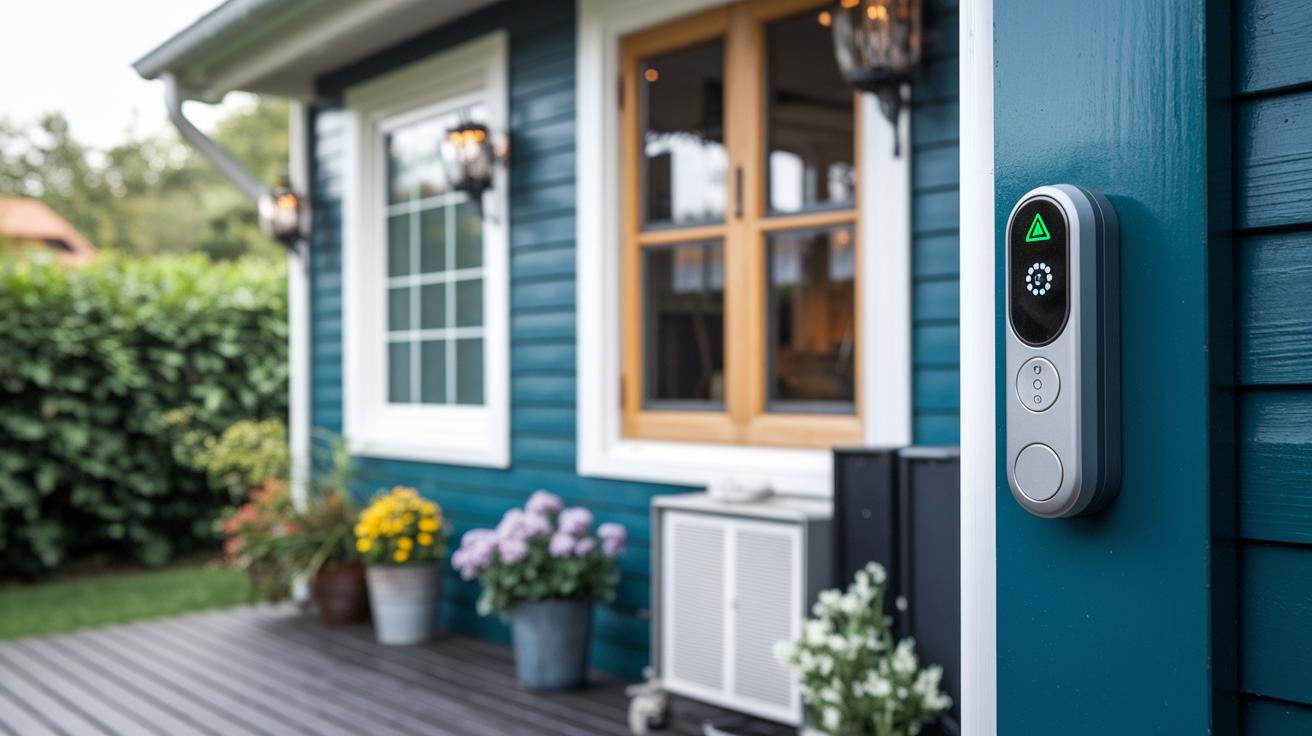
When your smart doorbell starts acting up, begin by checking the usual suspects. Many users experience Wi‑Fi dropouts, especially with brands like Reolink that don't fully support all features. Make sure your network signal is strong before exploring other fixes. Also, keep in mind that some models, such as Nest, require a subscription to view footage older than three hours. This might look like a connection problem while it's actually a service detail.
Battery alerts are another common issue; devices like Tapo and Arlo often warn you when power is low. When you see these alerts, take a moment to check the power source and confirm that the battery is fully charged or replaced if needed. Updating your firmware is important too. These updates not only sharpen motion detection but also patch security vulnerabilities. Regular updates can help avoid trouble caused by old software.
Resetting your doorbell can often solve persistent issues, but each model has its own procedure. Always follow the manufacturer’s guide exactly. It also helps to clean the camera lens for clear visuals and adjust the motion zones if you’re getting false or missed alerts. Taking care of these basic troubleshooting and maintenance steps will keep your smart video doorbell running smoothly and help maintain your home security.
Final Words
In the action, we explored the ins and outs of smart video doorbells, breaking down key features, installation tips, and pricing details. We examined clear video quality, installation methods, and smart home integrations that fit a range of budgets and needs.
Our review dug into expert picks, connectivity options, and common troubleshooting steps, giving you straightforward, hands-on advice. This smart video doorbell guide aims to help you choose confidently and enjoy a secure, connected home.
FAQ
What does a smart video doorbell app do?
The smart video doorbell app provides remote access to live feeds, notifications, and settings control, helping you monitor your home entry securely from anywhere.
How is a smart video doorbell installation performed?
The smart video doorbell installation involves mounting the device, connecting its power—either wirelessly or through hardwiring—and syncing it to a smartphone app with clear, step-by-step instructions.
How does a wired smart video doorbell support continuous operation?
The wired smart video doorbell uses a steady power source from a transformer, enabling continuous video recording and reliable notifications without concerns about battery life.
What features distinguish models like Aqara, JOOAN, SwitchBot, and Feit Electric?
Models such as Aqara, JOOAN, SwitchBot, and Feit Electric offer varied features like motion detection, storage options (cloud or local), smart home integration, and specific design compatibilities.
How do wireless doorbell cameras operate without a subscription?
Wireless doorbell cameras without a subscription offer local or free cloud storage, eliminating monthly fees while still providing essential motion alerts and video monitoring for your home.
What video quality improvements does the Wyze Wired Video Doorbell v2 offer?
The Wyze Wired Video Doorbell v2 delivers 2K HD video with a head-to-toe view, ensuring a wide, detailed perspective of your front entry for enhanced security.
How does the battery-powered Wyze Wireless Duo Cam Video Doorbell perform?
The battery-powered Wyze Wireless Duo Cam Video Doorbell provides long-lasting battery operation and simple installation, making it ideal for locations where wiring isn’t available.
What can be expected from the Wyze Video Doorbell’s overall performance?
The Wyze Video Doorbell offers crisp video quality, reliable motion detection, and smooth smart home integration, ensuring your entry is monitored effectively throughout the day.
How does the Wyze Wireless Video Doorbell Camera Pro enhance home security?
The Wyze Wireless Video Doorbell Camera Pro combines battery power, clear imaging, and smart alerts to deliver advanced features that improve real-time monitoring of your home’s entry.
What makes the Google Nest Doorbell a competitive option?
The Google Nest Doorbell integrates well with Google Home, provides intelligent alerts, and offers detailed video quality, making it a solid choice for those invested in Google’s ecosystem.
What benefits does the Eufy E340 Video Doorbell provide for home security?
The Eufy E340 Video Doorbell delivers high-definition video and dual-camera options for package monitoring, while supporting local storage to maintain reliable security without extra fees.