
Ever imagined opening your door with just your voice? A smart lock synced with Google Home lets you do exactly that. Step off your car, say "Hey Google, unlock the door," and your home welcomes you securely. This hands-free solution makes managing access easy and safe. In this post, we'll explain how using voice control not only saves time but also adds a practical layer of security to your daily routine.
smart lock with google home: Effortless voice control
Imagine coming home and simply saying, "Hey Google, unlock the door" while you enjoy a smooth transition from your car to your living room. Many smart locks now work directly with Google Home to simplify your daily routine. For example, the Google Nest x Yale Smart Lock pairs up with Google Assistant and turns off the Nest Secure Alarm as you approach, so you can enter without ever having to search for your keys.
If you choose the August Smart Lock (3rd Gen), you'll be able to control your lock with your phone and receive alerts if the door remains ajar. Just keep in mind that it needs a separate bridge to work fully with Google Home.
For those looking for a premium option, the Schlage Encode Plus comes with built-in Wi-Fi and can store up to 100 access codes. It links effortlessly with Google Home, offering a secure and customizable access experience that fits right into your daily schedule.
And if security is your number one priority, the Lockly Vision Elite is a great pick. It features a fingerprint reader and a scrambled PIN pad for added protection. In every case, these smart locks blend convenience with robust security, ensuring that every voice command is both easy and safe.
Installation and setup for smart lock with google home integration

First, confirm your home network runs on the 2.4 GHz band. Make sure you have both the Google Home app and your lock maker's app installed. This step is essential whether you're setting up the Google Nest x Yale Smart Lock, which pairs directly through the Nest app, or the Schlage Encode Plus that connects via its built-in Wi-Fi without extra hardware.
Next, install your smart lock by following the manufacturer’s mounting guidelines. Ensure the lock aligns correctly on your door before beginning the pairing process. For the Google Nest x Yale, simply open the Nest app, select "Add Device," and follow the on-screen prompts to complete the connection.
If you're using the August Smart Lock (3rd Gen), you'll need a separate bridge to connect with Google Home. Start by setting up the bridge as per the manufacturer's instructions. Once the bridge is active, add your lock using the August app and then open the Google Home app to complete the linking process.
After setting up your lock in its respective app, open Google Home. Tap the plus icon, choose "Set up device," then select "Works with Google." Find your lock's manufacturer in the list, sign in with your credentials when prompted, and assign the lock to a specific room for easier voice control. Follow these steps carefully to enjoy quick and reliable voice-activated functionality.
Top smart lock with google home integration picks
Earlier sections looked at key models like the Google Nest x Yale, August Smart Lock (3rd Gen), Schlage Encode Plus, and Lockly Vision Elite. Here, we zoom in on newer models that offer extra benefits you might love.
The Kwikset Halo Wi‑Fi Smart Lock is perfect for rental properties or vacation homes. It handles up to 250 unique codes, installs easily with minimal extra parts, and its battery lasts for months.
The August Wi‑Fi Smart Lock (4th Gen) lets you upgrade an old deadbolt without a fuss. Its low-profile design blends in neatly, tracks activity better, and works smoothly with Google Home voice commands so you can set it up quickly without replacing your entire system.
| Model | Price | Connectivity | Key feature |
|---|---|---|---|
| Google Nest x Yale Smart Lock | High | Wi‑Fi via Nest | Seamless Nest ecosystem integration |
| August Smart Lock (3rd Gen) | Budget | Requires Bridge | Door ajar alerts |
| Schlage Encode Plus | Premium | Built‑in Wi‑Fi | Supports up to 100 codes with direct Google Home integration |
| Kwikset Halo Wi‑Fi Smart Lock | Mid‑range | Built‑in Wi‑Fi | 250 unique user codes, simple installation, lasting battery life |
| Lockly Vision Elite | High | Built‑in Wi‑Fi | Fingerprint reader, scrambled PIN pad, backup battery support |
| August Wi‑Fi Smart Lock (4th Gen) | Mid‑range | Built‑in Wi‑Fi | Sleek deadbolt upgrade with tracked activity and steady battery performance |
Benefits of using a smart lock with Google Home integration
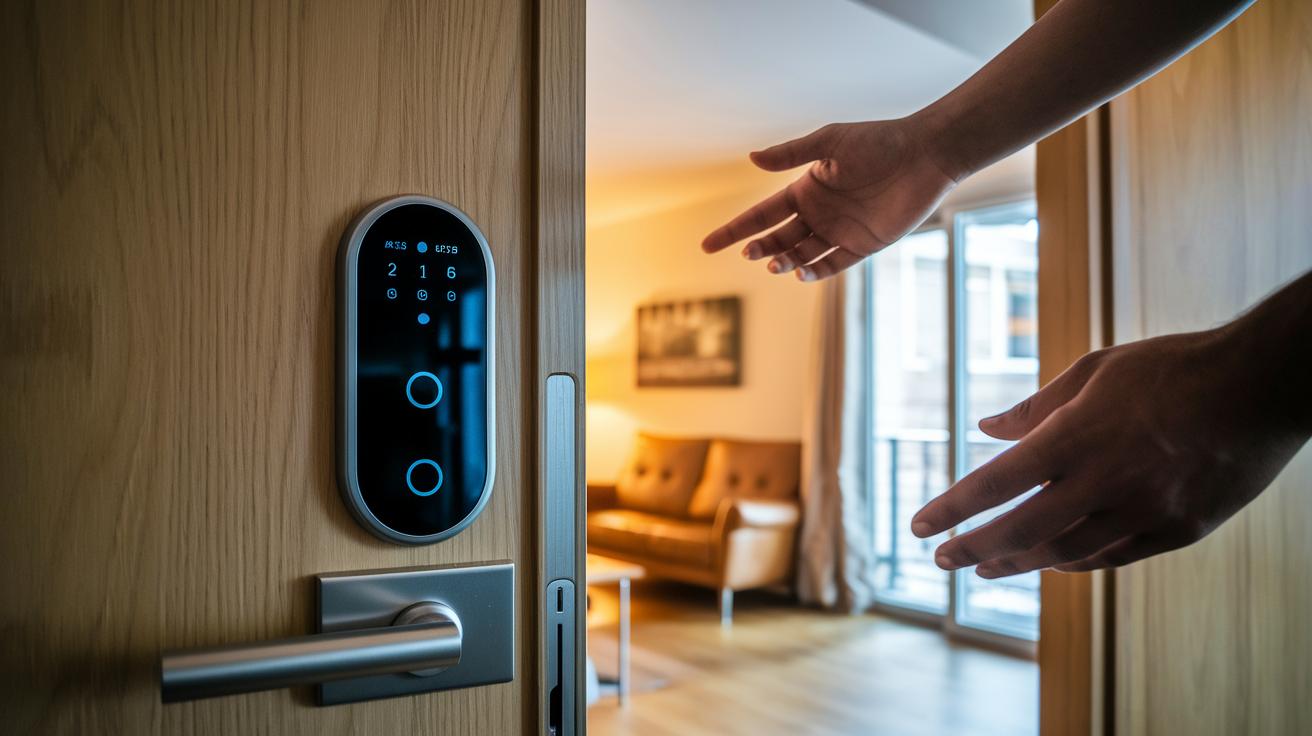
Google Home-compatible smart locks make it easy to keep your home secure. You can use your voice to lock, unlock, and check real-time entry logs that show exactly who came in and when. This clear record helps you quickly spot any unusual activity.
For rental homes or when hosting guests, these locks offer smart scheduling. You can set up temporary codes that work only at certain times. For instance, you might provide a cleaner with a Tuesday morning code that automatically expires after the visit, avoiding the hassle of physical key exchanges.
Some models, like the Lockly Vision Elite, boost security even more by combining voice control with fingerprint scanning and PIN entry. This extra layer ensures that only trusted people can enter, giving you both convenience and strong protection for your lifestyle.
Installation and Setup
To get your smart lock working with Google Home, start by confirming that your setup meets the hardware, network, and software requirements. Make sure you are connected to a 2.4 GHz network and have a smartphone (iOS or Android) with the Google Home app installed. You will often need the lock maker's app to complete the initial setup and pairing.
For instance, the Google Nest x Yale Smart Lock uses the Nest app for integration. On the other hand, the August Smart Lock (3rd Gen) needs a separate Wi-Fi bridge so that voice commands from Google Assistant reach your lock. Some models like the Schlage Encode Plus and August Wi-Fi Smart Lock (4th Gen) have built-in connectivity, which means you do not have to buy extra hardware.
Before you make a purchase, double-check the compatibility details such as battery type, hub requirements, and support for emerging standards like Matter. This will help you choose a smart lock that fits perfectly in your home.
Troubleshooting smart lock with google home integration issues
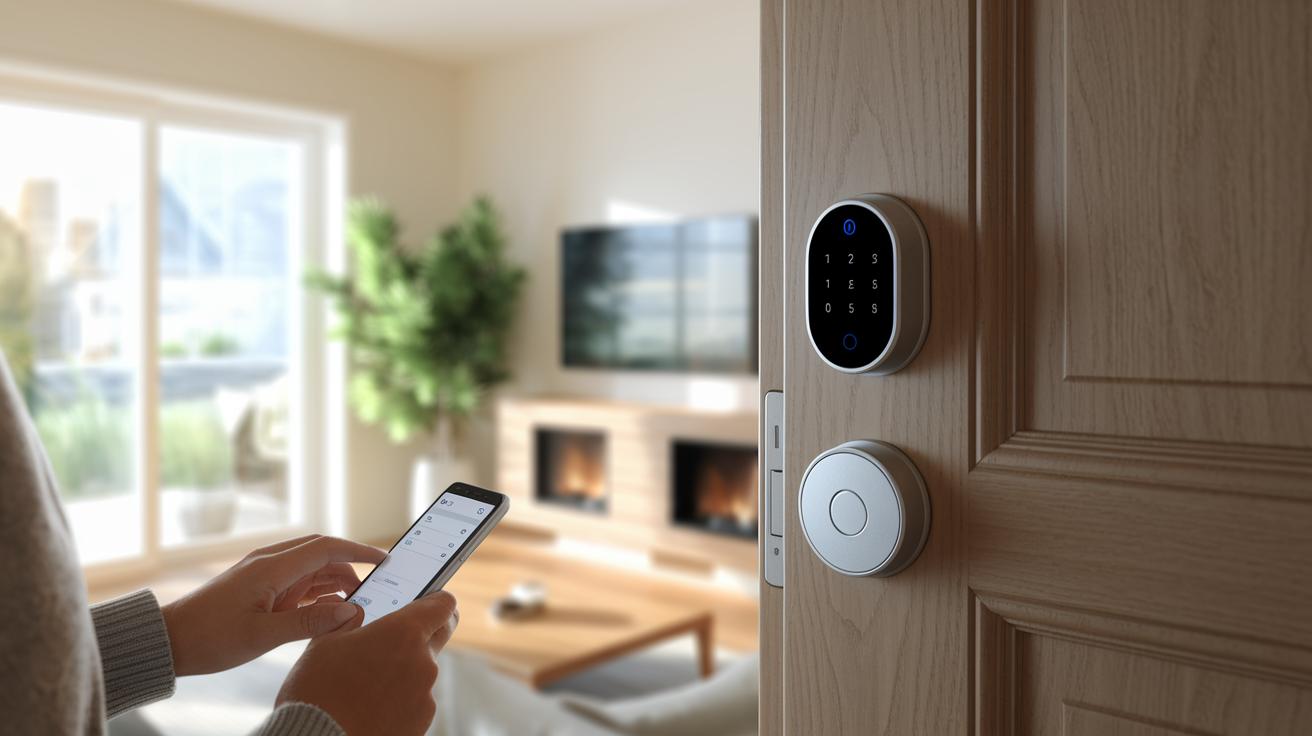
If your smart lock ignores your voice commands, start with the basics. First, make sure your lock is connected to a 2.4 GHz Wi-Fi network and that you’re running the latest software on both the Google Home app and the lock’s app. Outdated firmware can break the connection, so updating might be all you need to get things back on track.
Bluetooth can also be a factor, especially during initial setup. If your phone can’t find the lock, try turning Bluetooth off and on again and repeat the pairing process. And if your Wi-Fi acts up and causes disconnections, restart your router and power cycle the lock to re-establish a solid link.
Another common issue is a misaligned lock. Check that you installed it according to the manufacturer’s guidelines. Once you’ve confirmed the physical setup, remove the lock from the Google Home app and add it again. This re-sync helps ensure that any bridge connection stays active.
- Verify network settings
- Update firmware on both the lock and app
- Check physical installation alignment
- Re-sync the lock in Google Home
These steps usually clear up the issues, so you can enjoy smooth, voice-controlled access with your smart lock.
Securing your smart lock with google home integration best practices
Start by swapping out any default codes as soon as you install your smart lock and choose a strong master PIN. If your smart lock supports biometrics, like the Lockly Vision Elite, make sure to enable fingerprint scanning. Unique, hard-to-guess codes help keep unwanted users out.
Next, turn on two-factor authentication in the Google Home app. This extra check means that even if someone gets hold of your password, they’d still need another form of verification. Also, check for firmware updates on your smart lock and any connected devices often. Regular updates plug security gaps and protect against new vulnerabilities.
Don’t stop there, you can also set up individual access codes for each family member or guest. Run periodic checks to see who is accessing your lock and when.
| Action | Why It Matters |
|---|---|
| Change default codes and set a strong master PIN | Prevents unauthorized access |
| Enable biometric options if available | Adds an extra layer of security |
| Activate two-factor authentication | Provides a backup check for extra security |
| Keep firmware updated | Fixes security vulnerabilities |
| Assign unique codes and perform access audits | Helps monitor and manage usage |
Final Words
In the action from setup to troubleshooting, this post broke down how smart lock with google home integration streamlines your entry process.
We covered everything from initial pairing and configuration to top models and security best practices.
Each step showcased voice control and remote management made simple with today’s devices.
This guide empowers you to enjoy practical benefits and enhanced convenience for your home security.
Keep your system updated and reap the advantages of a truly smart entry solution for everyday use.
FAQ
Frequently Asked Questions
How do I connect and use a smart lock with Google Home?
Connecting your smart lock with Google Home means using both the lock’s app and the Google Home app. You set up the lock with its app, then add it to Google Home by following the on-screen instructions.
What is the best smart lock that works with Google Home?
The top options vary by needs. For example, the Google Nest x Yale Smart Lock offers a seamless Nest experience, while the Schlage Encode Plus provides built‑in Wi‑Fi and reliable access code support.
What features does the Google Nest smart lock offer?
The Google Nest smart lock, such as the Nest x Yale model, integrates into the Nest ecosystem, automatically disables alarms upon entry, and lets you use voice commands through Google Assistant for easy, hands‑free access.
How does a Yale smart lock work with Google Home?
Yale smart locks, including models with Matter support and Nest Connect compatibility, pair with Google Home using the Yale app. This setup enables secure, voice‑activated door control and convenient remote monitoring.
Which smart lock includes a camera for extra security?
Some advanced smart locks combine camera capabilities with remote access features, letting you view visitors and check door activity via Google Home, adding an extra layer of security to your entry system.
Is there a Google-made smart lock?
Google does not currently manufacture its own smart lock. Instead, partnered models like the Google Nest x Yale Smart Lock offer a reliable, voice‑controlled option for users within the Google Home ecosystem.
Is the Nest Smart Lock being discontinued?
The Nest Smart Lock has not been officially discontinued. It remains supported and continues to work within the Nest ecosystem alongside Google Home without any official discontinuation notice.
Which locks offer touchscreen or key backup options with Google Home integration?
Models such as the Yale Assure Lock series and the Schlage Encode WiFi Deadbolt provide touchscreen keypads or physical key options. These choices ensure flexible entry methods and voice-controlled convenience through Google Home.