
Ever wondered if one upgrade can really boost your home security? The Nuki Smart Lock brings smart convenience to your door, replacing your old deadbolt in a big way. You can lock or unlock your door using a phone app, a voice command, or a handy button on the lock itself. With a powerful motor that acts fast and an installation process that takes just minutes, it offers a smart solution for anyone looking to improve home safety. Read on to find out how this device makes security easier and more modern without breaking the bank.
Nuki Smart Lock Elevates Home Security
The Nuki Smart Lock offers a smart, affordable upgrade to your home security without any hassle. Priced at $159 on its own or $229 when paired with the Keypad 2, this lock fits right over your existing deadbolt. Installation is a breeze since it comes with tape to secure the extra piece, so you won't need any special tools or professional help.
Under the hood, a fast brushless motor rotates the deadbolt in less than one second. You can unlock or lock your door using your smartphone, a compatible voice assistant, or the handy top-button called "Lock 'n' Go" when you're on the move. The lock uses robust encryption to keep things secure, though note that remote locking via Wi-Fi requires an optional monthly subscription. Also, there isn’t an integrated door sensor, but one is available separately for $59 if you want added peace of mind.
Key Benefits:
- Price: $159 standalone, $229 with Keypad 2
- Easy retrofit installation with included stabilization tape
- Fast brushless motor rotates the deadbolt in under one second
- Multiple control options: smartphone, voice commands, and a top-button
- Optional Wi-Fi remote control via subscription
All in all, the Nuki Smart Lock is a practical choice for anyone wanting modern keyless entry. It's ideal for homeowners and renters alike who need a smart, secure solution without the fuss of a full door replacement.
Nuki Smart Lock Installation & Setup Guide
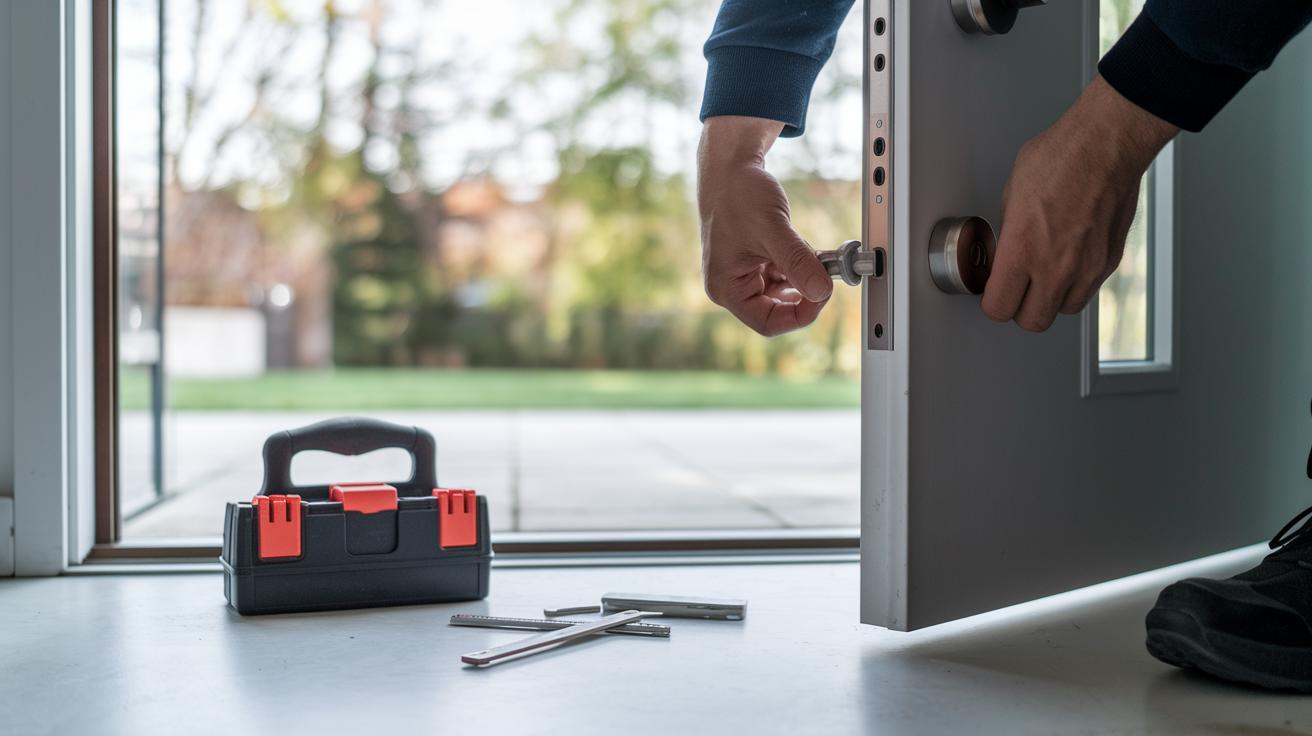
Begin by taking off the deadbolt thumb turn to get ready for installing your Nuki unit. The kit includes a base plate, screws, and fitting adapters that make mounting the smart lock a breeze. Use the provided measuring card to line everything up perfectly, and apply the tape accessory to firmly secure the external deadbolt piece. All parts are designed to keep the process simple without needing any special tools.
Once you have the hardware set up, pair your smart lock using Bluetooth and the Nuki mobile app. The app guides you step by step through device registration, and it even helps you sort out common issues like pairing errors or auto-unlock glitches. Remember, the unit comes with a USB-C magnetic charging cable, so make sure you have a wall adapter ready for charging.
- Remove the existing deadbolt thumb turn.
- Attach the base plate using the provided screws and adapters.
- Align the parts with the measuring card.
- Secure the external deadbolt piece with the tape accessory.
- Connect the USB-C magnetic charging cable.
- Pair the unit via Bluetooth through the Nuki mobile app following the on-screen instructions.
Nuki Smart Lock Features & Performance Analysis
Nuki Smart Lock really stands out with its quick brushless motor that secures or opens your door in less than a second. The speed makes the lock feel very responsive. It also uses strong AES-256 encryption to guard your entry and takes care of your data in line with GDPR standards. You can see differences in how it works between firmware versions v2.9 and v3.1, and constant over-the-air updates keep it current with fresh security fixes.
Our tests show that Bluetooth performance varies a bit with different phones, but overall, the lock is solid. It features a replaceable battery and charges easily via a magnetic USB-C connector. The design pairs high-tech security with a traditional key backup, and you have plenty of control choices, whether using physical buttons or commands from your smartphone.
Pros of the Nuki Smart Lock
• Fast locking and unlocking that gives near-instant response
• Simple installation over your current deadbolt without needing a pro
• Multiple control options including voice commands and a key backup
This blend of digital convenience and manual fallback makes it a hassle-free choice, thanks to its steady firmware updates and reliable performance.
Cons of the Nuki Smart Lock
• Wi-Fi remote control needs a subscription, which might not work for everyone
• Occasional Bluetooth lag can affect smooth connectivity
• No built-in door sensor means you might miss real-time door status updates
Nuki Smart Lock Smart Home Integration & Connectivity

The Nuki Smart Lock quickly fits into your current smart home setup, letting you control your door with popular voice assistants and add it to your home routines. It works with Matter, Alexa, Google Assistant, and Siri shortcuts, so it gets along with most smart devices. There's also a secure cloud login, though you might experience slight delays when your network is busy.
Voice Assistant & Platform Support
Nuki makes it easy to lock and unlock your door just by talking, whether you're using Alexa, Google Assistant, or Siri. Its Matter certification means it blends well with many smart home systems, giving you extra ways to manage your connected devices.
Bridge & Remote Features
If you need to control your lock from afar, the optional Nuki Bridge extends your control via Wi-Fi instead of just Bluetooth. The setup is straightforward, and once it's connected, you can use the Nuki app to manage your lock no matter where you are. Just note that remote access requires a monthly subscription, so it's best for those who often operate outside their home network.
The Bridge usually offers steady connectivity, but heavy cloud traffic sometimes causes brief delays. If real-time control is a must for you, take a look at your network conditions and usage. Plus, the Bridge supports an opener function for intercom systems so you can integrate it with popular smart doorbells.
Developer & API Options
For tech enthusiasts, Nuki offers a REST API with token-based authentication and clear Swagger documentation. This lets you build custom integrations or add special features to your smart home. With these developer tools, you can easily extend the lock's functionality to fit more technical or automated setups.
Nuki Smart Lock Pricing, Models & Market Comparison
Nuki has a smart lock for everyone. The Smart Lock 2.0 is priced at $159 while the updated 3.0, with its faster motor and better firmware, comes in around $179. If you need extra features like longer Bluetooth range and Matter support, the pro edition is built for smart home fans. And for those who want an all-in-one solution, the Ultra model includes built-in Wi‑Fi. You can also opt for the Keypad 2 bundle at $229, with an add‑on sensor for $59 that keeps tabs on your door’s status.
These models are available in the EU, US, and parts of APAC. You might see slight price differences in different regions, especially on sites like Amazon where local market factors come into play. This pricing approach makes Nuki a great choice for both homeowners and renters who want to upgrade their existing locks without a full replacement. They offer options for different budgets and connectivity needs.
When you compare Nuki with competitors like the fee‑free August Smart Lock at about $229.99, you see clear benefits. Nuki’s affordable pricing, support for Matter, and a range of model choices give it an edge in the smart lock market.
Nuki Smart Lock User Feedback & Support Resources
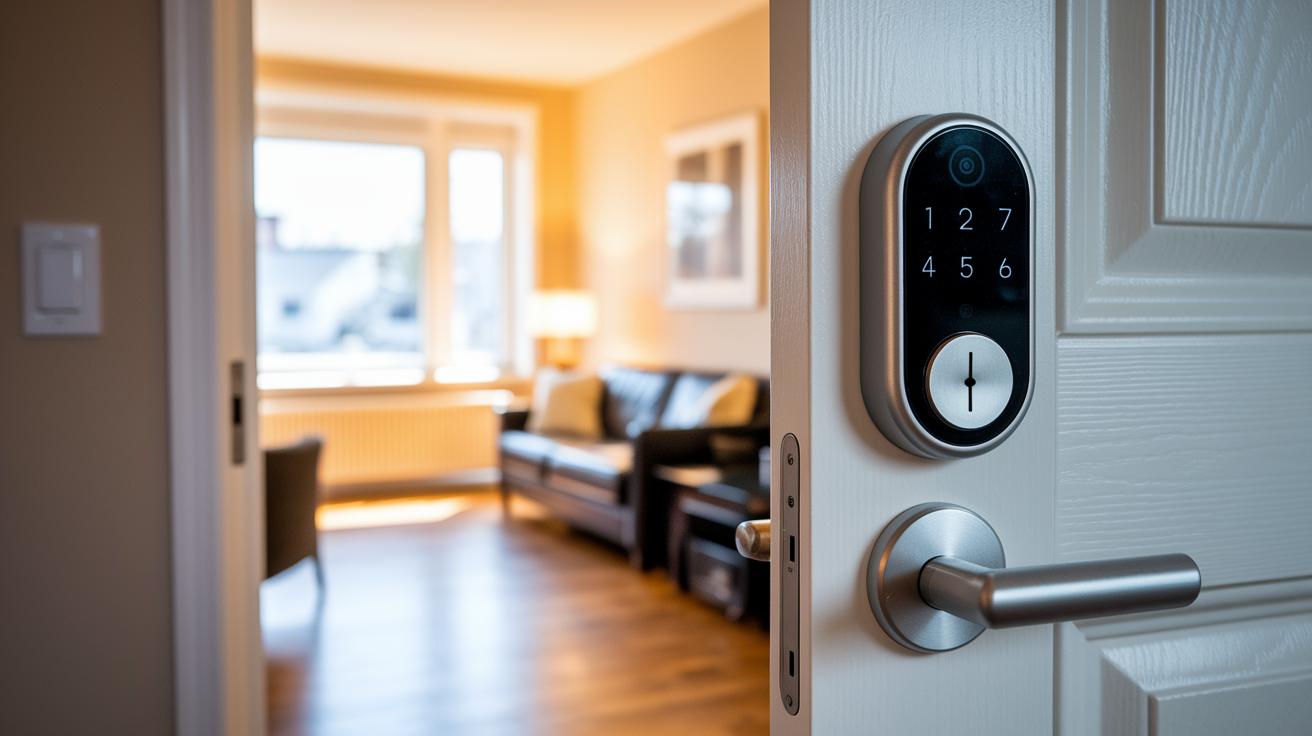
Users say the Nuki Smart Lock is a breeze to set up and works reliably day to day. Many report that installation takes just minutes and that its design fits neatly over existing deadbolts. Sure, there have been a few Bluetooth glitches, but these rarely get in the way of everyday use. While some folks have mixed feelings about paying for Wi‑Fi remote control, most agree that the low upfront cost makes it a smart choice for both homeowners and renters.
Customer support also earns high marks. The team is easy to reach by email, phone, or through a lively community forum. Whether you're dealing with pairing hiccups or auto-unlock issues, help is always nearby. Users have found that simple upkeep, like occasional lubrication and regular battery swaps, can keep the lock working smoothly. Plus, the forum is packed with practical tips for clearing up minor connectivity issues and getting the best performance from your lock.
Reviews also stress the value of the manual override feature. Knowing how to use the physical key backup gives extra peace of mind if you ever lose mobile access or misplace your key. Detailed guides for battery replacement and manual key recovery are readily available through support channels, so you’re equipped to handle unexpected issues quickly and efficiently.
Final Words
In the action, this article reviewed the nuki smart lock, covering its security features, simple installation, performance, and smart home integration. Real-world feedback rounded out our hands-on evaluation.
Key points include:
• Fast locking/unlocking
• Easy retrofit installation
• Multiple control options
• Seamless smart home connectivity
• Competitive pricing
Practical and reliable, the nuki smart lock offers straightforward control and robust protection, leaving you ready to make an informed purchase with confidence.
FAQ
What does the Nuki Smart Lock app do?
The Nuki Smart Lock app serves as a central hub that lets users pair, control, and monitor their lock using Bluetooth, voice commands, or on-screen prompts for a smooth, secure experience.
What models are available and what is the Nuki Smart Lock price?
The Nuki lineup features versions such as Smart Lock 5, 5.0 Pro, 4.0 Pro, Pro, and Ultra, with prices starting around $159 standalone and about $229 when bundled with Keypad 2.0.
How secure is the Nuki Smart Lock and what features protect it?
The Nuki Smart Lock is secure with AES-256 encryption and GDPR-compliant data protocols. It also offers a physical “Lock ’n’ Go” button and backup key options to ensure reliable protection.
Does using a Nuki Smart Lock require a subscription?
While local control via the app and physical button does not require a subscription, accessing Wi‑Fi remote features through the Nuki Bridge does involve a monthly fee.
How does the Nuki Smart Lock work in practice?
The Nuki Smart Lock retrofits on existing deadbolts and uses a fast brushless motor for one‑second lock transitions. It supports multiple control modes, including smartphone, voice, and manual button use.
What are the disadvantages of smart locks like Nuki?
Smart locks like Nuki may experience intermittent Bluetooth delays, require optional subscriptions for remote access, and need add‑on accessories, such as a door sensor, to fully round out their setup.
How does Nuki compare to competitors like Yale, Aqara, and SwitchBot?
Nuki is known for its retrofit ease, rapid motor function, and broad smart home integration, while brands like Yale, Aqara, and SwitchBot offer different features and pricing that cater to varied home security needs.
Where can I find the Nuki Smart Lock manual and installation guidance?
The Nuki Smart Lock manual and installation guide are available with the product and online, featuring step‑by‑step instructions, measuring cards, and troubleshooting tips for a straightforward setup.