
Ever wondered if your door could be your smartest device? The Yale Smart Lock with Matter connects your door with the same system that controls your lights and speakers. You no longer need to juggle multiple apps; a simple voice command or tap lets you manage everything at once.
This smart lock makes setup easy and keeps your home secure without extra hassle. Its modern design and dependable performance give your smart home a clear upgrade.
Seamless Matter Integration in Yale Smart Lock
Yale’s smart lock uses Matter-over-Thread technology to keep your home connected without hassle. It works with big-name hubs like Google Home, Apple Home, Amazon Alexa, and Samsung SmartThings. This means you can manage everything from the same interface without juggling multiple apps. For example, if you control your smart lights with Google Home, you can easily control your lock too.
It also makes working with voice assistants a breeze. Whether you say "lock up" or "open the door," your command gets a quick response. This smooth communication helps all your devices stay in sync, offering you a more practical smart home experience.
With its modern matte finish and minimalist design, this lock not only replaces the older Nest x Yale Lock but also works with any Matter-capable system. It’s built for today’s smart homes, delivering a secure and clutter-free solution that fits right in.
Step-by-Step Installation Guide for Yale Smart Lock with Matter
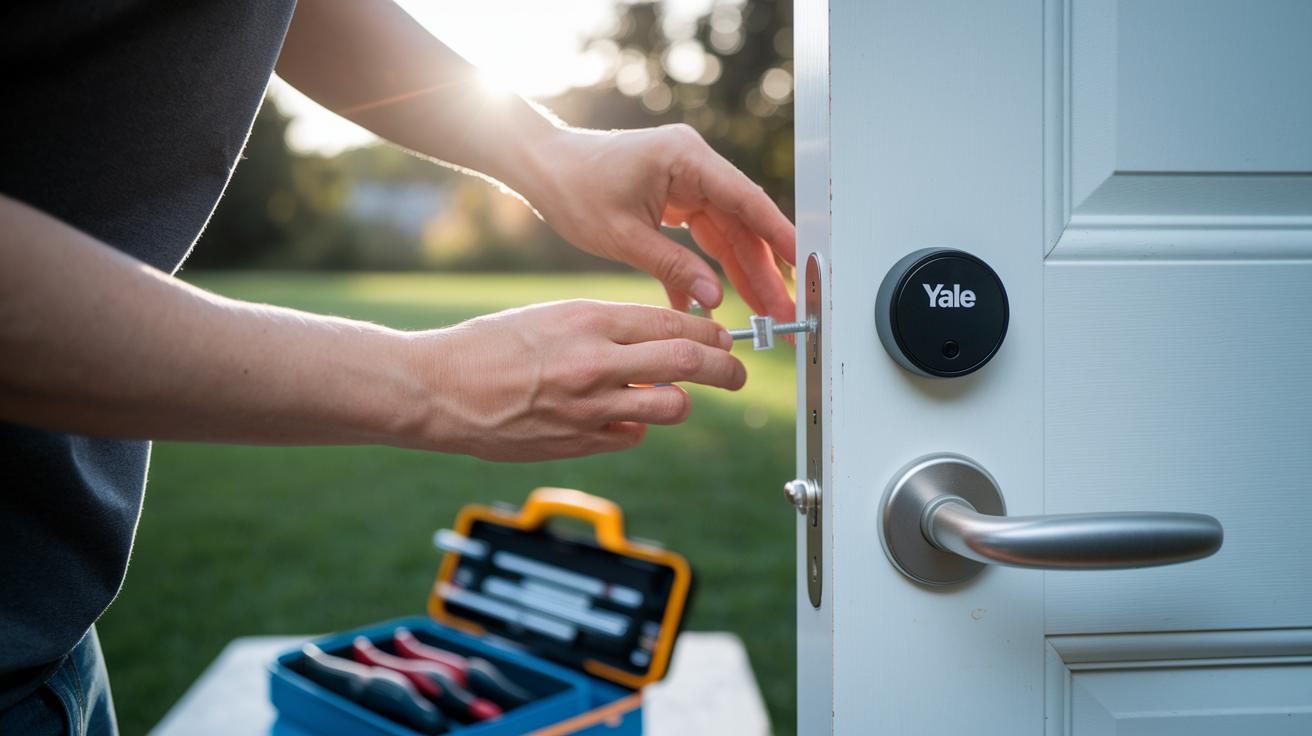
Getting your Yale Smart Lock with Matter installed is a simple DIY project. This guide walks you through swapping your old lock for the new smart, Matter-enabled system without the hassle of outdated apps. Instead of using the Yale Access app, you can set it up with any Matter-compatible app or even your favorite voice assistant.
- Remove your existing lock.
- Position the new Yale Matter lock in place.
- Secure the mounting plate with the supplied screws.
- Attach the deadbolt components carefully.
- Insert the batteries and power on the lock.
- Connect the lock through a Matter-compatible app.
Start by taking out your current lock. Then, carefully align and secure the new lock against your door frame to ensure it fits perfectly. Fasten the mounting plate firmly so the lock stays put. After that, attach the deadbolt pieces, making sure everything lines up before tightening. Once the hardware is set, insert the batteries and switch the lock on. Watch for the indicator lights that show it’s powered up. Finally, add the lock to your favorite Matter-compatible app or link it with a voice assistant to complete the setup.
By following these clear steps, you’ll have your new Yale Smart Lock up and running in no time. Whether you’re a seasoned DIY enthusiast or new to smart home setups, this guide helps you get a secure and reliable installation with ease.
Integrating Yale Smart Lock with Matter into Your Smart Home Ecosystem
The Yale smart lock easily links with Matter-compatible systems, letting you control it through voice commands and automated routines without any hassle. It connects well with Google Home, Apple Home, Amazon Alexa, and SmartThings, so you can add it to your current setup and manage it alongside your other Matter devices.
For a quick look at how each platform works with the Yale smart lock, check out the table below:
| Platform | Integration Method | Supported Features | Notes |
|---|---|---|---|
| Google Home | Matter-over-Thread | Voice commands, automation routines | Works with Nest video doorbells |
| Apple Home | Direct Matter Integration | Status checks, remote access | Unified control with compatible devices |
| Alexa | Matter Integration | Voice commands, scheduling | smart lights with alexa support included |
| SmartThings | Matter-based configuration | Real-time updates, automation | Seamless Samsung ecosystem integration |
Firmware Updates and Future-Proofing in Yale Smart Lock with Matter
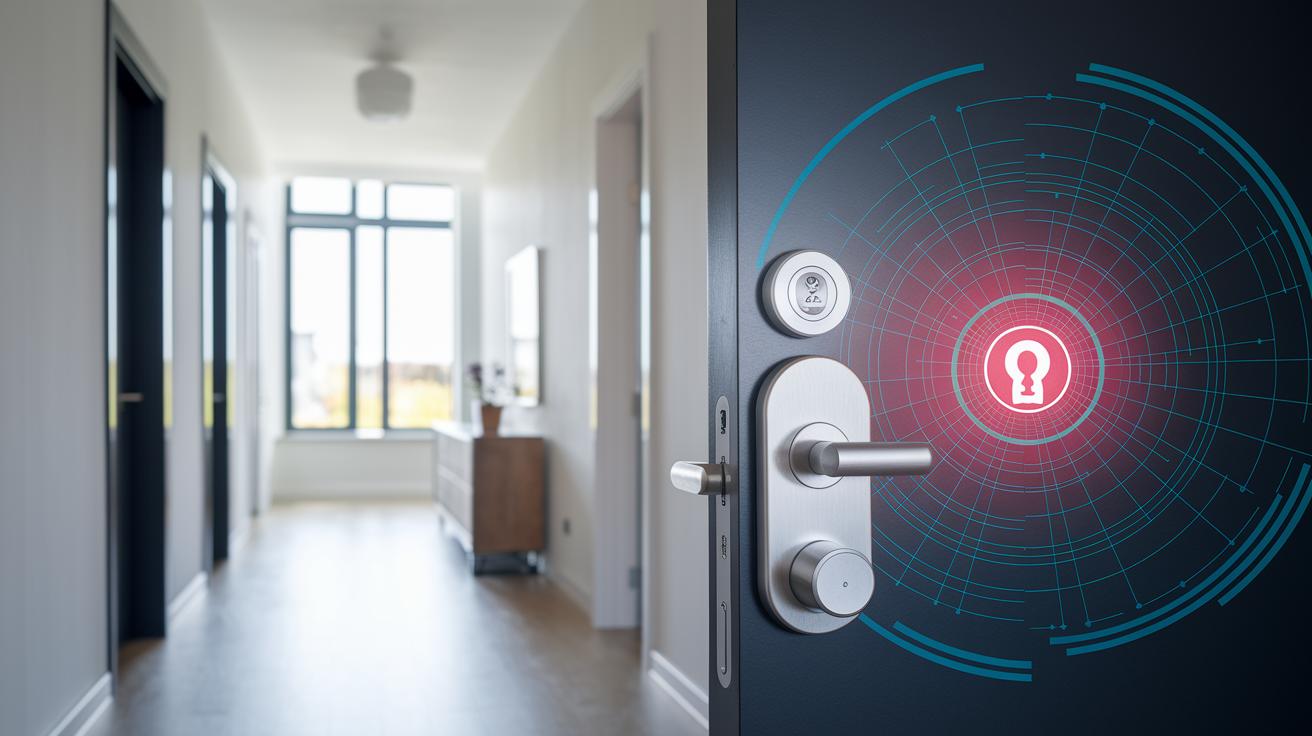
Yale’s 2025 model uses Matter-over-Thread to deliver remote firmware updates straight to your lock via any Matter host. Instead of relying on secret channels, the lock receives updates through the Matter standard, so you enjoy the latest features without lifting a finger.
The update process is both simple and reliable. Firmware details are pushed automatically over the air, meaning there’s no downtime or manual work needed. As Matter evolves and more advanced functions become available in your smart home system, these upgrades add new capabilities that keep your device secure and current.
Looking to the future, this Yale smart lock is designed to grow with the wider adoption of Matter. Every remote update not only improves the lock but also aligns it with upcoming smart home trends. In short, as your other Matter devices get better over time, your Yale lock will continue to be a dependable and future-proof part of your setup.
Comparing Yale Smart Lock with Matter vs Assure Lock Series
If you're after a smart lock that keeps it simple, the Matter-based Yale Smart Lock could be the one for you. It uses Matter-over-Thread technology, which means there’s no need for extra hubs or proprietary apps. You simply lock or unlock without any extra layers, perfect for anyone who wants just the essentials without multiple control interfaces cluttering up the experience.
By contrast, the Assure series works with Z-Wave or Bluetooth and needs the Yale Access app. This unlocks extra features such as a touchscreen keypad and integrated alarms. However, it also means you have to juggle additional apps and sometimes even a retrofit kit if you’re adapting to older hardware.
At the end of the day, your choice comes down to what matters most in your smart home. The Matter lock is great if you want a minimalist, app-free solution that fits right into a Matter-enabled setup. Meanwhile, the Assure series might appeal more if you’re looking for richer features and extra customization options. This comparison highlights the trade-offs so you can pick the smart lock that best suits your needs.
Real-World Usage: User Feedback on Yale Smart Lock with Matter
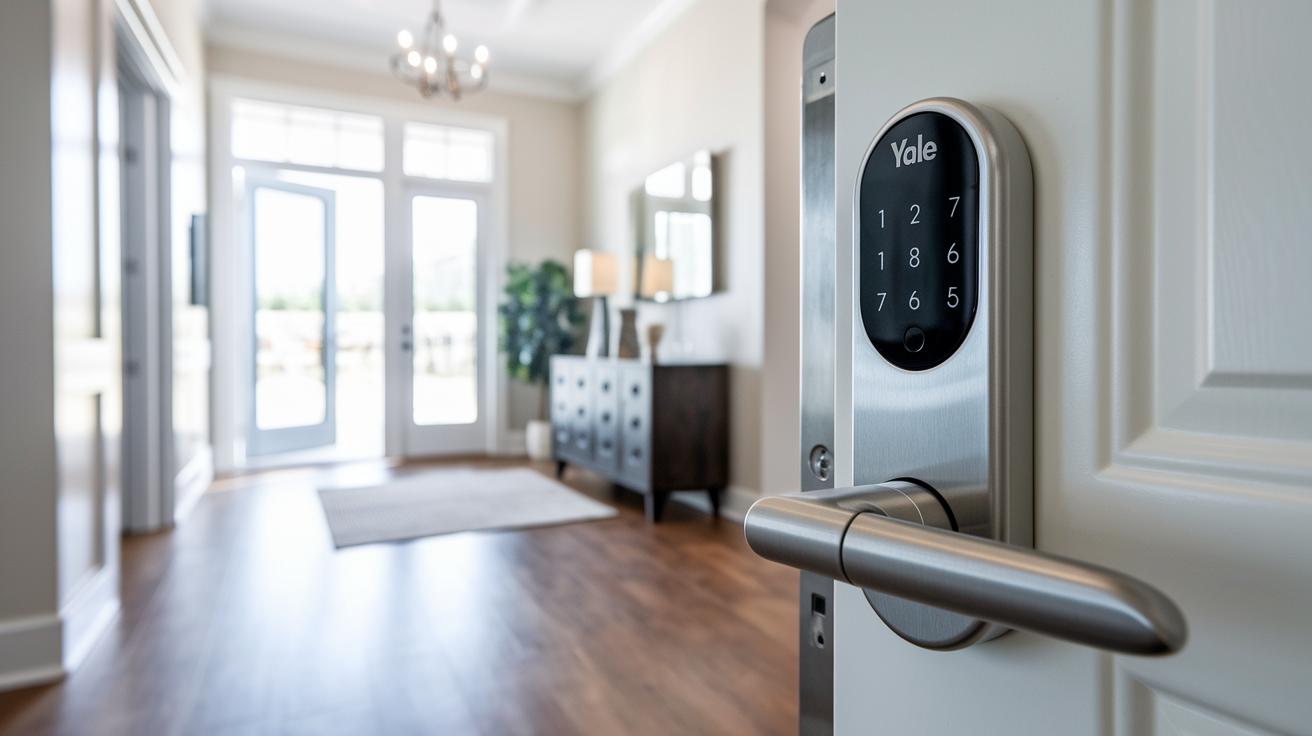
Early users love the Yale smart lock for its simple setup and wide compatibility. Many shared on Reddit that the app-free installation makes it easy to start without juggling different mobile apps. Users also enjoy how smoothly it connects to major smart home systems, letting them build a unified network without extra hassle. One reviewer even said the design and steady connectivity are a great upgrade if you're tired of managing multiple apps. Amazon reviews back this up, highlighting how easy and modern the lock feels.
Some folks note that while the lock works great for basic security, it might not satisfy those who want more advanced features. Without options like advanced scheduling or an auto-lock function, power users may find it a bit basic. If you need a straightforward, secure way to boost your smart home, this lock is a solid pick, but if you’re looking for extra functions, you might want to consider other options.
Troubleshooting and Maintenance for Yale Smart Lock with Matter
If your Yale Smart Lock with Matter isn’t acting the way you expect, start with the basics. Begin by taking out the batteries and then putting them back in. This quick power cycle often clears temporary issues with the Thread network pairing. Also, watch out for low-power alerts. These alerts appear as notifications in your Matter-compatible app or through voice prompts, reminding you when it’s time to change the batteries.
If a simple restart doesn’t help, try using the reset button on the back of the lock. Hold this button down for 10 seconds as outlined in the Matter guidelines. This action resets the lock to its default settings and can fix issues that a power cycle might miss. It’s important to follow the reset steps exactly so you don’t end up having to reconfigure your network settings.
Regular maintenance keeps your lock working well over time. Check the battery levels often and replace the four AA batteries when needed. Also, take a look at the lock’s physical parts for any signs of wear. Keeping your lock clean and updated makes your DIY smart home system run smoother and helps prevent common troubleshooting problems.
Final Words
In the action, we covered seamless integration with Matter, installation procedures, smooth ecosystem connection, and practical firmware updates. The guide laid out clear, hands-on steps from setup to troubleshooting and compared different smart lock models.
This practical insight provides a detailed look at everyday performance while keeping the process straightforward. It makes it easier to decide if the yale smart lock with matter is the right pick for your home automation needs. Enjoy making your smart home experience smoother and more efficient.