
Have you ever wondered if your old keys might be putting your home at risk? Modern front door smart locks let you ditch bulky keys for simple taps, passcodes, or your fingerprint. They use strong encryption and extra checks to keep your home safe. You can even control your lock from your smartphone when you're away and get instant alerts if anything seems off. In this article, we look at smart lock options that work with popular home systems, giving you reliable, everyday control of your home security.
Overview of Front Door Smart Locks: Options and Benefits
Front door smart locks let you unlock your home without using a traditional key. Instead, you might use a passcode, an NFC signal, a fingerprint, or a simple tap on your smartphone. This means no more fumbling with keys, and it fits nicely into a modern lifestyle.
These locks are built to work as part of your overall home security system. They use strong encryption and require two steps of verification. For example, you might need your smartphone to confirm your identity along with a PIN or fingerprint. This extra step means that even if someone figures out your code, they can’t easily break in.
They also work well with other smart devices. Whether you use Apple HomeKit, Amazon Alexa, Google Home, or Samsung SmartThings, you can control the lock just like any other smart gadget in your home. Many of these locks connect wirelessly using Wi-Fi or Thread, and some even run up to 12 months on a single set of AA batteries. Plus, features like auto-lock scheduling and remote unlocking make it easy to manage who can get in, even when you’re not home. The locks also send quick alerts if there’s any tampering, so you’re always in the loop.
All in all, front door smart locks offer a blend of ease-of-use, updated security, and remote control that makes them a smart choice for anyone looking to upgrade their home setup.
Top Front Door Smart Lock Models Compared

We looked at important factors like security, connectivity, and price when comparing front door smart locks. We tested each option for solid performance, smart features, and how well they fit into today’s connected home setups. Smooth wireless connection, easy access methods, and sturdy build were at the top of our list.
| Lock Model | Price | Key Features |
|---|---|---|
| Schlage Arrive Smart WiFi Deadbolt | Varies | Runs smoothly, easy to install, no built-in tamper or door-status alert |
| Yale Assure Lock 2 | $184 | Sleek keypad, built-in Wi-Fi, may have door alignment issues |
| Ultraloq U-Bolt Pro with Wi-Fi | $130 | Budget-friendly, supports NFC, lacks Apple Home/Siri integration |
| August Wi-Fi Smart Lock | $149 | Retrofit adapter design, still works with a manual key, Matter support with hub |
| Level Lock Pro | $349 | High-end, robust build, lets you customize user roles |
| Schlage Encode Smart Wi-Fi Lever | $214 | Easy lever design, doesn’t work with the Apple Home app |
Our top pick is the Schlage Arrive Smart WiFi Deadbolt. It works seamlessly and is simple to set up, even though it doesn’t have a built-in tamper alert. On a tighter budget? The Ultraloq U-Bolt Pro with Wi-Fi provides solid security and NFC support without breaking the bank. This selection offers a mix of modern design and essential connectivity, making it easier for you to choose the right smart lock for your home security needs.
Installation Guide for Front Door Smart Locks
Installing your smart lock is pretty simple. In just about an hour and with a Phillips-head screwdriver, you can swap out your old deadbolt while still keeping a physical key available for emergencies. Some models even let you update your door without removing the existing hardware, though you might need the builder’s preset configuration or a bit of fine-tuning to get the door perfectly aligned.
Here’s how to do it:
- Remove the current deadbolt.
- Prepare the door and any electronics.
- Mount the exterior assembly.
- Install the interior module.
- Insert the batteries.
- Calibrate the lock alignment.
- Connect the lock to Wi-Fi and set it up with the app.
Once setup is complete, turn the lock on and use the app to check every function. If anything seems off, like the lock not lining up just right or behaving unpredictably, try making a few adjustments. This step-by-step process not only keeps the installation straightforward but also ensures your smart lock works smoothly with your home assistant for reliable, modern security.
Security Features and Encryption in Front Door Smart Locks
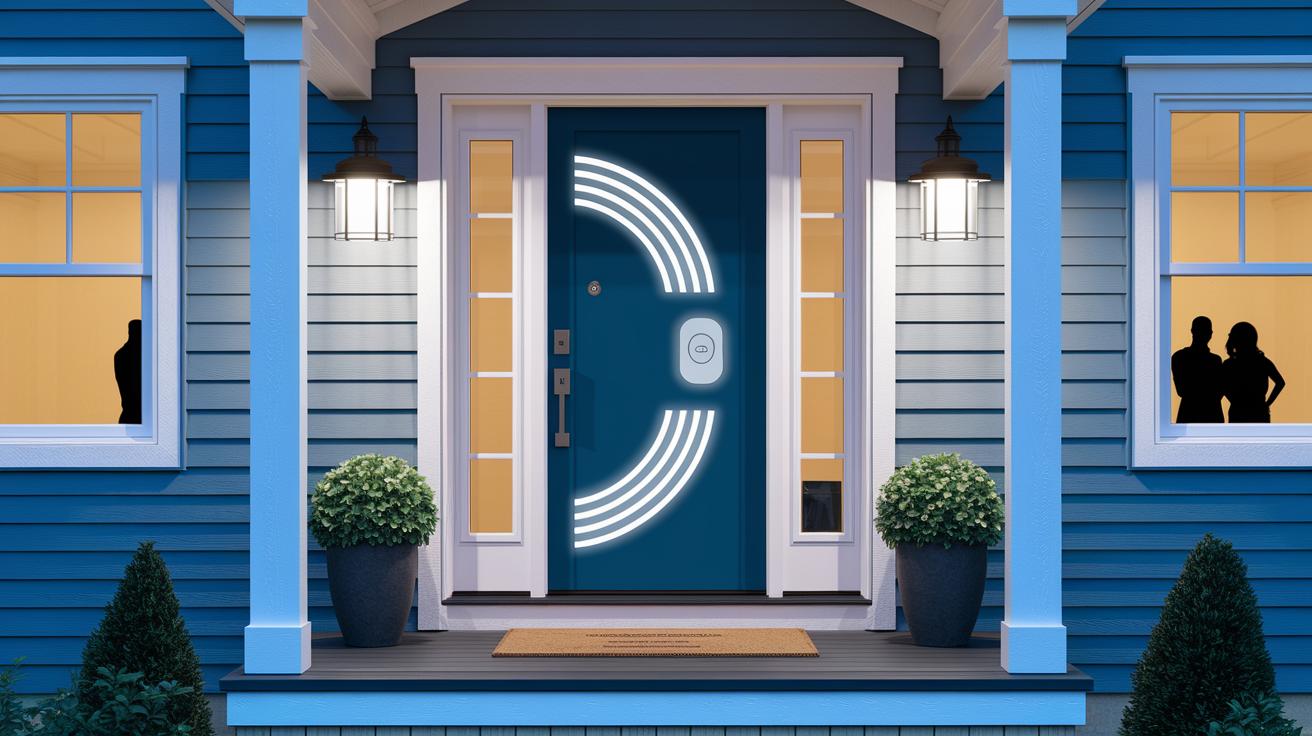
Front door smart locks are built to keep your home secure using strong encryption. They use AES encryption (a method to scramble data) that ranges from 128-bit to 256-bit to protect the wireless signals between your lock and your devices. This means your signals and commands stay safe from prying eyes, and any information you send gets through correctly. Many models also include a tamper detection feature that instantly sends a push notification if someone tries forcing entry, so you're alerted before a small problem turns into something bigger.
Most smart locks also feature two-factor authentication. This adds a second step to verify your identity by combining your smartphone check with a PIN or even a fingerprint scan. Even if someone figures out your PIN, they still can’t get in without passing the extra check. It's best to avoid simple codes like "1-2-3-4" and choose something stronger to keep your lock secure.
Regular firmware updates are key, too. They fix any security vulnerabilities and ensure the lock stays tightly integrated with your network, keeping the system reliable and resilient over the long run.
Front Door Smart Lock: Reliable Modern Home Security
PIN and Touchscreen Codes
These smart locks let you set up your own unique PINs and temporary guest codes, making it simple for visitors to gain access. The bright touchscreen shows numbers in a random order so it’s harder for anyone to guess your code. You can add password protection with extra two-factor security for that extra layer of safety. It’s a favorite setup for anyone who wants advanced keyless entry without having to rely only on their phone.
Biometric and NFC Unlock
If you prefer a more personal touch, you can go with biometric options. For example, some models have fingerprint scanners that let you unlock the door with just a touch. Plus, there’s often an NFC option that works with a quick tap, giving you a fast and secure way to get in alongside other traditional methods.
App, Voice, and Contactless Entry
Modern smart locks are designed to work with apps and even voice commands, so you have plenty of choices. You can use your smartphone to control the lock or even let the door open for you as you approach. When combined with systems like Google Home or Amazon Alexa, voice activation makes entering your home both convenient and secure.
Maintenance, Firmware Updates, and Troubleshooting Front Door Smart Locks
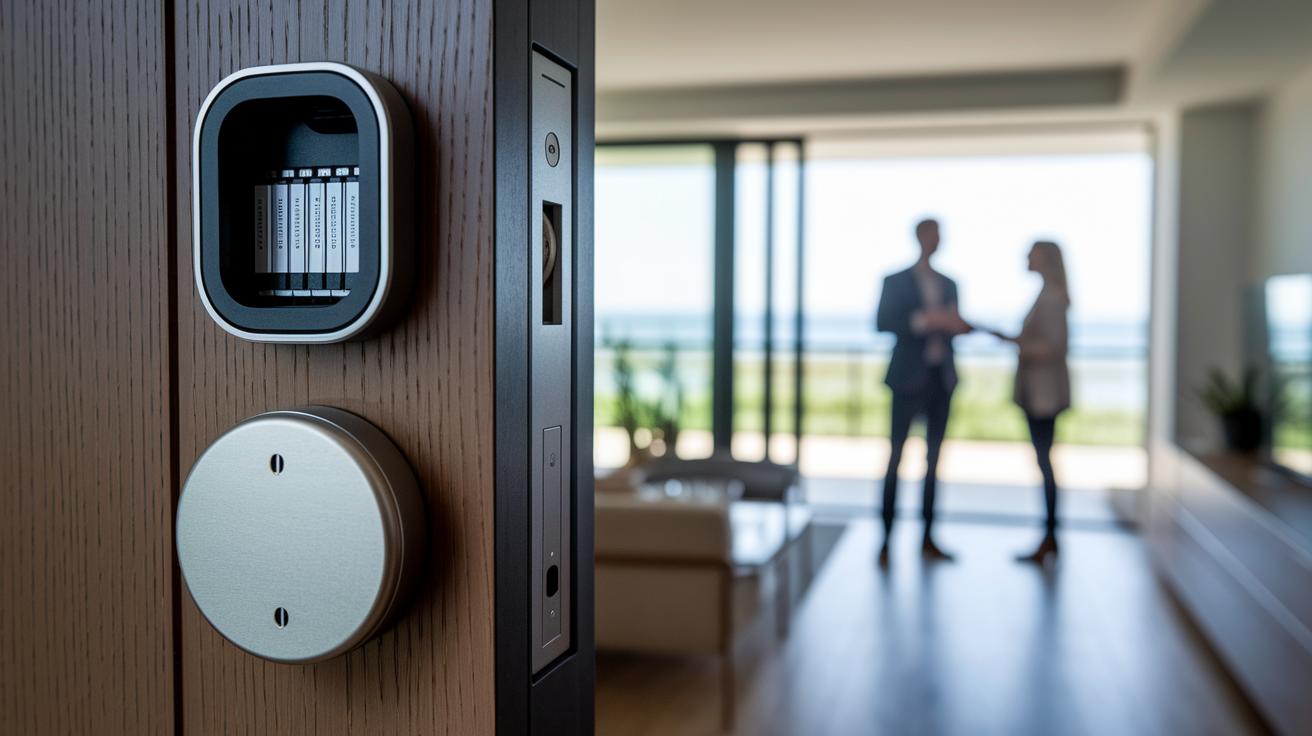
Keeping your smart lock working smoothly means taking good care of its battery and updating its firmware regularly. Most smart locks need a new battery every 6 to 12 months, and many even come with an emergency backup battery port for those moments when you need extra power. Automatic firmware updates send important security fixes and new features over the air, helping to keep your system secure and up to date.
Wireless issues can crop up too. Sometimes a weak Wi-Fi signal, router quirks, or small delays in the app can cause a delay when unlocking your door from a distance. In those cases, try moving your router, double-checking your network settings, or tweaking the lock’s connection settings. Plus, built-in lockout and user role controls can help recover from errors without extra hassle.
Routine upkeep, like tightening screws and recalibrating sensors, helps your smart lock stay reliable over time. Regular checks have shown that this kind of preventive maintenance cuts down on wear and keeps the lock performing at its best.
Buying Guide for Front Door Smart Locks
When you’re picking a front door smart lock, keep an eye on how well it performs and lasts over time. Look for a lock with a weatherproof design that comes in finishes like Snow, Ash, or Matte Black. These options not only protect against the elements but also match your door hardware and boost your home’s modern look. It’s important to see if the lock fits into your existing smart setup and can handle daily use at home or in an office.
Here are a few key points to consider:
- Connectivity and platform compatibility: Pick a lock that blends effortlessly with the smart home system you already use, like Apple HomeKit, Google Home, or Amazon Alexa.
- Entry options and code management: Think about how you prefer to unlock your door. Options might include a PIN, temporary guest codes, biometric access (like a fingerprint scanner), or NFC unlocking.
- Build quality and weather resistance: Make sure the lock is built with strong, durable materials that can handle different weather and regular heavy use.
- Backup power and override features: Look for a lock that offers an emergency key override and sensor alerts. This means you won’t be locked out if the electronics ever give up.
- Warranty and support: Check for a warranty that lasts one to three years. Also, consider how the ongoing battery cost and energy use might affect you down the line.
Balancing your budget with what you need from a smart lock is key. Cheaper models may cover the basics and do well with standard home systems. But they might miss advanced features like managing multiple users or scheduling guest access. On the other hand, premium models tend to deliver better build quality, enhanced safety features, and smoother code management. Think about what works best for your everyday needs and overall home security before making your choice.
Final Words
In the action, we broke down key benefits and setup tips for your front door smart lock. We covered everything from smart entry options and secure encryption to installation steps and diagnostic advice for troubleshooting. We also compared top models while weighing durability and budget needs.
This guide aims to help you make informed buying decisions and enjoy the convenience of a seamless keyless experience. Overall, the article shows how a reliable front door smart lock can enhance your everyday security and ease of access. Enjoy the smarter way to secure your home.
FAQ
What is the best smart lock for front doors?
The best front door smart lock blends security, convenience, and smart home integration for reliable keyless entry using smartphone apps, keypad passcodes, and biometric sensors.
Are smart locks safe for front doors?
Smart locks are safe when equipped with robust encryption, tamper alerts, and two-factor authentication. Regular firmware updates and secure settings help maintain strong protection.
What are the disadvantages of a smart door lock?
The disadvantages of a smart door lock include potential connectivity issues, battery dependence, and occasional calibration challenges during installation, requiring users to have a backup mechanical key.
Is a smart lock safer than a deadbolt?
A smart lock can be safer than a traditional deadbolt by offering advanced security features like encryption and remote alerts, although its wireless nature requires regular updates to prevent vulnerabilities.
How is a front door smart lock installed?
Front door smart lock installation involves removing the existing deadbolt, mounting exterior and interior components, inserting batteries, calibrating for proper alignment, and connecting to a smartphone app.
How do smart door lock apps enhance user experience?
Smart door lock apps enhance user experience by enabling remote control, real-time status updates, and auto-lock scheduling, seamlessly integrating with broader home automation systems.
How do smart locks combine keyless entry with physical key options?
Smart locks combine keyless entry with a physical key backup, allowing for digital control through apps or keypads while ensuring manual access during power or connectivity issues.