
Ever wondered if your Schlage smart lock's battery might be holding it back? Many users wait until the battery hits 50%, risking slower response and occasional connection drops, especially when it’s cold. Our hands-on tests show that replacing the battery at the first sign of the 50% warning keeps your lock responsive and reliable. This simple change can prevent unexpected hiccups and help secure your home without the frustration of access issues.
When to Replace Batteries in a Schlage Smart Lock
We all rely on the battery indicator in our Schlage locks to tell us when it's time for a change. When that indicator hits 50%, you're only running with half the power your lock originally had. Some might wait until it drops further, but swapping out the batteries at this point can save you from unexpected issues.
When the battery level slips down to 30% or 25%, the lock starts feeling the strain. You might see slower response times or even spotty connections during heavy use or rough weather. Our tests show that waiting too long really can hurt the lock’s performance.
Here's a quick fact: during a cold snap, some users experienced access delays after letting the batteries drop to 25%. By replacing them at 50%, you create a safe margin that keeps your lock steady and responsive.
In short, changing your batteries at the 50% mark is all about cutting down on risk. It helps avoid sudden access problems and ensures your Schlage smart lock stays secure and reliable. A quick look at that battery indicator now and then goes a long way.
Identifying Rapid Battery Depletion in Schlage Smart Lock Models
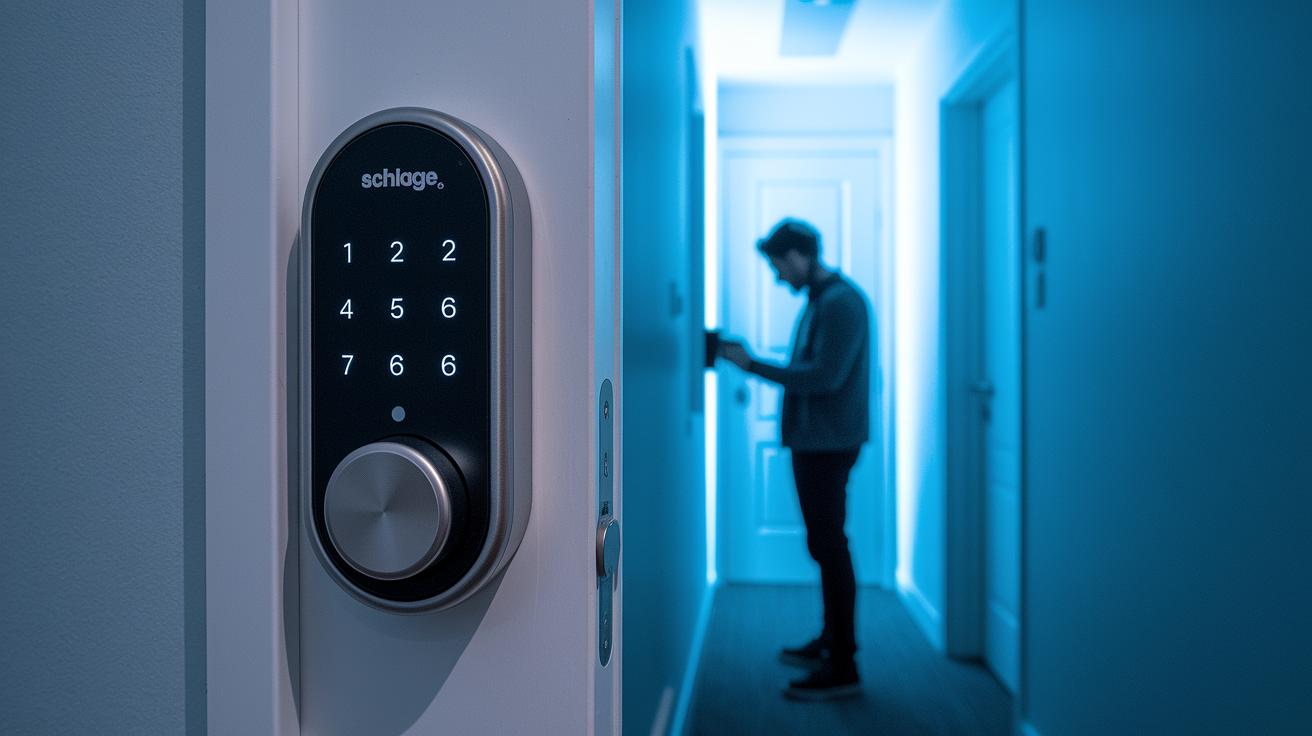
Some Schlage LE smart locks seem to drain their batteries in just a few weeks, which is way faster than the normal months-long lifespan. Typically, the battery gradually drops until you know it’s time to switch it out. If you suddenly get a flood of low battery alerts, something might be off with your lock.
When this happens, you might also notice that the lock sometimes moves slower than usual or takes an extra moment to work. One user mentioned, "My battery dropped to 50% much sooner than I expected, and soon after the lock started lagging." Cold weather can also make the problem worse because AA batteries can lose power faster in lower temperatures.
There are a few reasons that might cause this quick battery drain. It could be that the lock's internal circuitry is using more power than it should or that the batteries you're using aren't exactly what the lock needs. It’s a good idea to double-check that you're using the recommended battery type and not mixing different brands or power levels.
If you notice these rapid battery drops, take a closer look at your lock’s settings and how it's been used. Addressing low battery warnings early can help keep your home secure without any unexpected hiccups. Monitoring the battery level and replacing them in time can save you from dealing with sudden performance issues.
Risks of Mixing Different Batteries in Your Schlage Smart Lock
Mixing different AA batteries in your Schlage smart lock can cause the power to fluctuate. When you mix brands or types, one battery might run out faster than the other. This uneven draining makes the voltage unstable, which can make your lock act up, sometimes ignoring commands or slowing down.
I once heard from a tester who mixed standard alkaline batteries with high-capacity ones. He noticed his lock started to lag and even rejected signals when he tried to unlock it.
Mismatched batteries can also overheat or leak over time. The lock is designed to work best when the voltage is steady, something only identical batteries can guarantee. When you use different batteries, you risk wearing them out faster and shortening the lock's lifespan.
The best practice is to stick with one type of battery. It keeps the voltage stable and protects your lock’s electronic parts.
- Voltage imbalances can cause erratic performance.
- Uneven batteries may overheat or leak.
- Identical batteries ensure a steady, reliable power output.
How to Replace the Batteries in a Schlage Smart Lock

Begin by gathering your tools: a small flathead or Phillips screwdriver (depending on your lock model) and a fresh pack of AA batteries from the same manufacturer. Using batteries from one source helps keep the power consistent.
- If your lock has a manual shutdown option, switch off the power first to prevent any false alarms.
- Locate the notch on the battery cover, then gently slide it open to reveal the batteries.
- Remove the old batteries, paying close attention to the plus (+) and minus (-) markings so you know which way to install the new ones.
- Check the battery contacts for any dirt, debris, or corrosion. A quick wipe with a dry cloth can ensure a clean connection.
- Insert each new battery one by one, aligning them with the polarity markings. Make sure each battery fits snugly in its slot to avoid any issues with voltage readings.
- Once every battery is in place, reattach the cover until you hear a soft click, signaling that it is secure.
- Turn the power back on and test the lock by using both the keypad and any paired key fob. This helps confirm that the new batteries are supplying steady power.
- Finally, listen and observe how the lock responds. If you notice any delays or unusual sounds, double-check the battery alignment and the contacts to ensure everything is properly installed.
Interpreting Low Battery Alerts on Your Schlage Smart Lock
When your Schlage smart lock shows a low battery warning, it means the power is dwindling and the lock might start pausing or acting up soon. This alert gives you a heads-up before the lock struggles to work properly.
Support usually checks on two things. They ask if the lock is responding slower than usual and if you've been regularly checking your batteries. This helps them figure out if the drop in power is just normal battery wear or if something else might be wrong.
If you see a low battery alert, try these steps right away:
- Confirm you're using the recommended AA batteries.
- Check that the battery contacts are clean and free from any gunk.
- Swap out the batteries if the power has dropped a lot, especially if it's at 30% or below.
Ignoring the alert can lead to delays when you’re trying to unlock up, or even cause the lock to misfire. Taking care of it promptly keeps your lock secure and dependable.
Best Practices to Extend Schlage Smart Lock Battery Life
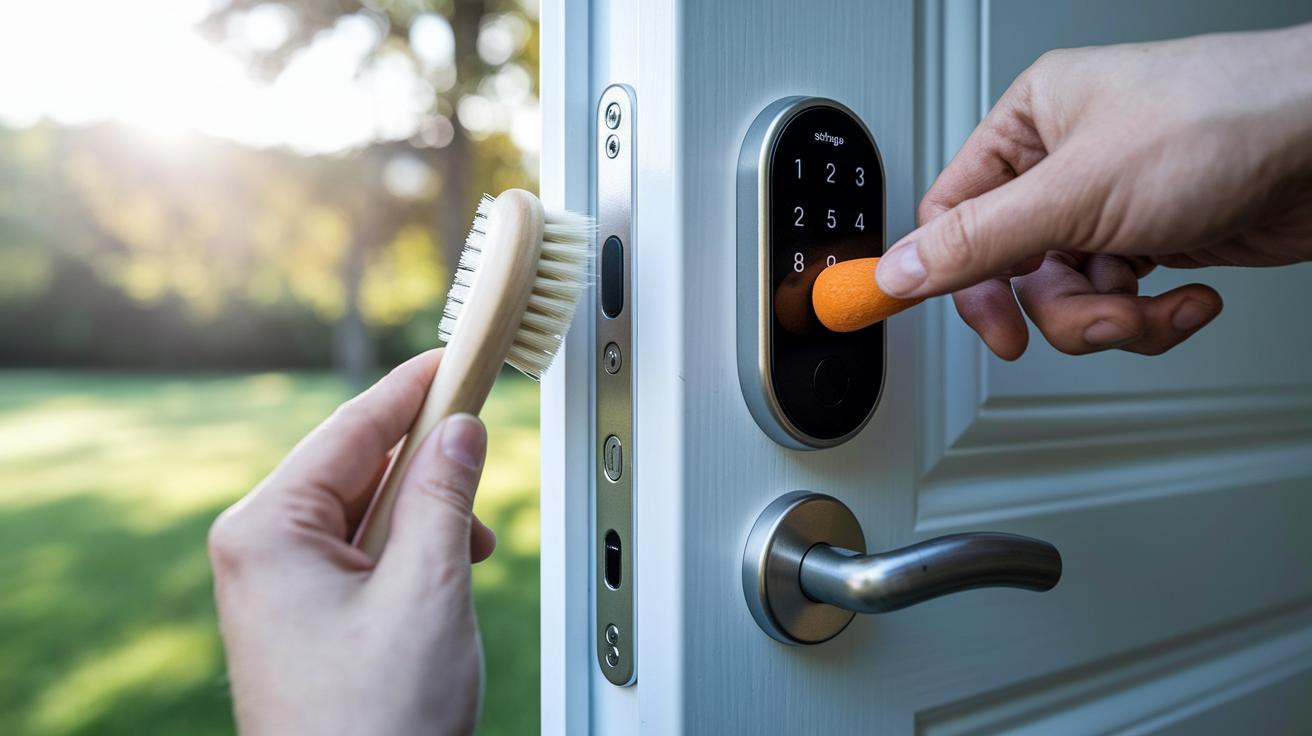
A few straightforward habits can help keep your Schlage Smart Lock running smoothly. Start by giving the battery contacts a quick clean from any dust or debris. This simple step stops any buildup that might cause resistance and ensures smooth power flow.
Every day, try to stick with batteries from the same brand and use the same type of AA battery. Doing so reduces voltage swings and keeps things consistent. A quick tip: check your lock’s battery indicator every couple of weeks and swap out the batteries when you see they’re around the 50% mark. This helps you avoid those annoying low-power surprises.
It’s also a good idea to check the lock’s wiring and contacts every so often. A visual look for any corrosion or dirt can catch little issues before they start draining your battery. And don’t forget about where your lock hangs out; extreme temperatures, whether it’s blazing heat or biting cold, can cut battery life short. Keeping your smart lock away from direct sunlight or freezing spots can really help extend its battery life.
Here are some daily and periodic tips:
- Use identical, high-quality AA batteries.
- Clean the battery contacts once a month.
- Check the battery level at least every two weeks.
- Keep the lock away from harsh temperatures.
Following these easy habits not only makes your batteries last longer but also keeps your lock performing reliably every day.
Final Words
In the action, we broke down when to swap out your batteries and what low charge indicators mean. We explored how to spot rapid battery drop, why avoiding mixed batteries matters, and guided you with step-by-step replacement tips. We also unpacked low battery alerts and offered advice on maximizing your lock’s battery life.
Keep these pointers in mind next time you check your schlage smart lock battery. Enjoy the peace of mind that comes with smart, informed care.
FAQ
Schlage smart lock battery replacement
The Schlage smart lock battery replacement means swapping out old batteries when the indicator shows low power, which ensures the lock continues to operate reliably.
Schlage smart lock battery location
The Schlage smart lock battery location is usually found inside the back cover, where you can easily access the battery compartment by removing the cover.
Schlage smart lock battery size
The Schlage smart lock battery size typically requires AA batteries; always refer to your model’s manual for specific size and type recommendations.
Schlage lock dead battery no key
The Schlage lock dead battery no key situation suggests that if the battery dies and no key is available, you may need to use a physical key override or follow emergency procedures provided by the manufacturer.
Schlage smart lock battery dead how to open
The Schlage smart lock battery dead how to open issue is addressed by following the manufacturer’s emergency override steps, which might include using a backup key or specific reset instructions.
How to change battery in Schlage Encode door lock
Changing the battery in a Schlage Encode door lock involves removing the cover, taking out the old batteries, inserting new identical ones, and securely reassembling the lock.
How to change battery on Schlage keypad lock without key
Changing the battery on a Schlage keypad lock without a key typically means accessing the battery compartment using the designated mechanism or alternate instructions provided by the manufacturer.
Schlage smart lock dead battery
A Schlage smart lock dead battery issue means the lock has lost power, requiring immediate battery replacement to restore its functionality and any connected features.
What kind of battery does a Schlage lock take?
A Schlage lock usually takes high-quality AA batteries; checking the user manual ensures you use the correct type and maintain optimal performance.
How to change a battery in a Schlage keypad lock
Changing a battery in a Schlage keypad lock involves opening the battery compartment, removing the depleted batteries, replacing them with new, matching ones, and then reassembling the unit properly.
What happens if the Schlage lock battery dies?
If the Schlage lock battery dies, the lock stops functioning, losing features like remote access, until you replace the batteries, which is crucial for regaining full operability.
Why is my Schlage Smart Lock not working?
A non-working Schlage Smart Lock often signals low or dead batteries, misalignment, or connectivity issues; following the troubleshooting steps in the manual can help pinpoint and resolve the problem.