
Ever worry if your front door is as secure as it should be? Schlage smart locks use modern technology to keep your home safe while letting you unlock the door without a key. They come with built-in Wi‑Fi and a sleek design that adds style without compromising security. Still, no system is perfect. Each model offers a unique mix of features and compromises. In this guide, we break down three top choices, from the popular Arrive deadbolt to the innovative Sense Pro, showing how smart connectivity not only boosts comfort but also brings you real peace of mind.
schlage smart lock: Secure Home, Confident Life
Schlage has taken home security to a new level with smart locks built for today's connected world. For example, the Schlage Arrive Smart WiFi Deadbolt offers built-in Wi-Fi that lets you manage your lock remotely with just a username and password. It costs around $214 at major retailers and gives you keyless convenience, though it skips a tamper alarm and a door-status sensor when auto-lock is turned on.
The Schlage Encode Smart WiFi Lever is another solid option, especially if you need easier accessibility. Its lever handle design makes it simple to use while keeping your data safe with strong encryption. One drawback is that it does not support the Apple Home app, which can limit some smart home connections.
For those who want the latest technology, the Sense Pro Smart Deadbolt is impressive. It uses ultra wideband hands-free unlocking so you can open the door just by approaching it. Powered by Schlage Converge technology and soon to support the open Aliro standard, Sense Pro will work with Matter, meaning more smart home devices can work together.
All three models keep security front and center. They include two-factor authentication and 128-bit AES encryption to protect your home. You can unlock them with a keypad, mobile app, or even innovative keyless methods. And with finish options in matte black and satin nickel, they add a sleek look to your front door.
Advanced security, modern design, and smart connectivity make these locks a great choice for different needs while keeping your home safe. Each Schlage smart lock is designed to balance convenience, style, and robust protection so you can feel secure in a connected world.
Installing Your schlage smart lock: Step-by-Step Guide
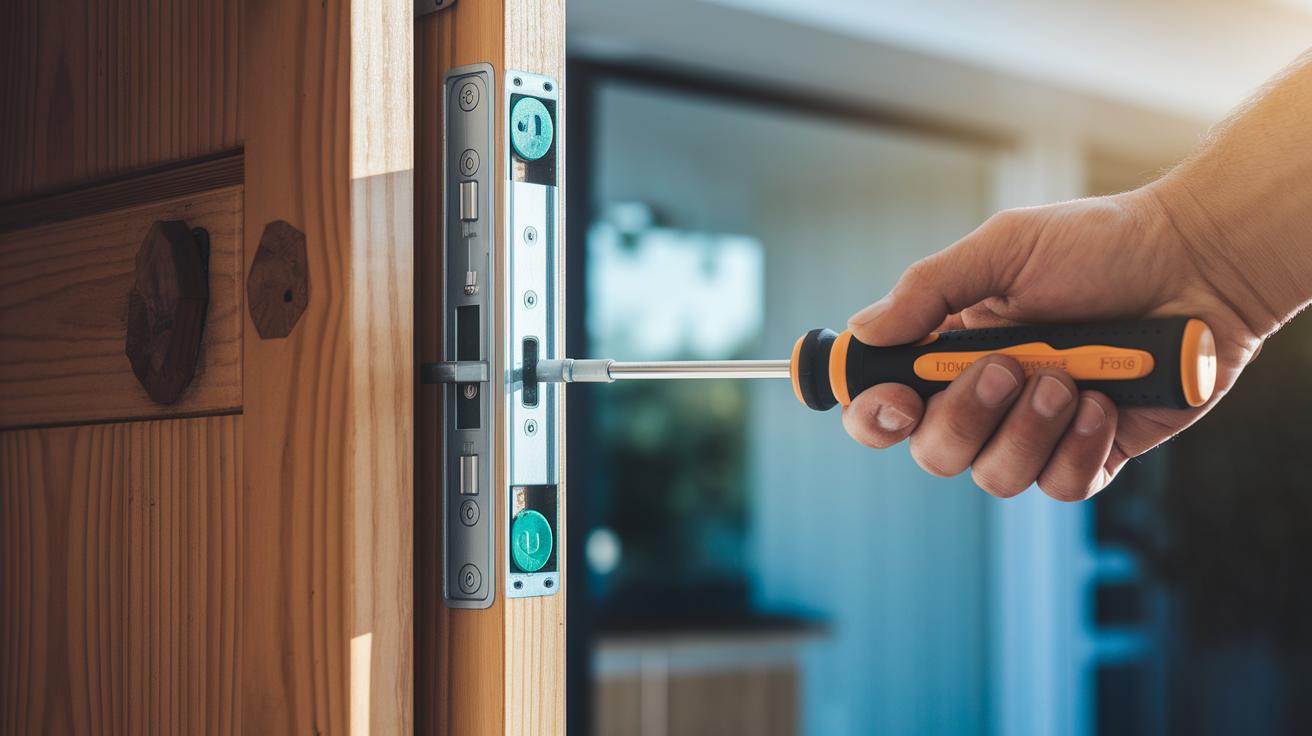
Before you begin, make sure you have the right tools: a Phillips-head screwdriver, a level, and if you like, a power drill to make pilot holes. These will help you complete a secure and neat installation.
Start by taking off the old door hardware. Use your screwdriver to carefully remove the old lock. A helpful tip: check that all screws are out before trying to remove the hardware. This small pause can prevent any accidental damage.
Next, attach the new backplate to your door. Use your level to line it up properly so that the lock sits straight. A quick check now will help your lock work smoothly every day. It’s worth taking a moment here; even a slight misalignment can make the lock work unevenly.
If your model supports remote features, connect the Wi-Fi module once the backplate is in place. For locks with touchscreens like a deadbolt or lever swap, attach the exterior component next. Follow the prompts on the lock’s display to finish connecting the wires.
Now, secure the interior assembly by tightening all the screws evenly. Avoid overtightening, as that might harm the device. A final check with your level can help confirm everything is straight.
Don’t forget to update the lock’s firmware right after the setup. This update boosts security and makes sure your lock benefits from the latest improvements.
For extra help, you can check out the official instructional videos on the manufacturer’s website or YouTube channel. They offer a step-by-step visual guide that many find useful.
- Phillips-head screwdriver
- Level
- Optional power drill
With these steps and tips in hand, you can expect your DIY installation to take about one hour. Enjoy the fresh new smart lock!
Configuring schlage smart lock User Codes and Permissions
Your Schlage smart lock can store up to 100 unique user codes right on the device. Start by removing the default code (skip common ones like 1234) using the lock’s touchscreen or mobile app. To make any changes, enter programming mode by following the instructions that pop up on your screen or in the app. Once you’re in, you can add, update, or delete codes with ease.
For example, when programming mode starts, you might see a message like “Enter new code now.” This is your cue to replace that basic sequence with a unique five-digit number that’s harder to guess. The smart app even lets you schedule codes so you can set them to work temporarily, on a recurring basis, or permanently.
It’s a good idea to check your access logs every month and remove codes you no longer need. For extra security, consider setting expiration dates for guest codes so they don’t stick around longer than they should. Updating the codes soon after creating them is key to keeping your door safe from unwelcome access.
- Remove default PINs using the lock’s touchscreen or mobile app
- Enter programming mode to add or update codes
- Schedule codes for temporary, recurring, or permanent access
Comparing schlage smart lock Models and Features

When picking the right smart lock for your home, comparing different Schlage models can really help simplify your decision. Each lock has its own way of connecting, varying setup steps, and compatibility with different smart home systems. Below is a clear summary of each option's key details.
The Schlage Arrive comes with built‑in Wi‑Fi for remote access with voice assistants like Alexa and Google. Its straightforward setup with a username and password makes it a great choice if you like things simple. But keep in mind that if you enable auto‑lock, you won’t get a tamper alarm or a door‑status sensor.
The Encode Smart WiFi Lever uses a Wi‑Fi adapter and is priced at about $180. It features solid encryption and an easy-to-use lever design. However, if you rely on Apple’s smart home systems, note that it does not support HomeKit.
The Encode Plus steps up with native Zigbee connectivity, which lets it work seamlessly with smart devices and Apple HomeKit. Its extra security features include auto‑lock and a built‑in tamper alarm, making it a strong pick for those who value automated locking options. This model is available for around $250.
Finally, the Sense Pro offers a keyless approach with ultra wideband hands‑free unlocking. It supports Matter and soon will work with the Aliro standard, giving you wide integration with different smart platforms. At about $300, its modern design and keyless operation are particularly appealing for anyone seeking a more advanced smart entry system.
| Model | Price | Connectivity | Home Platform Compatibility | Standout Features |
|---|---|---|---|---|
| Arrive Smart WiFi Deadbolt | $214 | Built‑in Wi‑Fi | Alexa, Google | No tamper alarm; basic auto‑lock |
| Encode Smart WiFi Lever | ~$180 | Wi‑Fi Adapter | Limited HomeKit support | Accessible lever design; strong encryption |
| Encode Plus | ~$250 | Native Zigbee | Apple HomeKit | Auto‑lock; tamper alarm |
| Sense Pro | ~$300 | UWB; upcoming Aliro | Matter Compatible | Hands‑free unlocking; keyless design |
This table gives you a quick snapshot to compare connectivity, smart home compatibility, and special features of each lock. Think of it like shopping for a car, each model has unique benefits and some trade-offs depending on your needs.
Troubleshooting schlage smart lock Issues
Start by checking the battery. The lock’s battery usually lasts several months, but once you see that low battery alert on the touchscreen or in the app at about 20%, it's time to swap out the AA cells. If the lock loses power when you really need it, you can temporarily hook up a 9V battery to the terminals below the screen. This quick fix can help you access settings when the lock suddenly stops responding, so you don’t have to wait for a full battery replacement.
Notice any error codes like E01 or E04? E01 usually means the motor is jammed, and E04 points to a communication problem. Look at the LED patterns for clues, then inspect the lock to see if any debris or misalignment is causing the motor to stick. Sometimes, a network update might be needed to clear up communication issues.
If you're having trouble with wireless connectivity, double-check that you're using the correct Wi-Fi name and password, and make sure the lock is set to work on a 2.4 GHz band. When the connection drops unexpectedly, a quick reboot of your router can often bring things back to normal.
For a more comprehensive fix, try a factory reset by holding down the Schlage button for 10 seconds. After the reset, reprogram your user codes and reconnect the lock to your network to get full functionality back.
Integrating schlage smart lock with Smart Home Systems
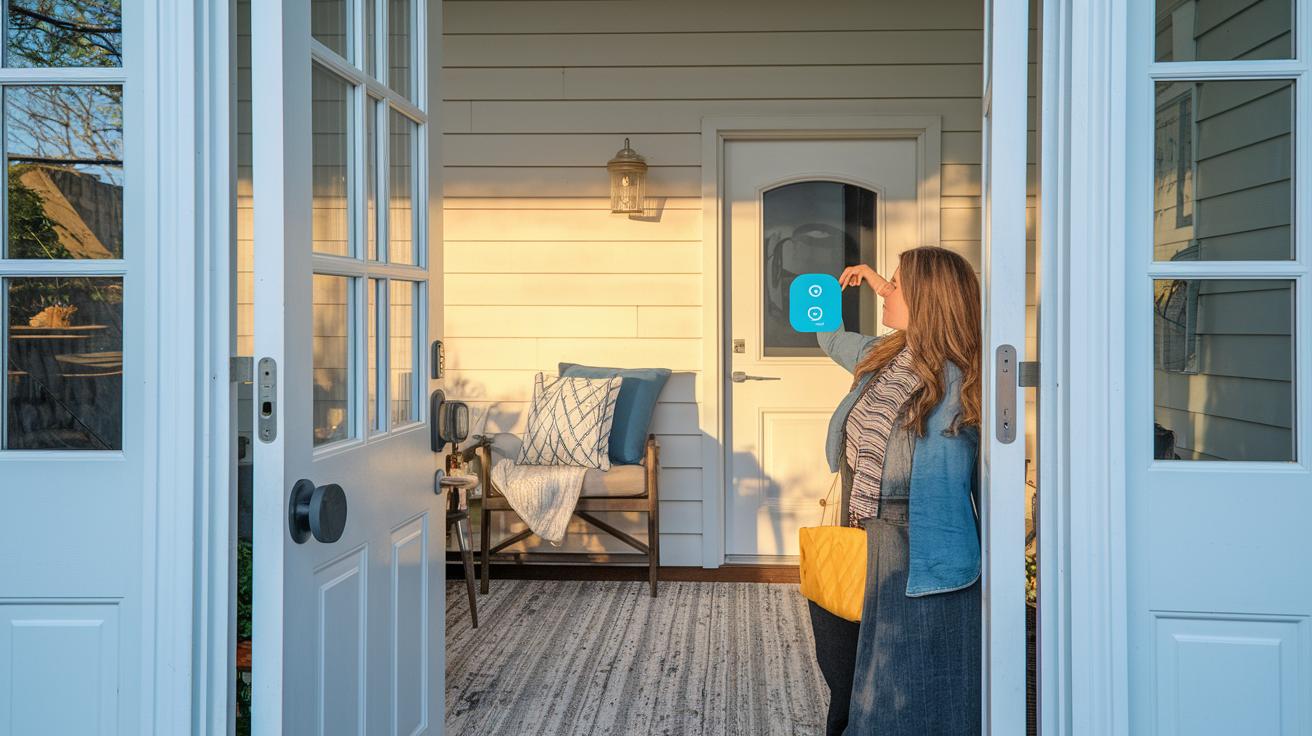
Getting your Schlage smart lock connected to your smart home system starts by picking the right model and knowing how it communicates. Models like Arrive and Encode come with built-in Wi‑Fi or an adapter that easily links up with Alexa and Google Assistant. For example, when you set it up with Alexa, just connect your home Wi‑Fi and follow the prompts in the voice assistant app. This gives you the power to lock and unlock your door with a simple command.
The Encode Plus model offers even more flexibility. It uses native Zigbee to combine Apple HomeKit with SmartThings support. This means it works smoothly across different ecosystems. To set it up, just install the Schlage Home app, turn on Bluetooth, and follow the in-app instructions. You'll see a prompt like "Tap to add a new lock" – so make sure your Bluetooth stays active during the setup.
If you're using the Sense Pro, you'll enjoy Matter support, and soon it'll work with Aliro, which opens the door to using UWB and NFC unlocking across several systems. This lets your lock automatically sense your arrival and unlock hands‑free.
After pairing your lock, simply link it to your home Wi‑Fi network and enable control in your voice assistant app. A quick tip: say "Lock my door" to test if voice control is working as it should. Following these steps helps you build a connected and secure smart home without any hassle.
schlage smart lock Battery Maintenance and Replacement
Your Schlage smart lock runs on four AA batteries. We recommend changing them every 6 to 12 months with high-quality alkaline or lithium options. When the battery level hits around 20%, you’ll see a warning on both the touchscreen and the Schlage Home app. This alert gives you a heads-up so you can check the battery status in the lock’s settings before any problems occur.
When it’s time to swap out the batteries, do the following:
- Remove the interior cover with care.
- Replace the old batteries with new ones, making sure they are oriented correctly.
- Snap the cover back in place firmly.
For the best battery life, keep these tips in mind:
- Keep the lock away from extreme temperatures.
- Turn off any extra features that might drain the battery.
- Use the Schlage Home app often to monitor battery status and spot any issues early.
Following these steps will help ensure your lock remains reliable every day. If you find that the battery alert comes up earlier than expected, it might be time to rethink your battery replacement plan and adjust your maintenance routine accordingly.
schlage smart lock Security and Privacy Best Practices
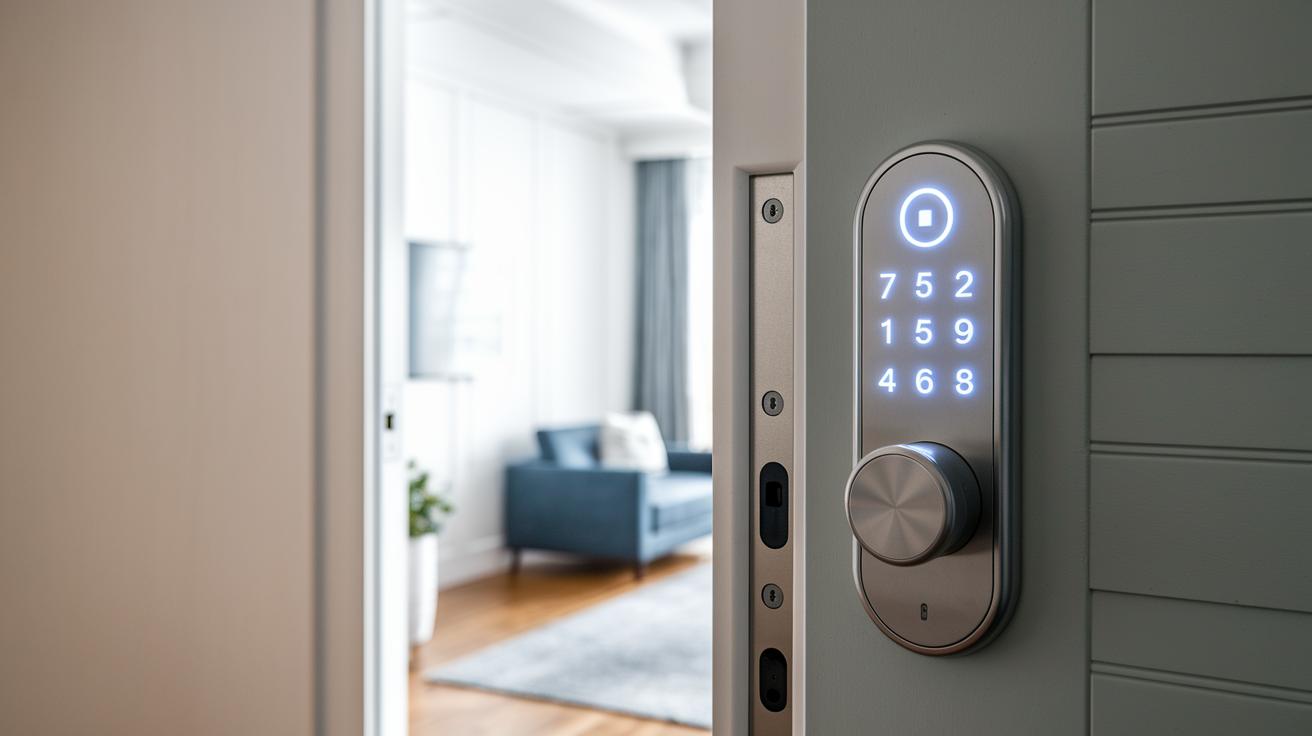
Schlage locks use strong 128-bit AES encryption (a method that scrambles your data) along with secure wireless protocols to protect your digital keys. It’s smart to use custom user codes instead of the default ones. For example, rather than using a simple sequence like 1-2-3-4, pick a code like 7592 that’s harder to guess.
We also suggest turning on two-factor authentication through both the Schlage app and the keypad. This extra step means that even if someone learns your code, they still can't get in without the additional check. It’s a good idea to go into the Schlage Home app regularly to review your access logs and remove any codes you no longer need. For guest codes, setting an expiration date ensures that temporary access is automatically canceled.
Auto-lock is another important feature. Many Schlage models allow you to set your door to lock automatically between 30 seconds and 5 minutes after you enter. If you’re worried about tampering, some models, like the Encode Plus, come with alarms that sound if someone tries to break in.
Finally, take some time to review your lock’s privacy settings in the Schlage Home app. Learn how your access logs are stored in the cloud and adjust your preferences to match your privacy needs. This not only strengthens your overall security but also keeps you informed about every time someone enters your home.
schlage smart lock Frequently Asked Questions
-
Q: Which models support HomeKit?
A: If you want to use Apple HomeKit, choose the Encode Plus or the Sense Pro models (both support Matter). Check the Compatibility section for more details. -
Q: What warranty does Schlage provide?
A: Schlage covers its smart locks with a lifetime warranty on mechanical parts, a three-year warranty on the finish, and a one-year warranty on electronics. See the Warranty section for full details. -
Q: Where can I find online support resources and the user guide?
A: For help, visit the Schlage support site, browse the community forums, or watch the official troubleshooting videos. The Schlage Home app also includes the complete user guide and maintenance tips. -
Q: What should I do if I encounter issues not covered in this guide?
A: Try restarting the lock as described in the Troubleshooting section. If problems persist, additional fixes and support are available online. -
Q: Where are firmware and software update procedures detailed?
A: Detailed instructions for updating firmware and software are in the Installation and Software Update sections. The Schlage Home app will alert you when updates are ready.
Final Words
In the action, we explored the key features of the schlage smart lock from its core benefits to detailed installation and user code setup. We compared different models, covered practical troubleshooting, and provided clear steps for battery maintenance. We also looked at smart home integration and shared security best practices for everyday reliability. This review offers hands-on insights paired with clear, step-by-step advice that makes managing access simple. Enjoy the added convenience and peace of mind that comes with a secure, modern smart lock.
FAQ
Q: How do I reset my Schlage smart lock code or program new codes?
A: Resetting your Schlage smart lock code involves entering programming mode on the lock or via the app, then following the prompts to erase or add new user codes securely.
Q: Where can I find the Schlage smart lock manual?
A: The Schlage smart lock manual is available on Schlage’s official website and in the package, offering step-by-step installation and user setup instructions.
Q: What is the battery life of a Schlage smart lock and how do I know when it’s low?
A: Your Schlage smart lock typically uses four AA batteries lasting 6–12 months; low battery alerts will appear on the touchscreen and through the Schlage Home app when battery power drops to about 20%.
Q: How do I use the Schlage smart lock app?
A: The Schlage smart lock app provides remote access, code management, and firmware updates; simply download it, pair your lock via Bluetooth or Wi-Fi, and follow in-app instructions for setup.
Q: How do I unlock or lock my Schlage smart lock?
A: You can unlock or lock your Schlage smart lock using a keypad, mobile app, or physical key, offering flexible entry methods based on your preference and the model’s features.
Q: Why might my Schlage smart lock not be working?
A: A malfunctioning Schlage smart lock may result from low batteries, connectivity issues with Wi-Fi or Bluetooth, or mechanical jams; consult the troubleshooting guide and verify proper installation and power levels.
Q: What are the downsides of smart locks?
A: Smart locks may face issues like dependency on Wi-Fi for remote access, potential connectivity glitches, and battery maintenance challenges, which can affect convenience if not regularly monitored.
Q: What happens to smart locks when power goes out?
A: When power goes out, Schlage smart locks continue to operate using battery power; the local keypad remains functional and remote features temporarily disable until the battery is replaced or recharged.