
Fed up with dull TV sound? Imagine your favorite songs and movies bursting with clear, room-filling audio while a stylish soundbar transforms your space. Today’s Bluetooth soundbars combine wireless simplicity with smart features that turn your living room into a cozy mini theater. In this guide we break down standout options, from budget picks to high-end models, and explain what makes each one tick. In short, discover how great sound and a sleek design can seriously upgrade your home entertainment experience.
Bluetooth Soundbar: Pure Sound, Sleek Design
Modern Bluetooth soundbars combine clean, simple looks with high-quality audio to boost your TV's sound. Shoppers want a soundbar that enhances home theater experiences and gives a smooth wireless audio feel, all while looking great in any room. Many reviews break them down into categories like best overall, budget picks, compact units, step-up models, entry-level Dolby Atmos versions, mid-range options, HDMI 2.1 models, bundled packages, and high-end variants. This helps you find the right soundbar based on room size and price.
Connectivity is a big deal here. Newer soundbars typically rely on HDMI eARC (which sends uncompressed, high-definition audio) instead of optical cables. Take the Sonos Arc Ultra, for example. It stands out for its clear, rich sound and a simple setup process – even if it means sacrificing one HDMI port because there's no passthrough. Meanwhile, models like the Hisense AX5125H are available for around £249 or $350 and can drop to about £199, offering a solid choice without a sky-high price.
Key features to keep in mind include:
- Dependable wireless Bluetooth pairing for easy connectivity.
- Upward-firing drivers that boost the sound by mimicking surround sound.
- Compact builds that work well in smaller spaces or for a minimal look.
| Category | Price Range | Highlights |
|---|---|---|
| Budget | ~£199 – £249/$350 | Essential connectivity, clear audio |
| Mid-range | £250 – £500 | Enhanced surround features, HDMI eARC |
| High-end | £500+ | Advanced Dolby Atmos, more inputs |
Focusing on both connectivity and design helps ensure that you get a soundbar that meets your performance needs and suits your living space perfectly.
Top Bluetooth Soundbar Picks for Every Budget

We've spent time testing different soundbars to cover every budget, and we found four models that each bring a unique audio experience. Our top choice is the Polk MagniFi Mini AX. It produces crisp sound and features a compact design that fits most setups, even though it doesn't pack dedicated surround speakers. For a more immersive experience, the Vizio Elevate SE swivels its drivers to create a full-room feel. If you're mindful of your budget, the TCL S55H offers strong, clear sound without the extra frills. And if you're ready to invest a bit more, the Samsung HW-Q990F impresses with a smart subwoofer, four upward-firing Atmos drivers, and rear speakers for richer sound layering. Just keep in mind its 48.5-inch width might not work for smaller TV stands.
Other great options include the Sonos Beam Gen 2, which delivers virtual Dolby Atmos in a very compact design, and the Creative Stage Pro, an attractive pick for desktop setups. We also checked out the Klipsch Flexus system. It offers a modular setup with a Core 200 bar, Sub 100, and Surr 100 satellites, perfect for anyone who wants to customize their audio system.
| Model | Price Tier | Main Features |
|---|---|---|
| Polk MagniFi Mini AX | All-Around | Crisp sound, compact design, lacks dedicated surround speakers |
| Vizio Elevate SE | Mid-Range | Pivoting drivers create an immersive surround experience |
| TCL S55H | Budget | Clear, strong sound at an affordable price |
| Samsung HW-Q990F | Upgrade | Compact subwoofer, four Atmos drivers, separate rear speakers |
-
Polk MagniFi Mini AX
- Pros: Easy to set up, balanced performance
- Cons: No dedicated surround speakers
-
Vizio Elevate SE
- Pros: Creates an immersive surround effect
- Cons: Connectivity can sometimes be tricky
-
TCL S55H
- Pros: Clear and strong audio at a great price
- Cons: Lacks extra high-end features
-
Samsung HW-Q990F
- Pros: Premium audio with rich Atmos effects
- Cons: Its wide 48.5-inch size might not fit every setup
Each soundbar offers a unique mix of performance and design to suit different budgets and room sizes.
Bluetooth Soundbar Connectivity & Setup Tips
Most soundbars kick off pairing with a simple Bluetooth setup. Just hit the one-button Bluetooth sync, press it until a blue light starts flashing, and you’re good to go. Users often say this remote pairing is quick and truly hassle-free.
When linking your soundbar to your TV or streaming device, most experts recommend using HDMI eARC over optical cables. HDMI eARC carries all the audio details so you get great, clear sound without compression. If your TV or device lacks HDMI eARC, an optical cable will do the job, though it might not deliver the full surround sound experience.
Wireless subwoofers usually connect without any fuss to the main soundbar. For the best bass response, try placing your subwoofer within 10-15 ft of the soundbar. This close distance keeps delays to a minimum and delivers punchy bass. If you’re using a digital audio transmitter that works on 2.4 GHz, know that busy networks might cause slight interference with audio sync.
Some of the higher-end models even offer smart pairing features that make setup even smoother, helping you bring all your home audio components together with ease.
Enhancing Your Bluetooth Soundbar’s Audio Quality
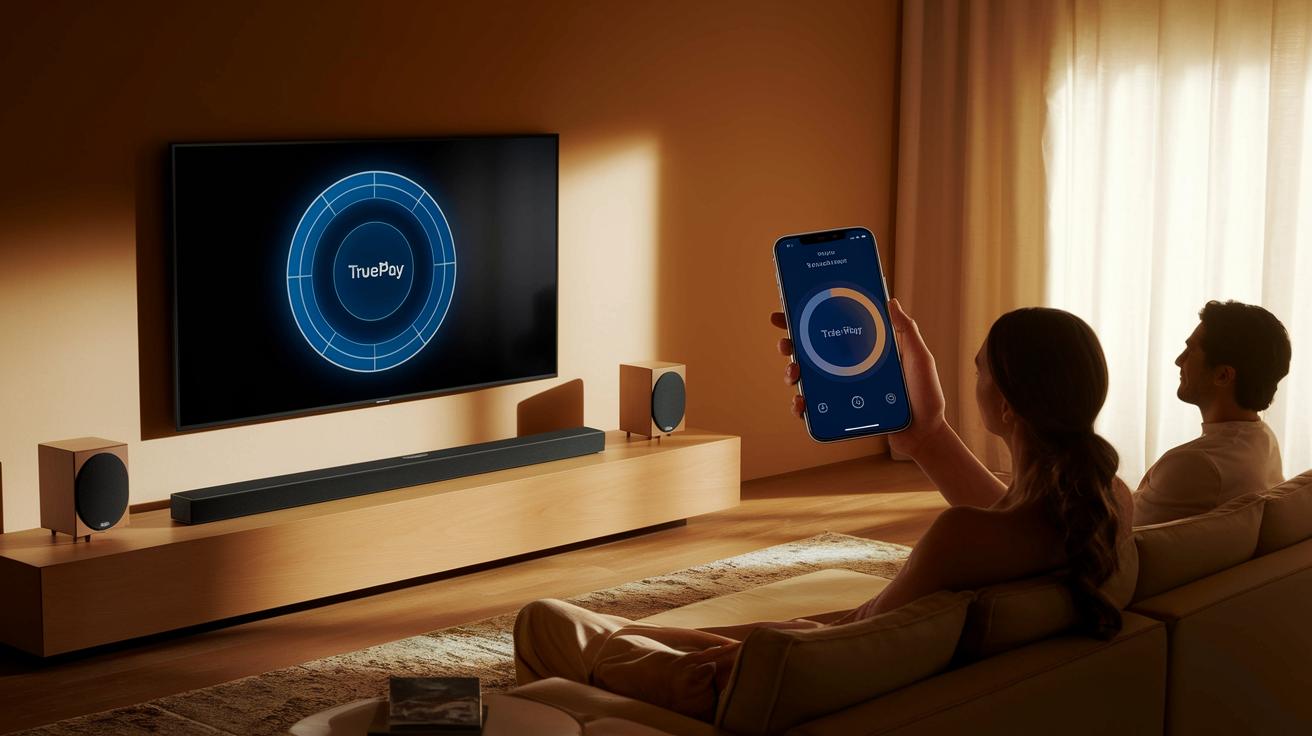
Tweak your soundbar settings and turn your living room into a mini theater. Use handy tools like Sonos Trueplay and the built-in EQ presets to adjust your sound to fit your room perfectly. Open the Trueplay app and follow the instructions to calibrate your sound based on your room’s shape and size so that dialogue comes through clearly while music stays balanced.
Upward-firing drivers add extra height, creating a fuller, surround-sound feel similar to Dolby Atmos. When you activate bass-boost on your soundbar, you might notice quieter details, like soft background whispers, gaining a clear and defined punch without overwhelming the scene.
Soundbars often include dynamic range optimization settings that fine-tune the compression for clearer speech and overall impact. You might also adjust the equalizer to boost midrange frequencies, which helps vocals stand out more. In addition, HDMI eARC passthrough delivers high-definition audio without compression, ensuring every subtle nuance is heard.
- Calibration using apps and native EQ presets
- Enabling upward-firing drivers for atmospheric effects
- Adjusting dynamic compression for clear dialogue
These adjustments come together to offer you rich, superior sound quality and a more immersive listening experience.
Bluetooth Soundbar Installation & Troubleshooting Guide
Before you start, double-check that every cable and device is connected properly. Some soundbars, like the Polk MagniFi Mini AX, may not come with extra surround speakers, and certain models might offer only a few HDMI inputs. If you’re eyeing a larger model, for example the 48.5" Samsung HW-Q990F, make sure to measure your TV stand first to avoid any fit issues.
If you notice the sound cutting out or a lag in the audio, updating your soundbar’s firmware might be the fix. Manufacturers often release firmware updates to resolve dropouts and introduce new features. It also helps to check your TV’s audio settings; some TVs perform better with Dolby Digital while others prefer PCM (a digital sound format).
To cut down on Bluetooth interference, try placing your router and soundbar at least 3 ft apart. If lag is still a problem, consider switching to an optical cable or enabling lip-sync correction from the soundbar’s menu.
- Verify your TV’s audio settings match your soundbar configuration
- Update the firmware to clear up any dropouts
- Position devices (soundbar and router) at least 3 ft apart to avoid interference
These steps should help smooth out any setup issues while boosting your overall experience. Enjoy your clear and synced sound!
Final Words
In the action, we've outlined how to choose the perfect bluetooth soundbar for your home. We've covered key features, setup tips, and calibration techniques to boost audio quality.
This guide breaks down everything from connectivity options to troubleshooting, making your buying process simpler. Each model and tip comes from hard-earned testing and clear comparisons.
Enjoy creating an immersive home theater audio experience with practical advice that works. Happy listening and sound-enhancing at home!
FAQ
What should I know about using a Bluetooth soundbar with a TV and its compatibility?
A Bluetooth soundbar for a TV delivers wireless audio, and most models work with many TVs. Still, verify that your TV supports the necessary Bluetooth profiles and audio formats for optimal performance.
What does a Bluetooth soundbar with a subwoofer offer?
A Bluetooth soundbar with a subwoofer pairs a main unit for clear dialogue and a separate subwoofer that boosts bass, creating a fuller, more immersive audio experience in your living room.
How do Samsung Bluetooth soundbars stand out?
Samsung Bluetooth soundbars are built for quality audio and smart integration. They offer intuitive controls and connectivity, enhancing your TV’s sound while fitting seamlessly into modern home setups.
Which features make the best Bluetooth soundbar?
The best Bluetooth soundbars deliver clear, room-filling sound, user-friendly pairing, and versatile connectivity. They often include wireless subwoofers, multiple input options, and support for high-definition audio formats.
What benefits do outdoor Bluetooth soundbars provide?
Outdoor Bluetooth soundbars are engineered with weather-resistant materials and robust output to handle open spaces. They ensure clear, powerful sound even in variable weather conditions.
How does a Bluetooth soundbar for mobile phones work?
A Bluetooth soundbar for phones acts as an external speaker, allowing you to stream music or audio wirelessly from your smartphone. Its portability and clear sound make it a versatile option for various settings.
What makes Sonos Bluetooth soundbars unique?
Sonos Bluetooth soundbars are known for their rich, balanced sound and smart connectivity features. They integrate easily with multi-room systems and provide a high-quality audio upgrade for your home entertainment setup.
How can a Bluetooth soundbar enhance a projector setup?
A Bluetooth soundbar paired with a projector can significantly boost audio quality in home theater setups. It provides clear dialogue and immersive sound, provided the soundbar’s connectivity options match your projector.
Is Bluetooth a good choice for connecting soundbars?
Bluetooth offers a convenient, wireless connection for soundbars, making setup simple. While it’s effective for casual audio, it may occasionally suffer from latency or interference compared to wired or HDMI connections.
What distinguishes a soundbar from a Bluetooth speaker in performance?
A soundbar is designed for home theater environments, offering directional audio and enhanced surround effects, while a Bluetooth speaker emphasizes portability and ease of use for on-the-go listening.