
Ever feel like your TV's audio just doesn't cut it? Klipsch soundbars are changing the game by bringing theater-like sound right into your living room. We checked out the Flexus and Cinema series, and they stand out with crisp dialogue, booming bass, and an immersive sound experience, all in a compact design. Whether you're looking for a mini theater vibe for movie nights or some extra punch for your game-day parties, Klipsch has a model that fits your space. Read on to see how these soundbars can turn your regular viewing into an audio adventure.
Klipsch soundbar Brings Joyful Audio Vibes
Klipsch makes soundbars that deliver clear and lively sound for any space. Their lineup is split into two series: the experimental Flexus and the full-on Cinema series. The Flexus series, developed with Onkyo, has replaced the older Cinema 400 model. It offers an upgradable all-in-one system with two soundbars, satellite speakers, and a subwoofer that work together to boost your TV viewing with Dolby Atmos. Imagine your living room turning into a mini theater with room-filling sound from a compact setup.
The Cinema series is for those who crave that true home theater vibe. These models are built to deliver immersive sound with clear dialogue and punchy bass without the hassle of a full surround system. Klipsch soundbars come with HDMI eARC and optical inputs so you can easily connect them without complicated setups.
Key features include:
- Dolby Atmos support for 3D sound
- HDMI eARC and optical input compatibility
- Options ideal for everything from a small dorm room to a lively Super Bowl party
Klipsch soundbars often appear in top TV soundbar buying guides. Whether you are setting up a home theater, outfitting a dorm, or planning a game-day event, there is a Klipsch soundbar that matches your needs and your budget.
In-Depth Analysis of the Klipsch Flexus Core 200 Soundbar
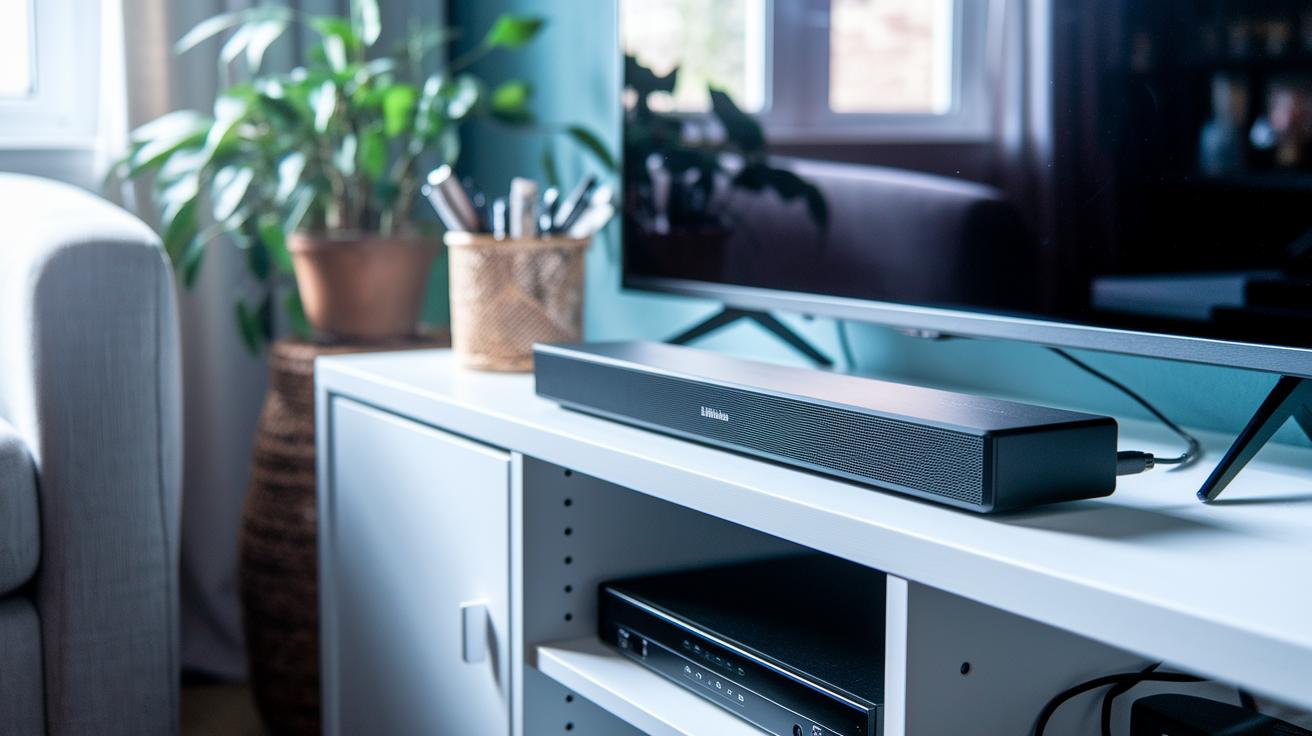
The Flexus Core 200 delivers a full Dolby Atmos experience for less than $500. We tested it with a Hisense Google TV while watching Mad Max: Fury Road, and it offered clear dialogue along with a lively, balanced soundstage. Every explosion and quiet background note came through so clearly that chaotic scenes felt like a well-orchestrated symphony. This quality sets it apart from other budget soundbars.
Setting up the soundbar is a breeze with an HDMI eARC connection. Its plug-and-play design means you won't waste time on messy wiring. You can adjust the sound using a simple remote, which lets you tune the audio to fit your room quickly. A small tweak made the difference between flat sound and an immersive home theater experience.
When it comes to performance, the Core 200 shines by keeping voices crisp without an overload of bass, a pitfall many budget options fall into. It has a lively midrange that boosts dialogue while keeping the full range needed for action scenes. In head-to-head tests, it held its own against the Bose Smart Soundbar 600, Sonos Beam, and Sony HT-S2000, particularly by creating a wide sound field. One note, though: it uses Bluetooth for streaming, which means it misses out on the lossless audio quality that competitors offer through Wi-Fi, AirPlay, or Chromecast.
With its clear sound tuning and easy connectivity, the Flexus Core 200 is a strong pick for anyone looking to upgrade their TV audio. It provides immersive sound without overpowering bass, making it a smart, cost-effective way to enjoy true Dolby Atmos sound.
Comparing Klipsch Cinema Soundbar Models: 400, 600, 800, and 1200
The Klipsch Cinema series offers four Dolby Atmos soundbars that suit different budgets and home setups. The Cinema 400 is our entry-level option that still manages to deliver clear dialogue and immersive height channels. Its simple driver setup means you can get it running quickly without fuss. Imagine a quiet evening at home where every word of a movie comes through crisp and clear without extra gear.
Step it up with the Cinema 600, which adds more power and fine-tuned audio details. It keeps the benefits of those height channels and clear speech while packing in extra drivers for a richer sound stage. This one is perfect if you want a boost in your movie nights and TV shows without complicating your setup.
If you’re looking for even fuller sound, the Cinema 800 is a great pick. It builds on what the 600 offers by reinforcing dialogue, deepening the bass, and widening the overall audio spectrum. Its easy installation makes it a smart choice for those seeking premium sound without a steep price tag.
At the top end, the Cinema 1200 stands out with wireless connectivity and options to add satellite speakers. This flagship model creates a truly immersive home theater experience where every nuance, from loud action scenes to quiet background details, shines through. No matter the size of your room or your listening preferences, there’s a Klipsch Cinema model built to match your needs.
Klipsch Soundbar Setup and Installation Guide
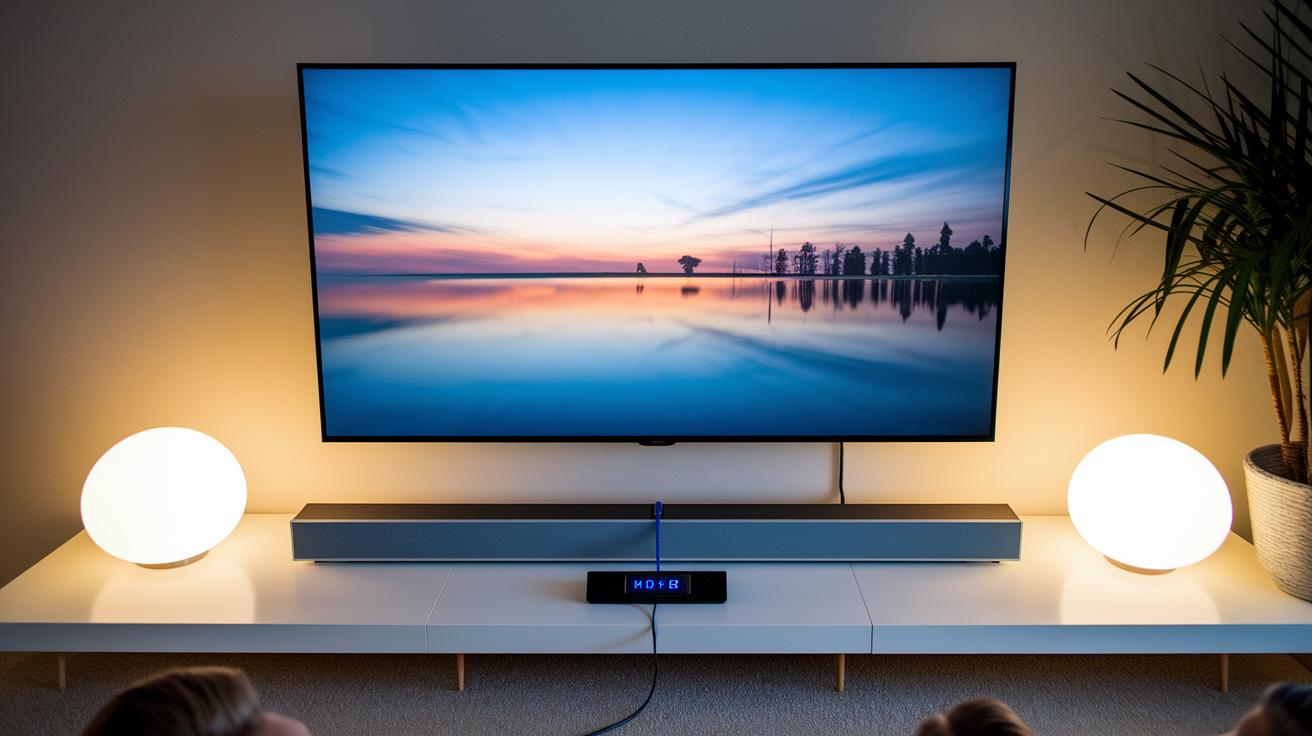
First, choose the right connection for your Klipsch soundbar. If your TV has an HDMI eARC port, plug one end of your HDMI cable into the TV and the other into the soundbar for full Dolby Atmos support. For TVs without HDMI eARC, use the optical SPDIF connection. Once the cable is in place, switch the soundbar to optical mode with your remote.
Next, set up your wireless subwoofer. Press and hold the pairing button on the soundbar until the LED starts flashing, which tells you it’s ready. Then do the same on your subwoofer and watch for its LED to flash as well, meaning the two devices are pairing.
If you plan to wall mount your soundbar, take advantage of the bracket included in the box. Look for a spot where the soundbar sits at ear level when you are seated. This position helps spread the sound evenly and makes voices clearer. Make sure the bracket is securely attached to the wall to avoid any unwanted vibrations.
Finally, use the remote to quickly adjust features like input selection, EQ presets, and volume. Spend a few minutes calibrating the settings in your room, so you get powerful and clear sound throughout your viewing space.
- Make sure HDMI or optical cables are securely connected.
- Pair the subwoofer by waiting for both LEDs to flash.
- Use the mounting bracket for correct wall installation.
Klipsch Soundbar Audio Performance Benchmarks and Tuning Tips
In our tests, Klipsch soundbars consistently deliver a very precise frequency range with hardly any distortion. We saw that the midrange stays clear while you can easily tailor the bass using built-in EQ settings. For example, during a lively scene, the Flexus Core 200 picked up every soft whisper and booming sound so clearly that nothing got lost, even during intense action.
The bass tech in these soundbars is really something. The Core 200 is set up to avoid that overwhelming boom while still packing a punch during heavy soundtracks, all without sacrificing background details. You can fine-tune both treble and bass using a simple remote, and some models even let you adjust via an app. This means you can quickly match the sound to your room size and personal preference.
When setting up your home theater, getting the acoustics right is key. A good trick is to calibrate the room properly: place the soundbar at ear level and use the built-in calibration presets to enhance spatial imaging. Our tests show that even small shifts in the soundbar’s angle or position can make the sound noticeably clearer and more evenly spread.
Key tuning tips include:
- Using the remote EQ presets to personalize bass and treble.
- Positioning the soundbar at ear level to boost front sound clarity.
- Running the calibration settings to create a truly immersive listening experience.
With these benchmarks and tuning tips, you can easily unlock the best performance from your Klipsch soundbar setup.
Wireless Subwoofer Integration and Streaming for Klipsch Soundbars
We’ve already explained the wireless pairing and Bluetooth streaming for Klipsch soundbars in our setup guide and the Flexus Core 200 review. There’s nothing new to add here.
Purchasing and Price Trends for Klipsch Soundbars
Klipsch soundbars come in a range of prices to fit different wallets. The Flexus Core 200, for example, debuted at under $500. That lower price makes it a smart pick if you want immersive, room-filling sound without overspending.
If you're just getting started with quality audio, the Cinema 400 is priced around $300. It gives you a taste of what Klipsch can do. But if you're planning to upgrade your home theater setup, the Cinema 800 and Cinema 1200 models are your go-to. These start at about $600 and can go up to $1,200, and they come loaded with extra features for a richer audio performance.
Seasonal sales can really make a difference. During big sale events, you might find bundle deals that include a subwoofer or satellite speakers, boosting the overall value of your purchase.
| Model | Price Range |
|---|---|
| Flexus Core 200 | Under $500 |
| Cinema 400 | Around $300 |
| Cinema 800 & Cinema 1200 | $600 – $1,200 |
Keep an eye on promotions and bundle offers. They can help you get a better setup for less money.
Common Issues and Repair Tips for Klipsch Soundbars
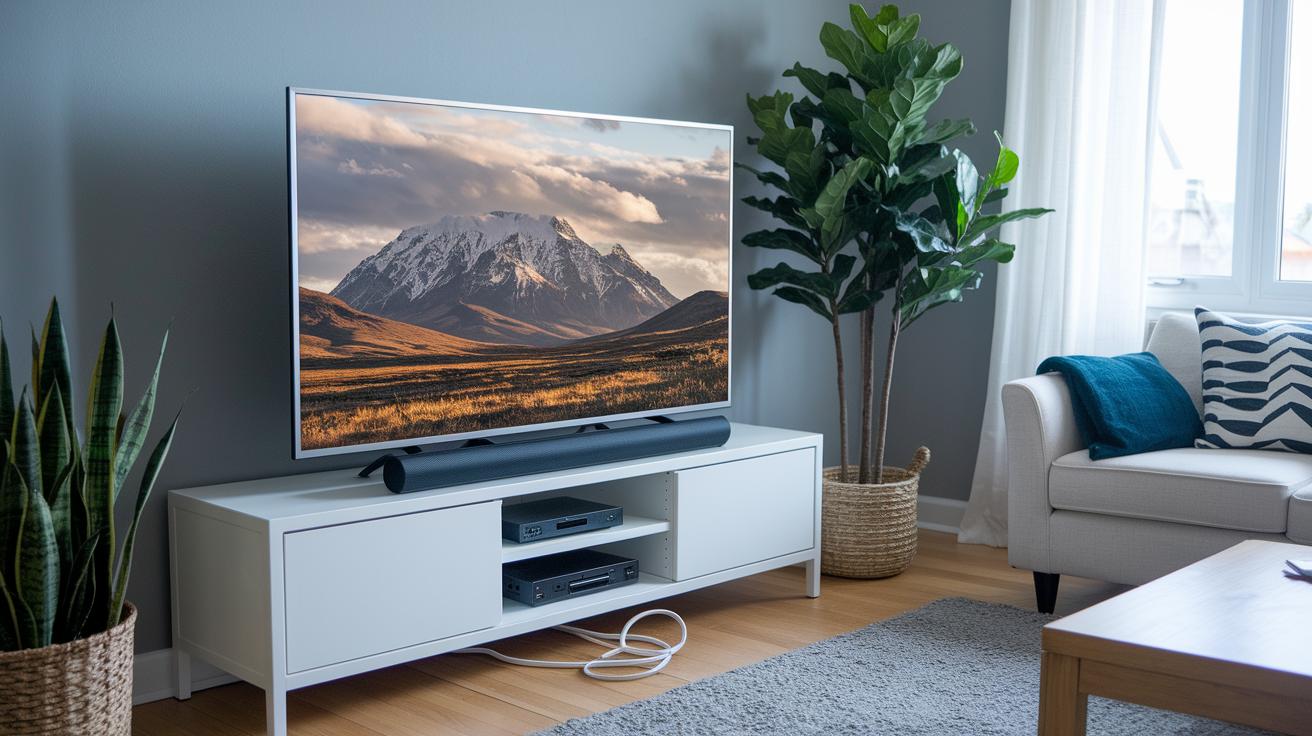
Sometimes your Klipsch soundbar might skip audio or even drop the sound completely. This can happen because of Bluetooth interference or HDMI handshake glitches with eARC connections. If the sound goes out during your favorite show or a movie scene seems off, try a quick power-cycle. Turn off both your TV and soundbar, wait about 30 seconds, and then power them back up to see if that fixes the problem.
Another easy fix is to re-seat your HDMI cables. When cables aren’t firmly connected, they can interrupt the audio signal. Simply unplug the HDMI cable from both your TV and soundbar, and then plug it back in securely. This often solves the handshake issues you might be experiencing.
You can also try resetting the soundbar using its remote. Head into the device menu, find the reset option, and give it a go. This step can clear any small software glitches that may have built up.
If none of these solutions help, the power adapter could be the culprit. A malfunctioning adapter can lead to uneven performance. In that case, check out Klipsch’s official replacement guide for the right adapter.
- Power-cycle both the TV and soundbar.
- Reseat the HDMI cables securely.
- Reset the soundbar using the remote.
Klipsch Soundbar Remote Control and Firmware Update Guide
Klipsch remotes make it easy to pick your input, adjust the volume, hit mute, or switch EQ settings. You can quickly change sources without hassle. Need to silence background noise during a movie? Just tap the mute button. The EQ options let you tweak the sound to fit your room or your taste, for instance, boosting the treble for clear dialogue or enhancing the bass for action-packed scenes.
Updating your soundbar’s firmware is simple too. Official firmware updates come as downloadable ZIP files on the Klipsch support website. You can install them with a USB cable or, if supported, wirelessly over the network. These updates often add new features or polish the audio quality.
For the latest instructions, download the product manual from Klipsch.com. It covers everything from remote functions and troubleshooting to step-by-step firmware update procedures.
- Remote handles input, volume, mute, and EQ functions
- Firmware upgrades via USB or over-the-air (if supported)
- Updated manuals available on Klipsch.com
Final Words
In the action, we've explored how a klipsch soundbar delivers immersive audio with clarity, whether it's the Flexus Core 200 or the Cinema series. We broke down design, performance, setup, and troubleshooting details to help you navigate the buying process with confidence. The hands-on tests and pricing insights show clear strengths and some room for improvement. Enjoy rich, room-filling sound that transforms your TV and home audio experience.
FAQ
Where can I find the Klipsch soundbar manual?
The Klipsch soundbar manual is available on Klipsch’s official website under the support or downloads section, providing complete setup, installation, and troubleshooting instructions.
What does a typical Klipsch soundbar review highlight?
A typical Klipsch soundbar review highlights clear dialogue, Dolby Atmos support, and easy HDMI eARC setup, emphasizing its strong value and immersive performance for home theater experiences.
What are the key features of the various Klipsch soundbar models (1200, 200, 600, 300, 800, Flexus)?
The various Klipsch soundbar models deliver Dolby Atmos experiences, easy connectivity via HDMI eARC, and robust audio performance tuned for dialogue and bass, making them ideal for both large and small rooms.
How does Klipsch compare with Bose, Sonos, and Polk soundbars?
Klipsch soundbars provide competitive clarity and immersive Dolby Atmos sound at a lower price point, often offering a more straightforward setup compared to Bose, Sonos, and Polk alternatives.
What are the differences among the Klipsch Flexus Core series soundbars (Core 200, Core 300, Core 100)?
The Klipsch Flexus Core series spans from the Core 200 with 3.1.2 channels to the Core 300 with a richer 5.1.2 configuration, and the simpler 2.1-channel Core 100, catering to various room sizes and audio needs.
What is the Klipsch The Fives Powered Speaker System?
Klipsch The Fives Powered Speaker System combines built-in amplification with versatile connectivity, delivering impressive audio quality that suits desktops or living room setups without requiring an external amplifier.
What are the benefits of the Klipsch Flexus Sub 100 10″ Wireless Subwoofer?
The Klipsch Flexus Sub 100 wireless subwoofer offers hassle-free pairing and deep bass performance, enhancing the overall sound experience when paired with compatible Klipsch soundbars.
How does the Sonos Arc Ultra Soundbar compare to Klipsch models?
The Sonos Arc Ultra Soundbar is recognized for its sleek design and smart features, while Klipsch models focus on straightforward Dolby Atmos setups and strong audio performance at a competitive price.