
Ever feel like your TV audio is just background hum? The Bose Soundbar 300 turns that around. It delivers clear dialogue and lively sound in a compact design that fits right into any room. Setup is a breeze with simple HDMI (a cable connection that sends both audio and video) and Bluetooth options, so you can quickly transform your movie nights and streaming sessions. In our review, we explore its design, connectivity, and overall performance to show how this small speaker can really change your everyday viewing experience.
Bose Soundbar 300 Overview and Key Specifications
We put the Bose Soundbar 300 through its paces, and it clearly fills a room with crisp, balanced sound. This compact sound companion is built for everyday use: clear dialogue and immersive acoustics come without the clutter. It pairs easily with your TV and mobile devices, making setup a breeze.
The Soundbar 300 offers a range of simple connectivity options. You can hook it up using HDMI ARC, an optical port, or Bluetooth. One user shared, "Plugging in the HDMI ARC cable, setting the TV to ARC mode, and enjoying the sound was instantly satisfying." Whether you place it on your tabletop or hang it on the wall, it fits neatly into any space.
Its design is both sleek and practical. The soundbar measures about 35.4 inches long, 2.2 inches high, and 4.3 inches deep, and it weighs roughly 7 lbs. Bose has tuned it to deliver robust audio for everything from movie nights to casual streaming, ensuring every note and word is clear.
Key specifications:
- Dimensions: 35.4" L × 2.2" H × 4.3" D
- Weight: ~7 lbs
- Connectivity: HDMI ARC, Optical, Bluetooth
- Launch Price: ~$279
The mix of thoughtful design, easy connectivity, and solid pricing makes the Bose Soundbar 300 a smart pick for anyone wanting quality sound without extra fuss.
Bose Soundbar 300 Design and Build Quality
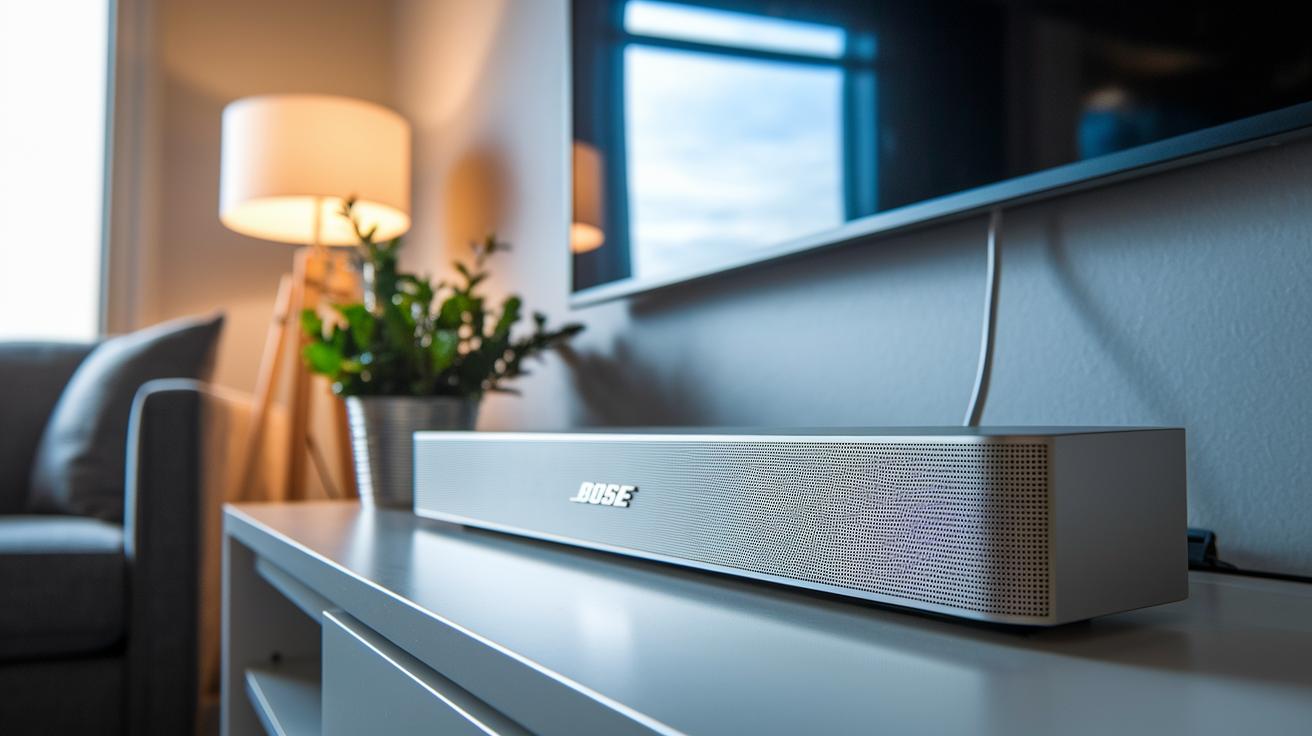
The Bose Soundbar 300 features a sleek and sturdy design with smart installation details. Its slim profile fits into many setups, whether you hang it on a wall or place it on a table, without adding unnecessary bulk.
Setting it up is simple. The clear instructions and included hardware make installation a snap. For instance, following the mounting guide closely helps you line up the parts perfectly for a secure, clean look. Built-in cable management hides stray wires, keeping your space neat and boosting overall performance.
In all, the soundbar blends rugged reliability with a modern style that looks premium and fits well in any room.
Bose Soundbar 300 – Stellar Audio Delight
Setting up the Soundbar 300 is a breeze, whether you plan to use it with your TV or mobile device. In just a few minutes, you can switch from your TV’s built-in speakers to immersive, clear sound. We’ve outlined two simple ways to connect your soundbar so you can enjoy great audio no matter what ports your TV offers.
Connecting via HDMI ARC
First, make sure your TV supports ARC or eARC by checking the back panel for the HDMI ARC port. Then follow these steps:
- Open your TV’s sound settings and turn on ARC or eARC.
- Connect one end of an HDMI cable to the TV’s HDMI ARC port and the other end to the matching port on the Soundbar 300.
- Change the TV input to the ARC channel.
- Verify that the TV’s sound is now playing through the soundbar.
Many users notice an instant improvement once the HDMI cable is connected and ARC mode is selected. The audio is rich and clear, making this the best choice for movie nights and gaming sessions. This connection method offers high-quality sound with little to no lag.
Optical Cable Setup
If your TV doesn’t have an HDMI ARC port, use the optical connection for a reliable setup. Here’s how:
- Plug an optical cable into your TV’s digital audio output, then connect the other end to the optical input on the Soundbar 300.
- Change the TV’s audio settings to “external speaker” or “digital audio output.”
- Confirm that the soundbar shows an active input, which means it’s receiving the digital signal.
Following these steps lets you smoothly switch from your TV’s speakers to the enhanced sound of the Soundbar 300. The process is designed to be hassle-free so that even first-time users can set it up confidently and start enjoying crisp dialogue and well-balanced music right away.
Bose Soundbar 300 – Detailed Audio Performance and Mode Options
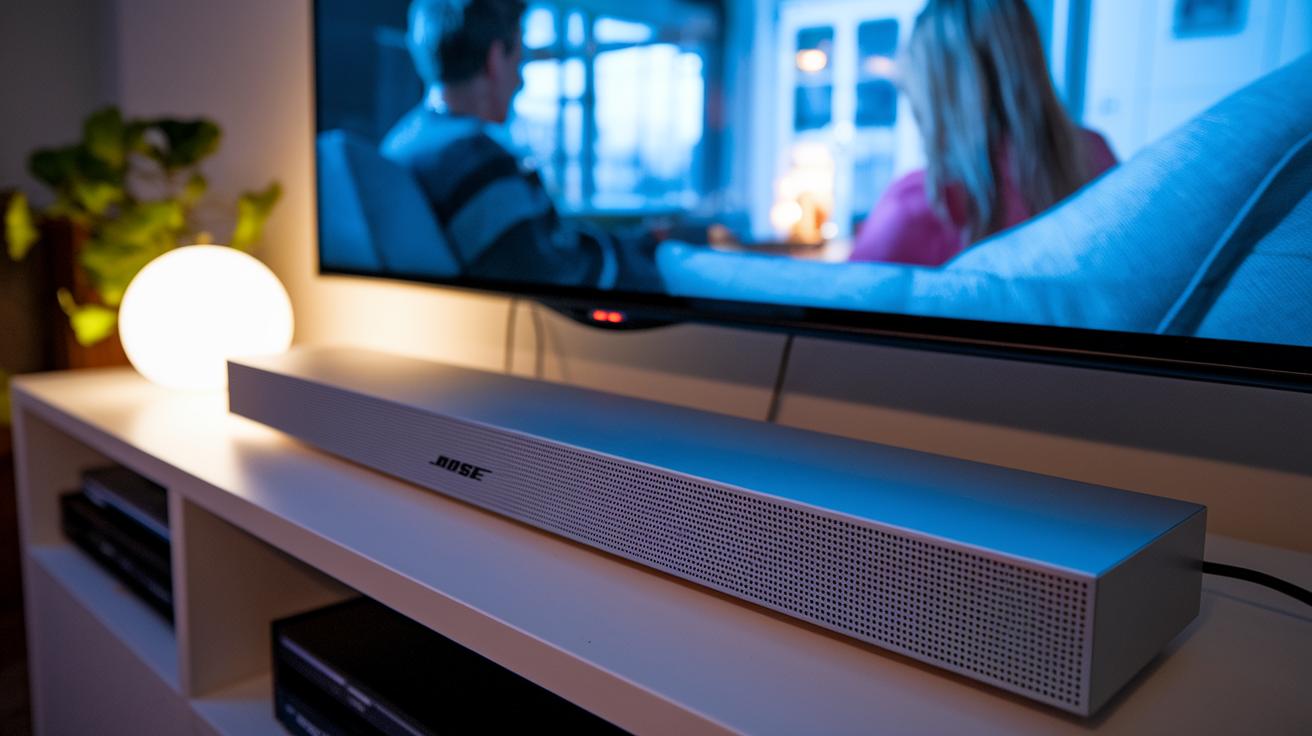
The Bose Soundbar 300 fills your room with clear, engaging sound that sounds natural. It sets up in minutes by pairing with your TV quickly so you can start enjoying its balanced audio without any fuss.
This soundbar is tuned to highlight crisp dialogue and even sound. Even when a movie scene gets dynamic with booming effects, voices remain clear and easy to follow.
You can switch between several sound modes to match your mood:
- Movie Mode (enhances surround effects) – perfect for a film-like experience.
- Music Mode (keeps the sound even) – great for enjoying music naturally.
- Night Mode (lowers the bass for softer audio) – ideal for quiet viewing without disturbing anyone.
- Sport Mode (boosts commentary) – excellent for fast-paced sports where every word counts.
Expanding the Bose Soundbar 300 System: Subwoofer and SoundTouch Integration
Upgrading your Bose Soundbar 300 is a breeze. You can boost your audio experience by adding an extra Bass Module for richer bass or by linking with SoundTouch devices for wider control of your setup. First, make sure your soundbar’s firmware is up to date through the Bose Music app – this step is key for a smooth connection.
To add a Bass Module:
- Check that your soundbar has the latest firmware.
- Open the Bose Music app and select the option to add a new device, then choose the Bass Module.
- Follow the simple in-app instructions, keeping the module close to the soundbar during pairing.
For SoundTouch integration:
- Open the app and go to the SoundTouch menu.
- Pair your soundbar with compatible SoundTouch devices to unlock easy voice control and scheduling across different rooms.
Also, try placing the Bass Module near a wall or corner to maximize its low-end output. With these clear steps, you can enhance your home audio setup for deeper bass and improved control, perfectly complementing the clear dialogue and balanced sound of your Soundbar 300.
Comparing the Bose Soundbar 300 with Competing Soundbars
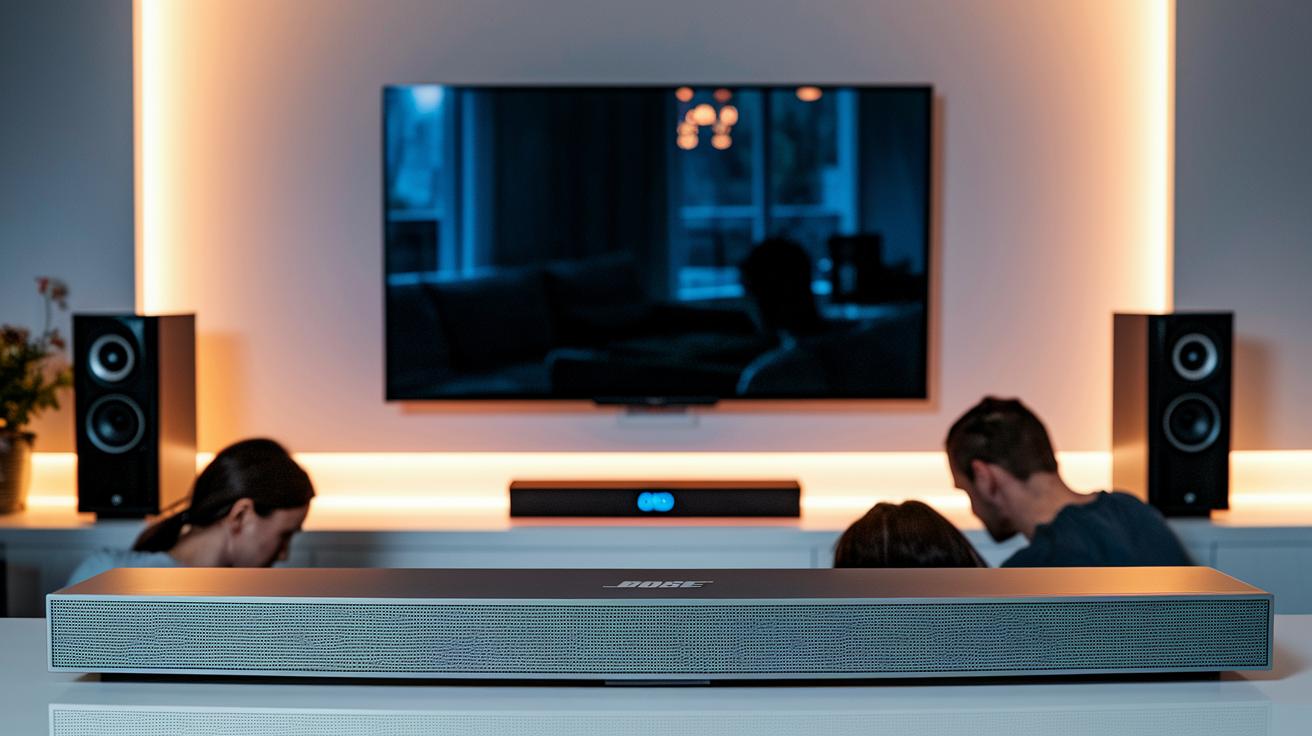
When upgrading your home audio, it's important to weigh features, connection types, and price. The Bose Soundbar 300 delivers clear sound with its 3.0 channel setup, and it brings flexible connection options like HDMI ARC, optical, and Bluetooth. This makes it a great pick for anyone seeking a straightforward, high-quality experience without the hassle.
For example, the Sonos Beam steps things up with 5.0 channels and relies on Wi‑Fi to enable smart home features like voice control. This model is ideal if you’re looking for a richer sound and more interactive features. In contrast, the JBL Bar 2.0 offers a budget-friendly solution with 2.0 channels, still giving you the necessary connections like HDMI ARC, optical, and Bluetooth. It’s perfect for those who need solid basics without spending too much.
| Model | Channels | Connectivity | Price |
|---|---|---|---|
| Bose Soundbar 300 | 3.0 | HDMI ARC, Optical, Bluetooth | $279 |
| Sonos Beam | 5.0 | HDMI ARC, Wi‑Fi | $399 |
| JBL Bar 2.0 | 2.0 | HDMI ARC, Optical, Bluetooth | $149 |
This comparison shows clear trade-offs. The Bose Soundbar 300 is a well-rounded choice in the mid‑price range, giving you solid audio and diverse connectivity in one bundle. If you want more immersive sound and the perks of smart home integration, the Sonos Beam might be worth the added cost. And if your budget is tight, the JBL Bar 2.0 gives you basic performance that covers the essentials. Consider your room size, listening habits, and how much extra you want to spend before making your final decision.
Pros, Cons, and User Feedback on the Bose Soundbar 300
People who have experienced the Bose Soundbar 300 consistently mention how well it makes dialogue sound clear, even during the busiest action scenes. Buyers tell us that every conversation is crisp, making it easy to follow along whether you're watching TV shows or movies. Many also highlight that setting it up is simple and straightforward, thanks to intuitive connectivity options that get you enjoying quality sound without any hassle.
Some key takeaways from user reviews are:
- Clear and articulate dialogue that makes speech easy to understand
- Easy connectivity with HDMI ARC, optical, and Bluetooth options
- A modern design that fits neatly into any room
Experts also praise the soundbar for its balanced audio, noting that while it delivers engaging overall sound, the bass might seem a bit light for those who prefer a deep, cinema-like rumble. Several reviewers mention that adding a subwoofer can boost the lower frequencies significantly, making the experience richer. One expert pointed out that the soundbar shines most in smaller rooms where overwhelming bass isn’t a priority, and many agree that it performs very well for everyday viewing.
Both users and experts agree that if you're after one thing, clear, lifelike dialogue and easy setup, the Bose Soundbar 300 is a strong choice. Even though its bass may not hit every audiophile's mark, its standout vocal clarity makes it a reliable option for many.
Troubleshooting the Bose Soundbar 300: Common Issues and Fixes
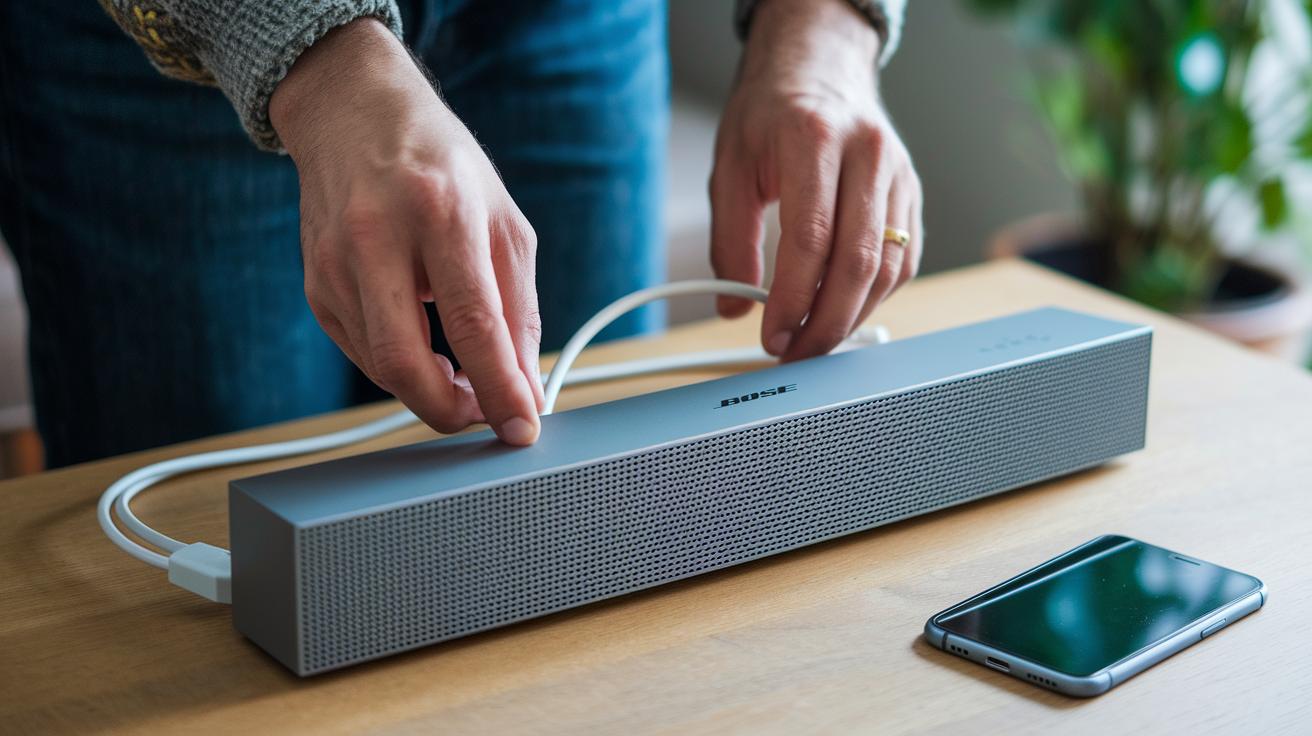
If you run into problems like no sound, Bluetooth pairing issues, or a missing remote, try these straightforward fixes.
For no sound:
- Check that all cables are securely connected.
- Change your TV’s audio settings to the proper external input.
- Confirm the soundbar is on the right input using the Bose Music app.
For Bluetooth pairing issues:
- Press and hold the Bluetooth button on the soundbar to start pairing.
- Restart your phone and try pairing again.
- Make sure no other nearby devices are interfering with the connection.
For a firmware update using the Bose Music app:
- Open the app and go to Settings.
- Tap on Firmware Update and follow the on-screen directions until it finishes.
- Keep the soundbar connected to Wi-Fi during the update.
Surprisingly, many users notice faster connections and quicker responses right after a firmware update.
If you need a factory reset and don’t have a remote:
- Unplug the soundbar from power.
- Press and hold the Bluetooth button.
- While still holding the button, plug the soundbar back in and wait until the LED starts flashing.
This will reset the soundbar so you can set it up from scratch.
Final Words
In the action, we've reviewed the Bose Soundbar 300, diving into specs, design, and easy setup. We broke down the sound performance, compared it with other models, and shared user feedback along with troubleshooting tips. Each section gives a clear look at real-world use and helps you understand its value. These insights should guide you in making a smart decision for your audio needs. Enjoy the enhanced listening experience and the practical benefits offered by the Bose Soundbar 300!
FAQ
What does the Bose Soundbar 300 manual include?
The Bose Soundbar 300 manual covers setup instructions, connectivity details, and troubleshooting steps to help you quickly get the soundbar working with your TV and devices.
What does the Bose Soundbar 300 review say about its performance?
The Bose Soundbar 300 review explains that it delivers clear dialogue and balanced sound, combining sleek design with multiple connection options for an overall satisfying home audio experience.
What is the Bose Soundbar 300 price?
The Bose Soundbar 300 price is around $279 (US), offering a competitive option with modern design, versatile connectivity, and quality audio performance.
How does the Bose Soundbar 300 subwoofer work and integrate?
The Bose Soundbar 300 subwoofer, available as an optional Bass Module, pairs wirelessly using the Bose Music app to boost low-end frequencies for a richer bass experience.
How does the Bose Soundbar 300 app function?
The Bose Soundbar 300 app lets you control the soundbar remotely, complete setup, perform firmware updates, and adjust audio settings for a streamlined and personalized experience.
What are the key specs of the Bose Soundbar 300 and its model number?
The Bose Soundbar 300 features dimensions of approximately 35.4″ L × 2.2″ H × 4.3″ D, supports HDMI ARC, optical, and Bluetooth connectivity, and has a model number found on its label to ensure compatibility with accessories.
How do I set up my Bose Soundbar 300 and connect it to my TV?
Setting up the Bose Soundbar 300 involves connecting to your TV via HDMI ARC or an optical cable, then following on-screen prompts and using the Bose app for configuration and audio adjustments.
Is the Bose Soundbar 300 considered good and does it support Bluetooth?
The Bose Soundbar 300 is regarded for its clear audio performance and modern design, and it supports Bluetooth connectivity for wireless streaming from your smartphone or tablet.
How can I reset my Bose 300 smart soundbar?
The Bose 300 smart soundbar can be reset by using the reset button on the device or via the Bose Music app to restore factory settings, which helps fix connectivity or performance issues.
How does the Bose Soundbar 300 compare to other Bose products?
The Bose Soundbar 300 stands out with its compact design and clear TV audio, while larger models like the Bose Soundbar 500 or Smart Ultra Dolby Atmos soundbar offer extra channels and advanced features, and speakers like the Home Speaker 500 or SoundTouch 10 focus on multi-room setups and music streaming.