
Ever wondered if a compact soundbar could transform your TV nights? The JBL soundbar delivers crisp dialogue and punchy bass that truly make your living room feel alive. Its sleek design sits right under your TV, powering four full-range drivers and two tweeters for a full-bodied sound you'll notice immediately. Setup is a breeze, and the wireless subwoofer pushes 200W of deep bass to bring a mini-cinema vibe to your everyday viewing, all without breaking the bank.
JBL Soundbar Delivers Bold, Crisp Performance
The JBL soundbar turns everyday audio into a mini-cinema experience. Its compact design, measuring about 38 inches wide, 3.5 inches deep, and 2.1 inches tall, fits perfectly under your TV without blocking your view. The soundbar sports a stylish mesh grill, simple top buttons, and an LED display that shows the current input and volume. Think of it as having clear dialog and punchy bass right in your living room.
Inside, you'll find four full-range drivers along with two 1-inch tweeters. Paired with a 100 W amplifier, it delivers well-defined mids and highs. The package also includes a wireless subwoofer. Despite its small size, 14.5 inches tall and 9 inches wide and deep, it pushes out 200 W of deep bass that enlivens smaller rooms. Plus, the system supports Dolby Digital for a surround sound feel and covers a frequency range from 40 Hz to 20 kHz, from deep bass to sparkling treble.
Setup is a breeze thanks to the included mounting bracket and screws. You can hang it on a wall or place it on a desk for flexibility. With its blend of smart design and solid specs, this soundbar proves to be an impressive performer even on a budget.
| Feature | Specification |
|---|---|
| Dimensions | ~38″ (W) x 3.5″ (D) x 2.1″ (H) |
| Soundbar Power | 100 W |
| Subwoofer Power | 200 W |
| Driver Layout | 4 full-range + 2 tweeters |
| Frequency Response | 40 Hz–20 kHz |
| Mounting Options | Wall/desktop with included bracket |
Setting Up Your JBL Soundbar: Installation and Configuration
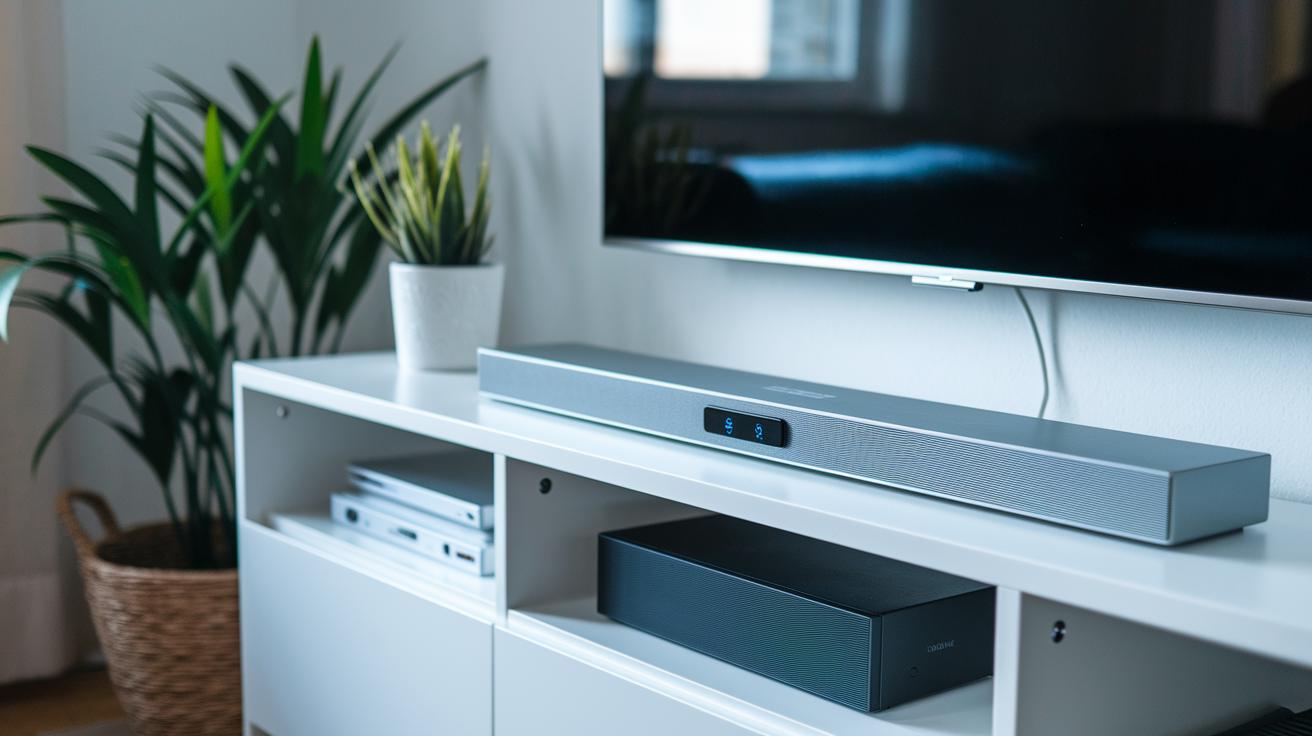
Getting your JBL soundbar set up is a breeze with the tools provided. We’ve designed the process so that even if you’re not a tech expert, you’ll be enjoying clear sound in no time. For the best experience, we suggest using the HDMI ARC connection on your TV, this lets you adjust the volume with your TV remote. Bluetooth is perfect for streaming music from your smartphone, and the wireless subwoofer pairs up automatically.
- Unpack the box and make sure all parts are there: the soundbar, subwoofer, bracket, and screws.
- Pick a spot close to your TV where the soundbar won’t block your view.
- Attach the soundbar using the bracket and screws, whether you’re mounting it on the wall or setting it on a table.
- Connect your TV to the soundbar via HDMI ARC to get full control over the volume.
- Turn on the wireless subwoofer, it pairs up automatically with the soundbar.
- Activate Bluetooth on your smartphone to enjoy a simple and smooth streaming experience.
After everything is connected, take a moment to organize your cables. Using cable clips or ties helps keep your entertainment area neat and free from tangles.
JBL Soundbar Audio Performance: Cinema and Music Playback
The JBL soundbar packs a punch with a total output of 300 W. Its 100 W soundbar teams up with a 200 W subwoofer to deliver a crisp, engaging sound that works just as well for movies as it does for music. With four drivers and two 1-inch tweeters, the mids and highs stay clear so that voices and instruments sound distinct even when the sound is busy.
Dolby Digital decoding creates a virtual surround experience that fills your room, giving you that immersive cinema feel without extra speakers. In our testing, we saw that dynamic soundtracks and detailed sound effects were handled very well. For example, during a high-intensity action scene, the subwoofer's powerful bass stood out while the tweeters kept the finer details sharp.
The soundbar covers a wide frequency range from 40 Hz to 20 kHz. This range handles deep, pulsing lows and crisp, clear highs, ensuring that both heavy bass tracks and gentle acoustic tunes sound natural and full. Even at higher volumes, we noticed very little distortion, which enhances the overall clarity across all types of content.
Every element of this system works together to create a compelling audio landscape that adapts to different room sizes and listening setups, making it a great choice for both movie nights and music playback.
Connectivity and Streaming Options with JBL Soundbar
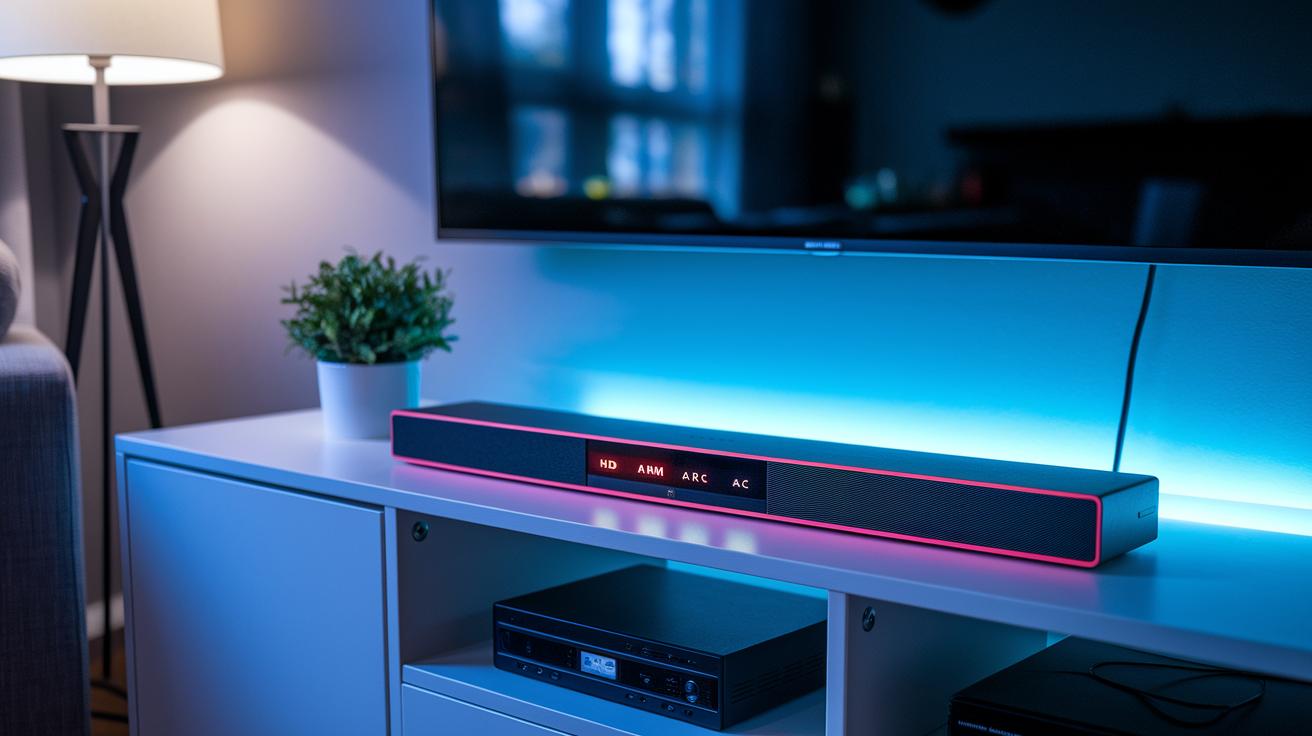
The soundbar supports HDMI ARC, Bluetooth pairing, and even has an LED display to keep you informed. A standout feature is the optical input, which acts as a backup when switching between devices or if HDMI ARC runs into issues.
Here are a few tips if you run into connectivity problems:
- If HDMI ARC control doesn't work, double-check your cable connections and switch to the optical input.
- When Bluetooth streaming stutters, make sure your device is close enough and try pairing again.
- Use the LED display to see which input is active and monitor the volume during setup.
This straightforward design means you can easily switch connection methods without going through the full setup again.
Comparing JBL Soundbar Models: Bar 2.1 Mark 2 Versus Bar 500
The Bar 2.1 Mark 2 is built for small spaces. It pairs a slim soundbar with a powerful wireless subwoofer to deliver 300 W of sound. This makes it a great match for apartments and modest living rooms that need clear audio and a solid punch without overwhelming the space.
On the other hand, the Bar 500 steps up the game with a full 5.1 setup that includes rear satellite speakers. This design creates a more immersive sound experience that works best in larger rooms or during gatherings. With extra channels and higher wattage, the Bar 500 fills your room with deep, room-filling sound.
Both soundbars feature a mountable chassis with a simple bracket-based installation. Here’s a quick side-by-side look:
| Feature | Bar 2.1 Mark 2 | Bar 500 |
|---|---|---|
| System Type | 2.1 | 5.1 |
| Total Output | 300 W | Higher wattage |
| Room Suitability | Small spaces | Larger rooms & gatherings |
| Installation | Simple bracket-based mount | Simple bracket-based mount |
Your choice comes down to your room size and how immersive you want your audio experience to be. If you have a smaller space and need clear, punchy sound, the Bar 2.1 Mark 2 is the practical pick. But if you’re after a richer, room-filling audio experience in a larger area, the Bar 500 is the way to go.
JBL Soundbar Pricing and Customer Satisfaction
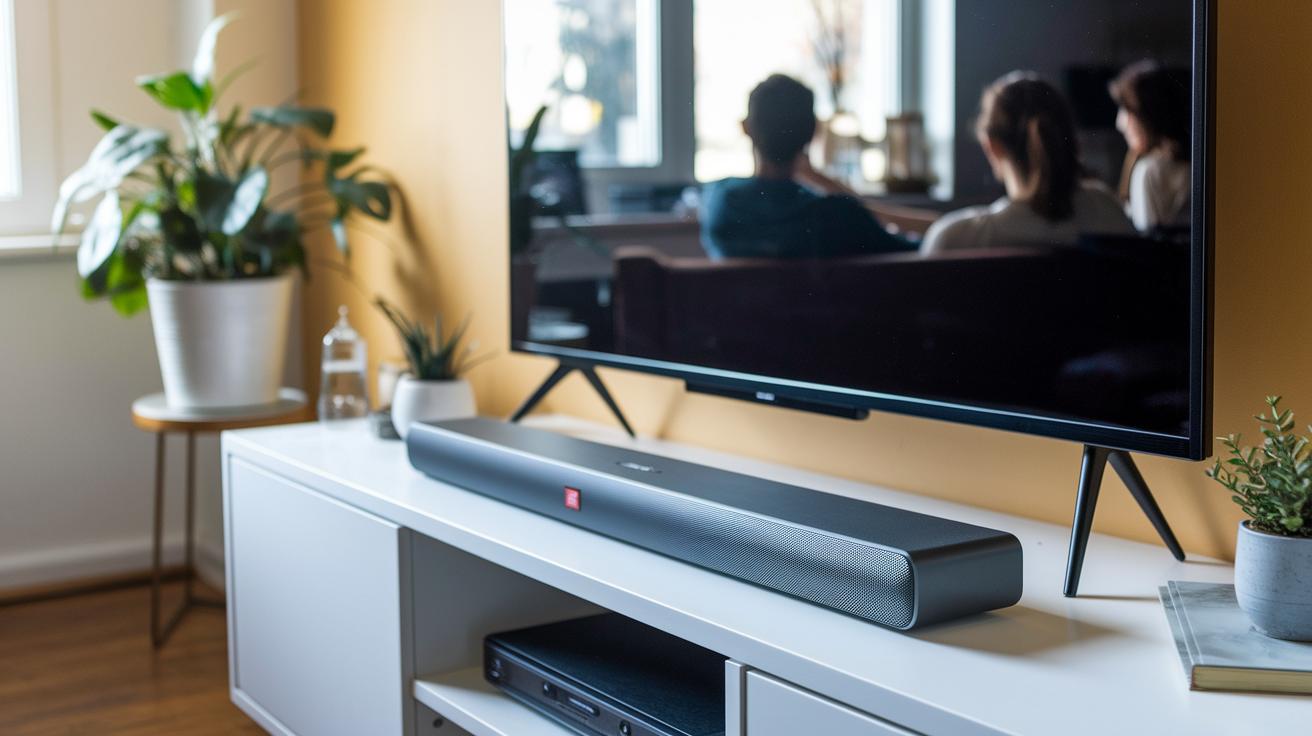
If you're watching your budget but still want to boost your TV sound, the JBL soundbar is a smart choice. Many users say its sound quality goes beyond what you'd expect from its affordable price. Reviewers have noted that both the design and performance really punch above their weight, making it a top pick for anyone looking to upgrade without spending a fortune.
Its crisp audio and balanced sound work great in smaller rooms or apartments. Buyers love that it delivers clear mids and punchy bass without the high cost. In comparisons, this soundbar outperforms other budget models. One user even shared, "I didn't expect such detailed sound from a budget model, it truly surprised me."
Key points include:
- Affordable price with impressive sound performance.
- A design that outdoes other soundbars in the same price range.
- A standard warranty and responsive customer support.
With easy access to warranty support and customer assistance, you can feel confident in your purchase. This solid blend of value, quality performance, and after-sale support makes it a top option for budget-conscious consumers who want great audio without overspending.
Troubleshooting JBL Soundbar: Common Issues and Solutions
Facing hiccups with your JBL soundbar? Let's walk through some simple fixes that might get you back to great sound quickly. You can also check out our detailed guides on Connectivity and Streaming Options and Installation for extra help.
• If your volume control isn’t working, make sure your connection uses HDMI ARC instead of the optical input. This small change can often resolve the issue.
• When you run into Bluetooth pairing troubles, try turning the soundbar off and then start pairing again. A quick reboot often does the trick.
• If the mounting bracket feels wobbly, check that all its screws are tight. A secure mount can save you from future headaches.
These easy steps target the key issues without repeating extra details from other sections.
Final Words
In the action, we covered the JBL soundbar's design, deep bass output, wireless subwoofer pairing, and setup choices. We explored audio performance for movies and music, connectivity options like HDMI ARC and Bluetooth, and compared models to highlight their focus on value.
Each section offered clear insights and practical advice to help you pick the right jbl soundbar for your needs. The review stays hands-on and transparent, leaving you ready for a better audio experience.
FAQ
What are some key features of JBL soundbar 1000?
The JBL Soundbar 1000 offers robust audio performance with integrated subwoofer support, Dolby Digital decoding, and streamlined connectivity options for a modern home theater experience.
Does the JBL soundbar include a woofer?
The JBL soundbar lineup features models with built-in or wireless subwoofers that deliver deep bass, improving both cinematic sound effects and enriched music playback.
What can you tell me about the JBL soundbar SB580?
The JBL SB580 provides balanced sound with strong deep bass, versatile connectivity and a straightforward setup that suits both TV viewing and mobile streaming needs.
How does the JBL soundbar Deep Bass differ from others?
The JBL Deep Bass soundbar focuses on powerful low frequencies, employing a dedicated subwoofer to enhance the overall listening experience for movies and music.
What distinguishes the JBL soundbar SB550?
The JBL SB550 stands out by delivering clear audio reproduction with user-friendly controls, balanced dialogue, and background music performance ideal for everyday entertainment.
What offers does the JBL soundbar 700 provide?
The JBL 700 model brings premium sound with virtual surround effects, consistent connectivity, and a modern, sleek design that complements your home theater setup.
How does the JBL soundbar 500 perform?
The JBL 500 provides crisp sound and solid bass response in small-to-medium rooms, featuring an easy setup and competitively priced performance for everyday use.
What is notable about the JBL soundbar 1300X?
The JBL 1300X impresses with high power output and advanced audio processing, delivering dynamic sound performance that suits larger spaces and demanding listening environments.
Do JBL make good soundbars?
JBL soundbars are recognized as reliable options that offer robust construction, excellent bass performance, and user-friendly features, making them a solid choice for various home audio setups.
Which is better: JBL or Bose?
When comparing JBL with Bose, JBL often delivers deeper bass and value-focused functionality, while Bose is known for sleek design and clear sound detail; choose based on your personal audio priorities.
How do you connect a JBL soundbar to a TV?
Connecting a JBL soundbar to your TV is simple; use HDMI ARC for volume control sync, optical for stable audio, or Bluetooth for wireless streaming according to your equipment and preferences.
Is JBL now owned by Samsung?
JBL remains under Harman International and is not owned by Samsung, continuing to offer a wide range of quality sound solutions independent of Samsung’s product lineup.