
Ever wonder if your smartphone can really handle water the way it claims? Most warranties only cover factory defects, meaning that a spill could leave you with expensive repairs. Our guide breaks down water resistance ratings like IP67 and IP68 in plain language so you know exactly how your device will fare if it meets water. We also explain how these tests work and what that really means for your daily use. With a clear warranty guide, you can make smarter choices to keep your phone safe.
Understanding Waterproof Smartphone Warranty Coverage
Most smartphone warranties last one to two years and cover manufacturing faults, not damage caused by liquids. If your device has a defect in materials or workmanship, the manufacturer will fix or replace it. But if water gets inside, even on models like the iPhone 8 or Galaxy S8 that advertise water resistance, the warranty won’t cover the problem, leaving you to foot the repair bill.
When you see water resistance ratings like IP67 or IP68 in the specs, it means the device has been tested under controlled lab conditions (for example, submerged in fresh water at a specific depth for a short time). These tests don’t mimic everyday spills, salt water exposure, or high-pressure jets. The advertised rating shows that the device can handle water in ideal conditions, but it doesn’t mean that your warranty will protect you if water damage occurs.
Many smartphones include Liquid Damage Indicator (LDI) stickers in spots like the charging port or SIM tray. These stickers change color when they come into contact with water, alerting manufacturers that the phone has been exposed to moisture. This change helps to determine if water contact is the cause of the issue and keeps false warranty claims at bay.
Decoding IP Ratings in Your Waterproof Smartphone Warranty Guide
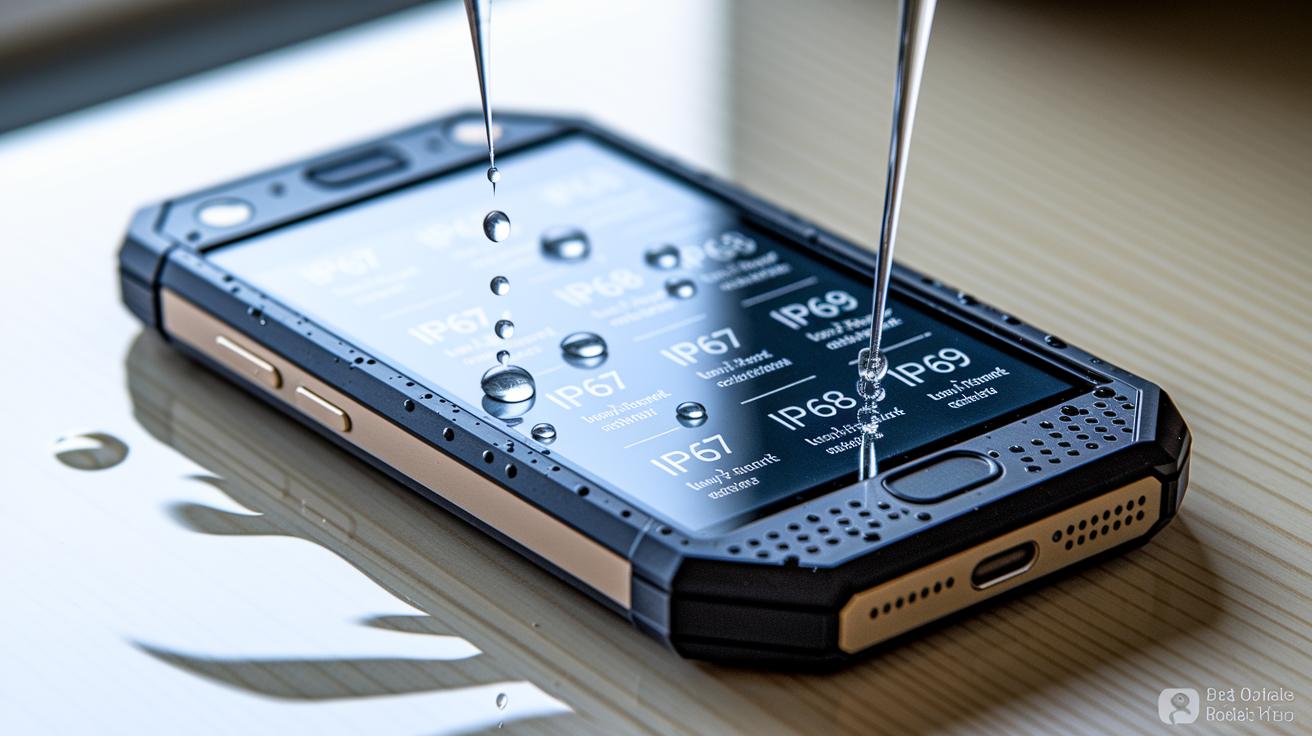
IP ratings help you quickly understand how well your smartphone can handle dust and water. The system follows IEC rules where the first number shows dust protection and the second one tells you how the gadget deals with water. For example, an IP67 rating means the phone can be dipped in fresh water up to 1 meter deep for 30 minutes under lab conditions. With an IP68 rating, the device is tested for even deeper or longer exposure, as set by the manufacturer. An IP69 rating pushes it further by using high-pressure hot-water jets to try and break it down.
| IP Rating | Test Depth | Test Duration | Real-World Warranty Implication |
|---|---|---|---|
| IP67 | 1 m | 30 minutes | May not cover water damage from uncontrolled exposures |
| IP68 | Up to 1.5 m | 30 minutes | Protection in controlled conditions; everyday spills or salt water may fall outside warranty |
| IP69 | High-pressure water jets | Varies | Tests severe water impact, though lab results might not translate to real-world use |
Keep in mind these tests are done in a lab and don't account for everyday factors like salt water, extreme temperatures, or wear over time. That means real-life water exposure might lead to damage that isn't covered by your warranty.
Warranty Exclusions for Water Damage in Your Waterproof Smartphone Warranty Guide
Manufacturers cover only genuine defects in materials and workmanship. This means that any issues caused by water exposure fall outside the warranty. For example, if you notice a change in color on the LDI sticker near your charging port, it likely shows that liquid has entered your device, and this can void the warranty.
The warranty generally does not cover damage from:
- Misuse, such as intentionally immersing the phone or improper handling.
- Normal wear and tear from everyday use.
- Exposure to chemicals from cleaning agents or other liquids.
- Impact from drops or shocks.
- Repairs or modifications done by non-certified technicians.
- Any liquid exposure beyond what is tested under controlled conditions.
- Third-party repairs or modifications that don’t follow the manufacturer’s guidelines.
Only manufacturing defects are eligible for repair or replacement. If your phone shows any moisture marks or has been altered by unauthorized personnel, you won’t receive warranty support, even if the performance issues seem similar to a production fault.
Filing a Claim in Your Waterproof Smartphone Warranty Guide
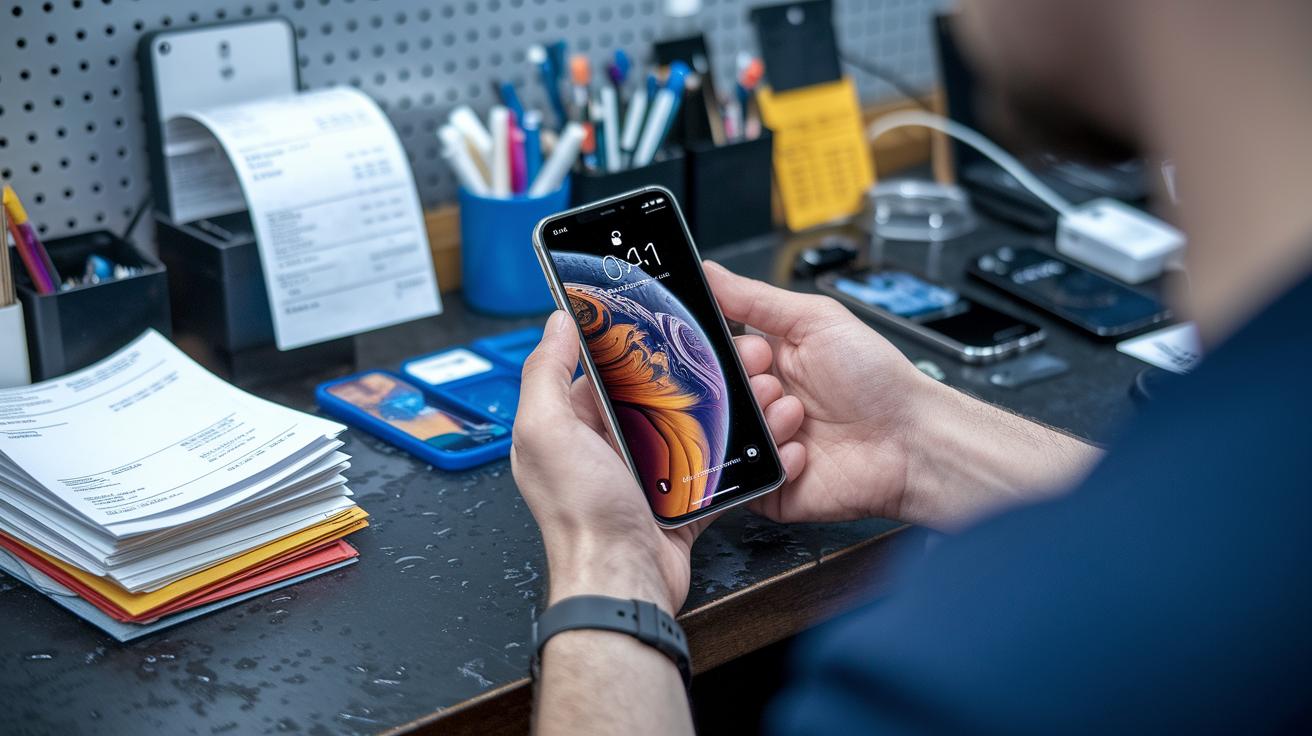
Liquid damage can be a real hassle, but following the proper steps can help you get the support you need. This guide walks you through how to file a claim and make sure every detail is covered.
- First, check your original warranty to see which kinds of damage are covered.
- Look over your device for any hints of water damage. Take clear photos that show the status of the Liquid Damage Indicator (LDI).
- Gather all your paperwork, like the purchase receipt and any service records.
- Get in touch with the manufacturer or an authorized service center to explain your situation and ask for advice on filing your claim.
- Fill out the claim form, whether online or on paper, and include as much detail as possible about what happened.
- Package your device securely and send it off for a diagnostic check so it doesn’t get further damaged during shipping.
After you submit your claim, the service center will start by reviewing your device for water-related issues. They’ll examine it for signs of corrosion and parts that may have failed because of the water exposure. Keep in mind, repairs aren’t always guaranteed, and there might be a fee for the diagnostic review. Since evaluation times can vary with the service center’s workload, staying on top of your paperwork and communication is a smart move.
Real-World Waterproof Smartphone Warranty Guide: Claim Examples
An iPhone 8 took an unexpected dip in a kitchen sink. After falling in, its Liquid Damage Indicator changed color, so the manufacturer refused any repairs under the standard warranty. The user ended up paying $199 out of pocket to fix the damaged internals. This shows that even a phone tested for water resistance can face costly repairs if a little slip turns into a big mishap.
On the other hand, a Galaxy S8 was accidentally submerged near a pool. Fortunately, the owner had invested in an extended liquid-damage plan. This extra coverage meant that both the repair work and parts replacement were handled without any unexpected bills, highlighting the real-life value of having that additional protection.
Maintenance and Prevention in Your Waterproof Smartphone Warranty Guide
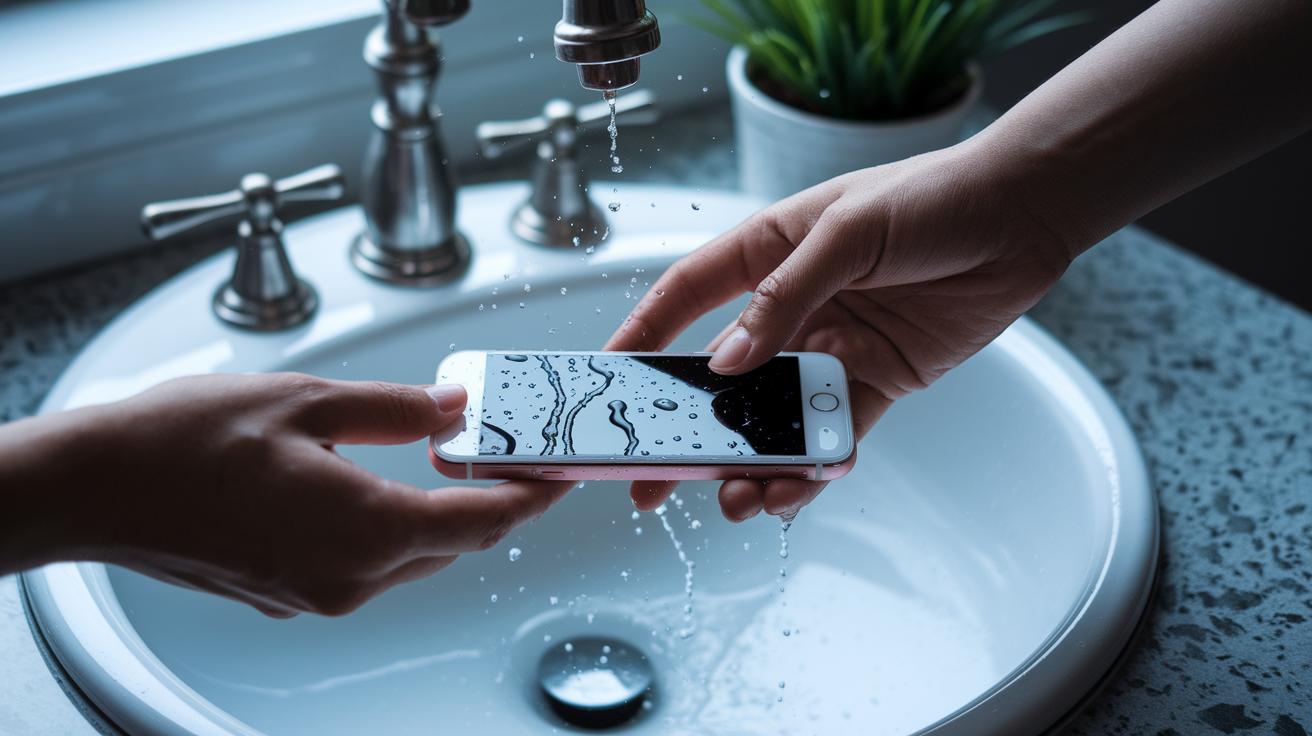
When you use a waterproof smartphone, it pays to stick to the manufacturer's instructions. Even if your phone has an excellent IP rating, it isn't built for intentional submersions or high-pressure water blasts. Remember that any use outside the tested conditions may lead to water damage that your warranty might not cover. Handle your water-resistant device gently and try to avoid unnecessary moisture.
If your phone comes into contact with salt water or any other liquid, act right away. Rinse it under fresh water to wash off the corrosive salt, and gently dry the ports with a soft cloth. Then, let your device air-dry for at least 24 hours. This waiting period helps any hidden moisture evaporate and prevents corrosion on delicate parts.
Taking a few minutes for regular checks can go a long way in protecting your device over time. Look over the seals and charging port covers for any dust or debris that could weaken their water resistance. Replace any worn protective gaskets, and always close the charging port covers when your phone is not in use. This simple routine keeps your gadget working well and gives you peace of mind, ensuring your waterproof smartphone continues to perform reliably every day.
FAQs on Waterproof Smartphone Warranty Insights
Q1: What should I do if my phone gets wet?
If your phone gets wet unexpectedly, turn it off right away, remove the SIM tray, and gently dry it with a soft cloth. Then, let it air out in a dry, ventilated area so any moisture can evaporate. If problems continue, visit an authorized service center. For example, after a light rain, I powered down my phone and placed it near an open window; the next day it worked just fine.
Q2: How does real-world water exposure differ from lab-based IP68 tests?
Lab tests use controlled fresh water at specific depths and durations. In everyday life, however, conditions like saltwater from the ocean, chlorine in pools, or temperature swings can affect your phone differently. One friend’s phone had an IP68 rating but still developed internal fogging after a swim in a chlorinated pool.
Q3: What updated warranty policies exist for water-related incidents?
Some manufacturers now offer extended protection plans that cover certain water-damage cases, while the standard warranty usually only covers manufacturing defects. It’s important to check the details because policies can vary. One tester noted that their extended plan even covered a minor spill that wouldn’t have been included under the standard warranty.
Q4: How do environmental conditions impact water resistance outside the lab?
Everyday factors like water impurities, shifting temperatures, and prolonged exposure can reduce a phone’s effective water resistance compared to lab conditions. For example, one study showed a device failing after it was exposed to warm, brackish water, underlining the differences between controlled tests and real-life use.
Final Words
In the action, we broke down manufacturer warranties, explained lab-tested IP ratings, and highlighted LDI stickers that flag liquid damage. We walked through claim procedures and real-life case studies to show what actual warranty exclusions mean. The waterproof smartphone warranty guide ties everything together, offering practical tips and clear prevention advice. This guide gives you hands-on insight, helping you evaluate your options and manage expectations when it comes to water exposure. Keep this advice in mind and stay confident in your device choices.
FAQ
What does “Waterproof smartphone warranty guide Reddit” refer to?
The query indicates discussions and advice on platforms like Reddit about warranty coverage for waterproof smartphones, where users share experiences, tips, and troubleshooting examples regarding water-related warranty claims.
What is the best waterproof smartphone warranty guide?
The best waterproof smartphone warranty guide offers clear details on what is and isn’t covered, explains IP ratings, and provides real user examples to help readers make informed choices about device warranties.
How does the Samsung waterproof smartphone warranty guide work?
A Samsung waterproof smartphone warranty guide clarifies the device’s water-resistance test results, highlights limitations in the warranty regarding liquid damage, and explains exclusion policies along with maintenance recommendations.
How do water-resistant and waterproof earbuds differ?
Water-resistant and waterproof earbuds are distinguished by how well they handle moisture. Waterproof earbuds allow for brief immersion under controlled conditions, while water-resistant ones protect against splashes and light exposure.
How does iPhone water resistance work?
iPhone water resistance works by passing lab-tests for specific depths and durations as indicated by its IP rating. However, its warranty does not cover water damage, meaning repairs may not be free if exposure occurs.
Is water damage covered under a phone warranty?
Water damage is generally not covered under a standard phone warranty. Typically, manufacturers exclude liquid damage claims unless you have purchased an extended warranty or specific liquid damage protection plan.
How long can an IP68-rated device stay underwater?
An IP68-rated device is designed to handle submersion up to 1.5 meters for around 30 minutes under controlled lab conditions. Real-world performance may differ based on usage and environmental factors.
Does the iPhone have a waterproof warranty?
The iPhone does not include a waterproof warranty. Despite its water resistance rating, standard warranties exclude damage from water exposure, meaning repairs for water damage are usually not covered.
How do you check the waterproof rating on your phone?
To check the waterproof rating on your phone, review the technical specifications provided by the manufacturer or user manual, where the IP rating, like IP67 or IP68, is clearly mentioned.