
Have you ever dropped your phone in water and felt completely lost? Quick action can often be the difference between saving your phone and dealing with long-term damage. When your device takes an unexpected swim, the very first step is to pull it out of the water, switch it off, and start drying it as soon as possible. In this guide, we share simple steps that might save your phone from ongoing problems caused by water exposure. Stick with us as we explain what to do right away and why acting fast can keep your device safe.
Immediate Response When Your Phone Is Dropped in Water
If your phone takes an unexpected swim, quick action can be a lifesaver. Here’s what you need to do right away:
- Remove your phone from the water as soon as you notice it’s been submerged.
- Turn it off immediately to prevent any electrical short circuits that speed up internal corrosion.
- Eject the SIM card, memory card, and any accessories like a case to help air reach every corner.
- Gently dry the outside with a clean cloth, being careful not to push water into any openings.
- Hold the phone with its charging port facing down to help any trapped water escape.
- Place your phone in a breezy spot, such as near an open window or a fan, to boost evaporation.
Acting quickly is key. These steps can reduce the risk of long-term damage and keep your phone running a little longer after a watery mishap.
Assessing Severity of Water Exposure on Your Phone
Knowing how well your phone can handle water starts with its Ingress Protection rating. This rating comes as two numbers: the first shows how it resists dust, and the second tells you about its water resistance. For example, many iPhone models from the 12 through 15 series sport an IP68 rating, which means they’ve been tested to stay safe in water up to 6 meters deep for 30 minutes. However, the iPhone 11 family also has an IP68 rating, though its water test was only done at 4 meters. Even with these ratings, water resistance doesn’t mean your phone can survive long dips or heavy splashes. Water on your phone speeds up corrosion because it conducts electricity and mixes with tiny impurities inside.
After any liquid exposure, keep an eye out for warning signs. If your phone won’t power up, shows strange glitches on the screen, or if the charging port and buttons start acting odd, these could indicate internal corrosion. Catching these problems early is important because quick action might help limit lasting damage.
Drying Techniques for Soaked Devices
When your phone gets wet, the way you dry it can make a big difference. Quick and proper drying helps prevent corrosion inside and stops your device from breaking down. There are several methods to choose from, each with its own pros and cons.
Smartphone makers usually recommend using a gentle airflow. Using a fan or placing your phone near an open window helps water evaporate naturally. A mini-dehumidifier, if used in a sealed bag with low warmth, can pull moisture out more quickly. While using rice or silica gel might sound like a good idea, they are far less effective and can sometimes even leave behind dust or particles. For the best results, professional drying equipment uses controlled heat and vacuum settings to safely remove moisture.
| Method | Effectiveness | Notes |
|---|---|---|
| Airflow | Good | Manufacturers recommend it; a fan or open window speeds up evaporation safely. |
| Mini-Dehumidifier | High | Sealing your phone in a bag with a mini-dehumidifier and gentle warmth pulls moisture out quickly. |
| Rice | Low | Not very effective and may introduce dust to your device. |
| Silica Gel | Moderate | Absorbs moisture better than rice, but does not work as fast as airflow. |
| Professional Drying Equipment | Best | Uses controlled heat and vacuum to remove moisture safely without added risks. |
For best results, start by letting your phone dry naturally with a fan or open window. If you can, try a mini-dehumidifier setup for extra moisture control. And if you’re seriously concerned about internal damage, professional drying equipment is the safest bet.
Evaluating When to Seek Professional Repair for Water-Impacted Phones

If you've tried drying your phone at home and it still isn't working right, it might be time to call in a pro. When you notice issues like no sound, a chargeless port, or screen glitches, it usually means water has found its way inside, causing corrosion and damage where a simple dry won't fix it.
Often, manufacturer warranties won't cover liquid damage even if your phone started out water-resistant. That fine print can leave you footing the bill. Many repair shops do offer specialized cleaning to remove corrosion, but the cost can really vary. Check with your phone insurance or protection plan, if they cover water damage, it could save you from a big repair expense.
Sometimes the repair bill might come close to or even exceed the cost of a new phone. When internal damage is severe, replacing your phone could be the smarter financial decision. Just be sure to choose a reputable repair provider who gives a clear diagnosis and transparent pricing before you make your decision.
Preventing Future Phone Drops in Water
If you're often around water, it's a smart move to upgrade your phone accessories. A water-resistant or waterproof case can be a lifesaver whether you're by the pool, at the beach, or out boating. These cases not only protect your phone from water but can also help prevent damage from accidental drops in rough conditions. Look for a case that fits snugly and meets industry standard ratings. Some even come with a built-in screen protector or sealable ports for extra security, which means your phone stays safe even during an unexpected splash.
Building good habits can also help save your phone from water damage. Try using a sealed pouch when hiking, boating, or spending time near water. Adding a lanyard or wrist strap means you'll keep your phone secure in your hand, reducing the risk of accidental drops. And if you want extra peace of mind, consider a phone insurance or protection plan that covers liquid damage. This way, you can enjoy your outdoor adventures without constantly worrying about spills or splashes.
Understanding IP Ratings and Waterproof Limits for Smartphones
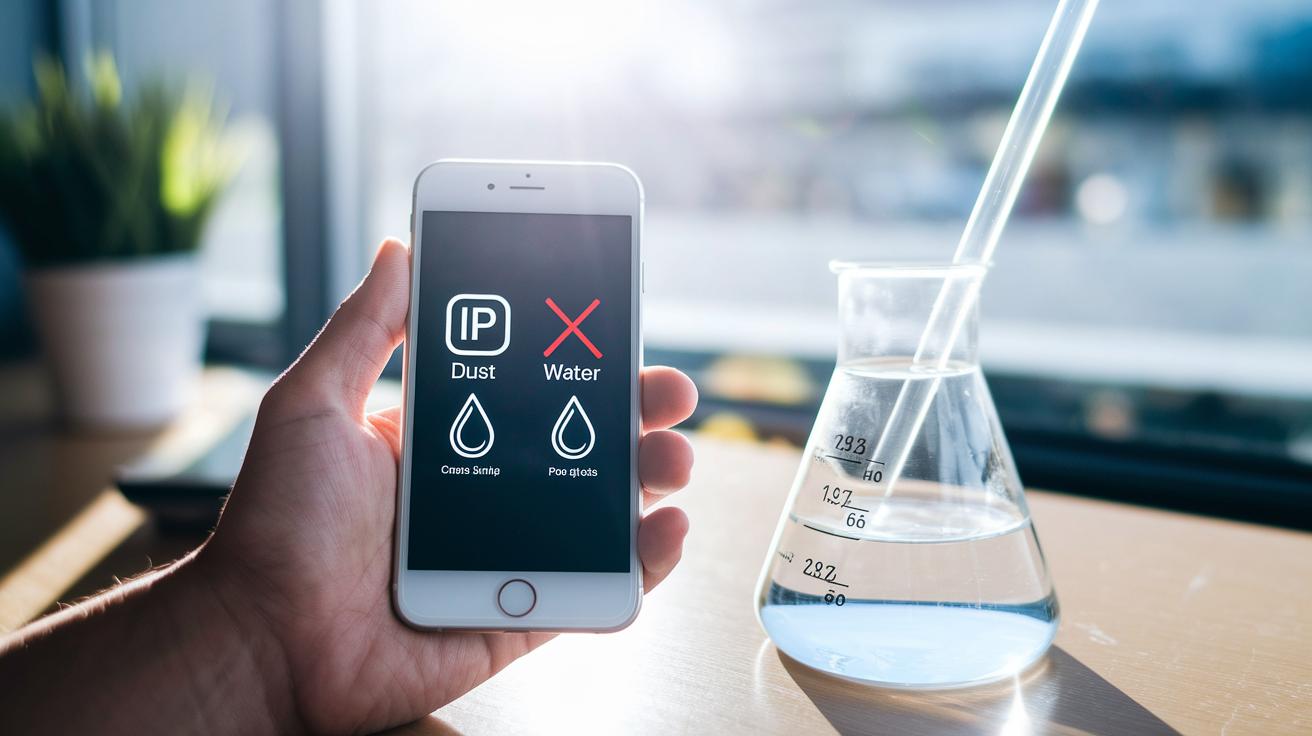
IP ratings come as two numbers: the first shows how well a device keeps dust out, and the second shows its water resistance. Remember, water-resistant is not the same as waterproof. The second number tells you how much water the phone can handle during specific tests.
Take an IP67 device, for example. It is tested for brief splashes or accidental spills. On the other hand, an IP68-rated phone is put through a tougher test that involves being submerged in water up to 3 feet deep, sometimes even in water between 4 and 6 meters for 30 minutes. Think about dropping your phone into a small puddle, that’s the kind of situation these tests try to mimic.
Even if a phone has a high rating, long or repeated exposure to water can weaken its seals over time. This may eventually lead to internal corrosion or make the phone work less well. So while a quick splash is usually not a big deal, long-term water exposure isn’t covered by these tests.
Final Words
In the action, this post walks you through immediate steps after a phone dropped in water incident. It breaks down how to act fast, from powering off to drying techniques that protect your device.
We covered assessing water exposure severity, when to consider professional repair, and ways to prevent future mishaps.
Each step is designed to help you limit damage and get the most life out of your technology. Quick, practical actions make all the difference, leaving you confident and ready for your next tech experience.
FAQ
What should I do immediately if my phone falls in water?
The immediate steps for a water-dropped phone include removing it from the liquid, powering it off, detaching accessories like SIM cards, gently wiping it, tapping to expel water, and allowing moderate airflow to dry.
How long should I let my phone dry after being exposed to water?
The drying period for a soaked phone should be at least 24 hours to ensure moisture evaporates fully. Quick methods like rice are less effective, so using airflow or a dehumidifier is preferable.
Can a phone remain functional after being dropped in water?
A phone can still work after brief water exposure, but hidden damage like corrosion may occur over time. Watch for issues such as unresponsive controls or distorted speaker audio and act accordingly.
What should I do if water gets into my phone speaker?
If moisture reaches the phone speaker, carefully dry the affected area with a clean cloth and allow better airflow. Persisting audio issues may require professional help to address internal moisture.
Is the rice method effective for drying a water-dropped phone?
The rice method is not highly effective. While it might absorb some moisture, controlled airflow or a mini-dehumidifier works better to remove residual water without introducing dust.