
Ever wondered if your phone’s waterproof rating actually means it can handle a dip? Here’s a simple, at-home test you can try. First, give your phone a close look, just like you’d check your car for scratches. Then, if everything looks good, take the next step: safely submerge it in fresh water. By following these clear and easy steps, you can see if your phone truly stands up to its water-resistant promise. It's a quick, hands-on check that lets you know whether your device is really ready to take on a splash.
Step-by-Step Guide to Testing Smartphone Waterproof Performance
Before you dive in, make sure you have all your gear ready. Grab a container full of fresh water, a timer, a clean towel, a pair of disposable gloves, and a soft brush for cleaning. Always stick to fresh water because salt, chlorine, or hot water can mess up your phone's seals.
Follow these steps for a safe at-home waterproof test:
-
Visual Inspection
Check the phone's outer shell for any cracks or dents, especially around the ports and screen. Think of it like giving your car a quick look-over for scratches. If everything looks good, you’re ready to move on. -
Pre-Test Accessory Removal
Take off any cases, unplug cables, and remove the SIM tray. Accessories can trap moisture and interfere with the water seals, so it's best to test the phone on its own. -
Controlled Submersion
Gently lower your phone into the container up to the depth recommended by the manufacturer (for instance, IP68-rated phones are tested at up to 1.5 meters in fresh water). Let it stay submerged for 30 minutes, using your timer to keep track of the time. -
Pressure Equalization Check
While the phone is underwater, keep an eye out for any unusual bubbles or signs of pressure changes. These could indicate that the seals are not holding up as they should. -
Post-Test Inspection
Remove the phone carefully from the water, dry it off thoroughly with your towel, and inspect it again for any signs of moisture, particularly near buttons or ports.
After you complete these steps, jot down any changes you notice in the phone’s look or performance. Once you’re done documenting, reattach any accessories and get your phone ready for everyday use.
How IP Ratings Define Smartphone Waterproof Capabilities
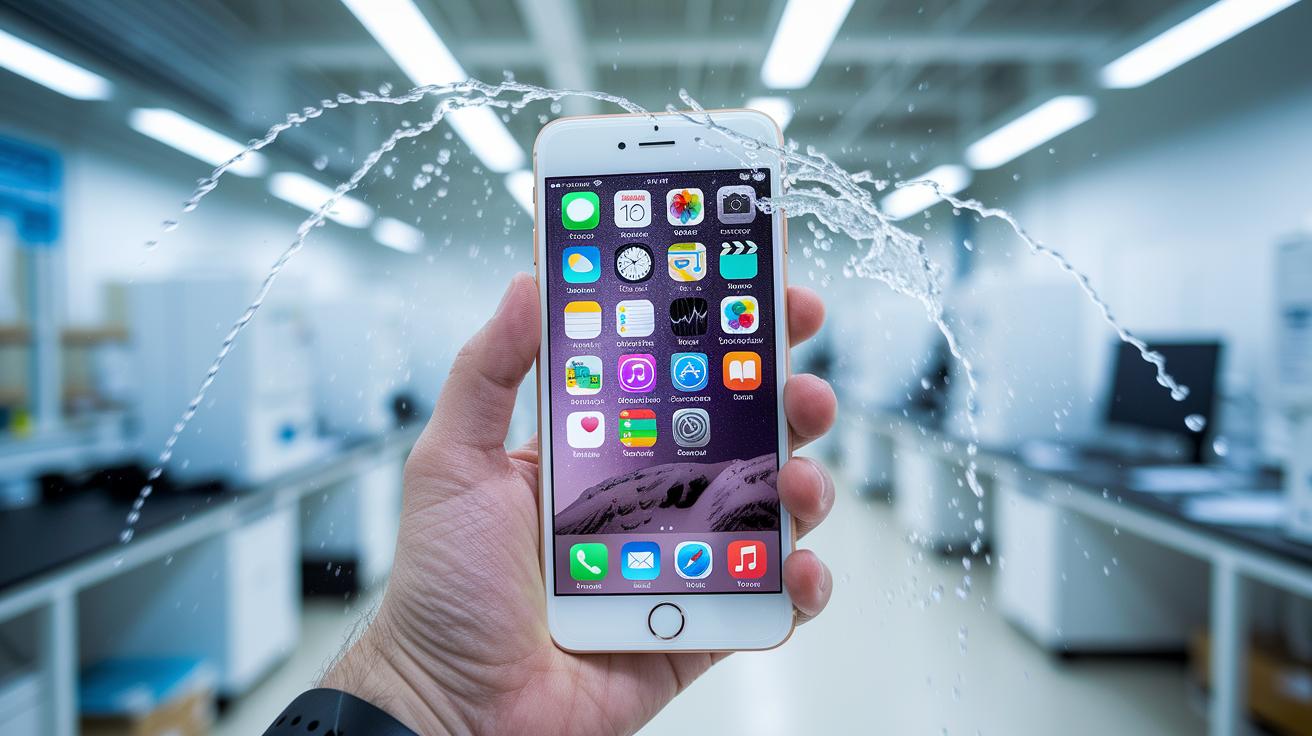
When you see an IP rating on a phone, it's a quick way to tell how well the device can handle dust and water. The first number measures dust resistance, while the second shows water protection. For instance, IP67 means the phone can handle being submerged in up to 1 meter of water for 30 minutes. In real life, this means it can survive a quick splash or accidental drop in a puddle without immediate damage.
An IP68 rating takes it further. Devices with this marking are tested to withstand immersion in 1.5 meters of fresh water for 30 minutes under strict lab conditions. While these tests provide a benchmark, everyday splashes or unplanned exposures might not match the controlled environment of a lab.
For phones rated IP69, the testing involves high-pressure water jets that mimic heavy rain or water blasting. Just remember that some manufacturers might call a phone water-resistant even if it only meets basic splash test standards. Always check the specific IP rating to know exactly how much protection you get.
Safety Precautions and Risks in Waterproof Smartphone Testing
Before you start testing, look over your phone for any signs of damage like cracks, dents, or chips, especially around the ports and screen. Studies show that even small damage can increase the chance of water issues by 10%. A quick check might reveal cracks that could let water bypass its protective barriers.
Stick to using fresh water during tests. Salt water, chlorinated water, or hot water can upset the seals and speed up wear, putting your phone at greater risk. Using these types of water might also void your warranty if they cause damage.
Take a moment to review your warranty conditions. Research tells us that nearly 15% of water damage claims come from unauthorized testing, and manufacturers usually will not cover damage caused during DIY tests.
After each test, dry your phone with a clean towel and take another look at the connectors and ports. Drying it quickly stops water from settling in and causing long-term harm.
| Expert Tip | Why It Matters |
|---|---|
| Document each test | Tracking changes over time helps identify recurring issues |
| Double-check for cracks | Avoids surprises, minor damage can lead to a 10% higher failure rate |
Alternative Methods for Verifying Waterproof Smartphone Integrity
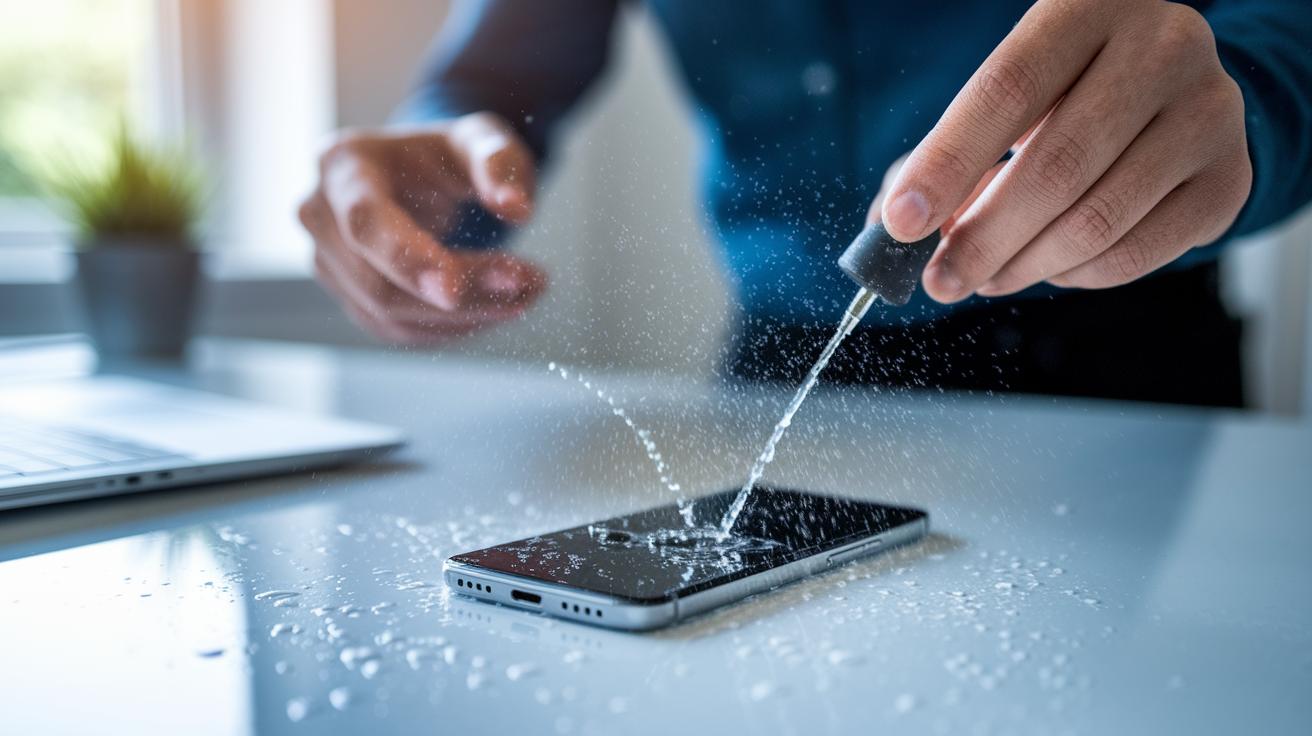
You don't need to dunk your smartphone completely in water to see if it's truly waterproof. Instead, you can use a pressure sensor app that tracks tiny changes when water comes in contact with your device. For example, open a barometer-based app, give your phone a light spray, and watch for even a small shift in the pressure reading. A noticeable change might signal that water has started to sneak past the seals.
You can also try a few simple manual methods that are just as effective. One approach is to gently blow around the port covers, either with your breath or a small air pump, and listen for a soft hissing sound. That little hiss could be a clue that water is getting through the seals. Another trick is to tuck a moisture-absorbing paper strip into one of the phone's sealed areas. After a few minutes, if the strip has changed color, it means some water droplets have managed to get inside, even without fully submerging your device.
These gentle, drop-test techniques and hands-on checks let you confirm your phone’s water resistance without risking expensive damage or voiding your warranty. Each method gives you a bit of insight into your device’s integrity, helping you monitor its performance with peace of mind.
Final Words
In the action, we walked through step-by-step instructions for safely testing your device's water resistance. We covered the tools you need, a clear sequence for testing, and real tips on avoiding damage. We also broke down IP ratings and highlighted best practices to reduce risks. The guide offers practical advice, from simple dry checks to app-based pressure tests, so you feel confident in your approach. Use this guide to know exactly how to test a waterproof smartphone and make smart choices with your tech.
FAQ
Is my phone waterproof (Samsung, iPhone 15, iPhone 13, iPhone 11, iPhone 14)?
Determining if your phone is waterproof means checking its water resistance rating. Many current Samsung phones and iPhones carry an IP67 or IP68 rating, indicating they can handle brief water exposure.
How do I check if my phone is still waterproof?
Checking if your phone remains waterproof involves inspecting for water damage and seal integrity around ports and screens while comparing its current condition with the manufacturer’s water resistance specifications.
How to test if a phone is waterproof?
Testing a phone’s waterproof performance involves a controlled process: start with a visual inspection, remove accessories, submerge in fresh water under safe conditions, and perform a careful post-test examination.
How can I test my phone for water damage?
Testing for water damage can be done by checking for moisture inside ports or using a barometer sensor app to detect pressure changes, which may indicate water ingress compromising seals.
How do you test if something is waterproof?
Testing an item’s waterproof status involves using standardized water resistance testers or controlled water exposure techniques to simulate real conditions while ensuring the item remains unaffected by moisture.