
Have you ever noticed your high-end phone starting out super fast but then gradually feeling slow? Even the best smartphones can get bogged down by too many apps and background tasks over time. We’ve found that a few simple weekly tune-ups can help keep your device running smoothly, like when you first unboxed it. In this post, we’ll share some practical ways to boost your phone’s speed and extend its life, so you can keep up with your daily tasks without any lag.
Achieving Peak Performance for Flagship Smartphones
Flagship smartphones promise top-notch speed and quick responses from the get-go. But as you use them more, juggling heavy apps, running multiple background processes, or dealing with extreme temperatures, they can slow down over time. A simple weekly tune-up can keep your device running as fast as the day you bought it.
- Restart weekly: Give your phone a quick reboot each week to clear out temporary files and free up memory.
- Close background apps: Shut down apps you’re not using to save RAM and battery life.
- Disable unused features: Turn off Wi-Fi, Bluetooth, and location services when you don’t need them to avoid wasting resources.
- Adjust animation scales: Lower the animation speeds in developer settings to ease the load on your processor.
- Manage resource allocation: Use built-in tools or tweak settings to prioritize apps that matter most over those you rarely use.
Taking these steps not only helps restore your phone’s original performance but also extends its lifespan. It’s a practical way to protect your investment and enjoy smoother, more efficient daily use.
Mastering Battery Longevity and Efficient Power Management
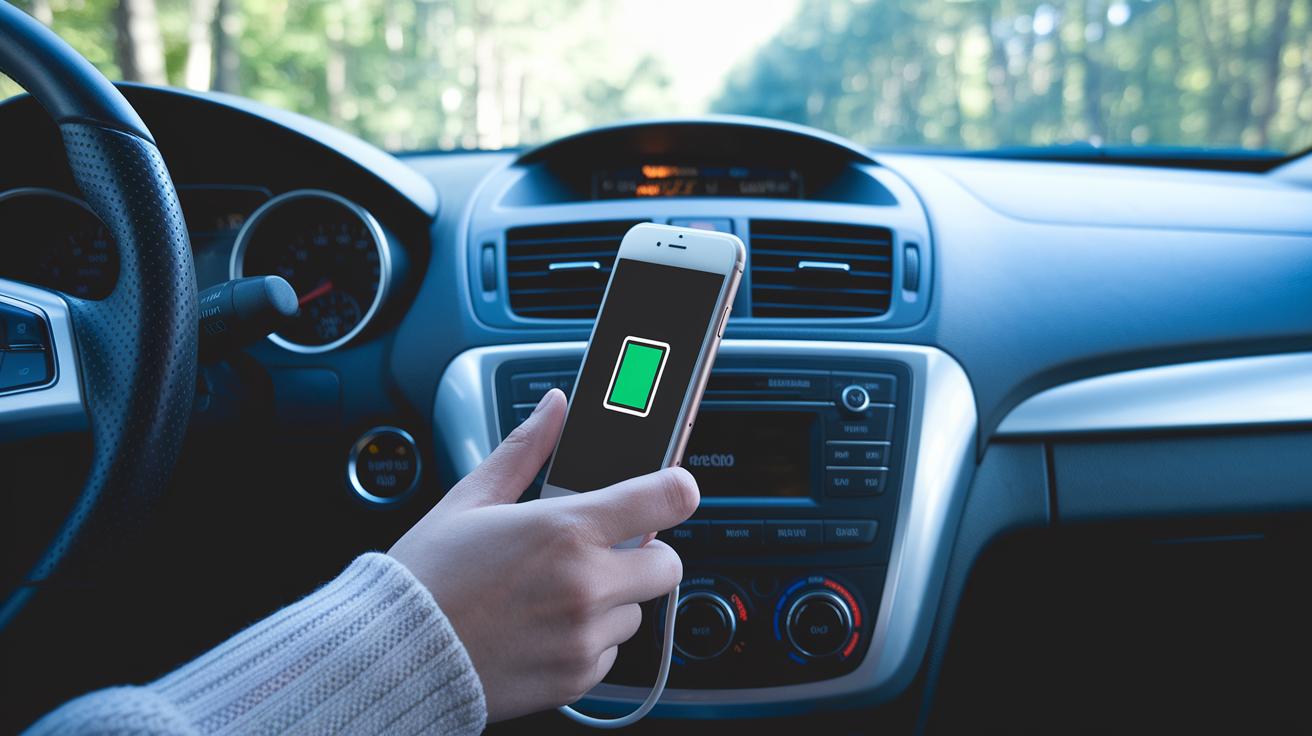
Taking good care of your phone’s battery starts with smart charging. A handy trick is to plug in when you hit about 20% and unplug around 80%. This 20-80 rule really helps, and avoiding extreme temperatures – like charging in direct sunlight or in a very cold car – keeps your battery healthier over time.
Using built-in power-saving modes is another simple way to extend battery life. Most smartphones switch to energy-saving settings automatically when the battery is low, which helps cut back on needless power use. Turning off features like Wi-Fi, Bluetooth, and location services when you don’t need them can also make a big difference. Here are four practical tips to put these ideas into action:
- Set battery alerts at 20% and 80% to remind you when to charge and unplug.
- Activate energy-saving mode once your battery begins to drop.
- Use adaptive brightness to help manage power use more evenly.
- Charge during off-peak times to reduce heat buildup and stress on the battery.
Streamlining Storage and Memory: Optimizing Space for Speed
When your device gets cluttered with files and unused apps, its performance can suffer. A packed phone not only runs slower but also drains both the battery and memory as it struggles to manage extra background tasks. Old documents, unneeded apps, and a flood of photos can bog down your system, causing annoying delays and reduced efficiency.
- Remove large files you no longer need.
- Use built-in cleanup tools to erase junk automatically.
- Back up photos and videos to the cloud to free up space.
- Clear each app's cache via Settings to recover storage.
- Uninstall apps you seldom use to cut down on background processes.
- Move apps to an SD card when possible to preserve internal memory.
Regularly checking your device every few weeks can catch storage issues before they slow you down, helping your smartphone stay quick and responsive when you need it most.
Scheduling Updates and Firmware Upgrades for Stable Operation
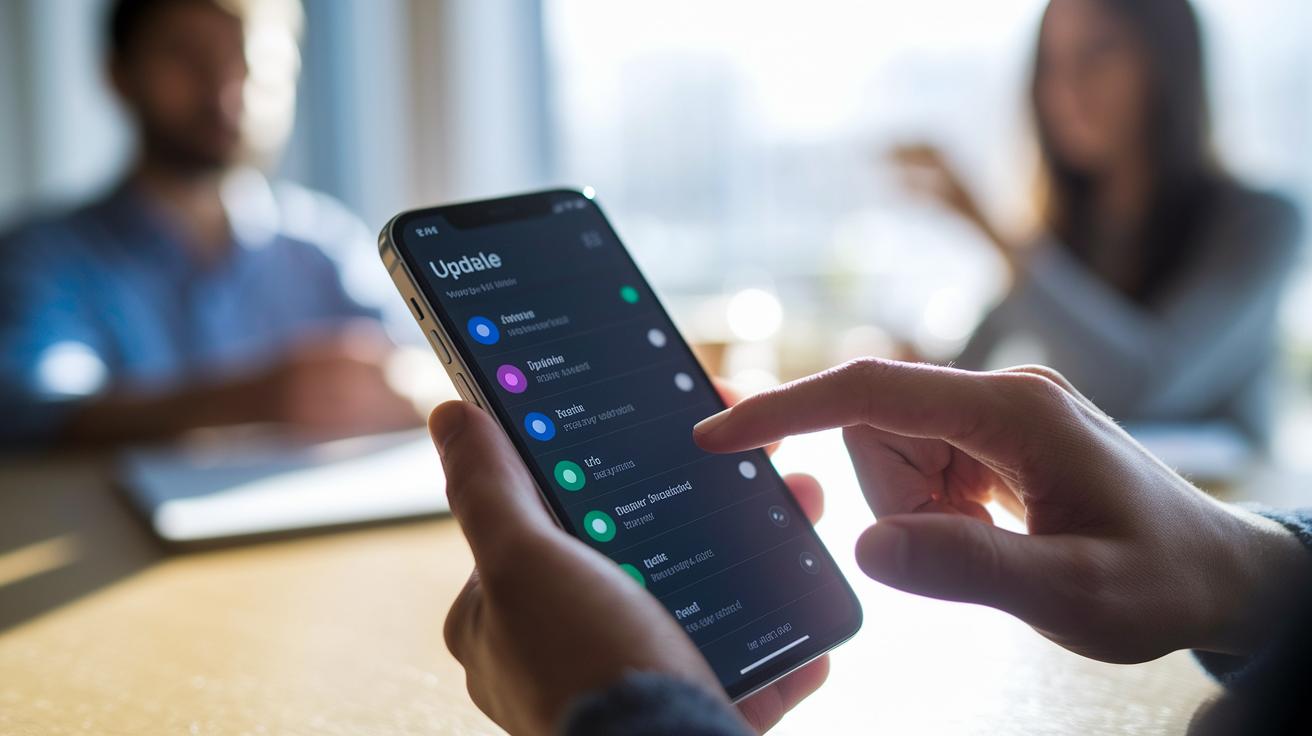
Keeping your smartphone updated is key to protecting it from threats and bugs while unlocking handy new features. Regular updates bring security fixes and performance boosts that help your device run smoothly every day. It only takes a quick weekly check in Settings > System > Software Update to catch these valuable enhancements.
- Open your update settings to see if new firmware is available.
- Back up your data before you start so that your important files are safe.
- Install updates overnight while connected to Wi-Fi to minimize interruptions and avoid extra data charges.
- After the update, check the firmware version to ensure everything went as planned.
Turning on automatic updates when possible can save you time and keep your device at its best with little extra effort.
Physical Cleaning, Cooling, and Component Care for Longevity
Keeping your smartphone clean is a simple habit that really pays off. Wipe down your screen, body, and case with a soft, lint-free cloth to remove fingerprints and dirt. This practice not only makes your device look better but also helps keep sensors and ports clear of debris.
Treat your smartphone with care by avoiding direct sunlight, hot cars, and other heat sources that can stress its internals. Hold it securely to cut down on accidental drops and check ports regularly for any dust buildup that might interfere with connectivity.
| Tip | Action |
|---|---|
| Clear Ports | Blow out dust and lint |
| Lens Care | Gently polish the camera lens for clear pictures |
| Case Replacement | Swap out old cases that no longer offer good protection |
| Avoid Liquids | Keep your device away from moisture |
| Touch Check | Test the screen response now and then |
A seasonal deep-clean routine, where you carefully inspect and clean every component, can go a long way in keeping your smartphone running smoothly over the long haul.
Strengthening Security, Diagnostics, and Repair Strategies

Keeping your smartphone safe and running smoothly takes more than just a strong password. Using features like fingerprint or face locks together with two-factor authentication helps protect your personal data from outside threats. Checking your phone’s health with built-in apps or special codes can spot issues with your battery, sensors, or speakers before they become a problem. Simple fixes like rebooting or toggling airplane mode can clear minor glitches and keep your device operating at its best.
Here are some practical steps:
- Enable two-factor authentication on your important accounts for extra security.
- Run the health-check tools in your Settings to quickly find any battery or sensor issues.
- Perform soft resets regularly to clear small glitches and recover from minor crashes.
- Test your network connection using built-in diagnostics or manual checks to ensure a solid signal.
- Choose repair shops carefully by opting for verified service providers instead of bargain options that might use substandard parts.
Regular security and diagnostic checks not only keep your phone performing well but also give you peace of mind by catching issues early.
Final Words
in the action, we broke down practical steps that refresh and fine-tune your device. We shared quick lists and real-world tweaks, from OS adjustments to battery care, that help maintain everyday speed.
Regular cleaning, smart power choices, and timely updates all add up. Follow these flagship smartphone optimization and maintenance tips to keep your tech running smoother and lasting longer. Keep experimenting with these habits, and enjoy a device that stays as responsive as the day you got it.
FAQ
How to make your phone battery last longer on Android and Samsung devices?
The phone battery lasts longer by using proper charging habits, managing brightness, disabling unused features, and closing background apps. These steps help conserve power on Android and Samsung devices.
How to make your phone run faster using Android Developer Options?
The phone runs faster by adjusting Developer Options like reducing animation scales, limiting background processes, and scheduling regular restarts for improved system responsiveness.
How to store a phone for a long time?
The phone stays in good condition when stored by powering off, keeping the battery near 50%, and placing it in a cool, dry area away from extreme temperatures.
How to keep your phone on continuously?
The phone stays active by adjusting sleep settings, disabling auto-lock, and ensuring energy-saving modes do not cut power, allowing extended use when needed.
Can a smartphone last 10 years?
A smartphone lasts 10 years with proper care, including routine maintenance, good charging habits, frequent software updates, and careful handling to mitigate gradual performance fade.