
Have you ever wondered if your smartphone camera software is really making your photos look amazing? Apps like Lightroom and Snapseed pack in built-in editing tools and manual settings that let you fine-tune every shot. In this review, we compare top camera apps that aim to take your photos to the next level. We’ll show you how each app lets you boost colors, adjust brightness, and transform everyday images into art. Even a simple tweak can make a noticeable difference in your results.
Feature Overview in Comparing Smartphone Camera Software
When it comes to smartphone camera apps, many blend manual settings with built-in editing tools to boost your photo quality. For example, Lightroom impresses with a full range of mobile photo and video editing features that let you fine-tune colors and contrast for a polished look. It’s pretty amazing to think that professionals once needed bulky gear just to edit photos, now a single app can turn a regular snap into a work of art.
Snapseed is another standout, packing over 25 tools such as cropping, rotation, object removal, and even RAW file support. It also includes fun filters like Vintage, Drama, and Grunge, giving both beginners and seasoned editors plenty of ways to experiment and perfect their images without complicated setups.
VSCO offers a different vibe with more than 200 presets that let you quickly give your photos a distinct style. Its simple, tap-based approach means you can enhance your images without getting lost in endless manual tweaks.
Camera+ steps it up by offering separate focus and exposure points along with an exposure lock, which gives you more control over your shots. In a similar way, ProShot delivers full manual control over ISO, shutter speed, and exposure settings, and it works well on iOS, Android, and Windows platforms.
- Manual controls: Adjust exposure, focus, and ISO settings
- Built-in editing tools: Crop, rotate, and remove unwanted objects
- Preset options: Over 200 creative filters available with VSCO
Altogether, these apps cover a wide range of features. Whether you’re a casual snapper or a creative enthusiast looking for in-depth editing options, there’s something here that fits your needs perfectly.
Algorithm Performance and Image Processing in Smartphone Camera Software
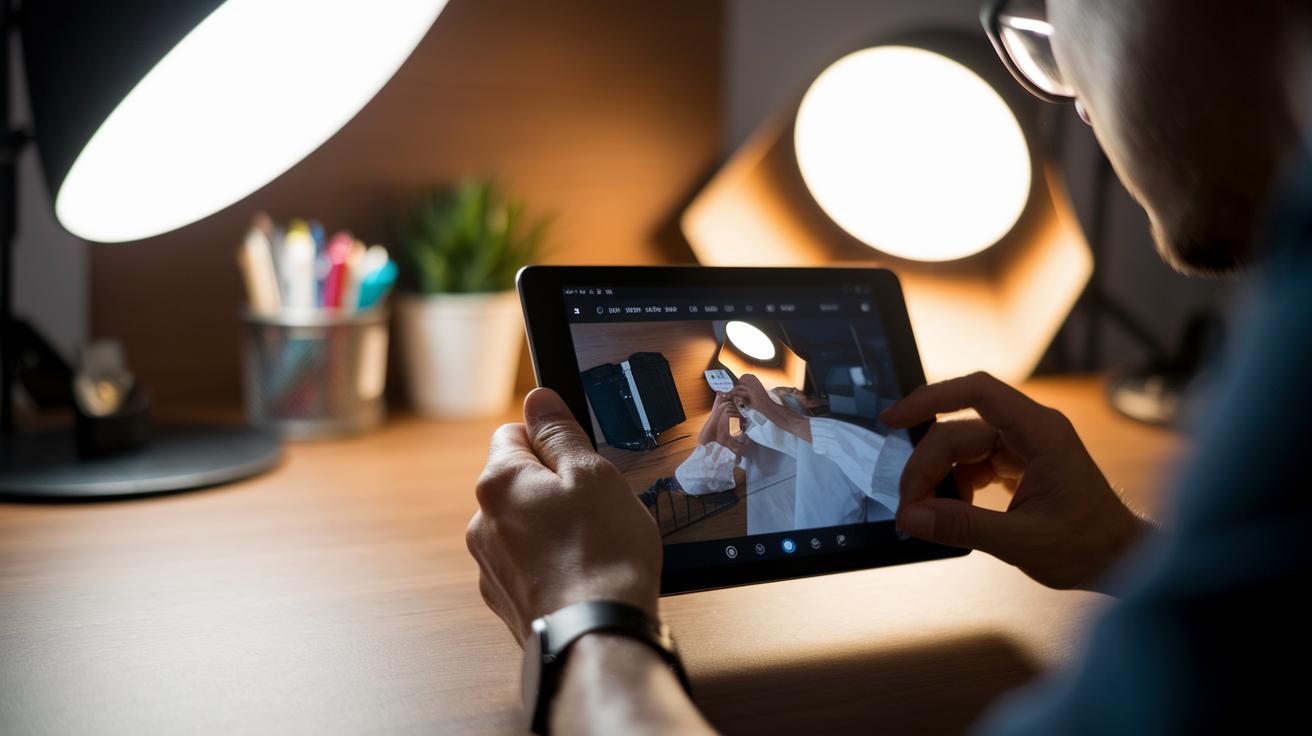
Snapseed offers a flexible approach with its contrast, exposure, grunge, and HDR filters. You can pick specific areas in your photo for adjustments, which means you can enhance parts of the image without messing up the overall balance. For example, its HDR merge feature combines several shots to bring out details in both dark and light areas.
VSCO works a bit differently by using AI-powered presets. This smart tweak basically acts like an automatic dial that adjusts exposure and saturation so your images come out vibrant with very little effort.
Camera+ uses smart tone mapping to keep colors true even under tricky lighting. It examines different parts of your photo and adjusts bright and dark areas separately, which helps retain natural skin tones and fine textures, ideal for scenes with uneven lighting.
Halide Mark II focuses on adding depth using a technique called focus stacking. It captures several images at different focus points and merges them together, resulting in sharper photos with a creative depth-of-field. This is especially useful for close-up or portrait shots.
ProShot makes real-time adjustments easier by showing you a histogram and zebra overlays. These features give you immediate feedback on exposure, so you can make quick changes when shooting in fast-moving environments. It also carefully reduces digital noise to keep details intact even when you use high ISO settings.
All these smart algorithms not only boost image quality but also affect how fast your device processes photos and handles different lighting conditions. This matters whether you're just snapping casual pics or you need precise control for more creative photography.
Low-Light and Stabilization Performance in Smartphone Camera Software
Smartphone cameras have come a long way. In today's devices, low-light modes and stabilization settings can be the difference between an average photo and one you'll really remember. For example, ProShot lets you adjust ISO (a measure of the camera's light sensitivity) and exposure manually, so you can keep the shutter open for up to 10 seconds. This means you can capture rich, detailed images even in very dark conditions.
Halide Mark II works much the same way, offering long exposure modes that pull in as much available light as possible while keeping details sharp. On Android, Open Camera stands out with a Night mode that takes several quick shots and blends them together. This frame-stacking method cuts down on noise and makes your low-light photos look clearer.
By contrast, apps like VSCO and Snapseed do not include dedicated stabilization features. Instead, they offer shake reduction tools that help smooth out your shots after you've taken them.
Video stabilization is also very important when recording in low light. In apps such as Open Camera and Lightroom, electronic image stabilization (EIS, a software method that steadies video) keeps footage smooth at 1080p. However, if you're capturing fast or sudden movements in dim light, you might notice a bit of lag and less refined smoothing.
- Longer exposures enhance details.
- EIS keeps your 1080p videos steady.
These features make it easy to snap stunning low-light photos every day.
User Interface and Customization in Smartphone Camera Software

Snapseed organizes its editing tools by grouping similar functions, so you can jump from one feature to another quickly and without feeling swamped. Lightroom, on the other hand, puts its sliders and graphs right where your thumb can reach them, making your adjustments feel smooth and natural.
Both apps make simplicity a priority while giving you plenty of options to edit your photos. ProShot and Camera+ take it a step further by separating focus taps from exposure taps. This clear split lets you set up custom presets easily. You can save your favorite settings for quick reuse, which is great when you need to snap a shot without wasting time digging through menus.
Open Camera offers tons of settings with many toggles. However, its design isn’t as polished, and you might have to tap more times to change modes. When every second counts, extra taps can slow you down.
| App | Design Feature |
|---|---|
| Snapseed | Function-focused layout |
| Lightroom | Thumb-access sliders and graphs |
| ProShot/Camera+ | Custom presets with separate focus and exposure taps |
| Open Camera | Many toggles but extra taps needed |
In the end, your choice of app can shape how quickly and easily you access key modes. A fluid, responsive design makes a big difference when you’re out capturing the perfect shot.
Specialized Modes Comparison in Smartphone Camera Software
If you're using Portrait modes in Camera+ or ProShot, you can adjust the background blur to craft the exact look you want. This lets you highlight your subject while gently softening any distracting background details. It's a great option when you want total control over your portrait style.
Snapseed takes a different approach by automatically detecting the scene and applying the best color adjustments for you. This smart, one-touch method works well if you prefer quick, hassle-free results while still getting vibrant images.
Halide Mark II is all about capturing intricate depth details using focus stacking. This technique enhances the clarity of depth in your photos. Just note that it doesn't offer an automatic blur effect, so you'll need to set it manually if you prefer that artistic touch. This might suit those who want real depth data rather than immediate results.
Open Camera, on the other hand, experiments with multi-frame stitching to produce ultra-high-resolution images. By merging several frames, it delivers an extra level of sharpness and detail that works nicely for landscapes or architectural shots.
Each of these specialized modes brings its own set of strengths. Whether you need manual control for portraits, smart auto-adjustments, precise depth mapping, or experimental high-resolution options, there's a mode to match your creative style and shooting needs.
Video Recording and Real-Time Performance in Smartphone Camera Software
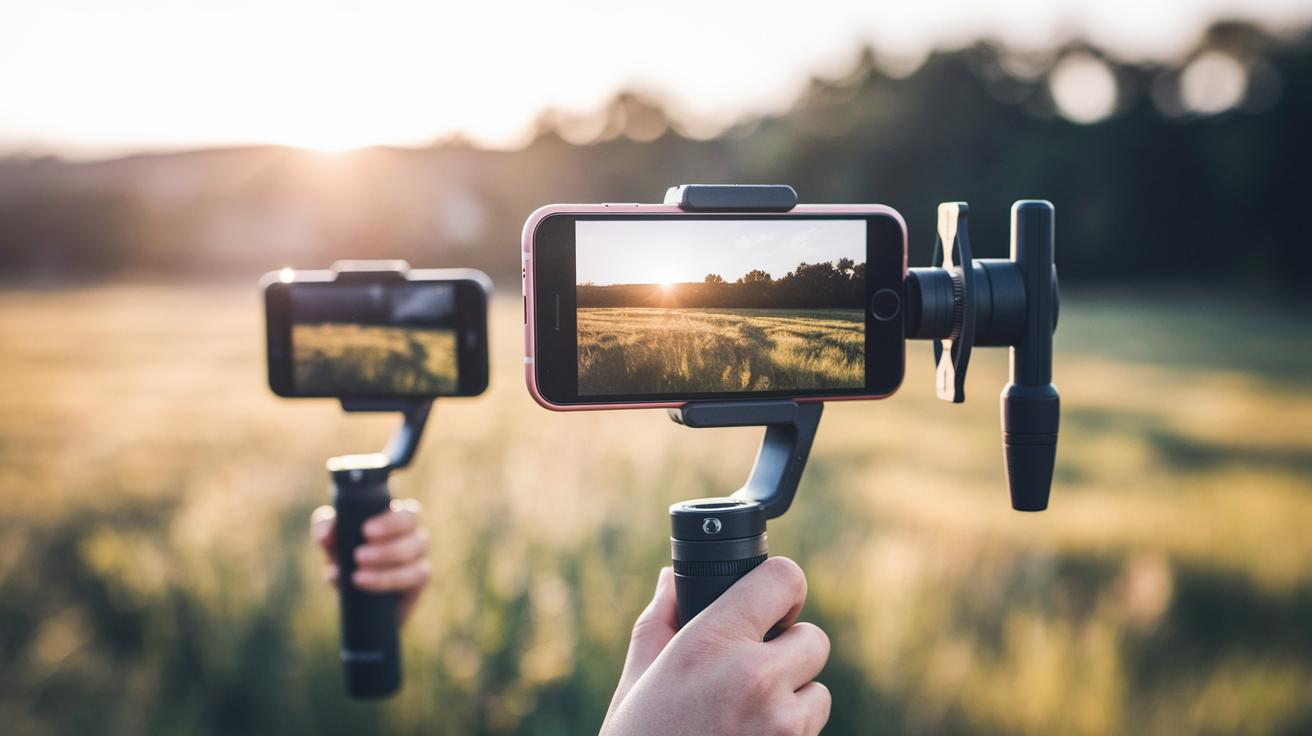
Lightroom mobile can shoot video up to 4K30, but it doesn’t offer built-in stabilization. This means you may need to hold your phone extra steady to avoid shaky footage. If you need smoother video, try ProShot or Open Camera. They record at 1080p60 and include electronic image stabilization (EIS) to keep your shots steady during movement.
VSCO is known for its real-time color filters. When you record dynamic scenes, you might notice a brief lag before the filter catches up with the changing light. While this adds a creative touch, it may not be as smooth as apps that focus only on stable video capture.
Halide Mark II is a different story. It focuses on taking still images with advanced depth features and doesn’t support full video recording beyond preview mode. The choice really depends on what matters more to you: quick, stable video recording or detailed still image capture.
Software Updates and Future Trends in Comparing Smartphone Camera Software
Smartphone cameras keep getting better with regular firmware updates that add useful features and improve performance. For example, Halide’s v2.0 OTA update brought in a smart Night Mode that uses the phone's own neural engine to brighten up photos taken in low light. This shows that software changes can bring advanced processing without needing any new hardware.
Manufacturers like Pixel also roll out firmware patches that improve HDR+ merging and refine real-time portrait masks. These updates not only fix bugs but also enhance dynamic range and color accuracy, which is key for photographers working in different lighting conditions.
Looking ahead, trends in mobile imaging include cloud-assisted editing, where photos are enhanced using remote computing power, taking some of the load off the phone. Embedded neural accelerators now support multi-frame capture, letting devices combine several shots into one detailed image. Apps like ProShot and Lightroom roll out monthly updates that steadily improve image processing and offer new creative options.
Key improvements from recent updates include:
| Feature | Description |
|---|---|
| HDR Merging | Balanced exposure for better detail |
| Real-Time Portrait Masking | More natural skin tones and accurate outlines |
| Neural Engine Integration | Advanced low-light modes powered on-device |
All in all, steady, well-thought-out software updates are transforming smartphone cameras. These improvements pave the way for smarter, AI-driven photography that really makes a difference in everyday use.
Final Words
In the action, our review broke down manual settings, algorithm acumen, and low-light performance. We compared user-friendly interfaces, specialized modes, and video recording clarity, then wrapped up with thoughts on software updates and future trends.
This article on comparing smartphone camera software offers practical insight from real testing. We hope these findings help you zero in on the right choice for your specific needs. Enjoy capturing your world with confidence!
FAQ
How do I compare smartphone camera software?
Comparing smartphone camera software means looking at manual controls, editing tools, filter options, and low-light performance. It also involves checking UI design and image processing features like HDR and noise reduction.
Which camera apps are top for Android photography?
Top Android apps include Pixel Camera, ProShot, HedgeCam 2, Open Camera, VSCO, and Snapseed. These apps offer free and professional options with features such as manual settings, built‑in editors, and extensive filter presets.
How do I determine a smartphone camera’s quality?
Determining camera quality involves assessing exposure accuracy, noise control, dynamic range, and stabilization. Testing real-world performance alongside technical specs helps indicate which camera app produces the best images.
Which software is best for professional mobile photography?
Professional mobile photography benefits from apps like ProShot, which provide full manual controls for exposure, ISO, and shutter speed, along with detailed real‑time feedback and advanced processing features for more precise image results.