
Ever wonder why even waterproof smartphones struggle with a little splash? Even devices with top water protection ratings can suffer when exposed to everyday liquids like saltwater or pool water. For instance, you may notice screen glitches, slow touch response, or charging issues after a small spill. Even trusted phones such as the iPhone 8 can show inconsistent performance after minor mishaps. In this post, we cover common problems and offer simple fixes so you can keep your device running reliably. Get ready for practical insights that help you handle real-life spills without the stress.
Identifying Common Waterproof Smartphone Issues
Water damage in smartphones often shows up with sudden screen glitches, touchscreens that don’t respond, intermittent charging, or even strange audio behavior. Even premium models known for their water resistance can act up if a bit of liquid gets inside. For instance, the iPhone 8, which many trust for its water resistance, has had issues like slippery screens and charging problems after minor splashes.
Manufacturers rely on rubber gaskets, adhesives, nano-coatings, and silicone layers to protect interior parts. These methods work well for brief, accidental splashes, but they aren’t built for long or heavy exposure to water. Tests are done with clean, still water in controlled lab settings. In real life, liquids such as saltwater or chlorinated water can be tougher on your device. Even a small drop or some wear over time can weaken these barriers.
This is why water damage remains a common problem. Even though a phone may have a water-resistant rating, that rating is based on lab tests and might not cover everyday accidents like spills or exposure to corrosive liquids. It’s a reminder to handle devices with care regardless of their water resistance claims.
Misleading IP Ratings and Waterproof Smartphone Issues
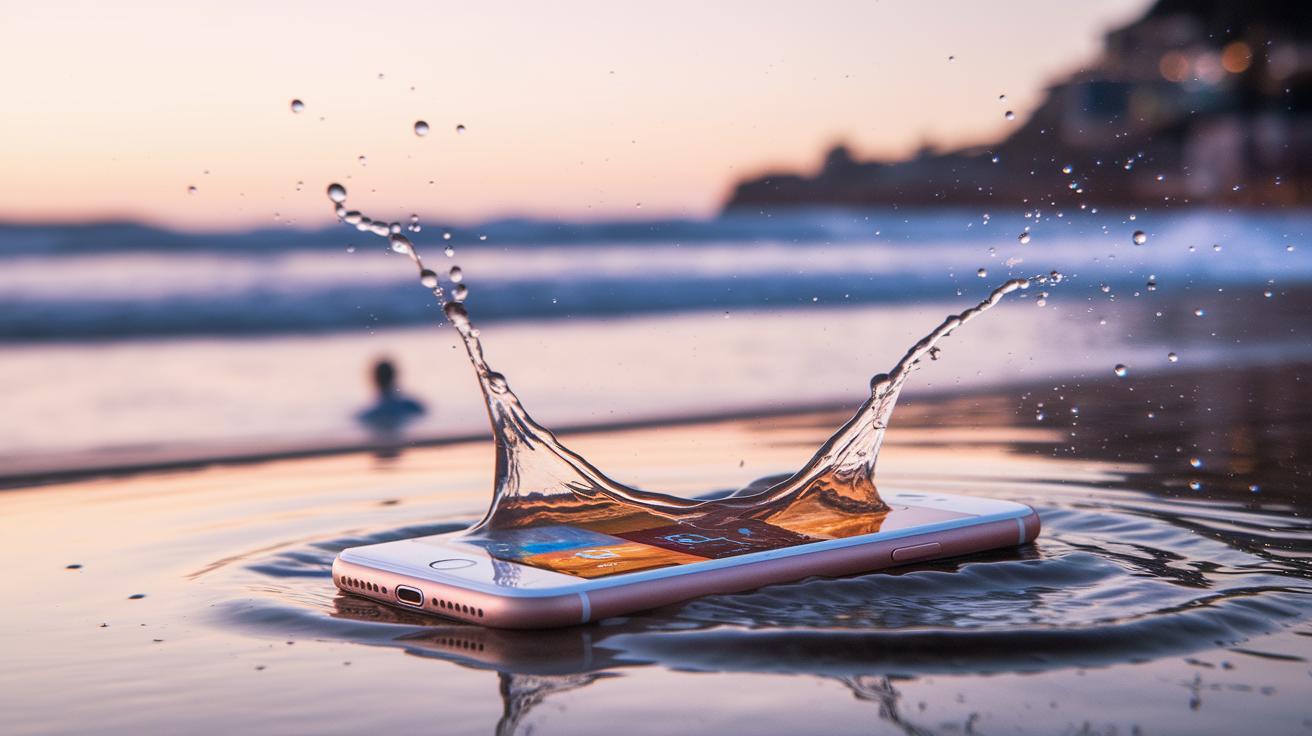
IP ratings like IP68 tell you how a phone handles water under lab conditions using clean, still water. These tests show a baseline level of water resistance but only capture ideal settings.
In everyday life, your phone might be exposed to saltwater, chlorinated pool water, and even the constant movement that wears down seals over time. This real-world wear can eventually cause charging issues or affect the touch screen, even if the phone carries a high water-resistance rating.
- Saltwater corrosion
- Pool chemicals
- Pressure changes
- Long-term aging
- Seal wear
Seal and Gasket Failures as Waterproof Smartphone Issues
Smartphones stay dry thanks to barriers like rubber gaskets, adhesives, nano-coatings, and silicone layers. However, nothing lasts forever. Over time, rubber gaskets harden and adhesives lose their grip. Even a small drop, a slight bend, or exposure to harsh conditions can create tiny cracks that let water slip in. Salt crystals from pool or sea water may get stuck in port gaskets, speeding up wear and causing issues with charging and connectivity. While manufacturers design these seals to hold up under everyday use, regular wear and tough conditions can break them down sooner than expected.
- Aging adhesives that slowly lose their stickiness.
- Accidental knocks or drops that jar the components.
- High heat that causes materials to warp or stiffen.
- Exposure to chemicals in salty, chlorinated, or heavily treated water.
- Buildup of debris that weakens seals and prevents a proper fit.
Regular care can help slow this process. It’s a good idea to check your device occasionally for signs of wear around the edges, ports, and channels. A quick inspection can catch early damage and lead to professional help before the problem turns into serious water damage.
Real-World Water Exposure Issues in Waterproof Smartphones
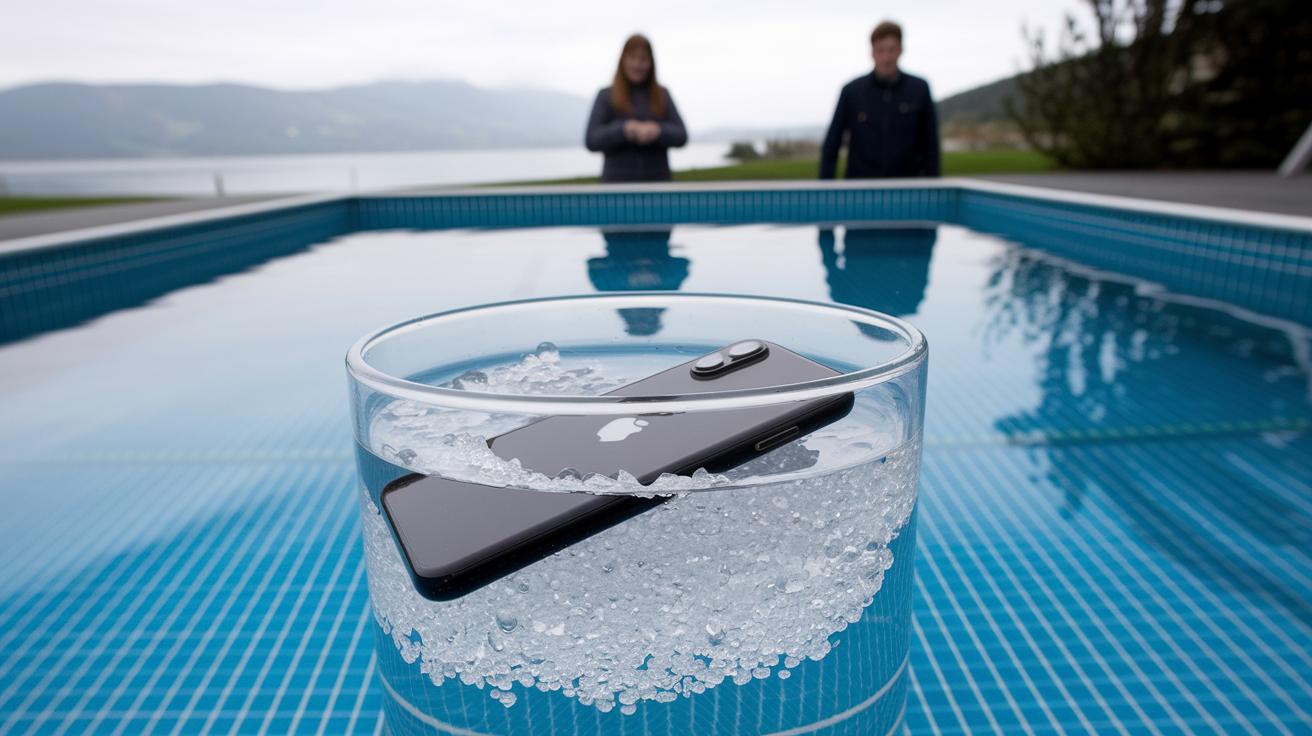
Lab tests often dip smartphones in freshwater to get consistent results. But in real life, water isn’t that simple. Saltwater and chlorinated pools carry minerals and chemicals that form salt crystals on gaskets and contacts. Over time, these crystals wear down the rubber seals and internal connectors, which can lead to rust and charging problems. A phone that passes a freshwater test might soon stumble if it meets salt-laden ocean water or a chlorinated pool.
Everyday use also throws in extra challenges that lab settings can’t simulate. Whether you're swimming laps, caught in a light rain while jogging, or quickly moving from cold outdoors to a warm room, these shifts put your phone through sudden pressure and temperature changes. Such conditions can cause moisture to condense on sensitive electronics. The result? A phone that might slow down or lose some responsiveness because water gets pushed into the tiniest gaps. Over time, consistent changes in temperature and humidity may weaken those water-resistant seals and affect performance.
Recognizing Internal Corrosion and Moisture Damage in Waterproof Smartphones
Many smartphones come with tiny factory-set markers that change color when they encounter water. These markers are tucked away inside the phone and serve as a quick check for moisture exposure. When you see the color change, it could mean water has made its way in, potentially leading to corrosion or condensation on the internal circuitry. This early sign helps you catch problems before they turn into issues like erratic charging or an unresponsive touchscreen.
Here are some signals that water might be causing trouble inside your phone:
- Charging port rust
- Unresponsive buttons
- Distorted audio
- Screen discoloration
- Battery swelling
- Random restarts
If you notice any of these signs, it might be wise to get a professional diagnosis. A technician can run detailed internal tests to see how much moisture damage is present on components like battery contacts. They have the right tools to detect hidden issues such as condensation buildup that you wouldn't spot during everyday use. Sometimes even a faulty moisture sensor can falsely tell you your phone is dry when it's not. Getting a prompt check-up can help take care of small problems before they escalate into bigger, more costly repairs.
Warranty and Manufacturer Guidelines for Waterproof Smartphone Issues
Smartphones today often boast water resistance as a top feature. But here’s the catch: the fine print usually says water damage isn’t covered by the warranty. Phones that pass lab tests using clean water can still get hurt in everyday scenarios like splashing in a saltwater ocean or a chlorinated pool. Even though ads might promise rugged protection, soaking your phone on purpose or even multiple accidental splashes can cancel your warranty – leaving you to foot the repair bill.
Manufacturers suggest following careful maintenance tips to avoid mixing up your warranty terms. If a phone shows signs of moisture, repair centers will often note that before starting any work. These diagnostic checks don’t guarantee a fix, either. Stick to the guidelines, avoid risky water exposure, and keep an eye out for any moisture warnings to protect your warranty and your wallet.
Troubleshooting and Preventative Tips for Waterproof Smartphone Issues
If your phone gets wet, act fast. First, power it off immediately to avoid any short circuits. Then, take off your case, remove the SIM card, and detach any extra parts.
- Turn your phone off right away to stop short circuits.
- Remove the case, SIM card, and any other removable parts.
- Carefully dry all visible surfaces and ports with a soft cloth.
- Place your phone near several silica gel packets, as these help absorb moisture.
- Avoid shaking or tapping the device, which could drive water further inside.
Once the immediate steps are done, focus on keeping your phone in top shape. Check the seals around its ports and edges every month so you can catch any signs of wear early on. Stick to using your device within its rated water resistance. And remember, putting a wet phone in rice doesn’t work reliably; stick to proven drying methods.
Keeping your software updated can also help manage moisture alerts. If you notice issues like unresponsive buttons or strange audio, it might be time to see a professional for repairs. Keeping your phone out of very humid areas and using a proper protective case can further reduce risks. Combining these quick fixes with routine maintenance can really help extend the life of your waterproof smartphone.
Final Words
In the action, we explored everyday water exposure scenarios and challenged the myth of perfect waterproof smartphones. We examined how screen glitches, charging failures, and internal seal wear reveal common waterproof smartphone issues.
We broke down the limitations of lab tests versus real-world use and offered practical troubleshooting and maintenance tips. Our insights help you remain cautious about IP ratings, warranty exclusions, and long-term reliability. Keep these points in mind for smarter smartphone care and improved resilience.