
Ever wonder if a lightweight notebook or a powerful machine fits your lifestyle better? Ultrabooks deliver long-lasting battery and ease of portability, making them great for everyday work and quick trips. Meanwhile, gaming laptops offer the extra muscle you need for creative projects and smooth game play. It’s like choosing between a nimble bike for a quick ride and a sturdy truck for heavy lifting. In this guide, we break down the key differences so you can pick the right laptop that truly meets your needs.
Ultrabook vs Gaming Laptop: Which Fits Your Needs?
Ultrabooks are designed for everyday work and light multimedia. They are extremely lightweight, often under 3 lbs, and their battery can last 8 to 12 hours, which is enough for a full day of work or streaming your favorite show. With FHD to 4K displays that are perfect for productivity and watching videos, models like the Dell XPS 13 with an Intel i7 and the HP Spectre x360 featuring an AMD Ryzen 7 offer reliable performance at prices between $800 and $1,600. These laptops are ideal if you spend most of your time writing, browsing, or video chatting.
Gaming laptops, however, are built to handle power-intensive tasks. They come with high-end CPUs and dedicated GPUs that easily run AAA games and handle heavy creative work for several years. They also feature high-refresh displays (60 FPS or more), making gameplay smooth. Yet, they are heavier, starting at about 4.5 lbs, and tend to have louder fans. For example, the MSI GF63 Thin provides strong performance with an Intel i7 but limits battery life to only 3 to 5 hours when unplugged. Similarly, the ASUS ROG Zephyrus G14 is a top contender if you need a laptop for both smooth gaming and intensive video editing.
When deciding between the two, think about your priorities. If you value portability and long battery life for everyday productivity, an ultrabook is likely the better choice. If you need a machine that can handle demanding gaming sessions or graphic-heavy tasks, a gaming laptop is worth the investment.
Design & Portability: Slim Ultrabook vs Bulky Gaming Laptop

Ultrabooks have a sleek build made for life on the go. Most models feature a 13–14-inch screen and weigh under 3 lbs so you can easily carry them anywhere. They use soldered components and compact 256 GB–512 GB SSDs to keep things light. With only a few ports (typically USB-C or Thunderbolt), these laptops stay clutter‑free, perfect for commuters or anyone who values a trailblazing, minimal setup. Picture a busy professional tucking a 2.8‑lb ultrabook into a slim briefcase before a day of back‑to‑back meetings.
Gaming laptops, however, focus on power over portability. They usually weigh over 4.5 lbs and come in a bulkier chassis that fits high‑performance hardware. Loaded with ports like several USB-A slots, HDMI, Ethernet, and an RGB keyboard for extra flair, these machines offer plenty of connectivity. Their robust design also ensures efficient cooling for high‑end processors and dedicated GPUs. Think of it as a desktop replacement that you have to pack in a larger backpack. In short, if you need a lightweight, travel‑friendly device for everyday tasks, an ultrabook is the way to go. But if you want more ports, hardware options, and robust performance for gaming, a bulky laptop wins the day.
Performance & Cooling: Ultrabook Efficiency vs Gaming Laptop Power
Ultrabooks pack energy-efficient chips like the Intel i7 13th Gen or AMD Ryzen 7 with built-in graphics. They handle everyday tasks such as writing documents, browsing the web, and even a bit of gaming with ease. Imagine streaming your favorite show or editing a presentation while your laptop quietly manages everything, thanks to its simple cooling system with one or two small fans and heat pipes.
Gaming laptops, however, are built for raw power. They combine high-performance CPUs with dedicated Nvidia RTX GPUs to run the latest AAA games, support creative software, and deliver smooth gaming at 60 FPS or more, even at 4K. Picture a gaming laptop doing some 3D rendering, its multiple fans and larger heatsinks working hard to keep things cool. In real tests, you often hear the fans kick in louder during long gaming sessions as the machine strives to balance speed and temperature.
Performance benchmarks show that ultrabooks shine in everyday efficiency and consistent speeds. They are perfect for daily tasks, while gaming laptops push higher numbers when handling heavy multitasking or dedicated rendering. Ultrabooks offer decent graphics for light gaming and video streaming, but gaming laptops produce crisper visuals even at ultra settings because of their effective cooling systems.
Cooling is a huge part of how these devices perform. Ultrabooks stay cool with their compact, low-noise cooling solutions, making them great for quiet working environments. On the flip side, gaming laptops sacrifice silence for power, meaning you can expect more noticeable fan noise under heavy use. This difference can make a big impact on your overall experience, especially if you need a quieter setting.
Battery Life & Energy Use: Ultrabook Endurance vs Gaming Rig Drain
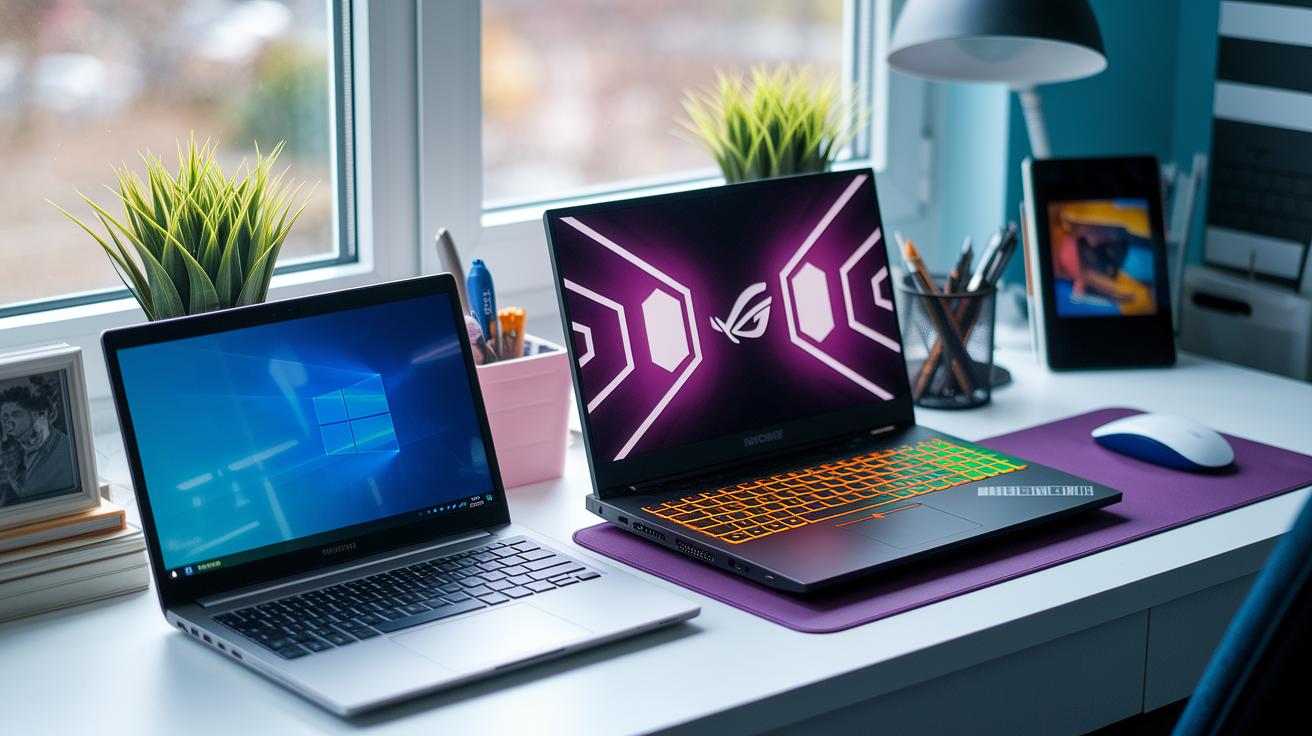
Ultrabooks come with smart power management features that adjust the processor and screen settings on the fly. For instance, if the ambient light drops, the display dims to save battery. In contrast, gaming laptops are designed to push performance limits. They run at full power during heavy tasks and rarely use energy-saving tweaks, which means they depend more on AC power.
Display & Multimedia: Ultrabook Screens vs Gaming Laptop Panels
Ultrabooks typically come with 13–14 inch IPS screens that render images in crisp FHD or even sharp 4K. These displays show colors accurately, making them great for photo editing and everyday media viewing. They balance clear visuals with energy efficiency, so you get vibrant displays without draining your battery.
Gaming laptops, on the other hand, usually sport larger 15–16 inch panels. They often use high refresh rates – think 120 Hz up to 300 Hz in FHD, or steady 60 Hz in 4K. This boost means smoother motion on the screen, which is perfect for fast-paced games and immersive video.
When it comes to input devices, the two types shine in different ways. Ultrabooks feature carefully tuned keyboards and responsive trackpads made for everyday tasks. These tools ensure quiet, comfortable typing and simple gesture controls. Meanwhile, gaming laptops often include keys that feel more like mechanical switches and come with RGB lighting. This setup provides quick feedback during intense gaming battles and adds a fun, dynamic look.
The choice between these devices comes down to what you need most – whether it’s the energy-efficient clarity of an ultrabook or the smooth, responsive experience of a gaming laptop.
Price & Value: Cost Comparison of Ultrabooks vs Gaming Laptops
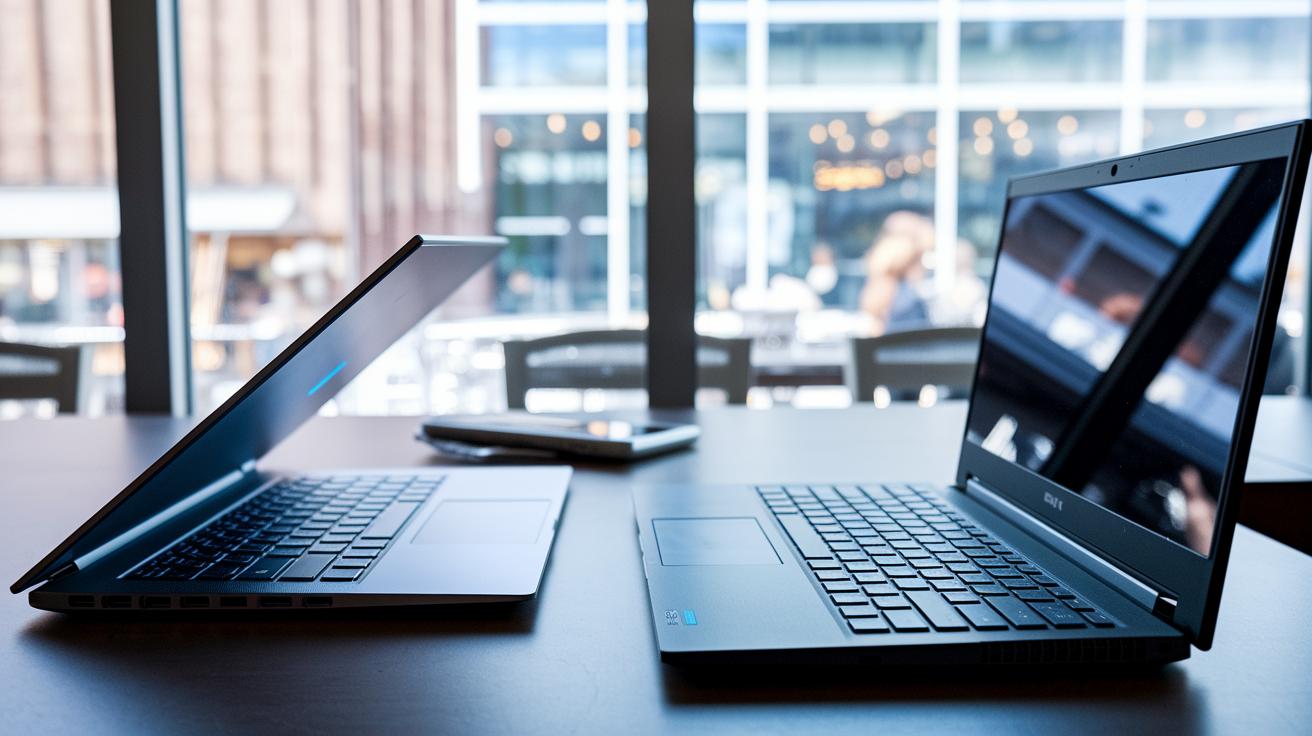
Entry-level ultrabooks usually cost around $800, while top-end versions can go up to $1,600. They are known for being incredibly portable, giving you a lot of travel-ready value for your money. These slim laptops handle everyday tasks like writing, web browsing, and light media use perfectly. They're ideal for professionals, students, and travelers who want something that slips easily into a bag without a steep price tag.
Gaming laptops start at roughly $1,200 and can easily top $3,000 when loaded with high-performing graphics cards. They’re built for demanding tasks such as rendering, gaming, and creative work. A key plus is the possibility for upgrades, extra RAM and additional storage can help extend the machine’s life. On the other hand, ultrabooks typically use soldered components and have fewer ports, so you won’t get much room to upgrade later.
In short, the right choice depends on what you need most. If you want something light, affordable, and great for day-to-day work, look at ultrabooks. But if you need heavy-duty performance with future upgrade options, a gaming laptop is the way to go.
Buying Guide: Selecting Your Ultrabook vs Gaming Laptop
Take a moment to review this handy decision matrix that lays out the main points you'll consider when choosing between an ultrabook and a gaming laptop. We've compared their designs, performance, connectivity, and upgrade paths in earlier sections, so use this summary to match your priorities.
| Factor | Ultrabook | Gaming Laptop |
|---|---|---|
| Primary Use | Great for office tasks and on-the-go work | Ideal for gaming, video editing, and creative projects |
| Upgradeability | Limited upgrades (RAM is soldered and SSD options are capped) | More room to grow with extra RAM slots and M.2 bays |
| Port Options | Mostly USB-C and Thunderbolt ports | Offers a variety of USB-A, HDMI, Ethernet, and more |
| Budget | Usually more affordable | Higher initial cost, but with robust performance over time |
Before making your final decision, keep these points in mind:
- Think about your main tasks: Are you handling daily office work and traveling, or do you need a powerhouse for gaming and creative work?
- Revisit the earlier sections for in-depth findings on design and performance benchmarks.
- Match your budget with the long-term benefits, especially if you value upgrade options.
- Decide if you need a simple setup or extensive port options for all your devices.
Final Words
In the action, we broke down everything from design and portability to performance and battery endurance. We compared ultrabooks built for everyday tasks with gaming laptops that pack extra power for creative and gaming needs.
Our guide discussed display differences, price points, and upgrade options, offering clear insights to simplify your choice. With solid tests and practical examples, you now have the information needed for a confident decision. Whether you lean toward office productivity or graphic-intensive work, the ultrabook vs gaming laptop debate has never been clearer.
FAQ
How do Reddit discussions compare ultrabooks versus gaming laptops?
Reddit conversations point out that ultrabooks focus on lightweight design and energy-efficient performance for everyday use, while gaming laptops offer high-end graphics and processing power for immersive gaming experiences.
How do ultrabooks compare to gaming laptops for work and school?
Discussion shows that ultrabooks provide long battery life and portability perfect for office tasks, whereas gaming laptops handle demanding graphics and processing tasks, making them a good choice for both gaming and school projects.
What is the difference between an ultrabook and a laptop?
An ultrabook is a slim, power-efficient laptop tailored for portability and everyday productivity, while other laptops vary widely in size, build, and performance, ranging from budget models to high-performance gaming machines.
Is an ultrabook still popular, and are they the same as Chromebooks?
Ultrabooks remain popular for their sleek design and strong performance in daily tasks. They differ from Chromebooks, which run simplified operating systems and rely heavily on web-based applications.
What is the difference between a gaming laptop and a normal laptop?
Gaming laptops come equipped with dedicated graphics cards, advanced cooling systems, and powerful processors designed for intensive gaming, while normal laptops emphasize basic productivity and media consumption features.
What are some top gaming laptop models?
Models like ASUS ROG Zephyrus G14, ASUS TUF Gaming A14, ASUS ROG Flow Z13, Asus ROG Zephyrus G16, ASUS ROG Strix G16, and ASUS ROG Strix SCAR 18 highlight cutting-edge performance with premium displays and robust cooling.
What is a gaming ultrabook?
A gaming ultrabook blends the slim, portable design of an ultrabook with enhanced graphics capabilities, offering a compromise between efficient everyday computing and the performance needed for casual or light gaming.
Which laptop is considered the best affordable gaming option?
The best affordable gaming laptop balances cost with dedicated graphics performance, a quality display, and effective thermal management—ideal for users looking to game without breaking the bank.
What qualifies as the best gaming laptop in the world?
The best gaming laptop is often determined by its high-end graphics, powerful processing, innovative display technology, and overall build quality, features typically found in flagship models from leading brands.