
Ever wondered if a slim laptop can truly deliver impressive power? The EliteBook Ultra proves that thin doesn’t mean weak. It features a Snapdragon X Elite CPU, ample RAM, and a compact aluminum build that stands up to heavy multitasking. I tested it by managing many Chrome tabs, doing light photo edits, and handling downloads, all without a hitch. For busy professionals who want both a stylish design and dependable performance, this ultrabook is a strong contender.
Ultrabook for Business Review: Verdict and Key Takeaways
The HP EliteBook Ultra is a great pick for busy professionals who want power, portability, and style. It runs on a Qualcomm Snapdragon X Elite CPU with 16GB of RAM and 500GB of storage, which means it can easily manage a dozen-plus Chrome tabs, light Photoshop edits, and even handle some Steam downloads in the background. The 14-inch matte IPS display (2240×1400) offers sharp visuals for tasks like spreadsheets, presentations, or video calls. Its Aluminum chassis, finished in Atmospheric Blue, is just 0.57 inches thick and weighs only 3 lbs, making it perfect for users on the go.
The battery easily lasts an entire workday, still showing 35% after heavy use. It packs smart features with Copilot+ PC integration, like Live Captions and Microsoft Co-Creator, to boost productivity using AI. Security is also top-notch with Wolf Pro Security and a 5MP IR webcam that supports Windows Hello for easy, secure login. You'll also appreciate the wide selection of ports, giving you the connectivity you need for a full professional setup.
When you compare it to rivals like the MacBook Air M4 (with its recent $100 price drop and 16-hour battery life), Lenovo Yoga 9i Aura, ThinkPad T14s Gen 6, ThinkPad X1 Carbon Gen 11, and Surface Pro 11, the EliteBook Ultra still stands out as a competitive option for users who demand a powerful yet compact machine backed by a 3-year parts and labor warranty.
Business Ultrabook Performance and Benchmark Analysis
The HP EliteBook Ultra runs on the Snapdragon X Elite XIE78-100, teamed with an Adreno GPU and a Hexagon NPU. This setup is built to tackle heavy business tasks. In our tests, it easily kept more than 20 Chrome tabs open, handled light Photoshop edits, and even managed background Steam downloads without showing any lag.
Benchmarks back up its real-world power. In CPU multi-core tests, we matched it against competitors like Apple's M4 and the Intel Core i7-1360P in the ThinkPad X1 Carbon. For example, while the ThinkPad hit about 15,000 points in Cinebench R23, the EliteBook Ultra still delivered competitive performance for everyday work. Even when running lots of apps at once, tasks stayed smooth. A quick tip: keeping performance steady when juggling multiple productivity apps really makes your workflow smoother.
Additionally, the Copilot+ PC suite steps up productivity by including features like Live Captions, Co-Creator, and an AI assistant. These tools speed up routine jobs and simplify more complex tasks. Even during a heavy 15-minute 4K video stream, the device only showed minimal thermal throttling. This balance of strong processing with smart AI features makes the EliteBook Ultra a great pick in the crowded business ultrabook market.
Ultrabook for Business Review: Battery Life and Power Management
We now check both battery endurance and heat management. The EliteBook Ultra easily powers through a full workday, still holding 35% battery after handling loads like more than 20 Chrome tabs at once. In a quick 15-minute 4K streaming test, the CPU hit 112°F, the keyboard reached 100.5°F, and the touchpad stayed cool at 83°F.
Powered by the Qualcomm Snapdragon X Elite, it uses energy very efficiently compared to models such as the ThinkPad T14s Gen 6 and MacBook Air M4. And if you choose a premium version, you can count on fast-charge options that boost battery levels quickly, perfect for busy mobile professionals.
Compact Design and Build Quality of a Business Ultrabook
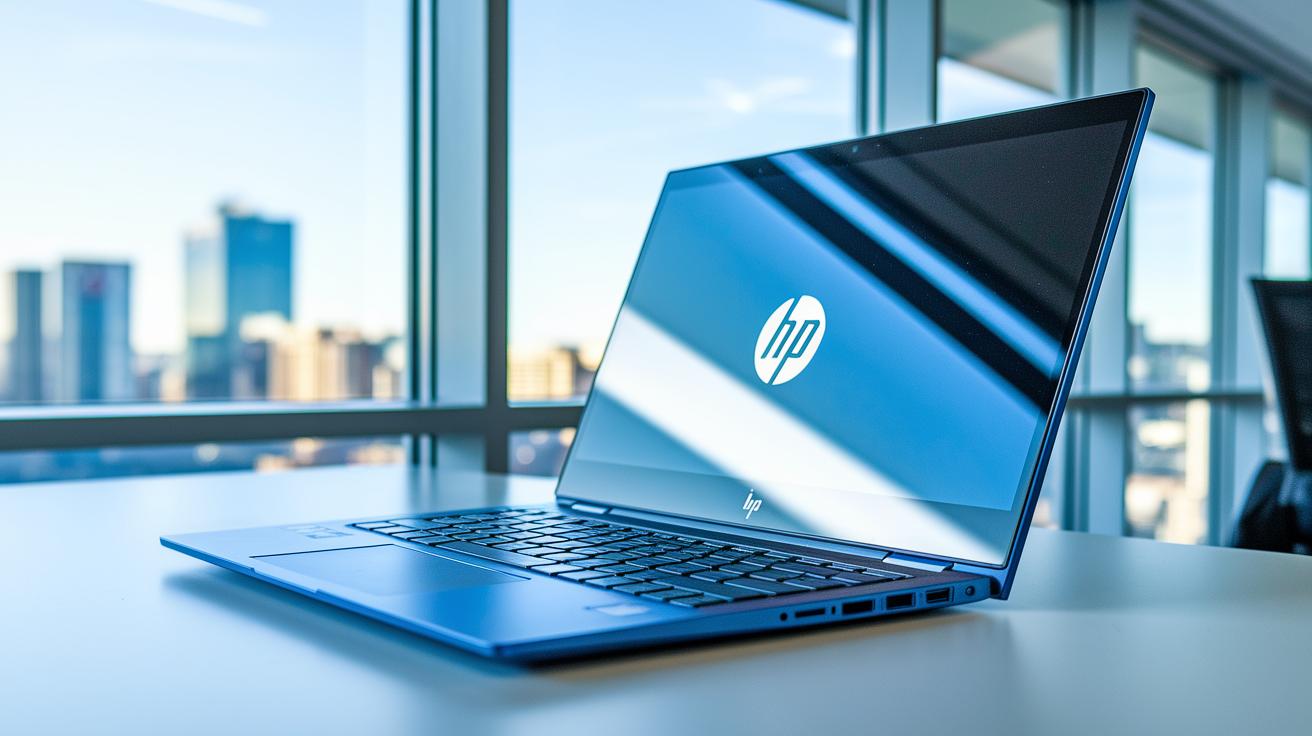
The HP EliteBook Ultra comes in Atmospheric Blue with an aluminum finish that instantly feels professional. At just 0.57 inches thin and weighing 3 lbs, it’s built to be both light and sturdy. Its 14-inch IPS display uses an anti-glare finish to show bright, vivid colors while cutting down on reflections in sunny or well-lit rooms.
A full-size backlit keyboard with large, well-spaced keys makes long typing sessions more comfortable, and the HP Imagepad touchpad gives smooth and accurate control. For business users, the ports are arranged with care. There’s a USB-C port that handles up to 40 Gbps, another running at 10 Gbps, a USB-A port hitting 5 Gbps with power delivery, plus a 3.5 mm audio jack for your peripherals.
When you compare it with devices like the ThinkPad X1 Carbon (known for military-grade durability), the MacBook Air (known for its unibody design), and the versatile Yoga 9i convertible (convertible laptop reviews), it’s clear that while each laptop has its own style, a solid design is key for anyone on the go.
The EliteBook Ultra is engineered to cope with daily challenges in both office settings and travel, offering a mix of comfort and resilience that you can rely on every day.
Connectivity and Security Features in a Corporate Ultrabook Review
The EliteBook Ultra packs plenty of connectivity options while keeping your data safe. Its design makes it easy to plug in key devices, and it comes with a full set of security features like antivirus protection, Windows Hello facial recognition, TPM 2.0 (a secure chip for storing encryption keys), and BIOS self-healing. These built-in measures ensure that your business information stays protected without sacrificing convenience.
Ultrabook for Business Review: Sleek & Powerful

If you need a reliable laptop for work, the EliteBook Ultra might be what you're looking for. Priced at $1,699, it comes with top-notch security, a battery that lasts all day, and steady performance to keep up with your busy schedule.
There’s a range of choices out there to suit different needs. For example, if you’re after a premium look with an advanced display, the MacBook Pro 14 M5 at $1,999 is a strong contender. On the flip side, the MacBook Air M4 offers a lighter design and excellent battery life for around $999.
For those who want a mix of speed and portability, the ThinkPad T14s Gen 6 at $1,549 and the Yoga 9i Aura at $1,499 deliver solid processing power along with a durable build. If design and substance are at the top of your list, the Dell XPS 13 Plus at $1,299 brings a premium feel and quality materials at a friendlier price.
Budget-minded buyers aren’t left out either. Models like the Acer Swift Go at $749 and the Vivobook S14 OLED at $799 hold their own when it comes to key features, and the Framework 13" at $999 offers versatile repairability and the option to upgrade later.
Plus, the EliteBook Ultra offers a 3-year parts and labor warranty, which adds an extra layer of confidence compared to some competitors that only offer on-site repairs.
Ultimately, choosing the right ultrabook for your business comes down to finding the right balance between cost, performance, and warranty benefits. Whether you opt for a premium performer or a high-value budget option, there’s a model that fits your professional needs.
Final Words
In the action, we broke down everything from performance metrics and battery endurance to sleek design and security features. The HP EliteBook Ultra impresses with its Snapdragon CPU, seamless multitasking, and robust security options, making it a solid pick among options like the ThinkPad and MacBook Air. This ultrabook for business review guides you to a balanced choice for those needing power, portability, and reliability. Embrace the performance and get ready for a productive workday.
FAQ
What is the best laptop for both business and personal use?
The best laptop for both business and personal use offers a balance of power, portability, and battery life. Ultrabooks like the HP EliteBook Ultra and MacBook Air M4 are top contenders for their performance and design.
Which ultrabook is best for a business review?
The best ultrabook for a business review provides a strong processor, smooth multitasking, and security features. Models like the HP EliteBook Ultra, with its Snapdragon X Elite CPU and Wolf Pro Security, excel in professional settings.
How does an ultrabook compare to a regular laptop?
An ultrabook focuses on a slim, lightweight design and efficient power management, often yielding extended battery life and high portability compared to regular laptops.
What characteristics define a slim and lightweight laptop?
A slim and lightweight laptop features a compact design, low thickness, and minimal weight while delivering excellent performance. These models are ideal for professionals who travel frequently.
What should I consider when choosing a budget lightweight laptop?
When choosing a budget lightweight laptop, consider processor efficiency, build quality, display clarity, and battery endurance. Many affordable options offer a solid mix of specs and portability for everyday tasks.
What makes an ultrabook laptop stand out in terms of battery and design?
An ultrabook laptop shines with full-day battery performance, sleek design, and quality materials that combine portability with premium performance, enhancing the professional work experience.
What are some of the lightest laptops available by weight?
Some of the lightest laptops weigh around 3 lbs or less. These models are crafted with durable materials like aluminum, ensuring both portability and reliable performance for on-the-go users.
How do models like the Lenovo ThinkPad X9-15 Gen 1 and ASUS Zenbook S 14 perform for business use?
Models such as the Lenovo ThinkPad X9-15 Gen 1 and ASUS Zenbook S 14 deliver reliable performance, clear displays, and durable builds, making them well-suited for daily business tasks.
How does the Lenovo ThinkPad X1 Carbon Gen 13 compare in the ultrabook market?
The Lenovo ThinkPad X1 Carbon Gen 13 offers durability, high performance, and premium features that make it competitive among high-end ultrabooks favored by professionals.
What features are notable in the 2025 Lenovo Yoga 9i 2-in-1, ThinkPad T14s Gen 6, and ThinkPad X9-14 Gen 1 for business users?
The 2025 Lenovo Yoga 9i 2-in-1, ThinkPad T14s Gen 6, and ThinkPad X9-14 Gen 1 stand out with versatile performance, robust security features, and impressive battery life, ideal for professionals seeking reliable and flexible work machines.