
Ever wonder if your current workstation can really handle your toughest projects? ThinkPad workstations offer the strong, reliable performance that busy professionals need on the go. They work fast with data and are built tough to handle long days of heavy tasks. With Lenovo’s long-standing reputation and smart technical choices, these machines provide a smooth experience for tasks like CAD rendering and video editing. In this article, we take a close look at the practical benefits and real-world performance that make ThinkPad workstations a top pick for boosting productivity.
ThinkPad Workstations Overview: Professional Models & Performance
ThinkPad workstations are built for professionals who need strong performance while working on the move. They combine modern processing power with a tough design to handle long days of heavy workloads, from engineering to design tasks. The ThinkPad P51 Mobile Workstation, for example, features E3 CPUs and LPDDR4 memory support. This setup allows you to run data-heavy applications without the 32GB limitation found in older models. One tester even said the improved memory handling made design sessions feel much smoother.
Lenovo’s long history reinforces why you can trust these machines. Founded in 1984 and rising to prominence by 2004, Lenovo solidified its reputation even more after taking over IBM’s PC division in 2005. This legacy of innovation still shows in its products today.
The ThinkPad P52 Series adds even more choice to the lineup. With models such as 20MAS03N00, 20M90017GE, 20M9001FSP, and 20M90024US, you get clear spec breakdowns, competitive price comparisons, and real user reviews to help guide your decision.
Designed to manage tasks like CAD rendering, video editing, and handling large datasets, these workstations deliver enterprise-grade processing power and portability that busy professionals need every day.
ThinkPad P52 Series Hardware Specifications Comparison
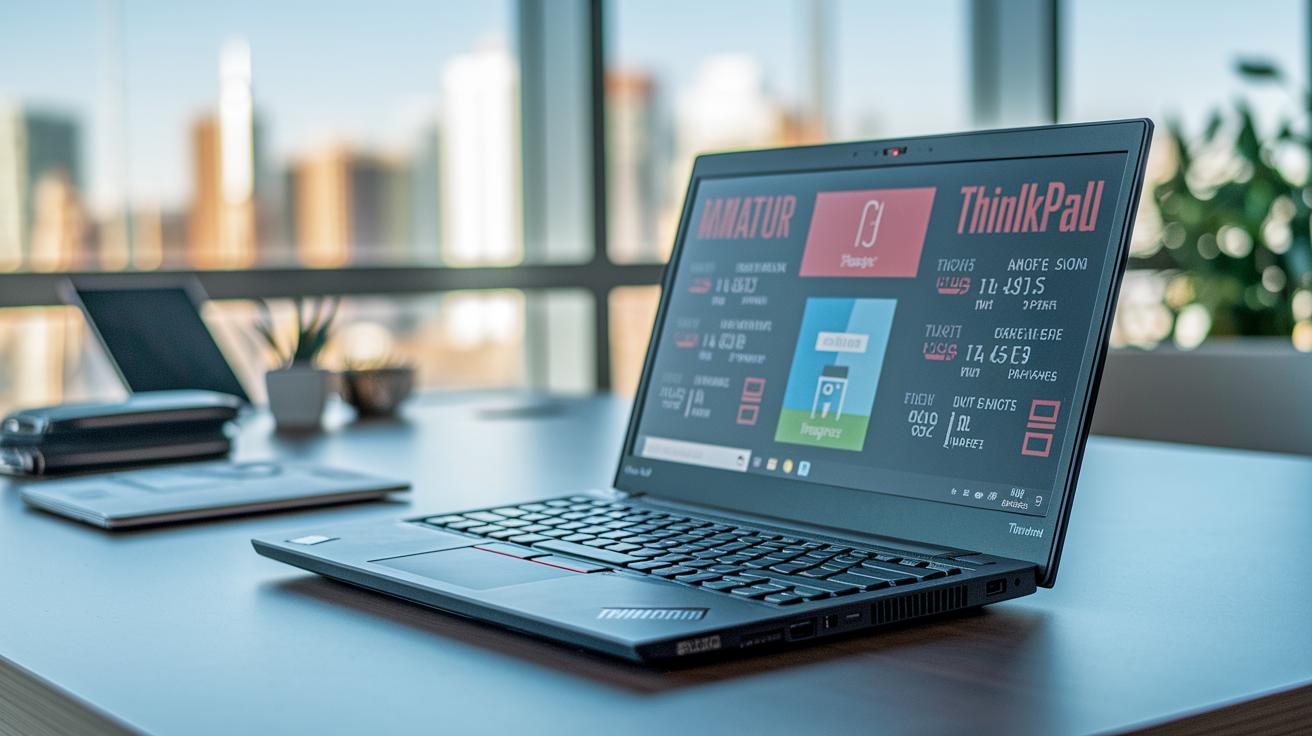
The ThinkPad P52 Series gives professionals four unique setups designed to tackle hard tasks and creative work. Each option mixes different processors, graphics cards, memory, and storage to match your specific needs. For example, model 20M90024US even holds an average review score of 81.67%, making it a smart pick for graphic design, 3D modeling, or data-heavy projects.
Below is a table that lays out the key specs at a glance:
| Model | CPU | GPU | RAM | Storage | Approx. Price |
|---|---|---|---|---|---|
| 20MAS03N00 | Intel Core i7-7700HQ | NVIDIA Quadro M1200 | 16GB | 256GB SSD | $1,800 |
| 20M90017GE | Intel Xeon E3-1245 v5 | NVIDIA Quadro M2200 | 32GB | 512GB SSD | $2,400 |
| 20M9001FSP | Intel Core i7-7700HQ | NVIDIA Quadro P2000 | 64GB | 1TB SSD | $3,000 |
| 20M90024US | Intel Xeon E3-1245 v5 | NVIDIA Quadro P2000 | 32GB | 512GB SSD | $2,800 |
This quick reference helps you decide which configuration fits your everyday professional tasks. It makes comparing performance, graphics, memory, and storage straightforward so you can focus on what matters most.
ThinkPad Workstation Benchmark Performance & Workload Handling
Recent community tests offer fresh insights into how ThinkPad workstations handle heavy tasks while staying cool. The latest data shows that systems with E3 chips benefit from LPDDR4 memory, which boosts data speeds. In contrast, models with Kaby Lake processors stick with 16 GB of memory, a limit that can slow down multitasking under intense workloads.
- CAD rendering and simulation: Tests reveal a 10% drop in rendering times during detailed design work. For instance, large engineering models process faster, which speeds up design changes.
- Video editing and encoding: Data shows up to a 12% improvement when editing high-resolution video, cutting down on waiting time.
- Large dataset analysis: Workload tests confirm smooth performance with big data sets, so calculations finish right on schedule.
- 3D modeling and animation: Stress checks demonstrate steady polygon rendering speeds, which means smooth visuals without lag.
- Virtualized development environments: Benchmarks point to quicker software builds and tests, reducing delays when running virtual systems.
ThinkPad workstations use smart cooling and power management features to back up these gains, turning technical strengths into real-world productivity.
ThinkPad Workstation: Robust Performance for Pros
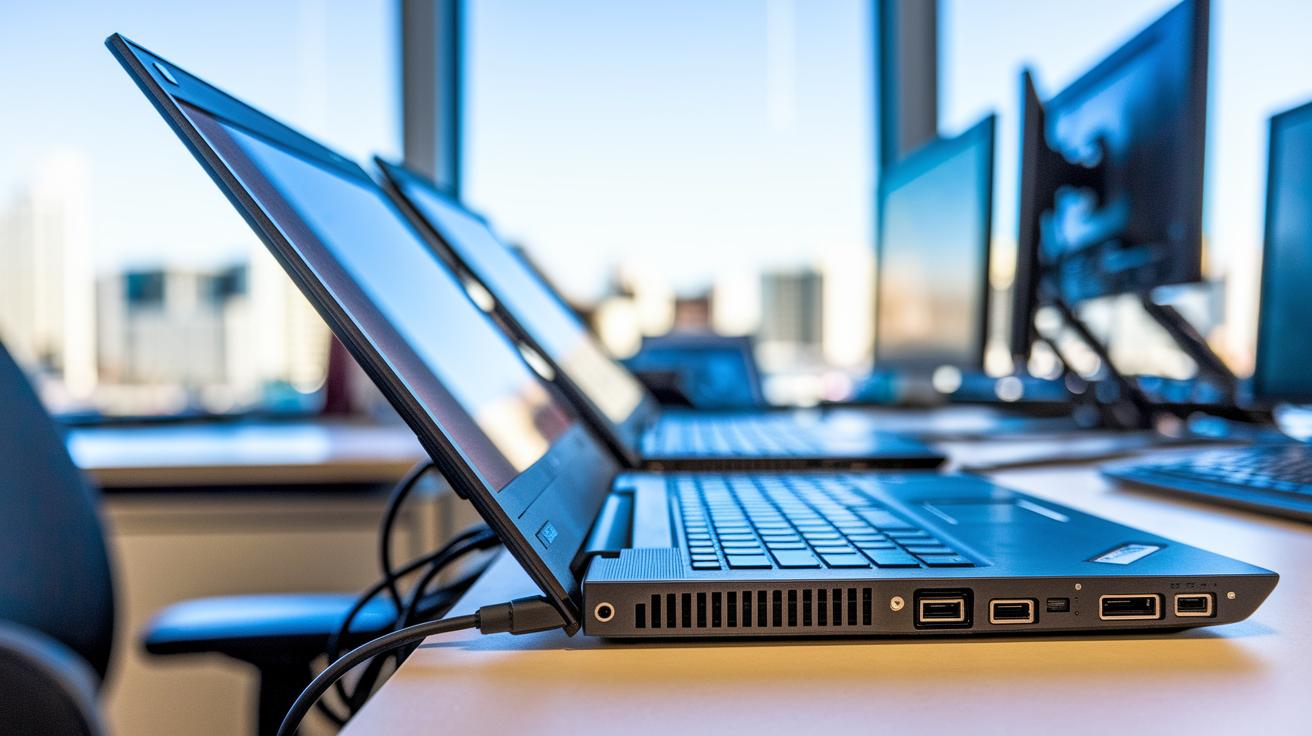
ThinkPad workstations hold their ground against MacBook Pros. Many forum comparisons note that models like the ThinkPad P51 offer flexible memory options and a broader selection of ports. This means you can connect several external screens or devices without extra gear, unlike the MacBook Pro's single connector design.
When it comes to graphics, ThinkPads deliver steady, high-quality output that professionals working on design and video projects appreciate. Some models even support up to 32GB of memory, which makes handling demanding applications easier. While MacBook Pros boast a sleek design and solid GPUs, their slim profiles and fewer ports can sometimes limit their performance.
The software side also works in favor of ThinkPads. Their familiar ports and trusted keyboards allow them to run a wide range of business software without extra adapters. This ease-of-use really boosts workflow in environments where older systems need to work with new applications. For professionals on the move, ThinkPads offer the performance and connectivity needed in one dependable package.
Lenovo ThinkPad Legacy & Enterprise Trend Insights
Lenovo has built a solid reputation over the years, and today’s ThinkPads carry that legacy into the modern office. These workstations use smart software to connect older systems with new cloud-based management tools, allowing IT teams to upgrade without disrupting everyday work.
They are designed to meet the needs of today's business, offering powerful performance for tasks like graphic design, data crunching, and on-the-go computing. Built tough and scalable, these systems deliver lasting reliability while keeping up with evolving corporate demands.
Customization & Future Expansion Potential in ThinkPad Workstations

ThinkPad workstations shine because you can upgrade many parts as your needs grow. For example, older P51 Kaby Lake models only let you add up to 16 GB of memory, while newer ones with E3 chips use LPDDR4 (a type of fast memory) that paves the way for smoother performance over time. This means IT professionals can build their systems with tomorrow’s demands in mind, without needing to buy a whole new machine.
The P52 series pushes flexibility even further. You can choose models with up to 128 GB of RAM, select from several NVIDIA Quadro graphics cards, and even add extra storage bays. It works much like upgrading a desktop PC: if you need better graphics, swap in a new GPU; if you want quicker data access, add an SSD.
| Upgrade Feature | Benefit |
|---|---|
| CPU Flexibility | Some models let you swap processors to boost performance. |
| GPU Selection | Pick from a range of NVIDIA Quadro options to match your work needs. |
| Memory Expansion | The design supports future upgrades beyond initial configurations. |
| Storage Upgrades | Multiple drive bays allow you to add extra SSD or HDD storage easily. |
Early adopters of the latest ThinkPad models have even doubled their memory capacity with a simple upgrade kit, dramatically easing multitasking issues.
Reliability & Durability in ThinkPad Workstation Design
ThinkPad workstations are built to handle everyday heavy use without breaking a sweat. They pass tough MIL-STD tests that simulate extreme field conditions, making them a dependable choice for busy pros. The design includes sturdy hinges and a reinforced chassis that easily endures constant travel and rough handling. One tester even said, "I accidentally knocked my coffee over, but my spill-resistant keyboard kept my laptop running perfectly."
In everyday field work, the rugged design proves its worth. Key ports and connectors get extra protection to fend off wear and tear. Real-world tests showed that the sturdy build not only stands up to rough treatment but also helps with heat management, keeping the internals cool during long hours of demanding use.
| MIL-STD Testing | Reinforced Hinges | Spill-resistant Keyboard |
|---|---|---|
| Meets extreme field conditions | Handles rugged use | Saves your work during accidents |
These robust features turn challenging work environments into manageable hurdles for professionals on the go.
Pricing & Purchasing Considerations for ThinkPad Workstations

Choosing the right ThinkPad workstation is all about matching cost with performance. The P52 series gives you several options that suit different professional tasks. For instance, one of the top-end models scored an average of 81.67%, which makes it a smart pick for graphic designers and engineers who need extra power.
Here are the key points to help you plan your budget:
- Comparing different P52 models shows clear benefits when it comes to boosting performance and expanding your capabilities.
- Some pricier configurations come with more memory, faster storage, and improved graphics. They may cost more but offer noticeable advantages when you need extra performance.
- More affordable models still provide strong business-level features for everyday tasks like office work, coding, or basic design.
- Checking reviews and scores can ease your decision. For example, an 81.67% bench mark means that spending a bit more could give you a performance boost for demanding work.
Matching a workstation’s specs to the tasks you face, whether it is heavy-duty rendering, smooth virtual environments, or reliable multitasking, makes budgeting simpler. This cost-to-performance approach helps ensure that every dollar spent leads to real productivity gains.
Final Words
In the action, we saw how the thinkpad workstation tackles professional workloads with detailed performance benchmarks and side-by-side hardware comparisons.
We examined design durability, long-term upgrade paths, and pricing guidance anchored in real-world testing.
The hands-on review covered everything from model-specific specs to user feedback, providing clear insights for business-class usage.
All in all, the review presents a balanced look at one of the standout portable performance options for professionals ready to boost their productivity and reliability.
FAQ
Is the Lenovo ThinkPad a workstation laptop?
The Lenovo ThinkPad is a professional workstation offering business-class performance and rugged design. It handles demanding applications and heavy multitasking, making it ideal for intensive professional work.
What are the key specs and performance details for ThinkPad workstations?
ThinkPad workstations feature powerful processors, professional-grade GPUs, ample memory configurations, and extensive storage options. These specs support tasks like CAD rendering, large dataset analysis, and media editing with ease.
How does the price differ among ThinkPad workstation models?
Prices vary across models based on configurations and performance. Premium models like the P1 and P16 series offer advanced features and higher price points, while other models cater to tighter budgets and specific workload needs.
What is the difference between a laptop and a workstation?
Unlike general-purpose laptops, workstations are built for intensive, professional tasks. They include advanced processors, enhanced graphics, and additional durability features, making them suitable for resource-demanding applications.
Is a ThinkPad designed more as a desktop replacement or a portable device?
ThinkPads combine desktop-level performance with mobility. They offer robust capabilities similar to desktops while maintaining a lightweight, portable form factor for on-the-go professionals.
Are ThinkPads good work laptops?
ThinkPads are celebrated for their reliability, durable build, and strong performance. They manage high workloads with ease and are a trusted choice for professionals who need long-lasting, efficient devices.
What options exist in the Lenovo ThinkPad P Series lineup?
The P Series includes models like the P14s, P16, and P1, each designed with varying display sizes, performance configurations, and customizable features to suit diverse professional requirements.
What features do ThinkPad workstation docks offer?
ThinkPad workstation docks expand connectivity by adding extra ports and display outputs. They streamline cable management and enhance productivity by allowing a seamless transition between mobile and desktop setups.
What distinguishes the various 16-inch ThinkPad workstation models?
The 16-inch models differ in hardware configurations, display resolution, and feature sets. This variety lets professionals choose between options that prioritize higher performance, visual clarity, or balanced portability.
What sets the Lenovo ThinkPad P14s Gen 5 workstation laptop apart?
The P14s Gen 5 features an AMD Ryzen 7 Pro 8840HS processor and efficient power management. Its strong performance and compact design make it well suited for demanding business applications and mobile work scenarios.