
Ever wondered if a smart ring app might change your daily routine? This compact ring teams up with a simple app that does more than look cool, it gives you clear health insights. Think of the app like a traffic light for your sleep and recovery: a quick glance tells you if you're on track or need some extra rest. It also serves as a central hub that keeps your device updated without any extra hassle. In this post, we explore three key benefits that transform everyday data into real, useful advice.
3 smart ring app perks to love
Smart ring apps blend everyday convenience with detailed health tracking by linking a compact wearable ring to a straightforward, user-friendly app. One real highlight is the intuitive dashboard that quickly shows your sleep stages, heart rate variability, and recovery scores. For instance, Oura’s app uses simple color codes to display your readiness level, kind of like a traffic light that tells you when you’re in the green for great sleep or need a little extra rest. This live alert system helps you decide when to take it easy or push a bit harder by offering a quick look at your overall wellness trends.
Another great benefit is that these apps act as a master control center on your smartphone. They take care of firmware updates, sensor calibrations, and charge monitoring all in one place, so you don’t need several different tools. Even if you invest between $250 and $450 in a wearable, the app turns those raw numbers into practical advice. Imagine getting a quick nudge when your stress spikes during a busy meeting, it really makes a difference.
The third perk is stellar data visualization through detailed self-analytics. These apps dive into metrics like sleep quality and recovery scores, setting them apart from basic fitness trackers. Some rings, like the Evie Ring, even offer advanced health feedback without any subscription fees. With its perfect balance of user-friendly design and technical precision, a smart ring app is a must-have for anyone serious about keeping an eye on their overall wellness.
Setting Up Your Smart Ring App: Pairing and Configuration
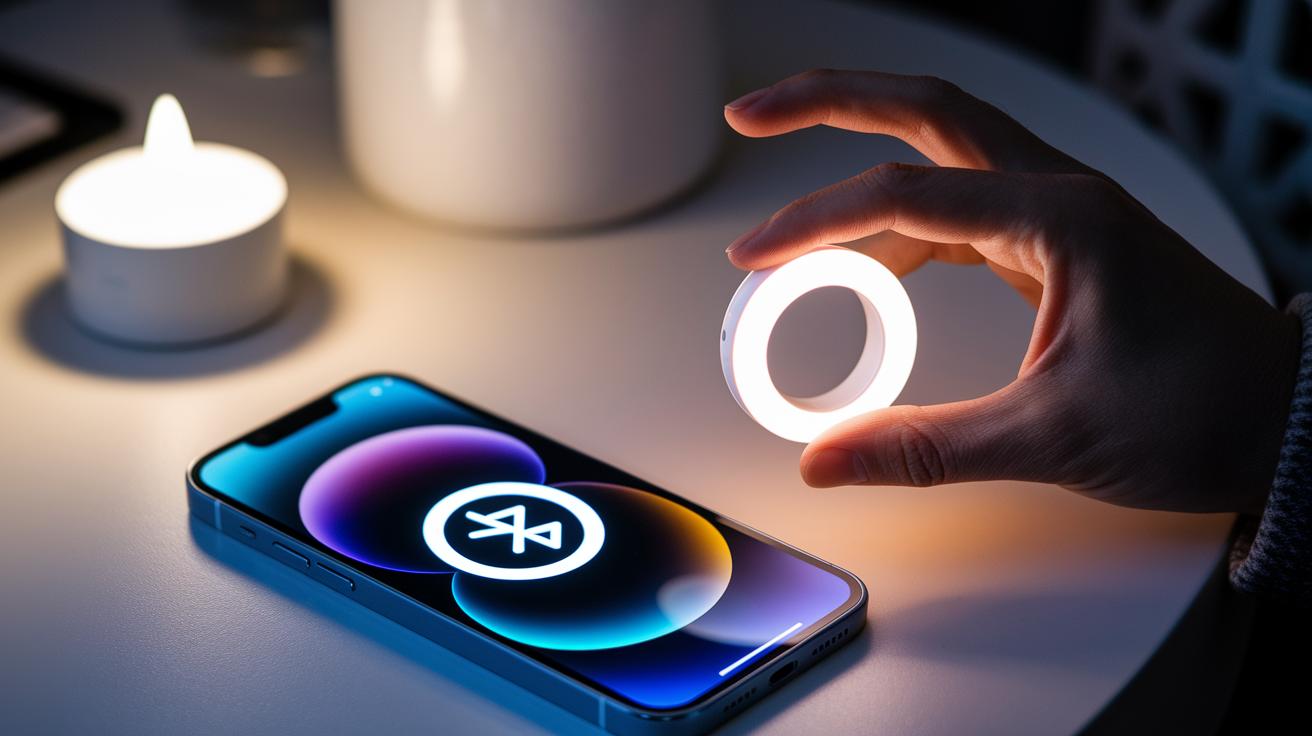
Setting up your smart ring app is really simple. Start by downloading the app from the Google Play Store or App Store on your phone. Once it's installed, turn on Bluetooth so your phone can find your ring. Keep the ring nearby, and the app will automatically spot it and let you control it. It uses Bluetooth LE, which means a fast and secure connection.
After the ring pairs with your phone, the app takes care of updating the firmware. It will ask you to calibrate the sensors and check your battery level so your ring always has the latest updates, just like what you’d expect from brands such as Oura and RingConn. You'll get a notification when there’s a new update, ensuring your ring stays in top shape. The app also keeps an eye on battery life, which typically lasts between 4 and 8 days on a full charge. Plus, with a 10 ATM water resistance rating, you don’t need to remove the ring when showering or swimming. Follow these steps and you'll be set up quickly, letting you focus on tracking your health and activities without any extra hassle.
Smart Ring App Compatibility Across Android and iOS Devices
Many smart ring apps work well on both Android and iPhone, but there are a few differences to know about. For example, the Oura Ring app and Samsung Health are made with each platform in mind, so you get a smooth experience whether you use Android or iOS. The Oura app works pretty much the same on any device, while the Samsung Galaxy Ring shows its full range of features only when paired with a Galaxy phone.
Other options, like RingConn Gen 2 Air and Amazfit Helio Ring, are designed to work on any smartphone that supports Bluetooth 5.0. In most cases, you’ll need Android 10+ or iOS 14+ for them to perform properly. Many of these apps even include a handy compatibility checklist that makes sure your phone’s OS, your ring’s firmware, and your subscription (if needed) are all up to date before you pair.
Here’s a quick compatibility checklist for your wearables:
- OS Version: Confirm your phone is running Android 10+ or iOS 14+
- Firmware: Verify your ring has the latest firmware
- Subscription: Check your subscription status if required
By running through these steps, you can enjoy a seamless smart ring experience on either Android or iOS, keeping your health tracking hassle-free.
Comparing Top Smart Ring Apps and Their User Interfaces
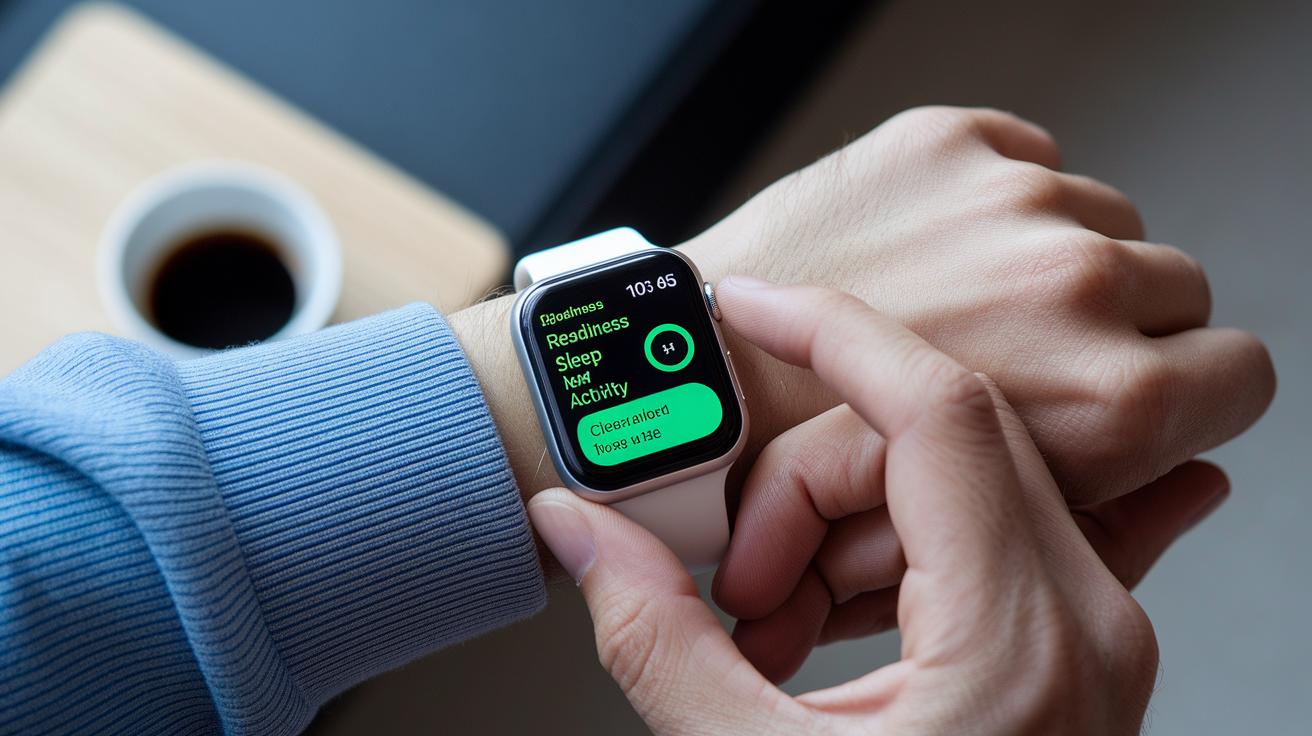
The Oura Ring app features a simple dashboard that shows your readiness, sleep, and activity scores at a glance. It gives you a quick snapshot of your health. A green alert for sleep quality tells you you're well-rested without having to sift through complex charts.
Samsung Health takes a different route by combining your Galaxy Ring data with other fitness metrics in one clean dashboard. This setup lets you see your heart rate and step count alongside other stats, so you get a connected view of your overall wellness without jumping between apps.
Ultrahuman Ring Air focuses on detailed workout analytics and metabolic scores, making it a solid pick if you like tracking every detail of your workouts. That said, the app can be a bit tricky to navigate. One user mentioned spending extra time after a long run just to find their workout summary. It’s a balance between offering depth and keeping things simple.
RingConn Gen 2 Air gives you detailed sleep and recovery metrics with no subscription required. However, the layered data can feel overwhelming at times. It’s like having a fully stocked toolbox, you get all the tools, but you might only need a few for everyday tasks.
Movano Evie’s app zeroes in on women’s health with a straightforward design that highlights the essentials. On the other hand, Luna 2.0 (LifeOS) uses AI-driven recommendations in a fresh, adaptive layout that quickly shows you the insights that matter most.
Advanced Sensor Data and Health Metrics in Smart Ring Apps
Smart ring apps today do more than track simple gestures. They turn your ring into a mini health center by measuring key data like heart rate variability, skin temperature, SpO₂ (blood oxygen), and respiratory rate. This means you can keep an eye on your health throughout the day.
For example, one app shows your current heart rate alongside temperature trends so you can catch signs of stress or fatigue before they become a problem. A tester even mentioned that noticing a spike in skin temperature during a workout helped him slow down immediately.
These apps also sync data to a cloud dashboard that brings all your sensor info into one clear view. Imagine a dashboard that sends an alert when your heart rate jumps unexpectedly or your temperature rises suddenly. With integrated sensors like Bodimetrics ECG, you get FDA-approved blood oxygen tracking that works accurately for everyone.
Some rings, such as the Movano Evie, even add NFC features for secure payments and access control. You can set your ring to unlock doors or quickly make contactless payments, making everyday tasks easier.
In short, by combining advanced sensor technology with easy-to-read data displays, these apps give you practical, real-time health insights. Whether you're checking for unusual readings or handling daily payments, these wearables make staying on top of your health simple and effective.
Managing Notifications and Alerts with Your Smart Ring App
Smart ring apps give you a personal way to keep track of your health without having to check your wearable every minute. They send alerts straight to your phone or buzz your ring so you never miss a beat. For example, if your heart rate jumps unexpectedly during a hectic day, you’ll get a quick notification that lets you pause and take a breather.
Popular apps like Oura and Samsung Health let you set your own thresholds for things like recovery scores, stress levels, and even bedtime reminders. This means you can decide what numbers are normal for you, and you’ll be told when something is off, just like a gentle nudge to relax.
The app makes it easy to set these alerts with step-by-step guides when you first open it. You can also review detailed logs of your past readings along with weekly and monthly summaries that help you see long-term trends in your health.
| Feature | Description |
|---|---|
| Customizable Alert Thresholds | Set the ranges for your key health metrics |
| Historical Data Logs | Review detailed past readings and trends |
| Weekly and Monthly Analytics | Keep an eye on how your health trends over time |
In short, this system gives you a smart, quantified view of your health that makes it simple and effective to manage your well-being every day.
Troubleshooting Common Issues in Smart Ring Apps
Smart ring apps can sometimes run into problems like failing to pair via Bluetooth, errors during firmware updates, or the app just crashing unexpectedly. When your ring doesn't connect, try turning your phone’s Bluetooth off and then on again. Many users have had success following the step-by-step re-pairing and cache clearing guides on Oura’s support site.
If you run into firmware update errors, make sure your ring is well-charged and close to your smartphone. Often, simply clearing the app’s cache or reinstalling it can smooth out minor glitches. This approach has worked for users of RingConn and Ultrahuman apps, especially when addressing issues with the user interface.
Here’s a straightforward checklist to follow when troubleshooting:
- Confirm that your device settings are correctly set up for your ring.
- Visit the wearable support platform to explore FAQs or connect through in-app chat.
- Follow the troubleshooting tips built into the app for additional help.
For those using the Evie Ring app, a subscription-free update cycle means fewer headaches and a simpler experience overall.
Future Trends and Innovations in Smart Ring App Development
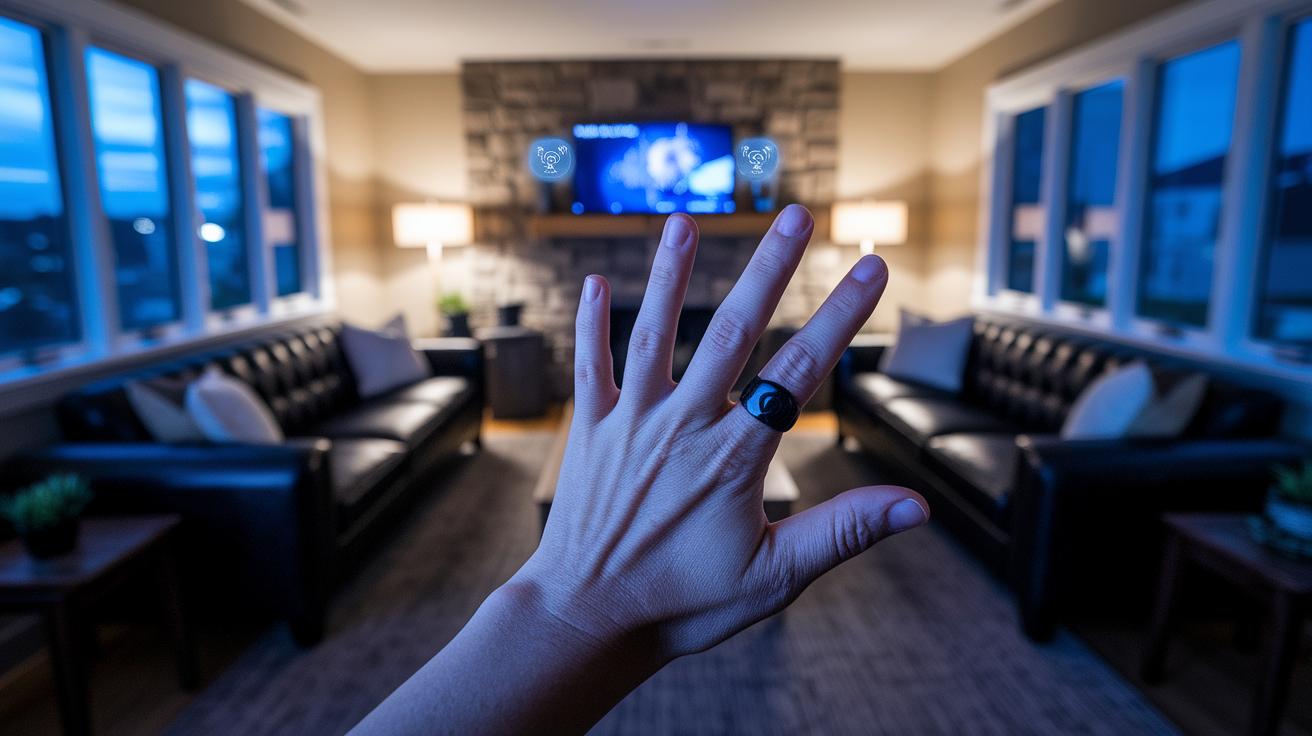
Smart ring apps are rapidly evolving with built-in AI that offers personalized health insights. For example, platforms like Luna 2.0’s LifeOS now use adaptive AI to deliver health recommendations based on what’s happening in real time. This next wave of wearable tech is also exploring gesture recognition, letting you control smart-home devices and media with simple hand movements.
Developers are testing early versions that blend voice commands with virtual assistant features. Soon, you might be able to ask your ring for updates on your activity or its battery level without even picking up your phone. These voice features aim to streamline daily interactions, making the experience friendly and intuitive.
Additionally, these new apps focus on energy efficiency with smart battery tracking. They help ensure the device runs optimally while keeping power consumption low. And as they refine gesture control, smart ring apps are set to become a key tool for managing IoT devices around your home.
Final Words
In the action, we covered everything from core features, setup, and device compatibility to UI comparisons and advanced sensor insights. We walked through managing alerts and troubleshooting issues with a smart ring app. Emerging trends like AI insights and voice controls made it clear that these devices continue to boost our everyday tech experience.
This guide gives a real look into the smart ring app's practical value for health insights and convenience. Enjoy exploring your smart ring journey with optimism and clear direction.
FAQ
Are there free smart ring apps available?
Free smart ring apps exist and typically offer basic features without cost. However, premium functionalities or detailed health insights may require a subscription, so check the app’s pricing details before downloading.
Where can I download smart ring apps for Android and iPhone, and what health features do they offer?
Smart ring apps are available on Google Play and the App Store. They pair with your ring via Bluetooth, track vital health metrics like sleep and heart rate, and offer user-friendly dashboards for monitoring wellness.
Which smart ring app is considered the best?
The best smart ring app depends on your needs. Oura is popular for its clean interface and accurate sleep tracking, while others like RingConn offer detailed data without subscriptions, each catering to different user priorities.
Is there a universal smart ring app for different devices?
Universal smart ring apps exist and are designed to work with multiple brands and smartphone models. They help provide consistent functionality and data tracking across both Android and iOS platforms.
What is the typical price for an Apple-compatible smart ring?
Apple-compatible smart rings vary in price, with models like Oura starting around $349, often paired with subscription fees for advanced analytics. Prices generally range between $250 and $450 depending on features.
How do I connect my smart ring to my phone?
Connecting your smart ring involves downloading the dedicated app, enabling Bluetooth, and following on-screen prompts to pair the device. This process also manages firmware updates and sensor calibration.
Do you need an app for a smart ring?
A mobile app is essential for a smart ring. It allows you to view detailed health data, configure settings, apply firmware updates, and receive notifications, making it a key part of the device’s functionality.
Do all smart rings require a monthly fee?
Not all smart rings require a monthly fee. Some offer free basic app functionality, while others charge for advanced insights or additional features. Check the product details to understand the fee structure.