
Ever thought your glasses could make your day run smoother? Smart glasses with voice assistant integration let you set reminders, check your schedule, and get weather updates without even touching your phone. They sync with your smartphone and respond right away to your commands, streamlining everyday tasks. Our review explains how these innovative glasses keep your hands free and help you start your day with ease, making busy moments a little less stressful.
Understanding smart glasses with voice assistant integration
Smart glasses with voice assistant integration let you access information hands-free while you go about your day. You can simply talk to your glasses to check your schedule, get weather updates, or even set reminders without touching your phone. In fact, many users now start their mornings by asking their smart glasses about their appointments before even getting dressed.
These glasses link to your smartphone over Bluetooth and use tiny built-in microphones that clearly pick up your voice. When you speak, your command is processed almost immediately. You might see a quick notification on the lenses or hear feedback via small speakers or bone-conduction drivers. Imagine saying, "Remind me to call Janet at 10," and seeing a confirmation right in your line of sight, it's technology designed to simplify busy lives.
With everyday tasks, these smart glasses truly shine. They let you manage reminders, check the weather, control smart home devices, and even stream music or news updates just by speaking a command. Models like Audio Glasses S1, Audio Glasses A1, Vision Glasses V3, and Dash Glasses offer different features and styles, making it easier than ever to embrace a hands-free lifestyle.
Technical specs and performance benchmarks of voice-enabled smart glasses
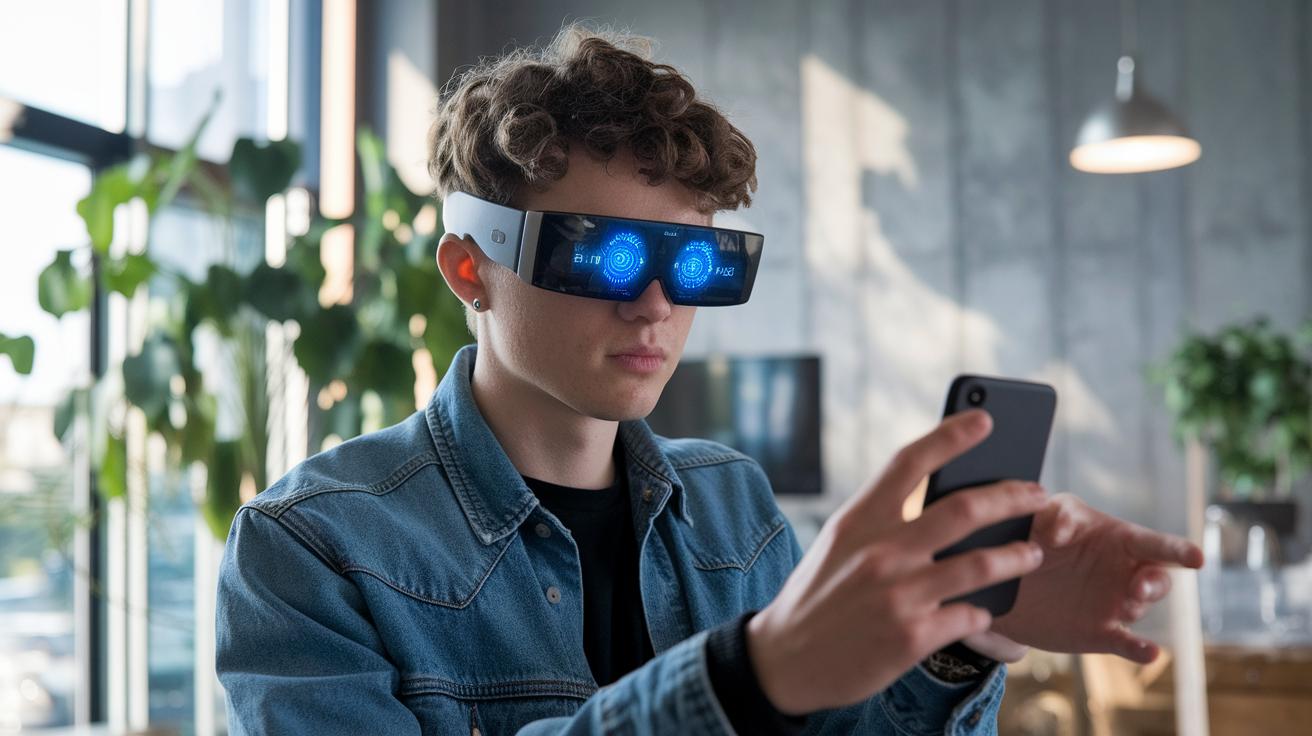
Voice-enabled smart glasses blend clear visuals, reliable tracking, and built-in voice control to help you tackle daily tasks without using your hands. We put together a table with key details, like price, display features, the type of voice assistant, and extra functions, for seven standout models. This guide is meant to help you compare options side-by-side so you can pick the pair that fits your needs.
| Model | Price | Display (FOV/Res) | Voice Assistant | Key Features | Notes |
|---|---|---|---|---|---|
| Xreal One Pro | $649 | 57° | Generic | 3DOF tracking | No diopter |
| RayNeo Air 3s Pro | $299 | 46°/1080p | Generic | Vibrant colors | No dimming |
| Oakley Meta HSTN | n/a | Unknown | Meta AI | 12 MP camera | Audio leak minimal |
| Ray-Ban Meta Gen2 | n/a | Unknown | Meta AI | 12 MP camera | Fashionable |
| Viture Luma Pro | $499 | 1920×1200 | Generic | Focus dials | Edge blur |
| Chamelo Music Shield | $249 | Unknown | Generic | Mirrored tint | Subtle adjust |
| Oakley Meta Vanguard | $499 | Unknown | Meta AI | IP67 rated | Battery short |
These glasses offer features that count for everyday use. For example, the Xreal One Pro comes with 3DOF head tracking, which lets you interact with content naturally. That said, if you need vision correction, you'll have to add on prescription inserts separately. In contrast, the RayNeo Air 3s Pro boasts a bright, 1080p display with lively colors, though it lacks some advanced tracking and dimming control.
The Oakley Meta HSTN and Ray-Ban Meta Gen2 incorporate Meta AI for a modern touch along with a built-in 12 MP camera, giving these glasses a balanced mix of tech and style. Meanwhile, the Viture Luma Pro and Chamelo Music Shield offer unique design twists like adjustable focus dials and mirrored lens tints. Finally, the Oakley Meta Vanguard is a solid option if you value toughness, its IP67 rating shows it can handle tough conditions, even if its battery life could be better.
Smart glasses with voice assistant: Stellar Upgrade
Some connected voice smart spectacles truly make daily routines smoother. Take the Amazon Echo Frames Gen 3 – many users love how clear and responsive the audio is, thanks to its high-quality microphone that makes voice commands work right out of the box. Lucyd’s ChatGPT-enabled glasses catch the eye with their modern, stylish design, though a few users mention that they might feel a bit tight after wearing them for a long time.
Travelers often rave about the Xreal One Pro because its large virtual screen makes it easy to access information on the move. Meanwhile, fans of lightweight design lean towards the RayNeo Air 3S for its barely-there feel, and the Ray-Ban Meta Gen2 earns praise for combining trendy looks with a solid voice assistant performance.
However, it's not all perfect. Some users say the charging dock on the Echo Frames Gen 3 is awkward, making daily recharging a bit of a hassle. Certain models, including the Ray-Ban Meta Gen2 and Oakley Meta HSTN, have occasional connectivity issues which can interrupt the intended hands-free experience. And while Lucyd’s glasses stand out stylistically, they may not be as comfortable during prolonged wear, while the RayNeo Air 3S might leave some wishing for a better-shaded setup for sunny outdoor use.
Practical uses of wearable voice command innovation in daily routines
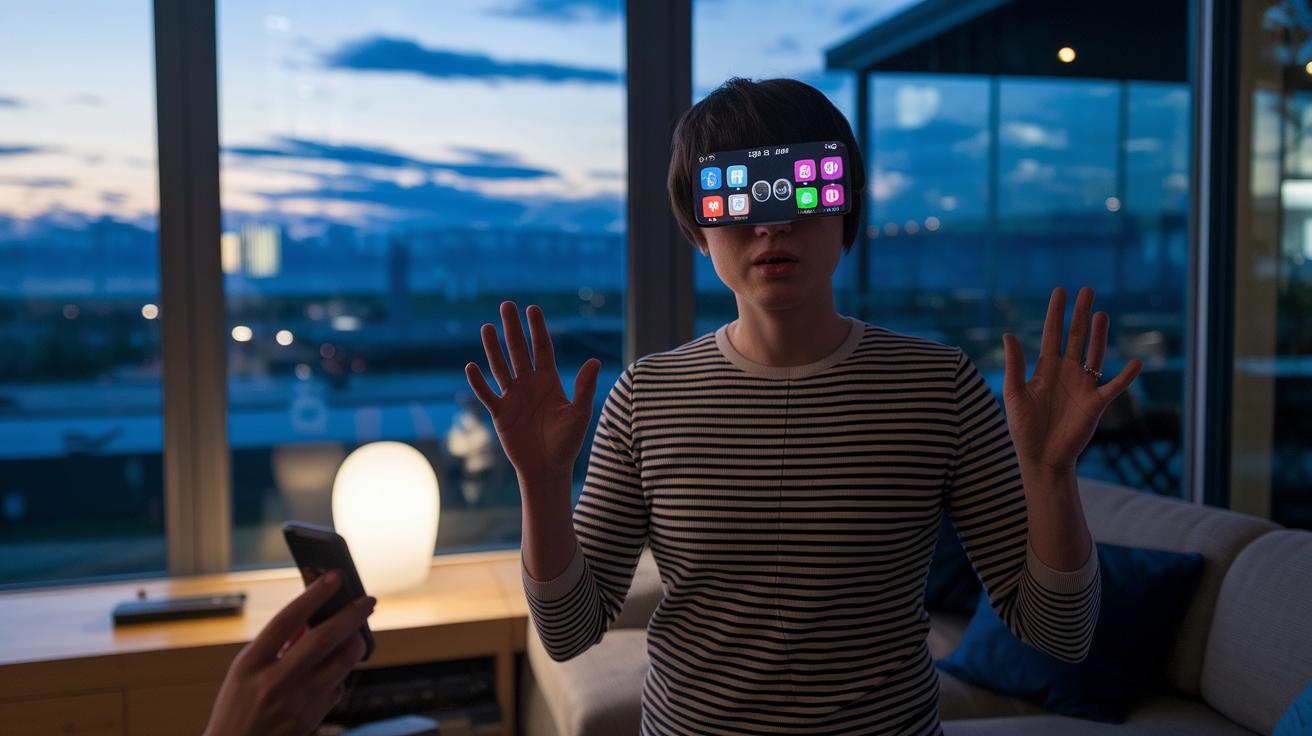
Smart glasses with voice assistants are doing more than just setting reminders. They now connect with various apps and smart home devices to help with everyday tasks. You can sync meeting details with your scheduling apps, adjust your home’s environment automatically, and even control media playback when it’s noisy around you. These glasses display quick updates like traffic, health stats, or custom notifications while you multitask. They also include a travel mode that offers local suggestions in multiple languages. Models like Audio Glasses S1, Audio Glasses A1, and Vision Glasses V3 support third-party app integrations for extra functionality.
This voice-activated tech cuts down on your reliance on a smartphone and makes daily routines simpler and more efficient.
Pricing and purchase considerations for next-generation interactive frames
When you step into the world of multi-use assistant spectacles, you'll find a range of options to match different budgets. For example, you can grab the Chamelo Music Shield for around $249, while the RayNeo Air 3s Pro starts at $299. If you're looking for something in the mid-range, models like the Viture Luma Pro and Oakley Meta Vanguard cost about $499. And if you want the very best, the premium Xreal One Pro is priced at $649. Keep in mind that if you require prescription lens inserts, you should add roughly $80 to your total. Taxes are usually included in the price and shipping fees are calculated during checkout. This setup helps you decide what you're comfortable spending on a digital optical aid that fits your daily needs.
Beyond the upfront price, it's a good idea to think about other factors like warranty length and accessory quality. A charging dock that works well and strong support from the seller can make your daily experience much smoother compared to a model with flimsy accessories. Think about whether you value style or functionality more when choosing your device. By weighing the different price levels, any additional add-on costs, and the support features, you can plan your budget and pick a next-generation interactive frame that not only looks modern but also works well every day.
Future developments in AI-driven speech ocular innovation

Today's smart glasses still have a few growing pains. Many devices lack built-in diopter adjustments, meaning users who need vision correction must add separate prescription inserts. Battery life often doesn't cover a full day of use, and you usually need to pair the glasses with a smartphone to get all the features. The screens also offer only a narrow view, and even the bone conduction audio isn't as clear as expected. Imagine if your glasses could automatically adjust their tint when you step outside into bright sunlight, that smart lens feature is still on the drawing board.
Looking ahead, researchers are working hard to fix these issues. Standalone, wireless designs are in development, which could free your glasses from constant smartphone pairing. Cloud-based voice processing might also make your interactions faster and smoother. Expect to see better augmented reality overlays that merge digital content with the real world more naturally, and efforts to shrink advanced components could soon widen your field of view. Improved bone conduction technology promises a richer sound experience without needing extra speakers, while smarter lens adjustments will help with outdoor readability. These upgrades point to a future where assistant eyewear not only simplifies everyday tasks but also transforms your overall tech experience.
Final Words
In the action we examined smart glasses with voice assistant integration and how these wearable devices deliver hands-free control in daily routines. We detailed everything from voice integration and pairing to performance and user experiences. Key use cases like setting reminders, managing smart home tasks, and receiving real-time updates were discussed alongside pricing, warranty, and accessory design aspects.
This review shows that smart glasses with voice assistant can make everyday tasks more seamless and convenient. Enjoy exploring these wearable innovations and the practical benefits they offer.
FAQ
Q: What are the best smart glasses with voice assistant, including options for women and Amazon shoppers?
A: The best smart glasses with voice assistant blend voice control with style and functionality, offering options like Sekoda AI and Zenvixy for various tastes, including designs meant for women and popular Amazon picks.
Q: What distinguishes Bluetooth Audio Glasses from other smart audio glasses?
A: Bluetooth Audio Glasses use wireless connectivity to stream audio and manage calls, providing similar hands-free benefits as other smart audio glasses while delivering clear sound and efficient command control.
Q: What are prescription smart glasses with camera?
A: Prescription smart glasses with camera combine vision correction with integrated cameras, letting you capture photos or videos hands-free while addressing your optical needs in one convenient device.
Q: Can you talk on smart glasses?
A: Talking on smart glasses is supported through built-in microphones that capture voice commands and enable calls, offering a hands-free way to engage with voice assistants and manage daily tasks.
Q: What are the downsides of audio glasses?
A: Audio glasses can have drawbacks like limited battery life, potential connectivity issues, and less effective performance in bright conditions, which might affect their usability in certain situations.
Q: What are the glasses that turn voice into text?
A: Glasses that turn voice into text integrate voice-to-text technology, converting spoken words into real-time on-screen messages, which is useful for quick messaging and note-taking on the go.
Q: Do smart glasses have AI?
A: Smart glasses do incorporate AI, with many models featuring voice assistants powered by algorithms such as Meta AI, Google Assistant, Siri or Alexa, to process commands and provide smart, hands-free responses.