
Think your next computer is simple? Think again. Laptops, ultrabooks, and notebooks all serve different roles. Some are perfect for everyday tasks, while others are built for heavier, more demanding work. This guide breaks down how they differ in size, speed, and design so you can pick the one that fits your lifestyle best. Whether you need something light enough for travel or a powerhouse for work, there's a smart choice waiting for you. Read on to see which device deserves a spot on your desk or in your backpack.
Comparative Overview of Notebooks vs Ultrabooks vs Laptops
Notebooks are built for basic everyday tasks like browsing the web and checking email. They usually come with screens smaller than 15 inches, weigh between 3 to 5 lbs, and feature sturdy polycarbonate bodies. Think of a notebook as a simple, reliable tool that keeps you connected without any extra fuss.
Ultrabooks step up the game with a design that follows strict guidelines set by Intel. They typically sport a 13.3-inch screen, are no thicker than 0.71 inches for that size, and weigh under 3 lbs. With SSD storage boosting file access and overall speed, these slim devices often last 8 to 10 hours on a single charge. They’re a smart choice if you value portability and efficiency on the go.
Laptops offer a wider variety for those who need more power. They usually start around 4 lbs and come with larger displays ranging from 14 to 17 inches. Unlike the streamlined ultrabooks, many laptops pack in dedicated graphics cards and quad-core processors that can handle gaming, video editing, or other demanding tasks. Their storage options often mix SSDs with HDDs, giving you room for upgrades. Picture a laptop as a versatile workhorse ready to tackle both light everyday tasks and heavier computing challenges.
These differences show how each device fits different lifestyles, from those who need simplicity and mobility to users who demand robust performance.
Notebook vs Ultrabook vs Laptop Design and Portability Comparison
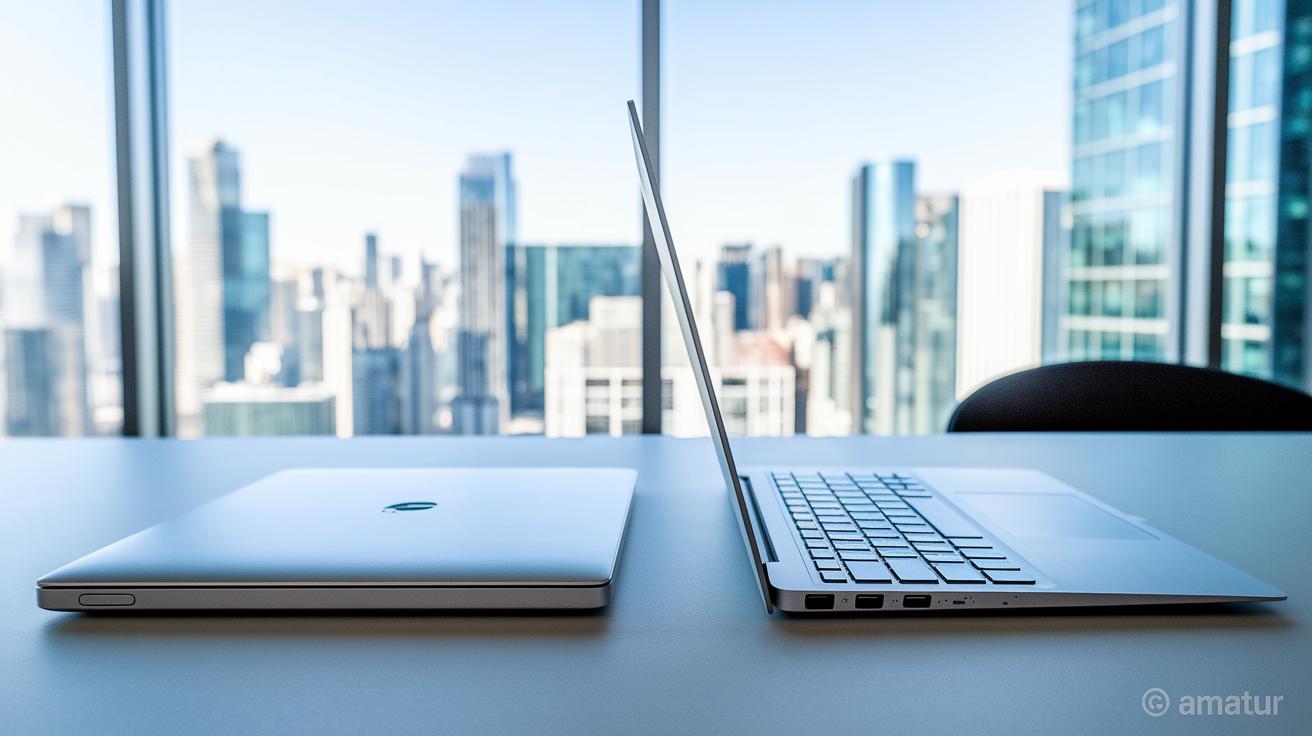
Notebooks are designed to be simple and affordable. They usually sport screens smaller than 15 inches, weigh between 3 and 5 lbs, and use a polycarbonate shell that's about 1 inch thick or less. While they're great for everyday tasks, you'll have limited options for hardware upgrades if that's a priority for you.
Ultrabooks take portability to a whole new level. These devices typically weigh around 3 lbs or less, some models, like the Acer Swift 7, even come in under 2 lbs. Built to strict Intel standards, a 14-inch ultrabook used to be capped at 21 mm thick, while a 13.3-inch design could only be 18 mm. This means you get a premium, super-slim build made from materials like aluminum or magnesium alloy. The trade-off? They’re less durable under heavy use and offer very limited internal upgrade options. Think of it like choosing between a metal smartphone case, which feels robust but is less adaptable, and a plastic one that might let you tinker more freely.
Laptops, on the other hand, strike a balance between portability and versatility. Typically weighing more than 4 lbs and being a bit thicker, often over 1 inch, they combine both plastic and metal components. This mix allows for internal upgrades that you won’t find in ultrabooks, even if it means carrying a little extra weight.
| Device Type | Weight Range | Max Thickness | Typical Material |
|---|---|---|---|
| Notebook | 3–5 lbs | 1 inch or less | Polycarbonate |
| Ultrabook | 3 lbs or less | Up to about 0.83 inches | Aluminum/Mg Alloy |
| Laptop | 4 lbs or more | Over 1 inch | Plastic/Metal |
Performance Benchmarks in Notebooks vs Ultrabooks vs Laptops
CPU and Processing Power
Ultrabooks pack the latest Intel low-voltage chips that balance energy savings with quick performance. They run at brisk speeds while using less power, which makes them perfect for everyday tasks. Because these chips have fewer cores than the full-power processors found in many laptops, ultrabooks trade some raw muscle for better battery life. Meanwhile, many full-size laptops feature quad-core or hexa-core processors that handle multitasking and heavy applications with ease. Notebooks usually come with simple dual‑core CPUs that work fine for web browsing and basic tasks, but they might slow down if you push them too hard. In real use, you might notice an ultrabook opening files quickly with Intel Smart Response Technology, while a laptop’s beefier processor handles intense jobs more comfortably.
RAM and Storage Options
These devices generally offer between 4 GB and 16 GB of RAM. Notebooks often include lower memory options that are enough for everyday work, though limited RAM can make multitasking tougher when you need more power. Ultrabooks prefer solid‑state drives (SSDs) over traditional hard drives, which helps them boot up fast and feel more responsive. This choice also lets them slim down, but it usually means you can’t upgrade them later. On the other hand, many laptops mix SSDs with HDDs, so you get both speedy access and plenty of room for files. For example, if you value quick app launches and smooth file access, an ultrabook might be the right match, but if you need lots of space for media, a laptop with dual‑drive options could work better for you.
Graphics and Upgrade Potential
When it comes to graphics, ultrabooks and notebooks typically rely on integrated graphics. These are good enough for watching videos and light creative work, but they might not cut it for graphic‑intensive tasks. Laptops often come with their own graphics chips (discrete GPUs), which make a noticeable difference if you like gaming or video editing. Plus, laptops usually offer more chances for upgrades, like adding extra RAM or swapping a 2.5‑inch drive. Ultrabook components, however, are mostly soldered in place, which means you’ll be hard-pressed to upgrade them later.
Battery Life Evaluation: Notebook vs Ultrabook vs Laptop

Ultrabooks are built to give you longer battery life without bulk. Early models aimed for around 5 hours of use, but newer ones, with power-saving components and SSDs, can reach up to 9 hours when idle and deliver about 6 hours during video playback. Some models even offer standby power for up to 7 days, thanks to their efficient design.
Notebooks, on the other hand, usually deliver roughly 4–5 hours in everyday mixed usage. They tend to use traditional hard drives and less optimized parts, which means they can’t keep the battery going as long when you’re handling daily tasks.
Laptops cover a wide range. For example, high-performance gaming laptops might drop below 2 hours when pushed hard, while most mainstream models comfortably run for about 5–7 hours. This shows how design choices and internal components really affect how long you can go on the go.
Notebook vs Ultrabook vs Laptop: A Smart Pick
Ultrabooks typically sport 13–14-inch screens with FHD or higher resolutions that deliver sharp, clear images. Many even include BlueLightShield™ technology to ease eye fatigue during long sessions. They’re a solid choice if you value bright colors and precise details for both work tasks and enjoying your favorite shows.
Notebooks usually come with screens running at 1366×768 or 1080p, using either TN or IPS panels. These displays are completely fine for routine stuff like browsing and emailing, but they might not offer the color accuracy or wide viewing angles you’d want for video watching or photo editing. They tend to focus on saving energy rather than delivering premium visuals.
Laptops offer the most variety. With screen sizes ranging from 14 to 17 inches, and with premium options even reaching 4K UHD, there’s something for everyone. Some models feature touchscreens and convertible designs that let you use pen input and swipe directly on the display. This wide range of choices means you can pick a laptop that perfectly balances clarity, size, and interactive features to suit your multimedia and productivity needs.
Price and Value Analysis in the Notebook vs Ultrabook vs Laptop Debate

Notebooks are a great fit if you need an everyday machine for basic tasks like browsing and email. They are budget-friendly, usually priced between $200 and $600, and use simple materials such as polycarbonate along with entry-level dual-core processors. For example, a notebook priced around $300 offers enough power for regular tasks, making it an ideal choice for students or seniors.
Ultrabooks start at about $800 and can reach over $2,000 for the premium models. These devices mix a sleek, lightweight design with speedy SSD storage and efficient Intel ULV processors to deliver both portability and better overall performance. A typical $1,800 ultrabook might feature an attractive aluminum body, extended battery life, and a high-resolution display, perfect for professionals who need a reliable machine on the go.
Full-size laptops cover a wide price range from $300 to more than $3,000. At the lower end, you can get a laptop that handles everyday tasks easily. At the higher end, models designed for gaming or content creation come with advanced quad-core or hexa-core processors and dedicated graphics cards. Overall, your budget will determine features like materials quality, processor class, SSD speed, and GPU capability, allowing you to strike the right balance between performance and cost.
Choosing Between Notebook, Ultrabook, and Laptop: Use Case Recommendations
Picking the right portable computer can really change your everyday routine. Notebooks are designed to be affordable and easy to carry, handling basic tasks like browsing, checking email, and streaming media without a high price tag. They’re perfect for students or seniors who want a lightweight device without extra features.
Ultrabooks take a different approach by focusing on work and travel. Their slim designs and long battery life let you work on the go with little worry about running out of power. They’re great for road warriors and business travelers who need a reliable device. Plus, if you’re after both a traditional laptop and a touch-based tablet for presentations, you might want to check out a convertible ultrabook like the convertible laptop ASUS.
Full-size laptops, however, are built with extra muscle. With powerful multi-core processors and dedicated graphics, they’re the best choice for gamers, video editors, or programmers who need that extra performance boost and the option to upgrade down the line. These machines are made to handle graphic-heavy tasks and long creative sessions.
For digital nomads and hybrid workers, convertible ultrabooks offer a sweet mix of flexibility and power. They combine a tablet’s ease of use with a laptop’s productivity, making them a smart pick if you need both. Models like the HP Spectre x360 convertible laptop deliver strong battery life and a responsive touch screen that adapts quickly no matter where you work.
- Students & Basic Users: Go for a notebook to keep costs down and enjoy lightweight portability.
- Business Travelers & Road Warriors: Choose an ultrabook or convertible ultrabook for a slim design and long-lasting battery.
- Gamers & Content Creators: Pick a full-size laptop with a dedicated GPU and upgradeable internals for extra performance.
- Digital Nomads & Hybrid Workers: Opt for a convertible ultrabook like the ASUS model for the best of both tablet and laptop worlds.
Final Words
In the action, we broke down designs, specs, and performance nuances. We compared weight, screen size, battery life, and price points to clarify what each option offers. This guide outlined key use cases where everyday tasks, creative work, and gaming needs differ.
The breakdown makes it easier to identify the strengths of each category in a notebook vs ultrabook vs laptop comparison. Overall, this approach brings clarity and makes selecting the right device a smooth process. Enjoy choosing the best match for your needs!
FAQ
Q: What is the difference between a notebook, a laptop, and an ultrabook?
A: The difference between a notebook, a laptop, and an ultrabook lies in design and performance. Notebooks handle basic tasks, ultrabooks offer thin, fast builds with SSDs, and laptops provide higher power with more upgrade options.
Q: Is there a difference between a notebook and a laptop, and why are laptops now called notebooks?
A: The difference between a notebook and a laptop is minimal. Today, both terms refer to portable computers, with “notebook” often highlighting a slimmer, lighter design over traditional bulkier laptops.
Q: What are the pros and cons of laptops versus notebooks?
A: The pros and cons of laptops versus notebooks depend on needs. Laptops typically deliver superior performance and upgradeability, while notebooks shine in portability and convenience for everyday tasks.
Q: How do ultrabooks compare to Chromebooks?
A: Ultrabooks compare to Chromebooks by offering stronger performance with low-voltage CPUs and SSDs, while Chromebooks focus on simplicity using Chrome OS and tend to be more budget-friendly but less versatile.
Q: How do notebooks, laptops, Chromebooks, and tablets differ?
A: The differences stem from design, operating systems, and usage. Notebooks and laptops run full desktop systems for varied tasks, Chromebooks streamline web-based computing, and tablets focus on touch interactivity and mobility.
Q: What are the three types of laptops?
A: The three types of laptops include notebooks for basic, everyday tasks; ultrabooks for slim, high-efficiency portability; and full-size laptops offering powerful processing and extensive upgrade potential.
| Device Type | Weight Range | Max Thickness | Typical Material |
|---|---|---|---|
| Notebook | 3–5 lbs | ≤1″ | Polycarbonate |
| Ultrabook | ≤3 lbs | ≤0.83″ | Aluminum/Mg Alloy |
| Laptop | 4–8 lbs+ | ≤1.2″+ | Plastic/Metal |