
Ever noticed your convertible laptop acting more like a misbehaving friend than a reliable partner? Regular upkeep can keep it running smoothly instead of letting little glitches sneak in. In this guide, we share easy, everyday tips to keep your laptop in tip-top shape, whether it’s a daily, weekly, or monthly routine. We’ll walk you through simple steps like cleaning the screen and checking the hinges and vents so your device stays ready to handle any task you throw at it.
Core Convertible Laptop Maintenance Checklist
Keep your convertible laptop running smoothly with a few simple daily, weekly, and monthly habits. These quick steps help ensure your device lasts longer without demanding too much of your time.
- Wipe your screen every day using a dry microfiber cloth. If stubborn fingerprints stick around, dampen the cloth lightly with 70% isopropyl alcohol and gently clean the marks.
- Check your hinges and connectors each week. Open and close the screen and detach parts to see that everything moves smoothly. If you hear any unusual sounds or feel stiffness, a bit of silicone lubricant can help keep the hinges moving freely.
- Blow out dust from vents and cooling parts with short bursts of compressed air (hold the can about 2–3 inches from the vents). This helps prevent overheating.
- Practice good battery care by unplugging the charger once you hit about 80–90%. Run a full discharge/charge cycle every month or two to help the battery gauge stay accurate.
- Keep your software in check by regularly installing system updates, deleting apps you no longer use, and updating drivers for security patches and bug fixes.
- Back up your files each week to a cloud service or an external hard drive. This reduces the risk of losing data if something unexpected happens.
- Treat your device with care. When transporting it, use a padded case to protect the detachable screen, especially when you’re switching between laptop and tablet modes.
Following these steps helps maintain both the hardware and software, ensuring your laptop stays in great shape and you enjoy a smoother, longer-lasting experience.
Understanding Convertible Laptop Hybrid Design

Convertible laptops merge the best of laptops and tablets with features like rotating hinges, detachable keyboards, and touchscreen panels. Because these devices serve multiple roles, taking care of them means paying attention to different parts. For example, clean the touchscreen gently with a dry or slightly damp microfiber cloth to keep its digitizer safe. Also, check the detachable keyboard and its connectors now and then to ensure they stay securely in place and free of dust. And since the rotating hinges get a lot of use when switching modes, give them a quick check to make sure they still move smoothly.
Key maintenance checklist:
- Inspect your touchscreen for smudges and use just a little liquid if you need it.
- Make sure detachable parts are firmly connected and clear of dust.
- Check rotating hinges for any stiffness or creaking when you switch modes.
Convertible Laptop Screen and Touchcare Techniques
Keeping your convertible laptop’s screen clean is essential for a smooth experience. Start each day by gently wiping off fingerprints and dust with a dry microfiber cloth. If you see tougher smudges, lightly dampen your cloth with 70% isopropyl alcohol or distilled water, but never spray the liquid directly on the screen.
For hard-to-reach spots like the screen edges and around the stylus tip, use a soft brush to sweep away any buildup. Also, check your screen protector often. If scratches or cloudiness start to affect touch responsiveness or clarity, it’s a good idea to replace it every 6 to 12 months.
Maintenance checklist:
- Daily wipe: Clean the screen with a dry microfiber cloth.
- Persistent smudges: Use a cloth slightly dampened with 70% isopropyl alcohol or distilled water.
- Tight areas: Gently brush around the stylus tip and screen edges.
- Screen protector: Replace it every 6–12 months when signs of wear appear.
Convertible Laptop Exterior Cleaning and Port Upkeep
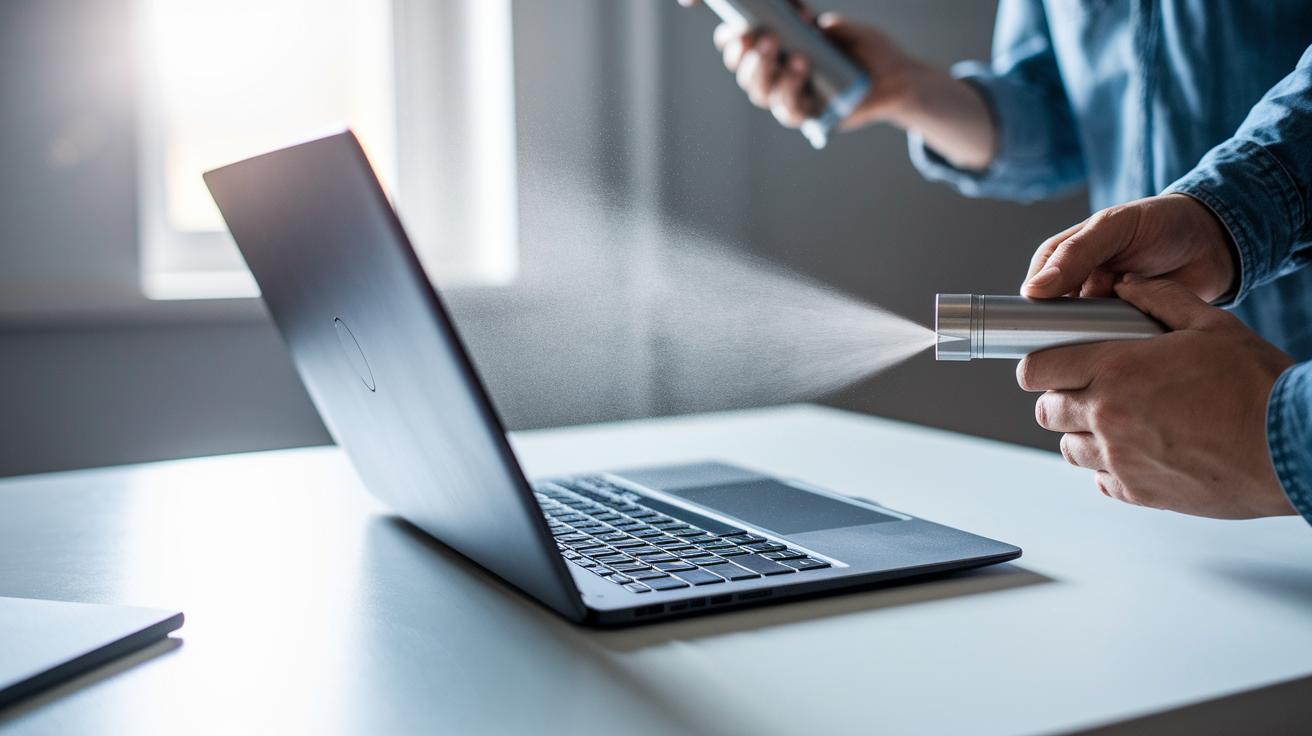
Keeping your convertible laptop clean on the outside is key for steady connections and avoiding dust-related issues. Dust and debris can sneak into USB, HDMI, and headphone ports, so we recommend using short bursts of compressed air. Hold the nozzle about 2 to 3 inches away and blast in quick 2- to 3-second bursts so you don't push the dirt deeper.
Every month, give the entire chassis a gentle wipe-down using a lint-free cloth lightly moistened with a mild detergent solution. This removes grime without harming the finish. Be especially careful around sensitive areas. If your laptop design lets you, detach the keyboard and use a soft brush along with a cloth dampened with isopropyl alcohol to clean each keycap. This extra step helps remove stubborn dirt while keeping your keys functioning smoothly.
Also, be sure not to let any liquids build up near ports or seams, as pooled liquid can damage the circuitry inside. Keeping your laptop's exterior free from dust and buildup not only preserves its look but also ensures reliable connections for all your external devices.
Checklist:
- Use compressed air on ports
- Wipe chassis with a lint‑free cloth and mild detergent
- Clean keycaps with a soft brush and isopropyl alcohol
Convertible Laptop Hinge Lubrication and Inspection
Keeping your convertible laptop's hinge running smoothly is vital for everyday use. Every three to six months, put a few drops of silicone-based lubricant on the hinge pivots to keep the movement fluid and avoid friction buildup. When you switch between laptop and tablet modes, pay attention to any creaks or slight resistance. Even a small change in sound or feel means the hinges might be starting to wear out.
Take a precision screwdriver set and check all the hinge screws, tightening any that are loose. Loose screws can misalign the hinge and put extra pressure on internal parts. Also, examine the ribbon cables near the hinge for any signs of wear, such as fraying or pinching. Damaged cables can affect touch responsiveness or lead to further complications over time.
Regularly lubricating, tightening, and inspecting these components is a smart way to maintain the folding mechanism. This proactive routine helps prevent minor issues from turning into major problems and extends the overall lifespan of your device.
Internal Fan and Cooling System Cleaning for Convertible Laptops

Dust buildup on your laptop's fan blades and heat sinks can cause high internal temperatures, so cleaning these parts is essential. Start by unplugging your convertible laptop and removing the bottom panel to access the internals. Hold a can of compressed air about 2–3 inches from the fan and deliver brief bursts of 2–3 seconds to push out the dust without harming the components. Sweep the air over the entire fan area and adjacent heat sinks.
Using your device on a hard, flat surface while cleaning ensures the cooling vents remain unobstructed, which is crucial for maintaining steady airflow. While you're at it, inspect the vents and remove any debris that could block the air. If your laptop still feels warmer than usual, consider checking the thermal paste once a year. Reapplying the thermal paste (the substance that helps transfer heat from the processor) can improve heat transfer.
Cleaning Checklist:
- Unplug the laptop and remove the bottom panel.
- Use short compressed air bursts held 2–3 inches from the fan.
- Position the device on a hard, flat surface to keep vents clear.
- Inspect vents and reapply thermal paste annually if needed.
Following these easy steps will help keep your convertible laptop cool and extend the lifespan of its components.
Convertible Laptop Battery Care and Power Management
Your convertible laptop’s battery is the heart of its performance and lifespan, so treating it right matters. For the lithium-ion battery in your device, small changes in your charging routine can have a big impact. Once your battery reaches around 80% to 90%, unplug it instead of keeping it charged at 100% all the time. This simple habit helps lessen stress on the battery cells and can extend its life noticeably.
Make it a habit to run a full discharge and recharge cycle every month. Doing this keeps the battery meter in check, so your readings match the actual battery capacity, and you'll get more reliable updates during your everyday tasks.
Also, take a look at your power adapter cable and its connector regularly. Check for any bends, fraying, or loose connections because a worn-out adapter can lead to uneven charging and might even harm your battery over time.
Consider switching your laptop's power settings when you’re performing light tasks like web browsing or word processing. Moving to a balanced or power saver mode can reduce energy use and keep internal heat levels lower.
Here's a surprising fact: calibrating your battery monthly might add extra hours to your device’s uptime, keeping your laptop running smoother throughout the day.
Following these practical tips not only keeps your battery healthy but also helps your convertible laptop deliver stable performance for the long haul.
Software, Firmware, and System Optimization for Convertible Laptops
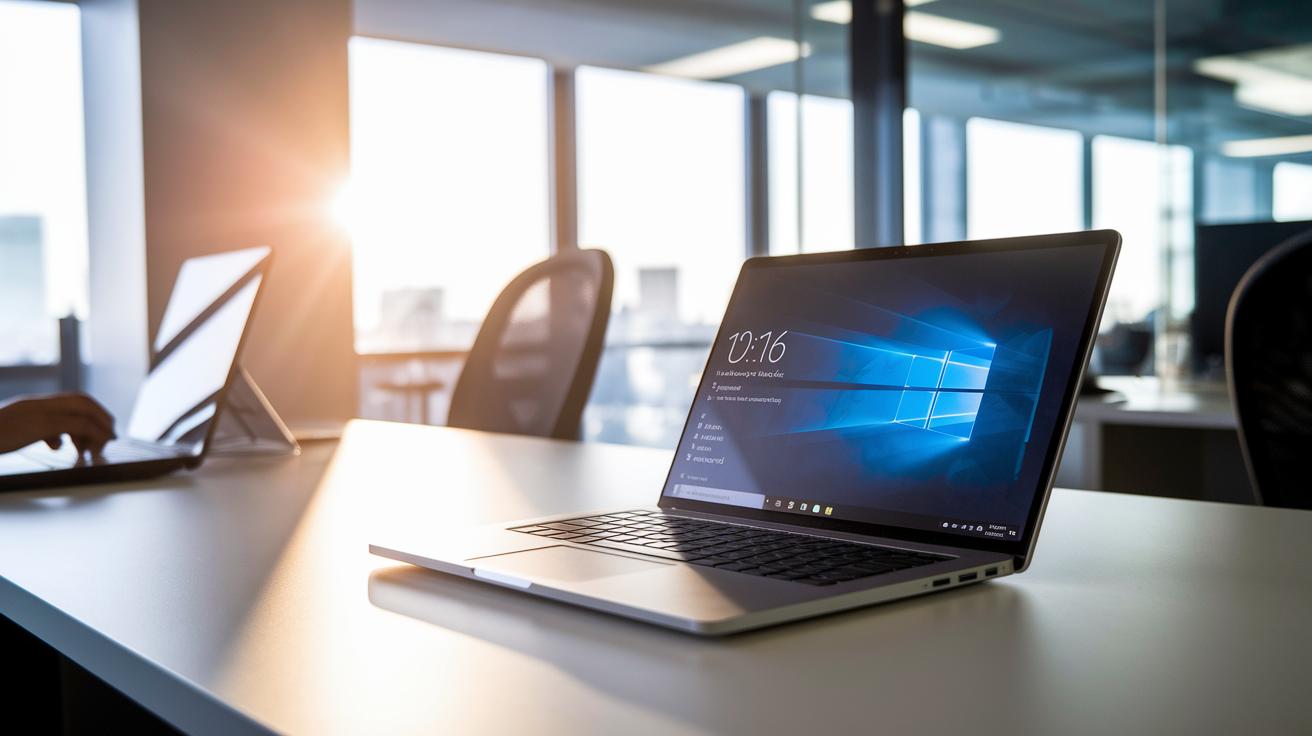
Keeping your convertible laptop running smoothly is all about a steady care routine. Every week, check for operating system updates and install any available security patches or feature updates. This simple step keeps your system secure and compatible with the latest apps. If you see a message that says "Update available – click to install," go ahead and update for a more reliable experience.
Every few months, update your graphics, touch screen, and chipset drivers. Think of these updates as a quick refresh for your device; they help avoid compatibility glitches. Manufacturers sometimes release BIOS or UEFI firmware updates to fix hardware issues, so apply these updates when they're available to keep performance and reliability in check.
Also, run a malware scan once a month. Regular virus and spyware checks can catch issues before they slow you down. Cleaning out outdated or unused apps not only frees up space but also helps prevent your system from bogging down with extra background tasks.
Maintenance checklist:
- Weekly: Check for operating system updates and install security patches.
- Quarterly: Update drivers for graphics, touch screen, and chipset.
- As available: Apply BIOS or UEFI firmware updates.
- Monthly: Run malware scans and remove unused apps.
Stick with this routine, and your convertible laptop will have a solid, secure foundation for everyday tasks.
Regular Diagnostics, Backup, and Troubleshooting for Convertible Laptops
Start by running built-in tools such as Windows Memory Diagnostic to check your RAM and storage health. It’s a good idea to keep an eye on your system’s performance to catch any problems early. After you clean your device, test the touch screen and ports to ensure that dust or debris hasn’t affected their function.
Make checking error logs in Device Manager a regular habit. These logs can show hidden driver conflicts or hardware issues. If you see the same error again, write down when it happened and what you were doing. This record helps guide you through reliable troubleshooting.
Each week, back up your important files using an external drive or a cloud service. This step protects you from unexpected hardware failures and data loss. Keeping your backup routine in check gives you peace of mind that your data is safe when trouble strikes.
Essential tasks include:
- Running diagnostic tools for system checks
- Testing input devices after cleaning
- Reviewing error logs for warning signals
- Backing up important files weekly
Following these routines regularly builds a strong hardware check process that helps minimize downtime. Simple steps like diagnostics and backups keep your convertible laptop running at its best.
Preventive Maintenance Scheduling and Professional Support for Convertible Laptops
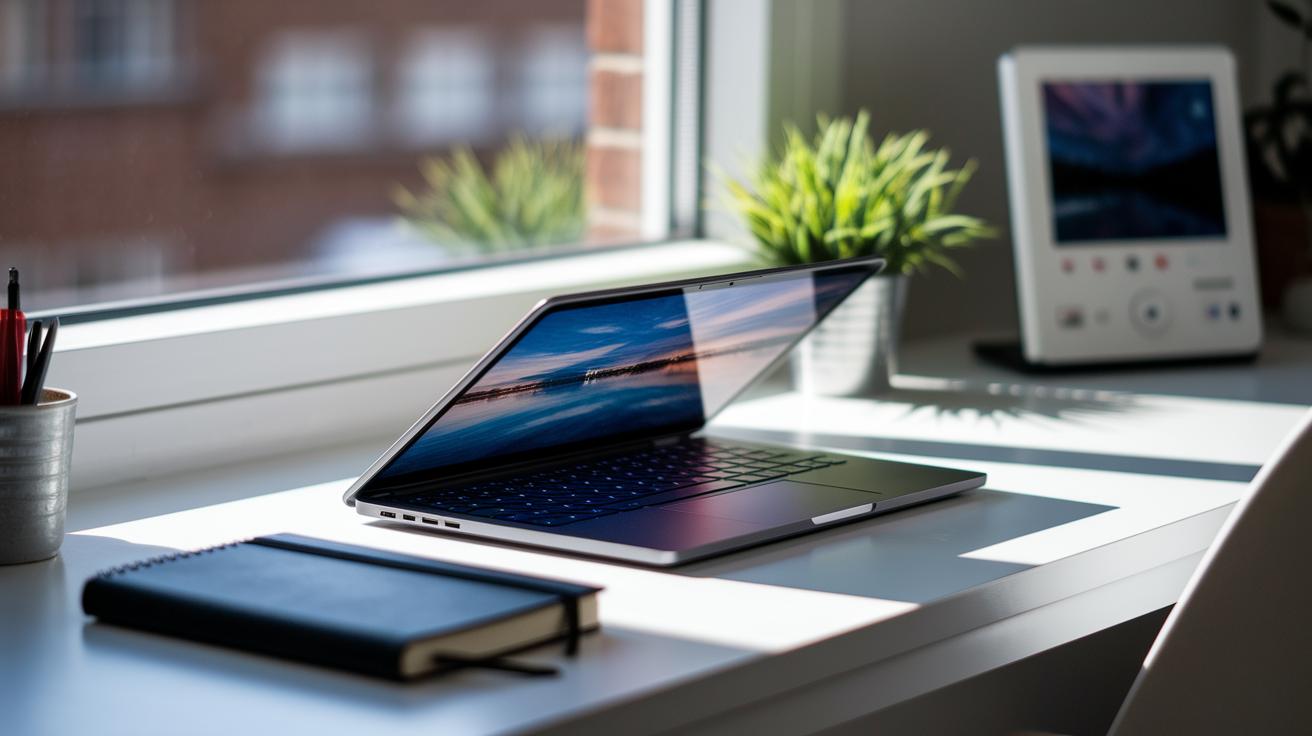
Keep your convertible laptop in great shape by setting up a simple maintenance schedule. Start by making a log where you jot down when you clean the screen, lubricate the hinges, dust the fan, calibrate the battery, and update the software. This log helps you notice changes in performance over time and serves as a useful guide for warranty checks and service appointments.
Every six months, give your laptop a thorough cleaning and internal check. A deep clean removes dust that can block airflow and damage parts like the fan and cooling system. This routine not only prevents overheating but also extends the life of your device.
Before you try any DIY repairs, always check your warranty details. Knowing your warranty status helps you avoid doing something that might cancel your coverage. If the repair involves critical parts like the motherboard or hinges, it’s best to get help from a professional. Experts can handle tricky repairs safely and correctly.
It’s also smart to think about eco-friendly disposal when you replace parts. Choosing sustainable recycling options helps keep our environment healthy. A good maintenance schedule keeps your device running smoothly while reducing the risk of unexpected issues.
Maintenance checklist:
- Keep a log with dates for cleaning and updates.
- Perform a full internal inspection every six months.
- Verify warranty details before any repairs.
- Call in professionals for complex fixes.
- Recycle old parts in an eco-friendly way.
Final Words
in the action, we walked you through a checklist covering every angle, from cleaning screens and hinges to backing up data and keeping software updated. We shared convertible laptop maintenance tips that focus on regular cleaning, battery care, and internal diagnostics. Each step aims to keep your device running smoothly and securely. Embrace these practical upkeep pointers to extend your gadget’s life and enjoy steady performance every day. Stay proactive for a reliable, worry-free experience.
FAQ
What are the best convertible laptop maintenance tips, including Dell models?
The best convertible laptop maintenance tips involve cleaning vents, hinges, and screens regularly, updating drivers and software, and calibrating your battery to ensure smooth performance on both general convertible and Dell models.
How can cleaning my laptop internally, externally, and its software improve performance?
Cleaning your laptop includes removing dust from fans and ports, wiping screens and keyboards, and updating software. This approach reduces overheating and lag while boosting overall speed and responsiveness.
What is a comprehensive laptop maintenance checklist?
A comprehensive checklist covers regular cleaning of the keyboard, screen, and ports; hinge lubrication; battery calibration; system updates and diagnostics; plus backing up data to protect against unexpected failures.
Should I charge my laptop to 100% or 80%?
Charging your laptop to 80%–90% instead of sticking at 100% regularly reduces battery stress while occasional full charges help calibrate the battery meter for accurate power readings.
How should I store a laptop when not in use for a long time?
To store your laptop long-term, power it down with a 40%–50% charge, place it in a cool, dry spot away from dust, and cover it with a microfiber cloth to maintain its condition.
Are convertible laptops worth it?
Convertible laptops offer flexible use with tablet modes and an adjustable design, making them ideal for on-the-go productivity and creative tasks despite requiring a bit more upkeep for hinge and screen care.