
Can you really edit videos on a budget laptop? It might sound too good to be true, but these affordable machines can handle 1080p projects with ease. We checked out several options that perform well with basic cuts, transitions, and simple color tweaks. Each laptop meets the essential needs for entry-level video editing without costing a fortune. In this article, we explain which key specifications to consider and highlight top picks that let you create your videos without overspending.
Top Budget Laptop for Video Editing Under $500
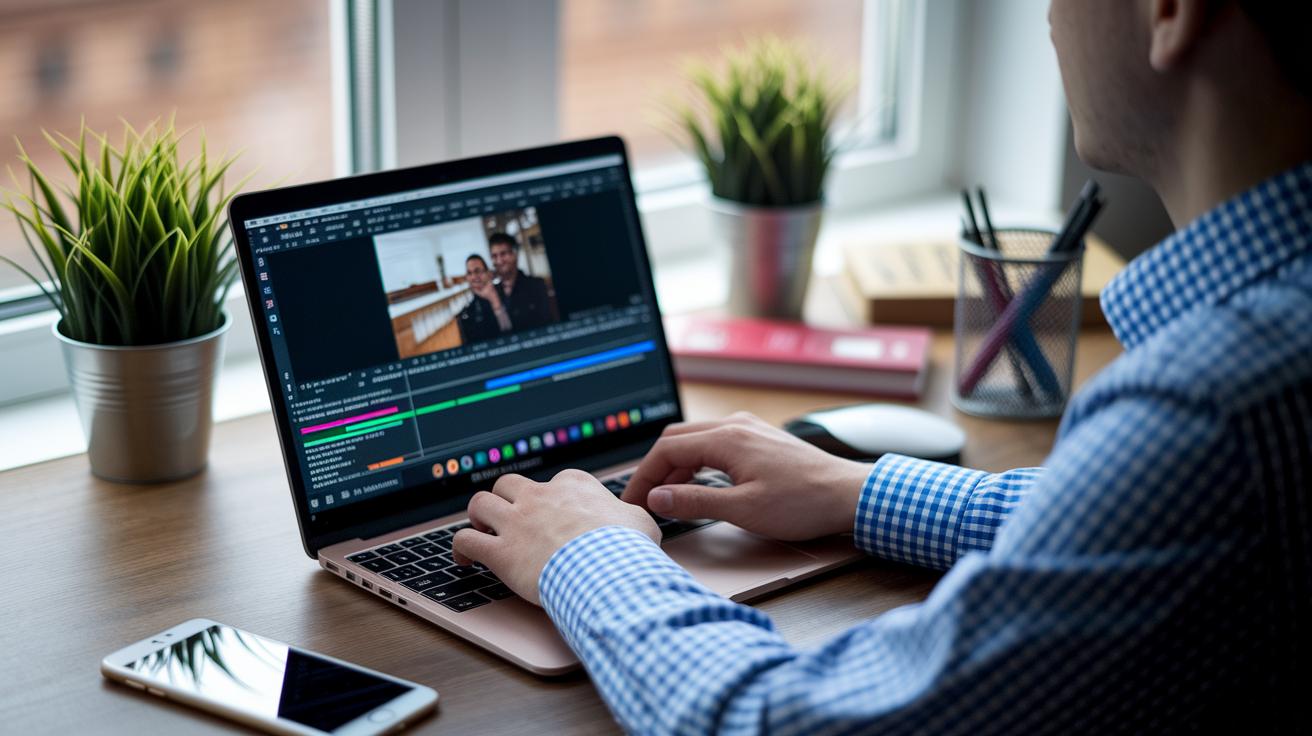
Editing video on a tight budget might seem daunting, but these laptops make it easy. They are built to handle 1080p projects with simple cuts, transitions, and basic color tweaks while keeping costs low. With integrated graphics running entry-level editing software, these machines are perfect for beginners and casual video creators who want to focus on their art without fuss.
| Model | CPU | GPU | RAM | Storage |
|---|---|---|---|---|
| Acer Aspire 5 | AMD Entry-Level CPU | AMD Radeon Vega 3 | 8GB | 256GB SSD |
| Acer Swift 3 | AMD Ryzen 5 4500U | Integrated AMD Graphics | 8GB | 256GB SSD |
| Dell Inspiron 14 | AMD Ryzen 7 5825U | Integrated AMD Graphics | 8GB | 256GB SSD |
Each option is crafted to meet different needs in video editing. The Aspire 5 is great for newcomers testing the waters. The Swift 3 offers a balanced mix of performance and affordability that handles everyday tasks with ease. And if you occasionally need a bit more power, the Inspiron 14 is a smart upgrade that stays within a tight budget.
Essential Laptop Specs for Budget Video Editing
When you're editing videos without splurging, the right laptop specs can make all the difference. The proper hardware not only keeps your timeline playback smooth but also cuts down on long render times. On a tight budget, you need a set of essential components to run your editing software without constant hiccups.
Here’s what to look for:
- CPU: Choose a multi-core processor (at least quad-core) that can juggle multiple editing tasks smoothly.
- GPU: Even a basic dedicated graphics card helps speed up video renders and ensures your playback stays fluid.
- RAM: Start with at least 8GB so your software has enough room to operate; more memory is a plus for handling bigger projects.
- Storage: Opt for a fast SSD (256GB or more) to reduce load times and speed up file transfers.
- Ports: Make sure your laptop has a variety of ports, like USB, HDMI, and SD card slots, to easily hook up external drives and monitors for a more efficient workflow.
Sometimes, you'll find laptops that excel in one area but lag in another, like a strong processor with limited storage or plenty of RAM but few ports. In these cases, think about what you need most right now and what you might upgrade later. This careful selection helps ensure your purchase supports smooth editing today while leaving room to grow.
Software Compatibility on Budget Video Editing Laptops
When working with a budget laptop, video editing software can sometimes test its limits. Programs like Adobe Premiere, Final Cut Pro on macOS, and DaVinci Resolve need a good mix of CPU threads, GPU video memory, and an updated OS to work smoothly. Laptops that just meet the minimum requirements might handle basic edits, but they can struggle when adding effects or editing higher resolution footage.
To make sure your laptop can handle the program you need, check the official system requirements on the software maker’s website. Look at both the minimum and recommended specs, such as the number of CPU cores and the type of GPU they suggest. This simple step helps you understand what performance to expect and whether you might need to upgrade RAM or storage.
Before buying, try out a trial version of the software if you can. Testing it on your current setup lets you see firsthand if there are any performance issues on a budget laptop.
Display Quality and Color Accuracy on a Budget
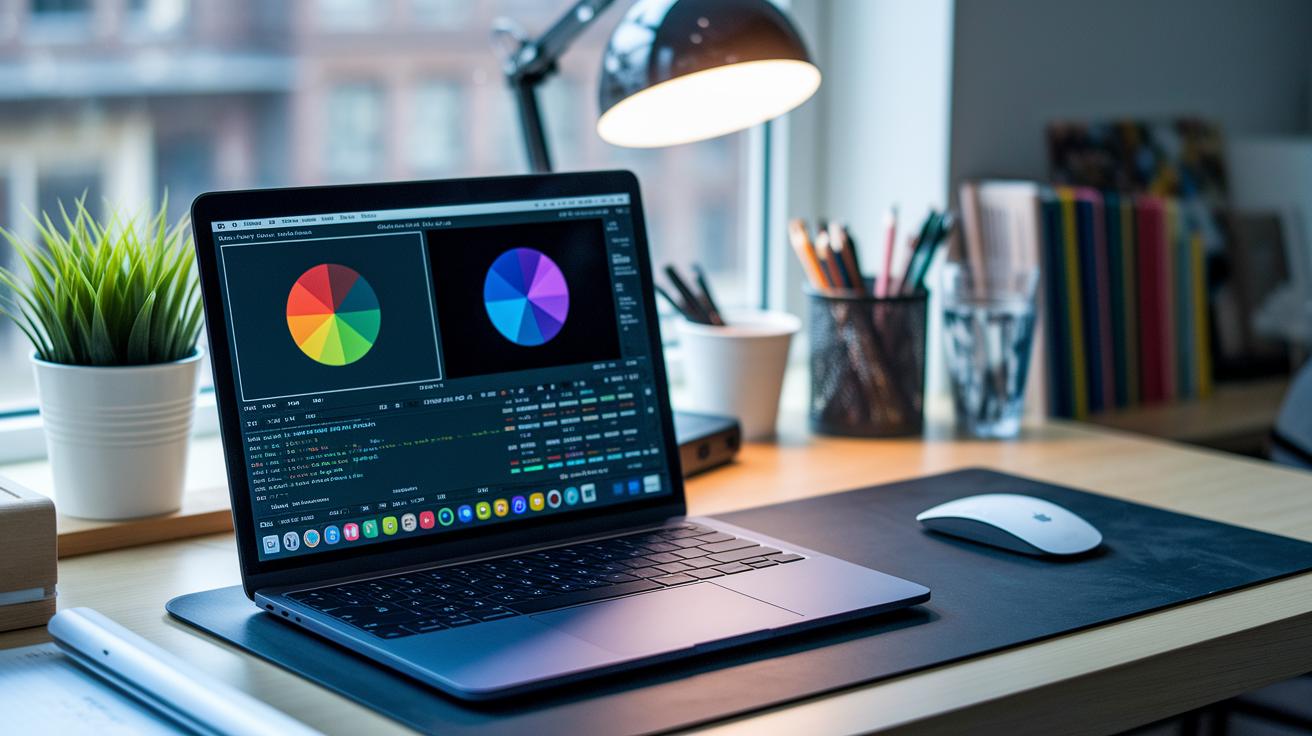
If you're editing videos, your screen resolution can really affect how smoothly your workflow runs. Many budget laptops come with full HD (1080p) displays that work well for everyday editing, but some offer a 4K option so you can see every tiny detail in your footage. Think of it this way: a 1080p screen is great for quick edits and basic color tweaks, while a 4K screen lets you inspect every detail before you export your final cut.
Color accuracy is just as important. Look for displays that cover nearly 100% of the sRGB color space or offer a wide DCI-P3 range, which means the colors you see are a close match to what your audience will experience. The best screens have a Delta E value below 2, ensuring reliable color accuracy, and a brightness level of at least 300 nits so you can work comfortably in different lighting conditions. Some models even come with HDR support, boosting dynamic range for more effective grading. When choosing a panel type, IPS panels usually deliver consistent colors even at wide angles, a feature that keeps your work looking true to life whether you're working alone or sharing your screen.
Upgrade Paths and Longevity for Budget Editing Laptops
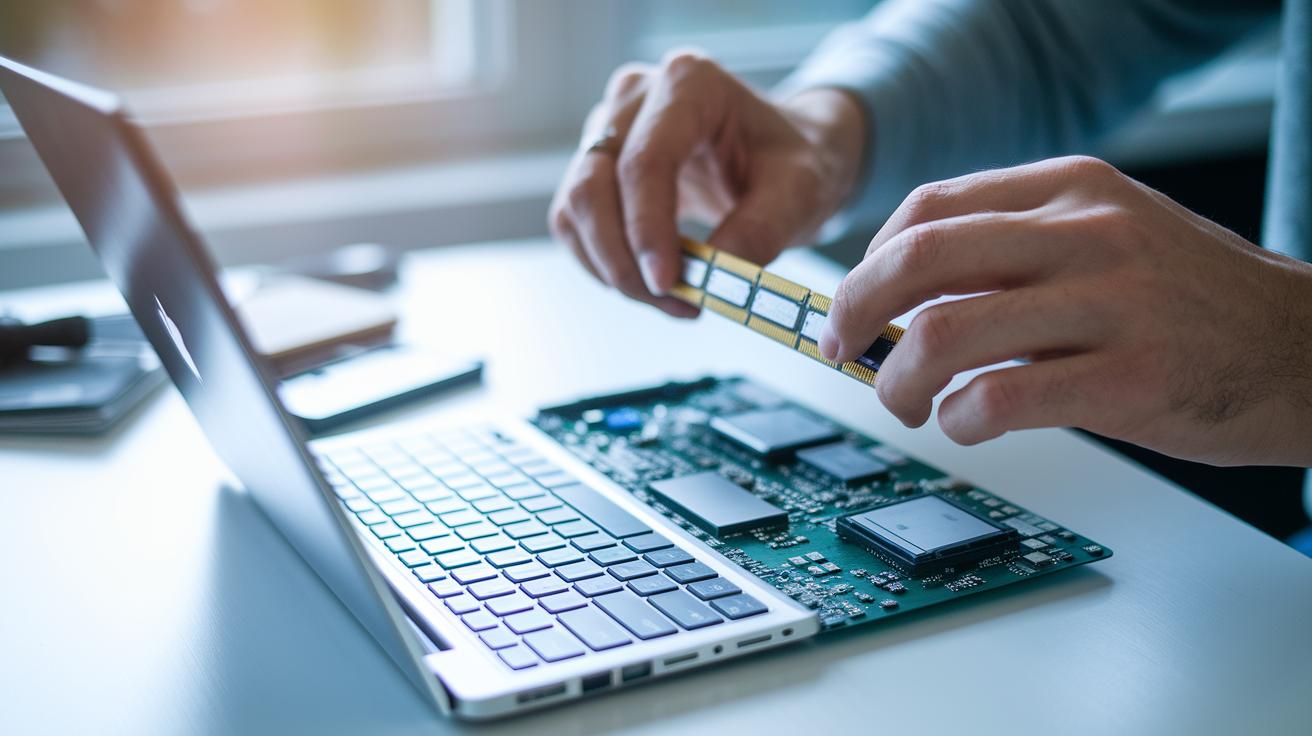
If you're looking to extend the life of your budget editing laptop, start with upgrading the CPU, then consider the graphics card, and finally boost your RAM. A stronger CPU helps run multiple editing tasks at once, making your workflow smoother. A better GPU can handle visual effects more efficiently, and increasing your RAM, like moving from 8GB to 16GB, can really speed up timeline previews and heavy projects. This simple strategy gives budget editors a performance lift without needing a whole new system.
Before you buy, do your homework. Many budget editing laptops offer accessible slots for adding more RAM or storage. However, key parts like the CPU or GPU might be soldered to the motherboard and not upgradable. Check the manufacturer’s documentation or service manual to be sure. Laptops with removable covers and easy-access upgrade slots give you the flexibility to keep your editing experience running smoothly over time.
Choosing the Right Budget Laptop for Your Editing Needs
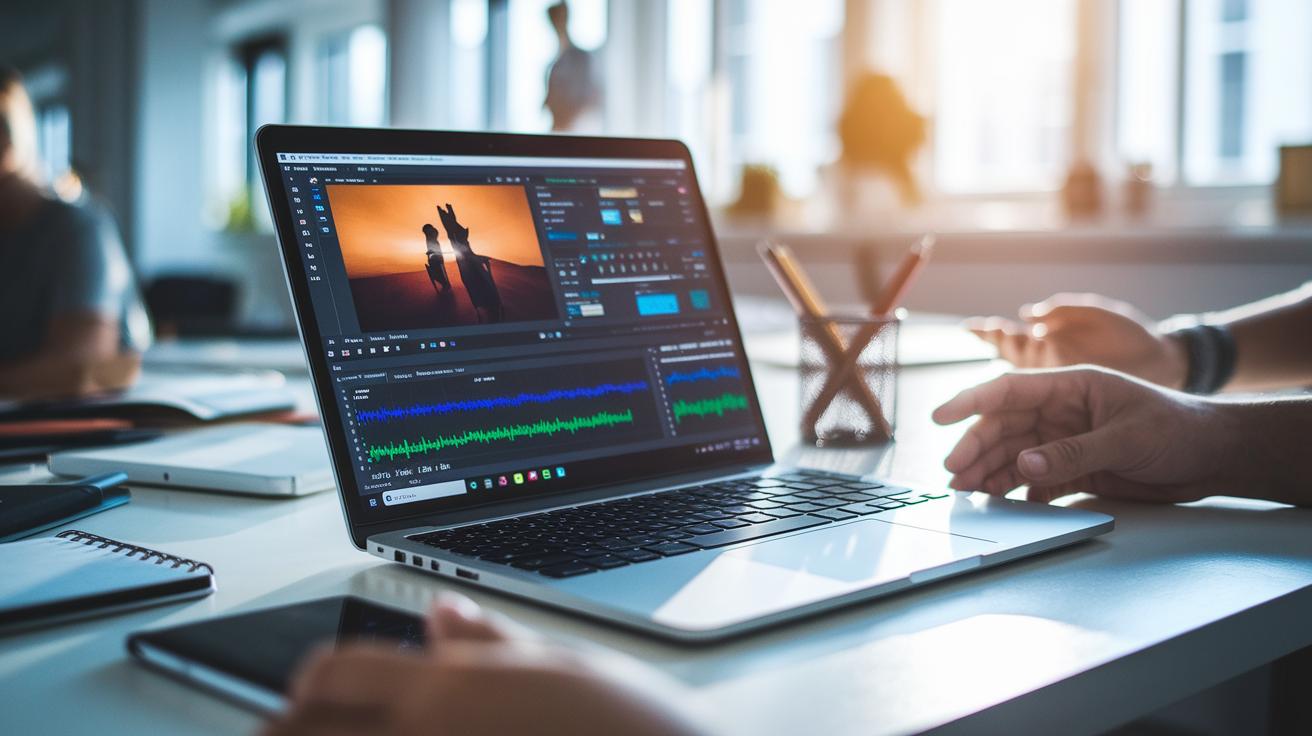
When you’re planning a video project, choosing the right laptop really depends on how big your project is. Editing can range from simple 1080p vlogs that just need basic performance to full-length 4K movies that demand more from your computer. Think about the types of edits you plan to do, the length of your videos, and the software you’ll be using. Also, consider whether you need extra storage or extra power for handling tough timelines.
Balancing portability and performance is key. A slim, lightweight laptop often delivers great battery life and easy mobility, which is perfect if you work on the go. But keep in mind, these models might cut corners on processing power or the number of ports (like SD card slots or USB-C). On the other hand, a heftier laptop might slow down your travel but could significantly boost render speeds and handle longer editing sessions without overheating.
To pick the best budget laptop for video editing or a cost-effective multimedia computer, check out benchmark tests that measure render times and endurance. These guides and reviews lay out clear expectations to help match your workload with the perfect machine. Peer reviews and real-world tests provide the honest insights you need to make a smart investment.
Final Words
In the action, we broke down key laptop features, from essential performance specs and display quality to software compatibility and upgrade options. Each section focused on practical tests and real-world insights, making it easier to pinpoint the best option for your project needs. Our comparative analysis highlighted models that balance performance with affordability, ensuring smooth editing even on a cheap machine. This guide aims to help you find the right budget laptop for video editing and boost your creative workflow with confidence.
FAQ
What kind of laptop is ideal for video editing?
The kind of laptop ideal for video editing includes a multi‑core processor, at least 8GB RAM, fast SSD storage, and either integrated or entry‑level dedicated graphics to handle editing software smoothly.
What are recommended budget laptops for video editing under $1,000?
Laptops under $1,000 for video editing should offer strong performance, good display quality, and reliable processing. They typically feature AMD Ryzen or similar CPUs, sufficient RAM, and decent graphics options.
What is the cheapest option for a 4K video editing laptop?
The cheapest 4K video editing laptop focuses on affordability while delivering a 4K‑capable display, a solid multi‑core processor, enough RAM, and an adequate GPU to handle 4K playback and editing tasks.
Which laptop is best for both video and photo editing?
A laptop best for both video and photo editing balances a powerful processor with a color‑accurate display and capable graphics, along with fast storage and sufficient RAM to manage large media files.
What is the best budget laptop for video editing under $500?
The best budget laptop under $500 for video editing typically uses entry‑level processors like AMD Ryzen, basic integrated graphics, 8GB RAM, and SSD storage to manage simple cuts and color adjustments effectively.
What are the minimum laptop requirements for video editing?
Minimum laptop requirements for video editing include a multi‑core CPU, at least 8GB RAM, a reliable GPU (integrated or dedicated), fast SSD storage, and a good range of ports for connecting peripherals.
How much RAM do you need for 4K video editing?
For 4K video editing, you typically need at least 16GB RAM to ensure smooth timeline playback and efficient rendering, as processing 4K footage demands extra memory.
What budget laptop features suit both video editing and gaming, especially for 2025?
A budget laptop for video editing and gaming in 2025 should combine a fast multi‑core processor, upgradeable RAM and storage, a capable entry‑level graphics card, and a vibrant, accurate display to tackle both tasks.