
Ever wondered why so many of us are moving away from bulky laptops? Convertible laptops give you the best of both worlds by combining power with flexibility for every task. One minute you’re typing on a full keyboard, and the next you’re enjoying a responsive touchscreen for creative work. Whether you need to manage work reports, binge your favorite shows, or jot down ideas, these devices adapt quickly to your style. In this guide, we explain how a convertible laptop can simplify your digital life without cutting corners on performance or design.
Why Hybrid UltraMobile Gains Are Key to Convertible Laptops
Convertible laptops blend the ease of a tablet with the familiarity of a traditional notebook. They let you switch quickly between typing and touch controls, making them a smart choice for watching videos, light gaming, or handling office work. Their slim and compact design means you don’t have to carry multiple devices, and with options powered by 10th or 11th Gen Intel Core processors, everyday tasks run smoothly with impressive battery life for long days on the move. For a clear explanation on how 2-in-1 devices work, our guide breaks it all down.
What makes these devices so appealing is their all-in-one design. They combine a full keyboard with a responsive touchscreen to create a natural, fluid experience. This means you get the function of two devices in one, perfect for long work sessions, spontaneous video calls, or casual web browsing, without sacrificing performance or convenience.
What really sets these laptops apart is the smart engineering behind them. They often use energy-efficient parts to keep up the power during busy periods, while the intuitive touchscreen brings a fresh, interactive way to control your device. With a solid mix of portability, reliability, and modern features, convertible laptops offer a practical solution for anyone looking to balance innovative design with everyday functionality.
Transformable Notebook Advantages: Touchscreen Features and Visual Clarity

Convertible laptops offer a natural and interactive experience with touchscreens that respond effortlessly to both your fingers and a stylus. You can tap, swipe, and pinch to zoom just as you would on paper, making it easy to jot down ideas during a meeting or dive into creative projects. For example, the Samsung Galaxy Book Flex α comes with a QLED display that makes interactions feel lively, while the Dell XPS 13 2-in-1 features a 13.4-inch full-screen touch panel that responds to every gesture with ease.
The visual quality on these devices is equally impressive. High-definition screens deliver vivid colors and crisp images that make everything pop. Take the Lenovo Yoga C940 as an example; its 14-inch 4K display offers color-rich visuals that stand out even in bright light. This blend of responsive touchscreen functionality and clear, striking visuals makes these notebooks not only ideal for detailed work like note-taking and design but also perfect for enjoying immersive digital content.
Flexible Portable Computer Rewards: Battery Life and Compact Design
Convertible laptops are built with travel and working from anywhere in mind. They come in a lighter package than most traditional notebooks, so you can easily take them wherever you need to go. For example, the HP Spectre x360 14 can run for up to 17 hours on a single charge, while the Dell Inspiron 7000 series lasts for more than 16 hours. Energy-saving components inside help keep the battery strong, which means you get more time to work, watch videos, or play games without searching for a power outlet.
Their compact design also helps keep your workspace tidy, whether you're commuting in the city or working in the field. You can choose from a variety of sizes like 11.6-inch, 13.3-inch, and 15.6-inch models to match your needs. This smart mix of efficiency and portability gives you a trusty device that performs well during long days of remote work or travel, combining practical design with long-lasting power.
Adaptable Slim Workhorse Merits: Performance and Multitasking Capabilities
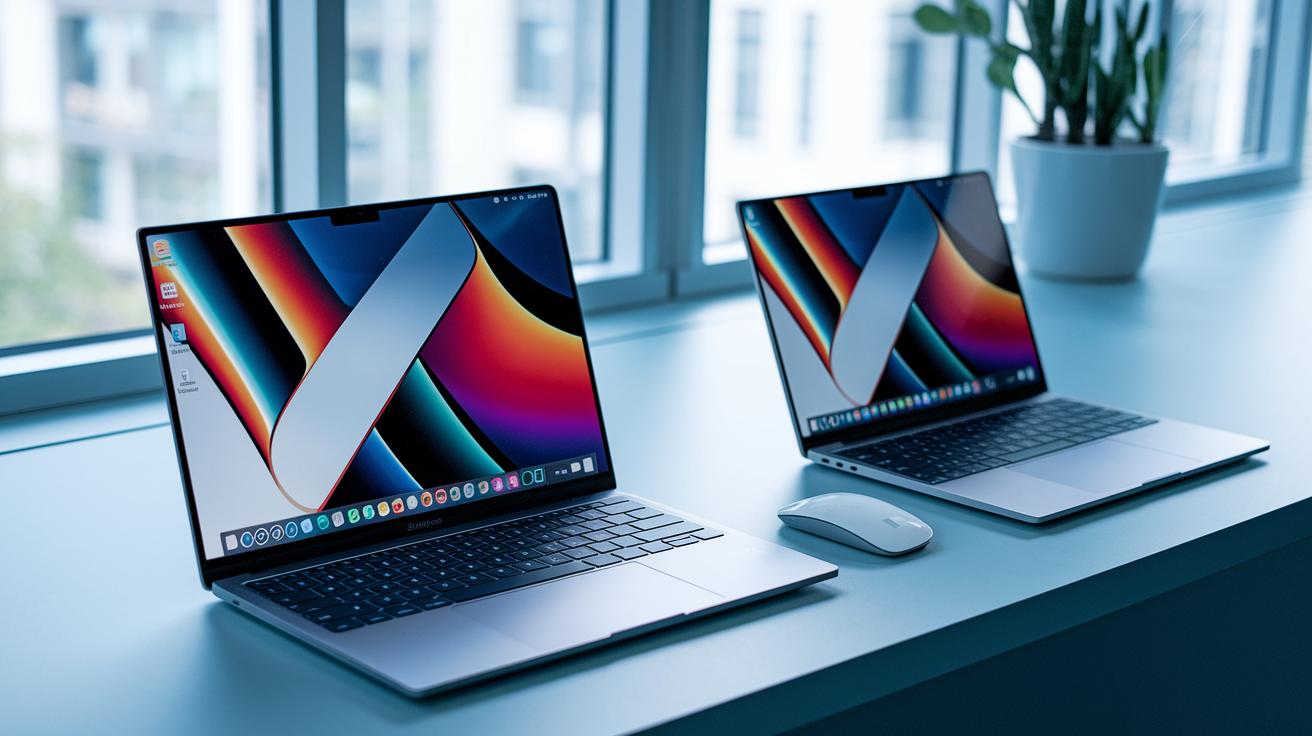
Many convertible laptops use 10th or 11th Gen Intel Core processors that balance power with energy efficiency. Even basic models usually have enough speed for everyday tasks, often starting with 4 GB of RAM for smooth office work and web browsing. Premium options like the Dell Inspiron 7000 pack a serious punch with an NVIDIA GeForce graphics card, 16 GB of memory, and a 512 GB SSD. This combination not only supports daily productivity but also runs creative apps and multimedia smoothly, even when several programs are open at the same time.
These laptops excel when it comes to handling multiple tasks at once. Whether you switch between office tools, browsers, or light creative apps, these machines work like a smooth multitasking engine. Their strong internal parts mean quick load times and efficient task switching so you rarely deal with delays during heavy work sessions. This blend of flexibility and computing muscle makes them a great choice if you want both reliable performance and energy-saving efficiency in one versatile device.
Multi-Mode Interactive Value: Ergonomic Design and Practical Use Cases
Convertible laptops come with a 360-degree hinge that lets you change the setup in a flash. You can go from laptop to tent, stand to tablet without breaking your flow. This handy design makes it simple for business pros and students to switch from typing up reports to setting the perfect viewing angle for media or presentations. Some tougher models even have smart card readers built in, which is a neat bonus for extra security in sensitive work environments.
These laptops blend the benefits of a touch-screen tablet with the speed of a notebook. The flip design feels intuitive, so whether you're editing a document on your commute or doodling on a digital canvas, the device adapts to your needs. Its ergonomic build helps reduce strain and keep you productive by letting you choose the mode that best fits your task.
- Classroom note-taking in tablet mode with a stylus.
- Boardroom presentations in tent mode.
- Media streaming in stand mode.
- On-the-go document editing in laptop mode.
- Field data entry in tablet mode with a rugged convertible.
Modular System Ascendancy: Connectivity, Security, and Expandable Options

Convertible laptops offer a fresh mix of connectivity and security that stands out from the older models. They come with USB-C and Thunderbolt ports that allow for fast data transfers and quick charging. Wi-Fi and Bluetooth make it simple to connect your devices on the fly. Premium models even include fingerprint sensors and smart card/CAC slots to keep your login secure in sensitive environments. Although their slim design means fewer traditional ports, docking stations and wireless connections help you stay flexible. Traditional laptops, on the other hand, pack in more legacy ports but typically miss out on these integrated security features.
| Feature | Convertible Laptop | Traditional Laptop |
|---|---|---|
| Connectivity Ports | USB-C/Thunderbolt, Wi-Fi, Bluetooth | Multiple legacy ports |
| Security | Fingerprint sensors, smart card/CAC slots | Basic password login |
| Expandability | Wireless docking, easy peripheral pairing | Wide array of built-in ports |
| Design Focus | Sleek, modern form factor | Heavier with varied port options |
Final Words
In the action, we explored how hybrid ultramobile gains make convertible laptops a smart pick for work and play. We covered the versatility of touchscreen displays, the extended battery life, and the nimble performance that shines during everyday use.
We also highlighted the practical connectivity and security that set these devices apart. The benefits of convertible laptops deliver a balanced mix of portability and power. They offer a seamless upgrade to the standard laptop experience, empowering users with a flexible, real-world solution.
FAQ
What are the benefits of convertible laptops, including their appeal on Reddit and for students?
The convertible laptops benefit users by offering both laptop and tablet modes. They enhance productivity with versatile use, lightweight design, extended battery life, and intuitive touchscreens that support note-taking and media consumption.
What are the disadvantages of 2-in-1 or convertible laptops, and what are their pros and cons?
The disadvantages of 2-in-1 laptops include potential lower performance compared to dedicated machines, hinge wear issues, and repair challenges. These designs may compromise durability for flexibility.
Are 2-in-1 laptops durable?
The durability of 2-in-1 laptops varies by model and build quality. Many modern units are engineered to withstand daily use, although heavy hinge use or rough handling can affect long-term reliability.
Are convertible laptops worth it?
Convertible laptops are worth it if you value versatility and mobility. They combine laptop and tablet features in one device, offering flexibility for work, study, and entertainment in various environments.
What are the best 2-in-1 laptops?
The best 2-in-1 laptops typically include models like the HP Spectre x360 and Dell XPS 13 2-in-1. They deliver strong performance, stunning displays, and robust battery life, making them a solid choice for diverse needs.
What does the term “traditional laptop” mean?
The term traditional laptop refers to a standard clamshell design with a fixed screen and keyboard. These devices focus solely on computing tasks without the touchscreen or convertible features of hybrids.
What are common problems with detachable laptops?
Common problems with detachable laptops include issues with connectivity between the keyboard and screen, limited performance for intensive tasks, and concerns over the durability of the detachable design.