
Ever wonder if your phone can handle plenty of tasks at once? Picture managing emails, documents, and video chats all without missing a beat. Foldable smartphones quickly change from a regular phone into a mini-tablet, offering extra screen space to run your apps simultaneously. In this post, we explain how these devices make multitasking easier so you can stay organized and get more done during your busy day.
How Foldable Smartphones Elevate Multitasking Productivity

Foldable smartphones quickly switch from a compact device to a mini-tablet in about two seconds. With nearly double the screen area of a regular phone, these devices offer plenty of room to view documents, stream media, or work with productivity apps. Thanks to their flexible displays, you can see more content at once, which opens up richer digital experiences.
Regular smartphones usually limit you to one or two apps at a time. In contrast, foldable phones let you run several apps side by side without any fuss. This means you can easily check emails, browse the web, and work on documents all at once, making it simple to switch between tasks without losing your focus.
Each new generation of foldable phones is built tougher for heavy multitasking. Improved hinges and stronger screens support split-screen operations and other intensive tasks, ensuring that the extra performance lasts throughout long, busy days.
Real-World Multitasking Use Cases on Foldable Displays

Foldable smartphones let you do more at once by using their big, flexible screens. They make it easy to switch between work and fun without closing your apps. You can run two or more apps at a time with split-screen mode, which means less time switching and more time getting things done. Whether you're working or just browsing, these devices help keep everything in view.
- Email next to a document
- Video call while taking notes
- Spreadsheet open with a live chat
- Streaming video while checking social media
- Project dashboard along with a timer
Imagine typing a report while checking your emails or joining a call and jotting down ideas at the same time. The extra screen space makes your day easier by keeping multiple tasks open side by side. Foldable smartphones work well if you need to switch quickly between different activities. They cut down on downtime and let you mix work and play seamlessly.
Technical Features That Enable Advanced Multitasking on Foldables
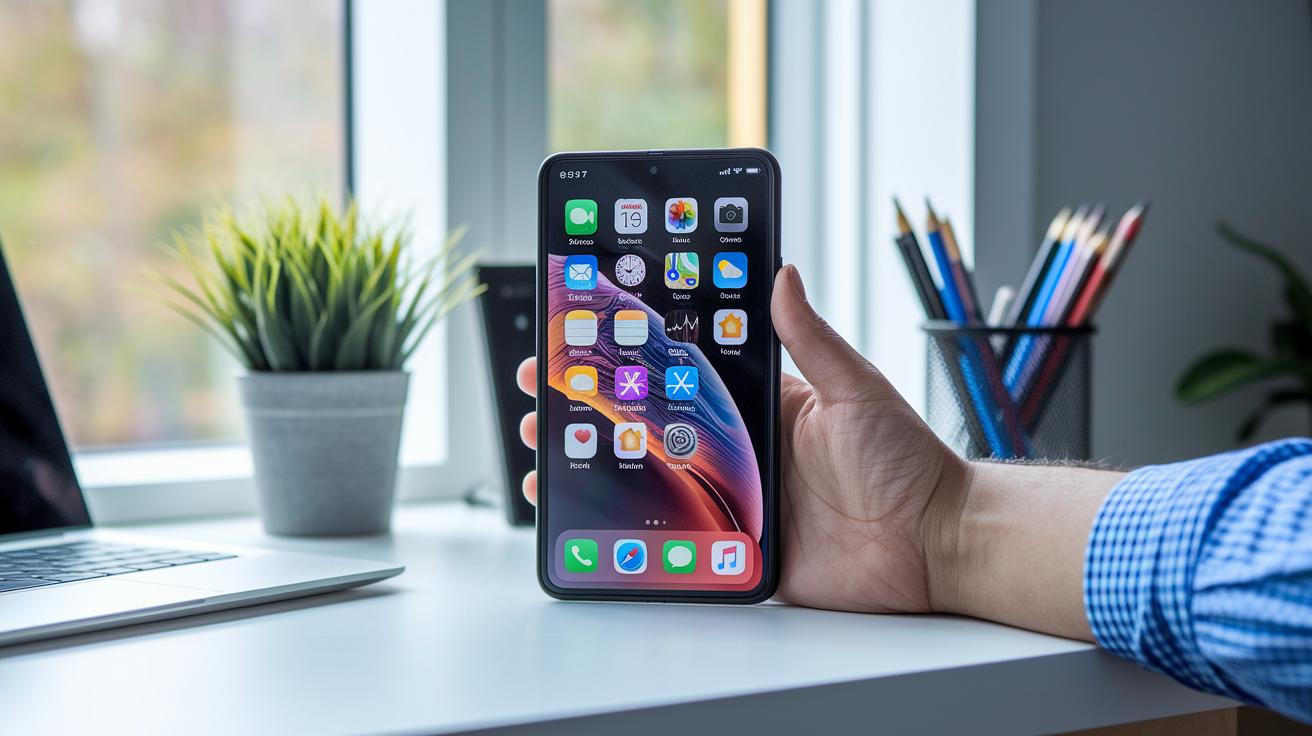
Foldable smartphones use smart design and software tweaks to turn multitasking into a smooth, desktop-like experience. They come with split-screen features that let you adjust window sizes easily, so you can work on several tasks at once. With careful design and efficient use of resources, these devices automatically adjust your apps, like project management and note-taking tools, to make switching between tasks feel natural even under heavy use.
Split-Screen and Multi-Window Mode
Foldable interfaces let you drag and drop to resize windows, giving you flexible, full-screen panes that really boost your multitasking. You can open up to three floating windows to handle emails, spreadsheets, and video calls all at once. This setup mirrors a desktop feel and makes moving between apps simple by allowing you to reposition them as needed. The design keeps everyday tasks smooth and efficient, whether you're working or just catching up on personal calls.
App Pairing and Customized Workspaces
These devices offer customizable app pairs and workspaces that start with pre-set shortcuts, like launching an email app alongside your calendar or a browser and video calling tool together. This smart setup cuts down the time you spend adjusting your screens manually, because your favorite app combos load right away. The workspaces learn your habits, so you always have the right tools arranged just how you need them.
Optimized Productivity App Integration
Certain productivity apps are built to take full advantage of the larger screen space on foldables. They adjust layouts automatically and preload files so that your transitions are nearly instant. With both panes working together, your data stays synced and reliable, letting you update, edit, and manage tasks in real time without any hitch.
Performance Comparison: Foldable vs. Traditional Smartphones in Multitasking
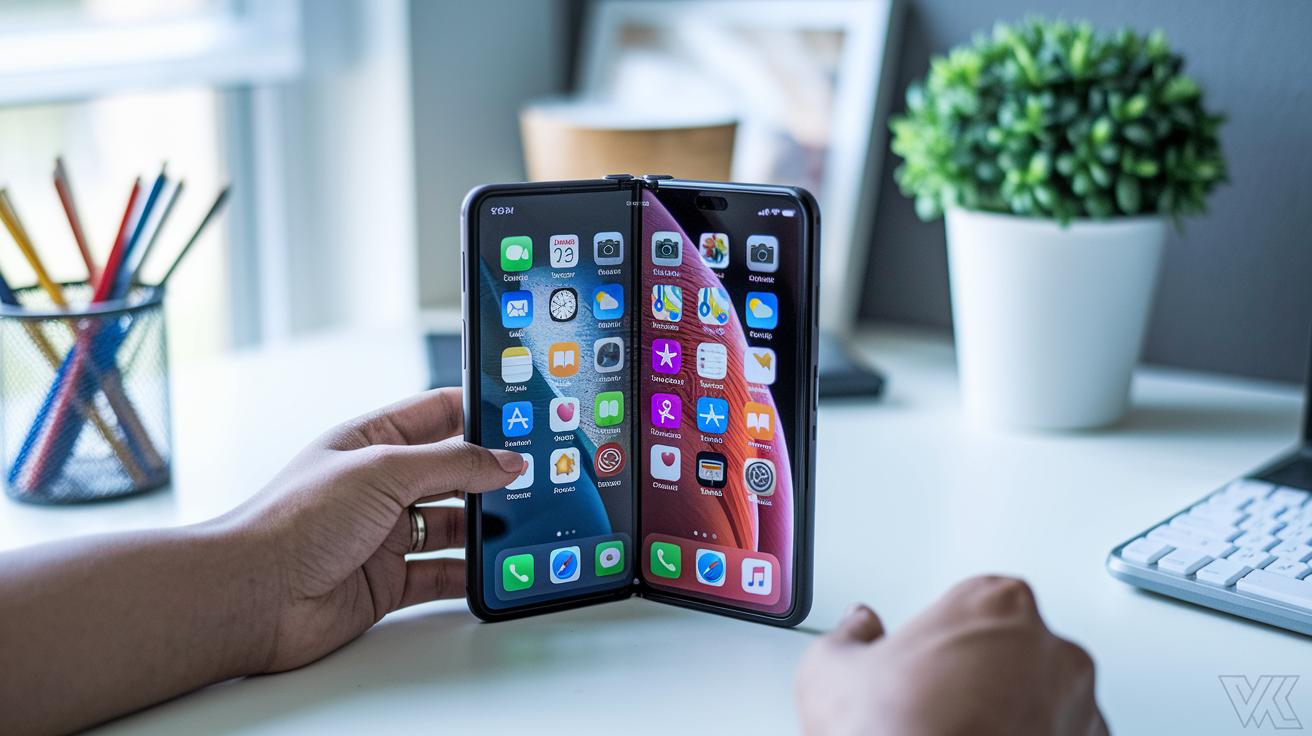
Traditional smartphones usually run one or two apps at once on about 6-inch screens with roughly 3,000 mAh batteries. This setup can hold you back if you like juggling several tasks. Early foldable phones in 2018 brought bigger 7.3-inch screens and bumped battery capacities to around 3,500 mAh, though their hinges sometimes raised concerns. Fast forward to 2025, and foldable smartphones now handle three to four apps simultaneously on an 8-inch display while using a 4,000 mAh battery and benefiting from much tougher hinges. They also preload apps smartly and manage tasks based on what you’re doing, resulting in a noticeably smoother experience. Even though they may weigh more and come with a higher price tag, the ability to run many apps at once is a strong productivity boost.
| Device Category | Simultaneous Apps Supported | Approx. Screen Size | Avg. Battery Capacity | Durability Rating |
|---|---|---|---|---|
| Traditional Smartphone | 1–2 | ~6-inch | ~3,000 mAh | Standard |
| First-Gen Foldable | 2 | 7.3-inch | ~3,500 mAh | Moderate |
| Current-Gen Foldable | 3–4 | 8-inch | ~4,000 mAh | Enhanced |
These advancements show a clear shift in how these phones handle multitasking. With more apps running at once and smoother transitions between tasks, today’s foldable devices are a strong pick for anyone who needs to stay on top of several tasks. While the cost and one-handed use might still be a concern for some, the overall productivity benefits make them a compelling option.
Future Trends and Innovations in Foldable Smartphone Multitasking

Foldable smartphones are changing the way we work on the go. Soon, these devices will automatically adjust windows to fit your current task, making it easy to switch between work and leisure. With smart pricing and more apps built for them, foldables are set to become a better choice for many users. They will also link smoothly with other devices and offer improved stylus features for taking notes and sparking creativity.
AI-Assisted Multitasking and Context-Aware Handling
Upcoming models will use simple AI tools to learn your habits. This means your phone will predict where you want apps to be placed and even suggest the next steps for working in split-screen. Voice commands will help you switch tasks without needing to touch the screen, keeping things smooth and hands-free.
Improved Hinge Designs and Stylus Integration
Expect new models to come with thinner and tougher hinges that keep the phone light yet durable. They will also feature better setup for the stylus, such as built-in storage and low-latency pen input. This makes writing and drawing feel natural, so you can work comfortably anywhere.
Final Words
In the action, we examined how foldable smartphones boost productivity with expanded screens and refined split-screen features.
We compared multitasking scenarios and standout performance between foldable and traditional models. Each test highlighted enhanced durability and smart software that makes handling multiple apps smoother and more efficient.
Built on foldable smartphone multitasking advantages, these devices deliver real-world productivity gains. It's a bright step forward for anyone looking to simplify everyday workflows and take charge of their digital tasks.
FAQ
What are foldable smartphone multitasking advantages and disadvantages?
Foldable smartphone multitasking advantages and disadvantages reveal that extra screen space and simultaneous app support boost productivity, while potential drawbacks include added weight, higher cost, and concerns over durability compared to traditional devices.
How are folding phone sales faring?
Folding phone sales are showing strong growth as consumers embrace improved hinge durability, enhanced multitasking features, and evolving designs, which are driving broader market acceptance and competitive pricing in the smartphone market.