
Ever worry that cleaning your waterproof smartphone might harm its special seals? It doesn't have to be risky. In this guide, we show you a safe way to clean every part of your device without hurting its water resistance.
First, turn off your phone and remove any accessories. Next, grab a damp microfiber cloth and gently wipe your phone with a soft zigzag motion. If you need to disinfect, use isopropyl alcohol wipes but be sure to avoid using too much moisture.
Follow this simple routine to keep your phone looking new and extend its lifespan.
Step-by-Step Guide to Safely Clean Your Waterproof Smartphone
-
Turn off your phone and unplug all cables. This step helps keep you safe from any electrical issues when using liquids.
-
Remove any case or accessories. Taking off covers, cables, and any add-ons lets you clean every surface of your device without missing a spot.
-
Get your cleaning cloth ready. Soak a soft, lint-free microfiber cloth in a mix of warm water and a tiny drop of dish soap. Always dampen the cloth and never spray liquid directly onto the phone to avoid extra moisture in the ports.
-
Wipe the screen using a gentle zigzag pattern. Light, careful strokes remove fingerprints, dust, and smudges while protecting the screen’s special coating. Let the cleaned area air dry before you move on.
-
Use a 70% isopropyl alcohol wipe to disinfect. This cleaning method is safe for most phones and helps kill bacteria without damaging the water-resistant seals. Steer clear of bleach or harsh cleaners that might harm the screen’s protective coating.
-
Check all ports and openings. After cleaning, examine the buttons and ports to make sure there’s no lingering moisture. If needed, use short bursts of compressed air to blow away any trapped liquid.
-
Allow your phone to dry completely. Once everything is dry, you can safely put the accessories back on and power up your phone for everyday use.
Essential Tools and Cleaning Agents for Proper Waterproof Smartphone Care
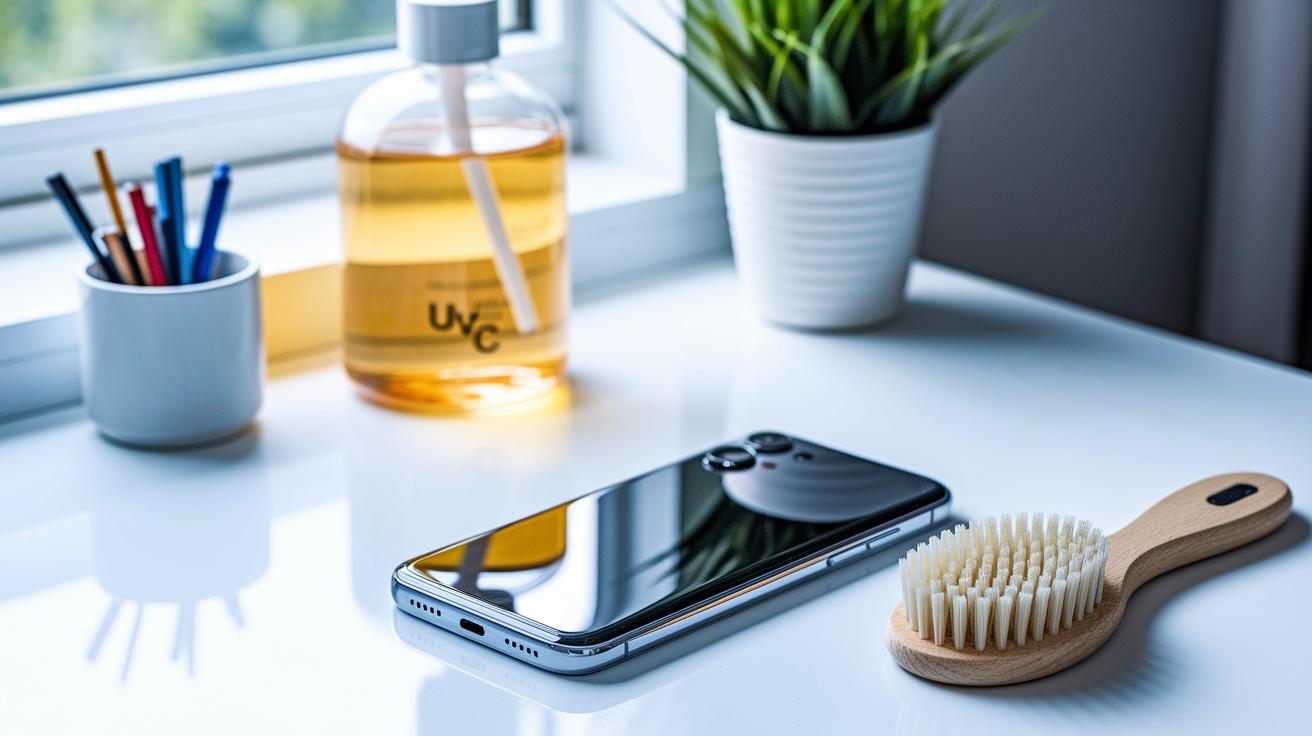
Keep your waterproof smartphone in top shape with a few practical cleaning tools. A soft-bristle brush, much like a makeup brush, can gently remove dust from ports and speaker areas without scratching delicate parts.
For disinfection without any moisture, try a UV-C sanitizer. Just place your phone by the unit for about 10 minutes to clear out harmful bacteria.
When choosing cleaning products, stick with options that maintain your phone's waterproof integrity. We suggest using 70% isopropyl alcohol wipes or bleach-free disinfecting wipes. Avoid window cleaners, ammonia, or any solvents as they might damage the screen's oleophobic coating or harm the seals.
| Tool/Agent | Recommendation |
|---|---|
| Soft-bristle brush | Gently clears dust from ports and crevices |
| UV-C light sanitizer | Disinfects without moisture in about 10 minutes |
| 70% isopropyl alcohol wipes | Safe disinfecting option for waterproof seals |
Screen Cleaning Techniques to Preserve Water-Resistant Coatings
Keep your screen spotless by using a clean, dry microfiber cloth every day. This simple step lifts dust and fingerprints while protecting the water-resistant coating.
For a thorough clean, lightly dampen your microfiber cloth with an approved screen wipe solution. Wipe your device using gentle zigzag or Z-shaped strokes, like drawing a soft letter Z. This method cleans evenly without applying too much pressure.
Avoid paper towels or abrasive materials that could scratch the surface. Make sure not to over-saturate the cloth and keep liquids at least 6 inches away from any device openings. Always apply the cleaning solution to the cloth first and use light pressure to remove tough smudges without compromising the screen's water-resistant seal.
Risk-Free Methods to Clean Ports and Speaker Grilles
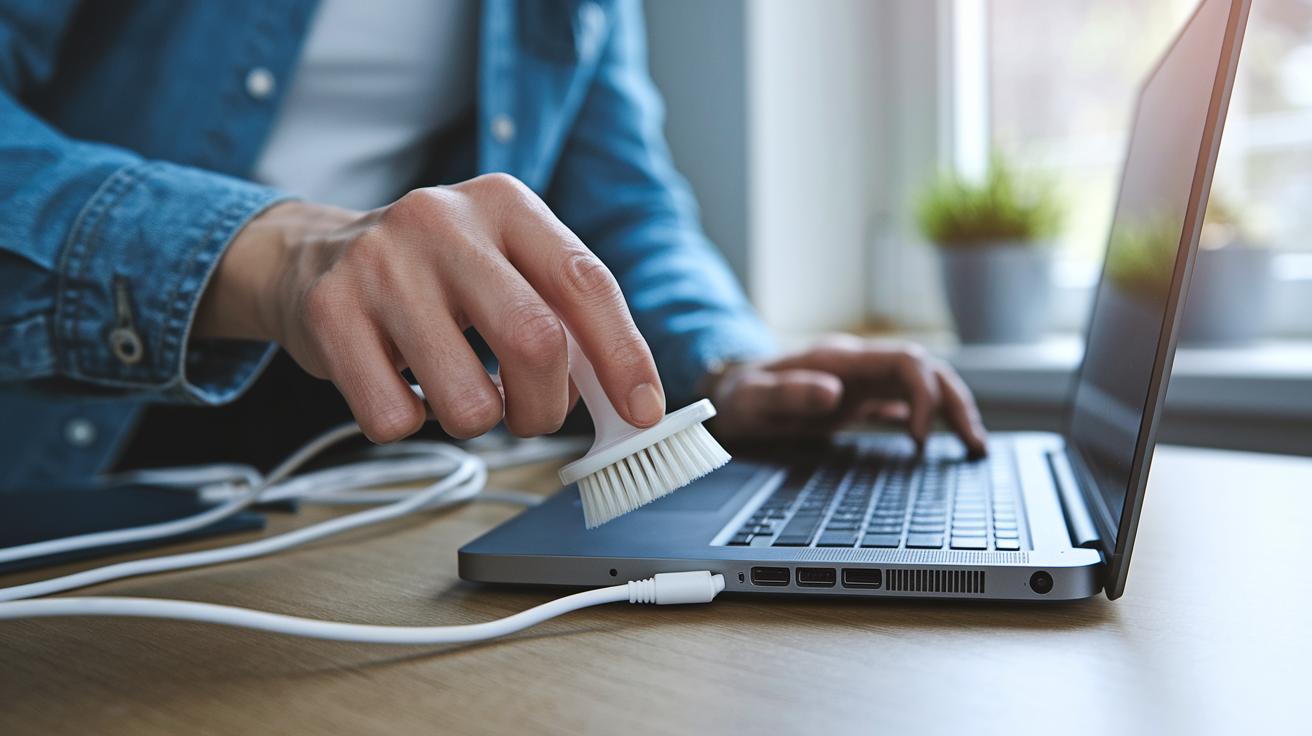
Before you start cleaning, turn off and unplug your device. Stick with dry, gentle methods to keep moisture out of your ports and grilles.
Begin by using short bursts of compressed air. This simple step safely blows away loose dust without driving it further inside. Next, take a soft-bristle brush and lightly sweep over speaker grilles and ports to clear off any buildup. If you still notice stubborn particles, carefully run a dry cotton swab along the tight gaps. Just be gentle to protect any waterproof seals in place.
Follow these easy steps:
- Turn off and disconnect your device.
- Use compressed air in short bursts to clear away loose dust.
- Gently brush the speaker grilles and ports.
- Lightly run a dry cotton swab along tight areas, avoiding heavy pressure.
Safe Disinfection Practices for Waterproof Smartphones
When cleaning your waterproof smartphone, it's key to stick to approved methods to keep your warranty intact. Start with a clean microfiber cloth, lightly dampened with a 70% isopropyl alcohol solution. Make sure to wring out extra liquid so it doesn't soak into port openings and buttons. Clean in small sections and if you see any disinfectant gathering near the ports, immediately dab it up with a dry cloth.
Another safe alternative is a UV-C sanitizer. This dry method takes about 10 minutes to work by disabling bacteria and viruses without any wet chemicals.
Cleaning steps to follow:
- Moisten a microfiber cloth with 70% isopropyl alcohol.
- Wipe gently, especially around ports, to prevent liquid from pooling.
- Use a UV-C sanitizer if you prefer a dry cleaning method.
- Double-check that no cleaning solution remains in any openings.
Drying Procedures to Maintain Water Resistance
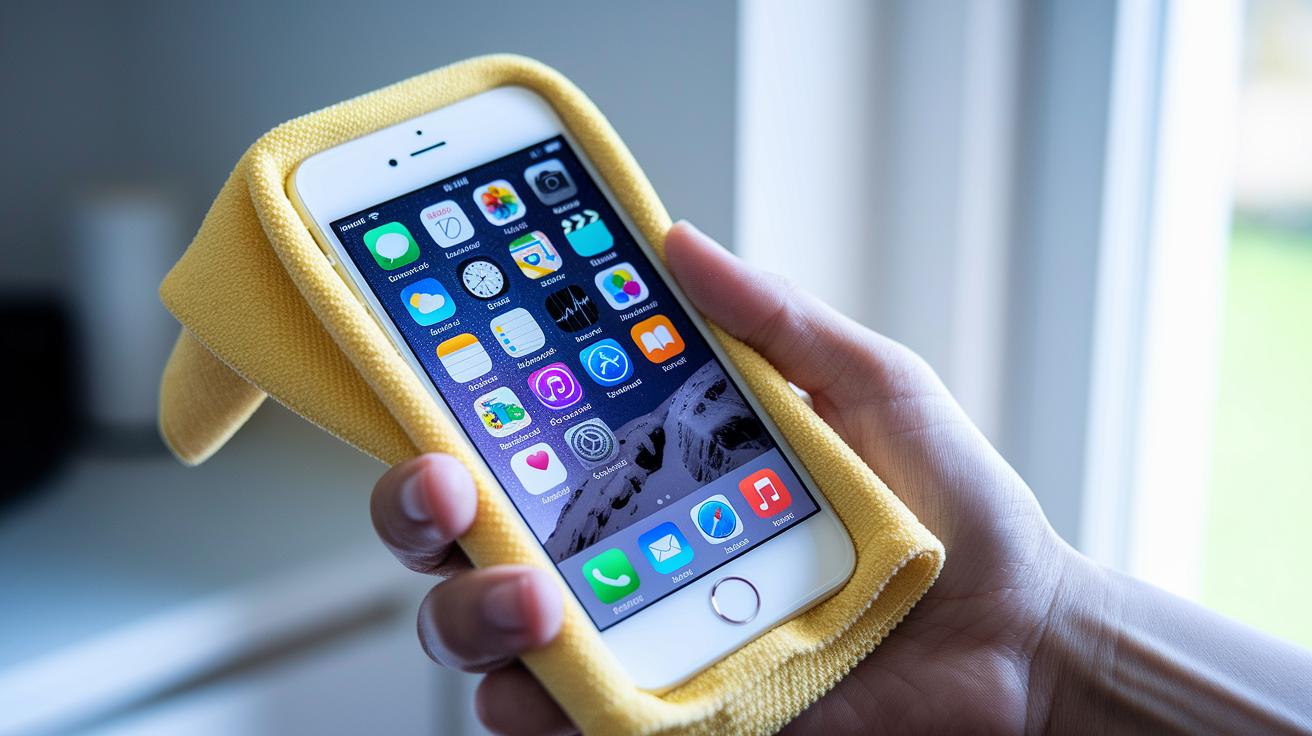
After cleaning your waterproof smartphone, it is very important to dry it thoroughly to maintain its water resistance. Start by gently patting all surfaces with a microfiber cloth. Make sure to dab carefully around buttons, ports, and tight spots so no water is left behind. Do not use heat sources like a hair dryer, radiator, or high-pressure air, as these can damage the seals. Instead, place your phone in a well-ventilated area at room temperature for at least 10 minutes so the moisture can evaporate naturally. Once this time has passed, take a close look at all buttons and ports to confirm that there is no dampness. Only reconnect accessories or turn the device on after you are sure it is completely dry. I find that taking this extra care helps protect the warranty and extends the life of the smartphone.
Long-Term Maintenance to Preserve Waterproof Seals and Warranty
Keep your phone in top waterproof shape with a little regular care. Start by checking the rubber gaskets, port covers, and SIM trays for any wear, dirt, or damage. A quick look now can prevent bigger issues later, and following the manufacturer’s cleaning tips helps keep your warranty intact. For instance, wiping down your phone with a clean microfiber cloth every week cuts down on dirt and germs that might harm the seals.
Also, use only cases and screen protectors that are approved for waterproof smartphones. These accessories protect your device from bumps and dirt. A handy tip is to ensure your case fits snugly and that no cleaning residue builds up on your screen protector. Taking care of these barriers goes a long way in keeping your phone water-resistant.
Finally, steer clear of exposing your phone to chlorine, saltwater, or harsh chemicals that can wear out the seals. Instead, stick to gentle cleaning solutions as recommended by the manufacturer. By doing regular inspections and cleanings, you make sure your smartphone stays reliable and your warranty remains safe.
Final Words
In the action, we covered essential steps like powering off your device, removing its case, and using gentle cleaning agents. We shared safe techniques for the screen, ports, and even disinfection using 70% isopropyl alcohol wipes.
Our guide ties every step back to maintaining your phone’s water-resistant features while extending its lifespan. Follow these practical tips and know exactly how to clean your waterproof smartphone safely. Enjoy a cleaner device and fewer worries about water damage.
FAQ
How do I safely clean my waterproof smartphone at home?
Safely cleaning your waterproof smartphone at home means powering it off, removing accessories, and gently wiping it with a lint‑free microfiber cloth dampened in a mix of warm water and mild dish soap while avoiding excess liquid near ports.
How do I clean my waterproof smartphone with vinegar?
Cleaning your waterproof smartphone with vinegar is not recommended because vinegar is acidic and may damage seals; instead, use a mild dish soap solution with warm water for safe cleaning.
How do I clean my phone memory?
Cleaning your phone memory involves using built‑in cleanup tools to remove cached data and deleting unnecessary files, which helps free up storage space and improve overall performance.
How do I clean my phone from germs and viruses?
Cleaning your phone from germs and viruses means disinfecting it with approved 70% isopropyl alcohol wipes or a UV‑C sanitizer, ensuring only a light application to protect seals and sensitive components.
How can I clean my phone screen without damaging it?
Cleaning your phone screen without damaging it involves gently wiping it with a dry microfiber cloth or a pre‑moistened screen wipe using a zigzag motion, while avoiding any abrasive materials.
Can I wash my waterproof phone?
Washing your waterproof phone is acceptable if you follow the manufacturer’s guidelines; rinse it carefully without using harsh soaps or chemicals and refrain from exposing it to high-pressure water.
How do I remove dust without damaging my phone?
Removing dust safely from your phone means using a dry microfiber cloth, a soft‑bristle brush, or short bursts of compressed air, taking care not to let any moisture or debris get into openings.
Can alcohol wipes be used to clean a cell phone?
Using alcohol wipes made with 70% isopropyl alcohol on your cell phone is acceptable when applied sparingly on a microfiber cloth to clean and disinfect without harming the device’s coatings.
What is the safest cleaner for my phone?
The safest cleaner for your phone is a mixture of warm water and mild dish soap for routine cleaning, with occasional use of 70% isopropyl alcohol wipes for disinfecting, following manufacturer advice.
Should I use cleaning apps like CCleaner for my phone?
Using cleaning apps such as CCleaner helps clear cached data and manage storage, but it should complement regular manual cleaning practices for optimal device performance.