
Ever wonder if your water-resistant phone can really handle your daily adventures? It's surprising, but almost 40% of smartphone failures come from water damage, even with ratings like IP67 or IP68. Your phone might feel like it's built for water, but without proper care, even a small splash can lead to problems. This guide shares easy tips to check your seals, clean your device safely, and keep it working longer, so you can feel at ease whether you're caught in a shower or hanging by the pool.
Comprehensive Waterproof Smartphone Maintenance Tips for Damage Prevention
Water damage is the culprit behind nearly 40% of smartphone failures. Even a tiny drop or splash can trigger short circuits, internal corrosion, or battery problems. Today’s phones usually come with water resistance ratings like IP67 or IP68. That means they can handle some exposure to water but they aren’t completely waterproof. For example, an IP67-rated phone is built to withstand up to 1 m of water for 30 minutes, while an IP68 phone typically endures up to 1.5 m for the same period. Check your user manual or device settings to know your phone’s rating so you can handle it with extra care, much like following safe guidelines when using a pressure cooker to prevent a big mess later.
Everyday precautions go a long way in protecting your phone. Make it a habit to inspect your phone’s seals and ports for any signs of wear or debris that might reduce its water resistance. Understand your device’s limits and steer clear of overly humid or steamy environments that can weaken its seals. Keeping your phone dry, cleaning it carefully, and drying off any accidental moisture right away will help extend its lifespan and save you from the hassle and cost of water damage repairs.
Effective Cleaning Techniques for Your Waterproof Smartphone
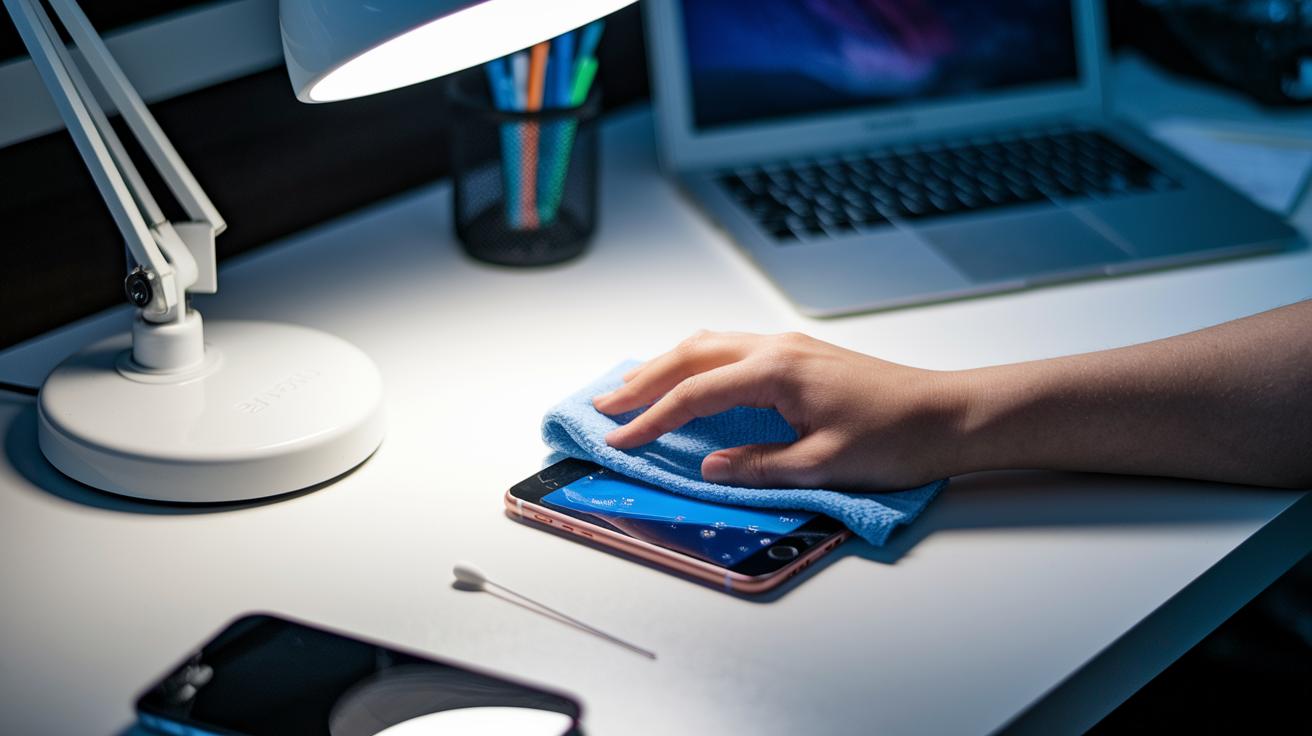
Keeping your waterproof phone clean helps it stay water resistant and work reliably. Dust, dirt, and moisture can weaken the seals that protect your device, so taking care of it is key.
- First, turn off your phone and unplug any accessories.
- Lightly dampen a microfiber cloth with either distilled water or a bit of mild detergent. Then, gently wipe the screen and body.
- Use a cotton swab to sweep out any debris around the ports and speaker grills.
- Dry your phone completely with a fresh microfiber cloth, making sure not to leave any extra liquid behind.
- If any moisture sticks around, place your phone in a sealed bag with silica gel packs until it’s fully dry.
A weekly cleaning routine helps keep the seals intact and stops build-up that might lead to water damage. Check your phone regularly for any wear or residue and store it in a dry, low-humidity spot. This simple routine ensures your smartphone stays in top shape and retains its water resistance over time.
Checking IP Rating and Water Resistance Care for Your Waterproof Smartphone
Check your device’s waterproof rating by looking in the user manual, the device settings, or on the manufacturer’s website. For instance, an IP67 rating means your phone can be submerged in water up to 1 meter deep for 30 minutes, while an IP68 rating can handle 1.5 meters for the same period. For more tips on caring for your waterproof smartphone, including safe exposure and cleaning routines, see our detailed maintenance guide.
After your phone gets wet or if it takes a fall, give it a quick look-over. Make sure to inspect the SIM tray, charging port, and headphone jack for any grit, moisture, or damage that could compromise its protection. Regular checks like these help prevent water damage and keep your device working well over time.
Immediate Post-Exposure Steps to Prevent Water Intrusion in Waterproof Smartphones
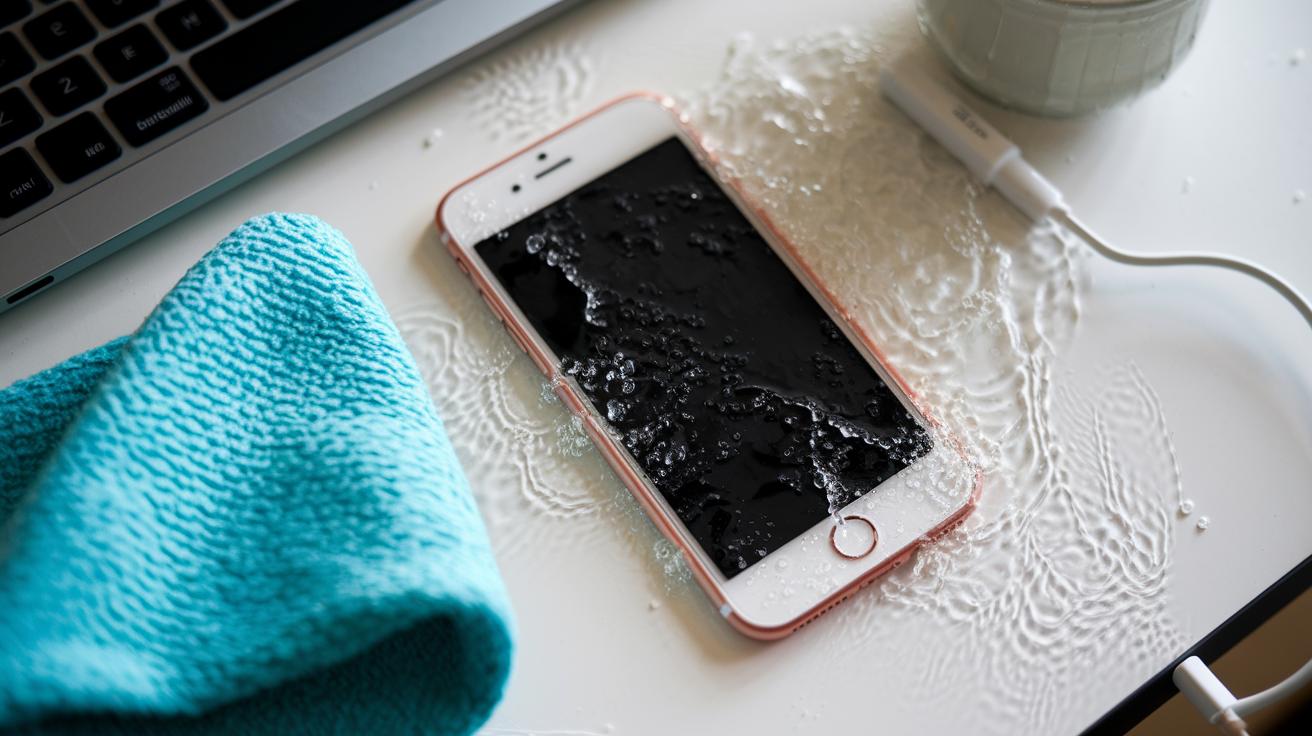
If your smartphone gets wet, turn it off immediately. This simple step stops water from causing short circuits and damaging its inner parts. Unplug any accessories to minimize additional exposure.
After shutting it down, take off any protective case and gently wipe the outside with a dry microfiber cloth. If it was in saltwater, rinse it under fresh water before drying. Then, let the phone air-dry in a well-ventilated spot for at least 24 hours. This process helps keep moisture away from sensitive areas so the water resistance remains intact.
Once it’s dry, monitor your phone for any signs of trouble. Watch for a non-responsive screen, odd sound issues, or slight fogging on the camera lens. If you spot any of these signs, consult a professional for advice. A quick response at the first hint of damage can help prevent costly repairs later.
Long-Term Care and Best Practices for Waterproof Smartphone Maintenance
Keeping your smartphone’s software up to date is a practical way to help maintain its water resistance. Regular firmware updates ensure that moisture sensors and other safety features work as they should. For instance, an updated operating system can refine the way the phone detects moisture buildup, giving you a timely alert before any real damage occurs. This proactive step can be a real lifesaver, especially if your device faces daily humidity changes or unexpected splashes.
Taking care of the hardware is just as important. It pays to regularly inspect ports and screen protectors for wear and tear. Dust and debris can weaken the original seals, so it is wise to check spots like the charging port, headphone jack, and SIM tray for any signs of corrosion or wear. If you notice any issues, having a professional look it over at an authorized repair center can help keep water damage at bay.
Using an IP-rated protective case adds another layer of defense against splashes or accidental submersion. It also helps to store your smartphone in a dry place where humidity is low. In places with high humidity, a small dehumidifier near your storage area can make a noticeable difference. Combining careful daily habits with quality accessories will boost your device’s long-term durability and ensure reliable water protection.
Final Words
In the action, we covered practical waterproof smartphone maintenance tips that help prevent damage. We explored everyday care, safe cleaning steps, and how to check your phone's IP rating. You also learned quick post-exposure advice to stop issues before they start.
We wrapped up with long-term care practices to keep your device safe. Follow these tips for maintaining your waterproof smartphone, and you'll enjoy a more reliable, longer-lasting device. Stay proactive and protect your investment for daily confidence.
FAQ
What tips can help maintain a waterproof smartphone as suggested on Samsung forums and Reddit?
The advice recommends routine cleaning, regularly checking seals and IP ratings, using a protective case, and promptly drying off any moisture to keep your water-resistant smartphone in top shape.
How do you get moisture out of a phone charging port?
The method involves turning off the phone, gently using a cotton swab to remove moisture near the port, and allowing the device to air dry before reconnecting any accessories.
How can you dry out a phone without using rice?
Drying a phone without rice works best by using silica gel packs or letting it air dry in a well-ventilated area for at least 24 hours, avoiding methods that could cause additional damage.
Are phones waterproof or just water resistant?
Phones are usually water resistant and not completely waterproof. They meet specific IP ratings that allow them to handle splashes and brief submersions, but they can still suffer water damage if misused.
What is the Hiearcool Universal Waterproof Phone Pouch?
The pouch is designed to add an extra layer of protection during water activities by sealing your phone, offering added security against water exposure while acknowledging its limitations in extreme conditions.
How can you waterproof your phone?
You can enhance your phone’s water resistance by using an IP-rated protective case, maintaining intact seals, and following manufacturer guidelines to minimize exposure beyond rated conditions.
How should you dry your phone speaker after it gets wet?
Drying the speaker involves powering down the device, gently wiping the exterior with a microfiber cloth, and then air drying the speaker area to remove moisture effectively.
How can you keep your phone waterproof over time?
Keeping your phone water resistant involves regular cleaning, inspecting seals, using a proper protective case, and adhering to usage limits as defined by the phone’s IP rating to prevent damage.
Is it harmful to leave a phone charging at 100%?
Charging a phone to 100% continuously may reduce battery lifespan over time, so it’s advisable to disconnect once fully charged or use smart charging features to protect the battery.
Does the rice trick work for drying a wet phone?
The rice trick is not very effective for drying phones and may even lead to issues like mold. Using silica gel packs or simply air drying in a ventilated space works much better.
Are waterproof phones truly waterproof?
Waterproof phones are actually water resistant. They meet IP standards for limited water exposure but can still be damaged if they exceed those boundaries, so careful usage is necessary.