
Ever wondered if your watch could do more than just tell time? Today's smartwatches are like mini-computers you wear on your wrist. They feature touchscreens and built-in sensors that keep track of your health, show you notifications, and even let you take calls. In this guide, we explain what smartwatches do and how they work, so you can see why this blend of classic style and modern tech might be the perfect upgrade for your busy day.
Smartwatch Definition Explained: What It Is and How It Works
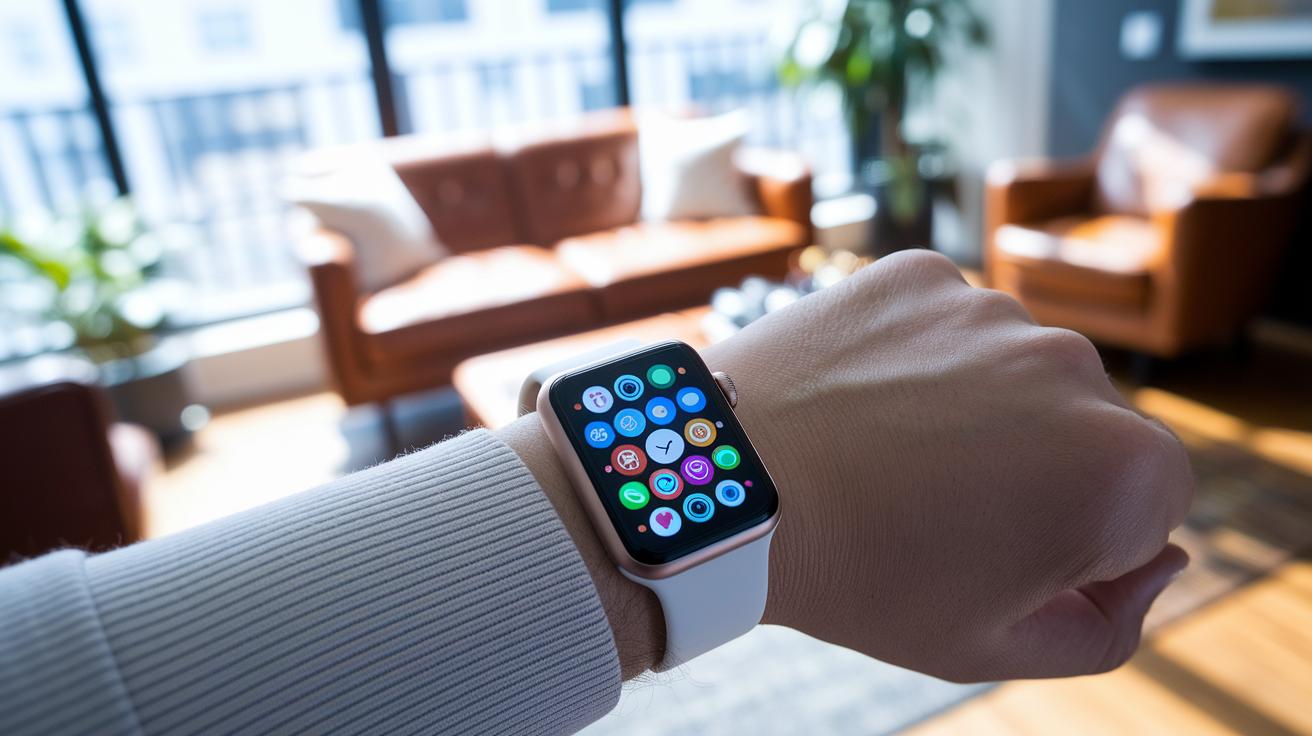
Smartwatches blend the old-school charm of a wristwatch with modern smartphone smarts. They first got a nod in 1996, but the gadgets we know today really took off in the early 2010s. With features like a touchscreen, various sensors, and a compact processor, a smartwatch works like a mini-computer you wear on your wrist.
At its core, a smartwatch does more than just tell time. It keeps you in the loop with notifications, tracks your fitness, and runs a variety of useful apps. The touchscreen means you simply tap, swipe, or scroll to check your health stats or see incoming messages. It comes with sensors, like accelerometers (which track movement), heart rate monitors, and sometimes even GPS, to help keep an eye on your activity and well-being. Picture this: you're out for a jog and your watch gently alerts you when your heart rate goes up.
Modern smartwatches also extend what your phone can do. They let you take calls, send texts, and even use voice assistants right from your wrist. This built-in tech means you can quickly check the weather, review your calendar, or manage apps without having to dig for your phone. In short, a smartwatch packs a lot of tech into a familiar, efficient design that fits seamlessly into your daily routine.
Core Functions of Smartwatches: Communication, Alerts and App Integration
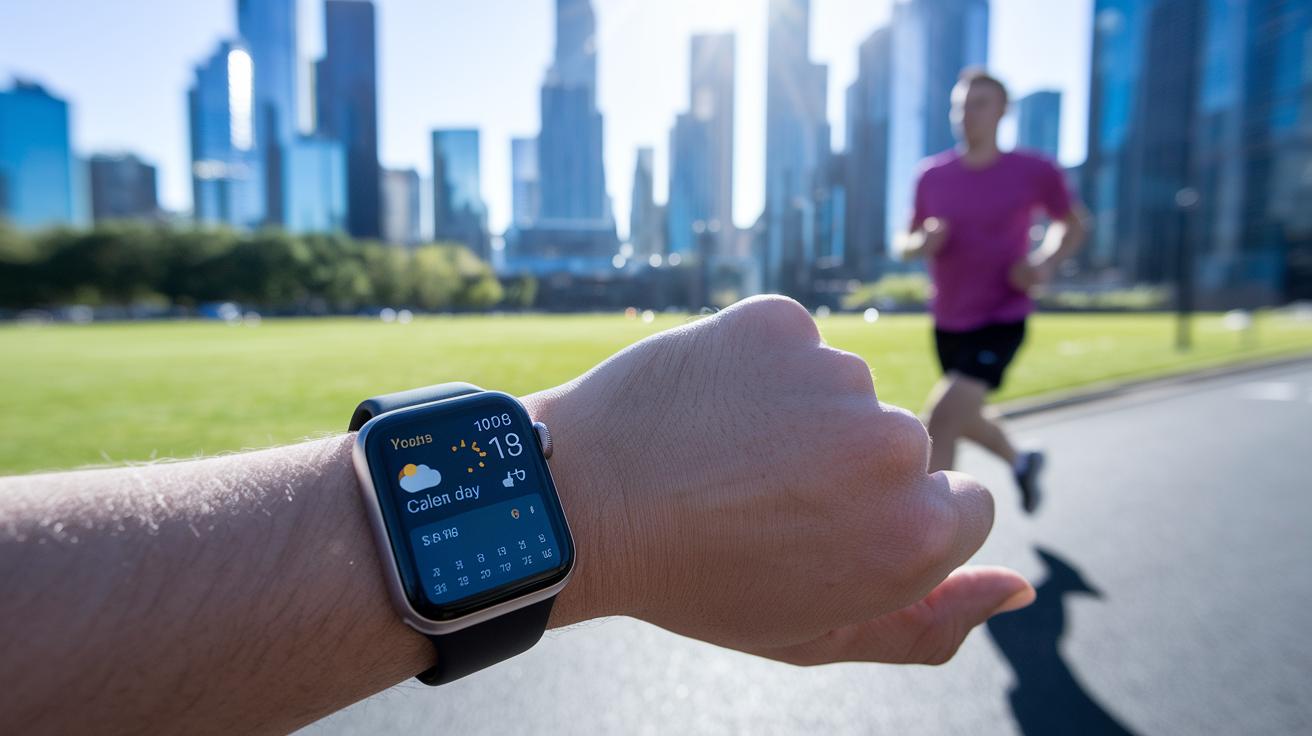
Smartwatches create a strong link between your phone and your everyday life. They let you answer calls, reply to texts, and check your emails on the move, keeping you connected when your hands are busy. Instead of just pushing notifications, these devices pull in calendar events, alerts, and even live weather or traffic updates. For example, if you're out jogging, a quick glance might show a calendar reminder or a weather alert telling you if you need an umbrella.
The real benefit is in the customizable widgets and dynamic app integrations. These watches do more than notify you about messages; they host interactive widgets that update in real time. Picture a health app widget quietly tracking your heart rate during a workout, or a weather widget providing the latest conditions so you can quickly adjust your plans. You can even set up your watch face to show your most-used apps with just one tap.
Beyond basic alerts, smartwatches integrate apps that match your lifestyle. Whether it's a fitness tracker that logs your steps all day or a productivity app that schedules reminders during meetings, these features add real value to your daily routine.
Integrated Fitness Tracking and Health Monitoring on Wearables
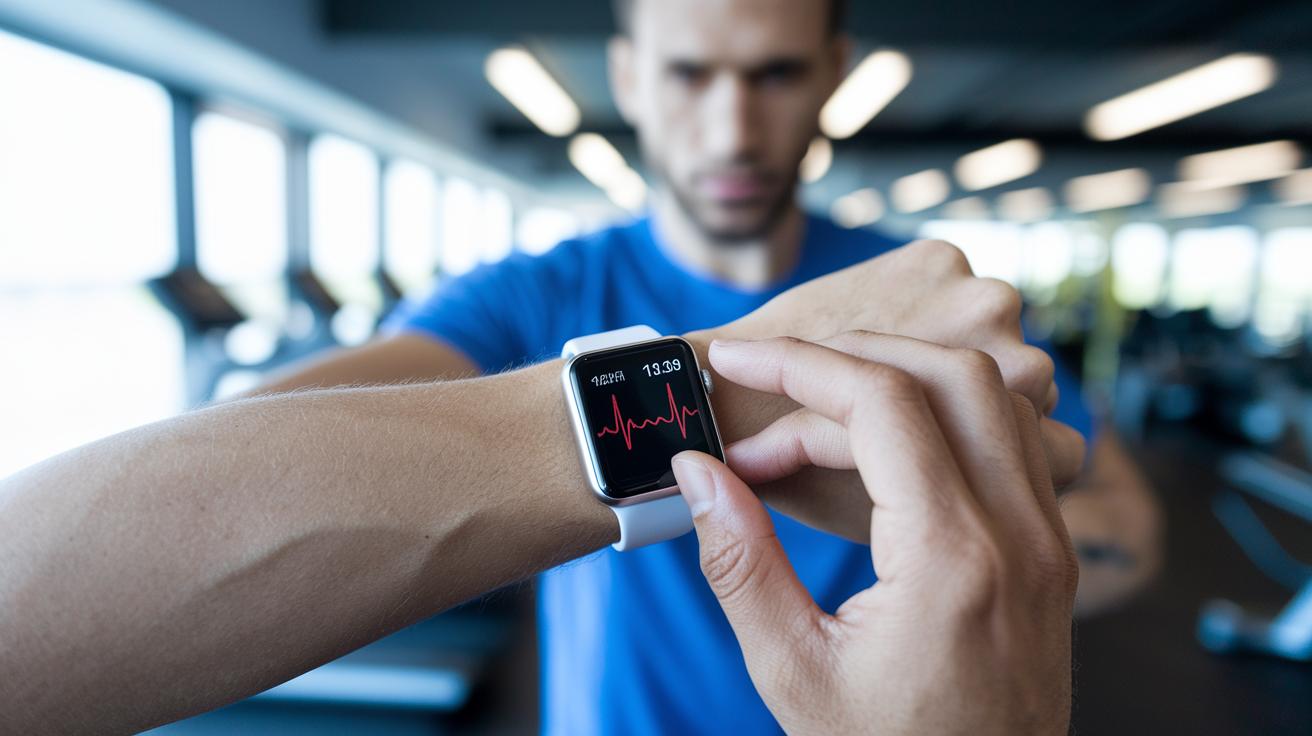
Smartwatches today are more than just timekeepers. They have become personal health buddies by combining fitness tracking with health monitoring, helping you keep an eye on your well-being all day long. One key feature is real-time heart rate monitoring. This handy tool keeps track of your pulse during any activity, whether you're powering through an intense workout or just going about your regular day. Imagine exercising while your wrist gadget continually checks your heart rate so you can stay in your ideal zone.
Sleep tracking on these devices dives deep into your nightly rest. Many smartwatches break your sleep into light, deep, and REM stages to give you a clear picture of how well you're sleeping. With these insights, you can tweak your habits to get a better night's recovery. In addition to sleep, they count your steps and even estimate the calories you burn. They can adjust to different workout modes, from a casual walk to a high-energy workout, making it easier to keep a balanced fitness routine.
Some models are even designed for extreme sports. Multi-sport watches like the Garmin Epix or the Apple Ultra 2 are built for outdoor adventures and water sports. They are packed with advanced features that track your performance whether you're hiking, cycling, or swimming. These devices offer detailed data that can help improve your training, along with alerts and progress updates.
Real-time heart monitoring, smart sleep breakdowns, and various workout modes make these smartwatches a great choice for anyone who wants to stay on top of their health.
Connectivity Options in Smartwatches: Bluetooth vs Cellular Models
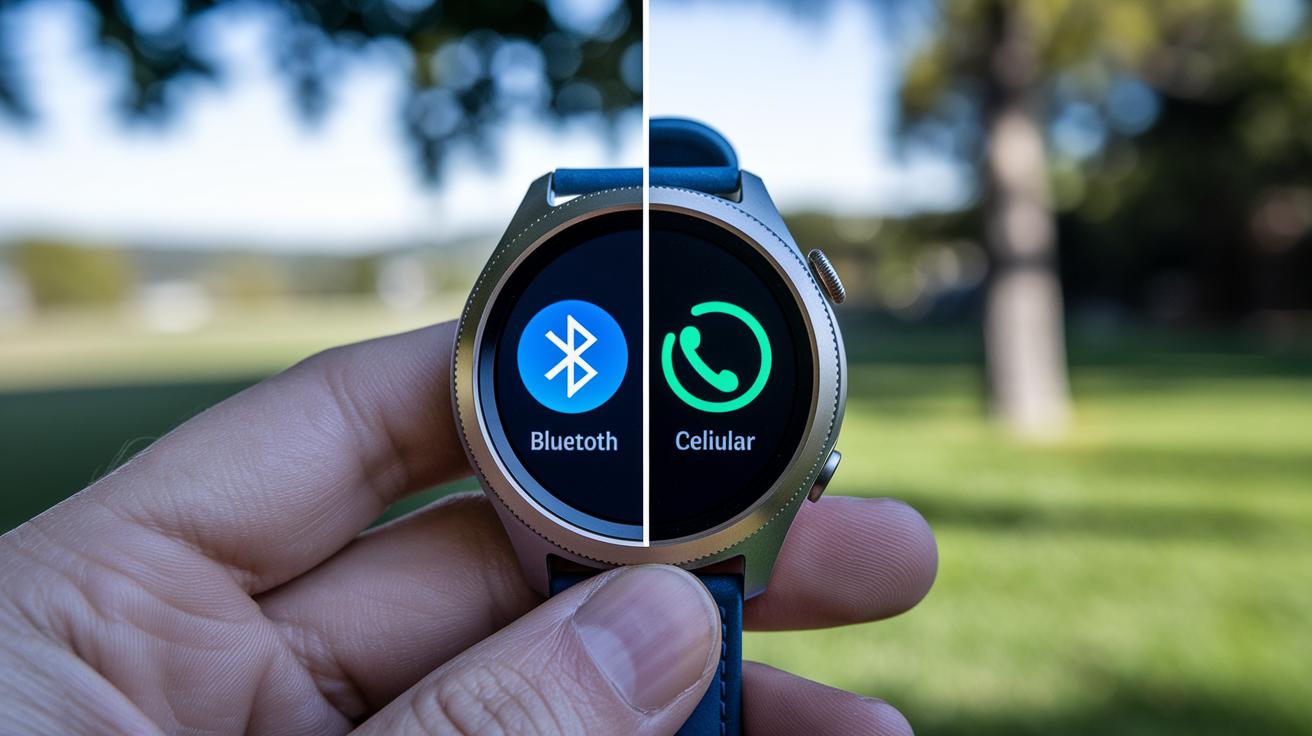
Bluetooth-only smartwatches link directly with your smartphone. They use your phone’s connection for calls, texts, notifications, GPS mapping, and emergency alerts. This setup works best when your phone is always nearby, like during daily routines or when you have your charger close at hand. Plus, these models tend to be easier on the wallet, making them a smart choice if you want smartwatch perks without spending a lot.
On the other hand, cellular smartwatches come with their own mobile-data radio. That means they can go online without needing your phone close by. Think about your morning jog or an outdoor adventure when carrying your phone feels like a hassle. With a cellular watch, you still receive instant weather updates, real-time GPS tracking, and even emergency call capabilities. This feature set is especially loved by runners, hikers, and water-sports enthusiasts.
Price plays a role in your decision too. Cellular models usually add about $75–100 to the price because of the built-in data radio. For those who cherish the freedom of staying connected without their phone, this extra cost can be worth it during outdoor activities.
Pros and Cons to Consider:
-
Bluetooth-only models:
- Pros: Lower cost; efficient when paired with a smartphone; ideal for daily indoor use.
- Cons: Dependence on your phone for connectivity; not the best choice for remote or outdoor situations.
-
Cellular models:
- Pros: Independent mobile-data connection; real-time GPS tracking; built-in emergency calling.
- Cons: Higher price; possible additional subscription fees.
These clear differences let you choose the smartwatch that best fits your lifestyle and budget.
Smartwatch Compatibility Insights: Syncing with Android and iPhone
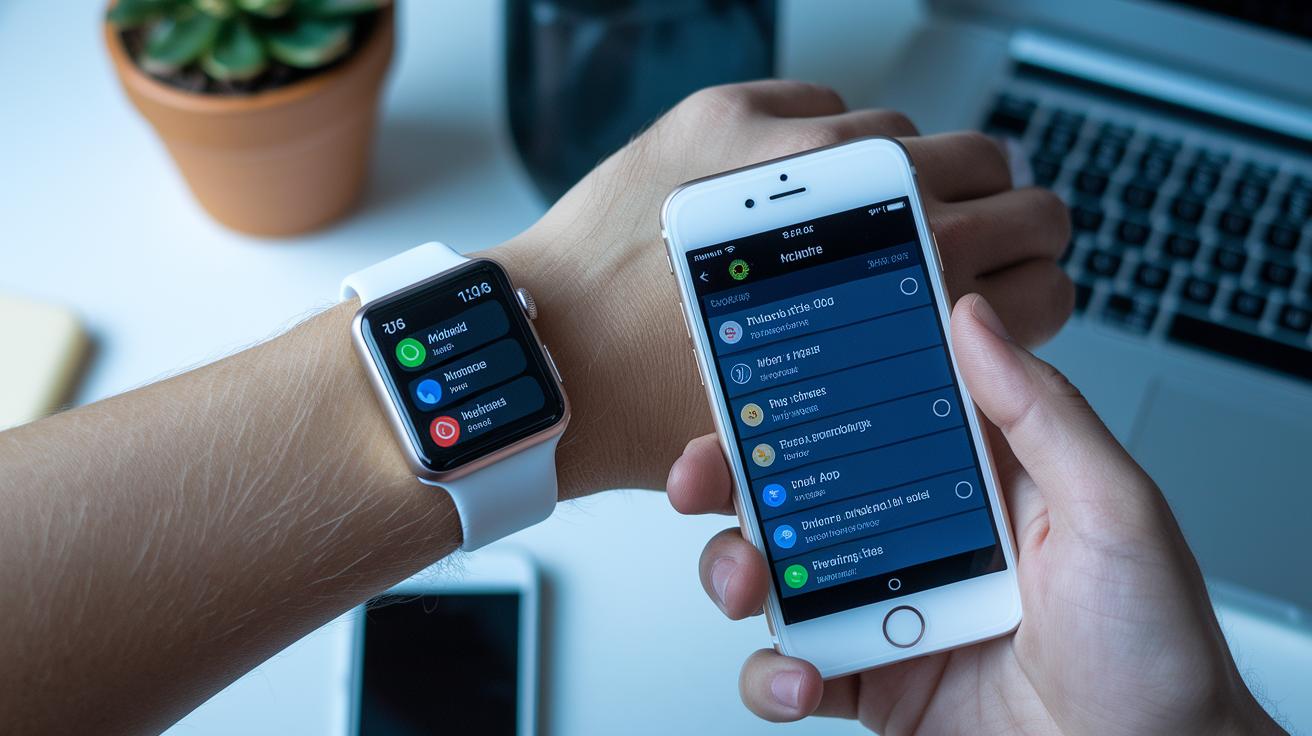
Wear OS watches pair best with Android phones. They connect using a dedicated app that brings your calls, texts, calendar events, and other notifications right to your wrist. This setup updates continuously, so you never miss an alert.
If you're using an iPhone, the experience is a bit different. Apple's watchOS works only with iOS, and pairing is handled through Apple's own app. This tight integration means you'll enjoy easy hands‑free calling, messaging, and synced health data. Because watchOS is exclusive to iPhones, some unique apps and features are only available in that ecosystem.
Here are a few points to consider:
- OS pairing process: Wear OS is designed for Android, while watchOS is built for iPhones.
- Feature accessibility: Native apps on watchOS often offer deeper integration compared to third‑party options on Wear OS.
- Notification delivery: Both systems deliver real‑time updates, though each shows alerts in its own style.
- Limitations: Certain specialized features might not be available if your smartwatch and phone don’t belong to the same ecosystem.
Matching your smartwatch with the right smartphone creates a smooth, connected experience that fits your daily tech needs.
Smartwatch for Everyday Use: Productivity, Navigation and Convenience
Smartwatches are a handy tool that streamlines your daily routine. They let you manage tasks on the go without having to pull out your phone, making your day more efficient and keeping your hands free for other things. With essential tools right on your wrist, you can quickly access reminders, messages, or directions whenever you need them.
Consider these useful features:
- Voice-activated assistant: Use simple voice commands to set reminders, send texts, or check the weather. Just say what you need, and your watch does the rest.
- Turn-by-turn navigation: Follow clear, on-screen directions without checking your phone constantly while on the move.
- Music playback and volume control: Easily switch tracks or adjust the volume, so you can enjoy your favorite tunes wherever you are.
- Mobile payments (NFC): Make secure, contactless payments by holding your wrist close to a terminal, which means you can leave your cash and cards behind.
- Calendar alerts, timers, and alarms: Get notified about meetings, timers, or important events to keep your day on track.
- Silent mode and Do Not Disturb settings: Quickly shift to quiet mode during meetings or when you need rest, ensuring you won’t be disturbed.
- Hands-free call options: Make and receive calls directly from your wrist without having to grab your phone.
These features highlight how a smartwatch works as a reliable companion, blending convenience with connectivity to fit seamlessly into your everyday life.
Buying Guide for Smartwatches: Price, Brands, and Feature Comparison
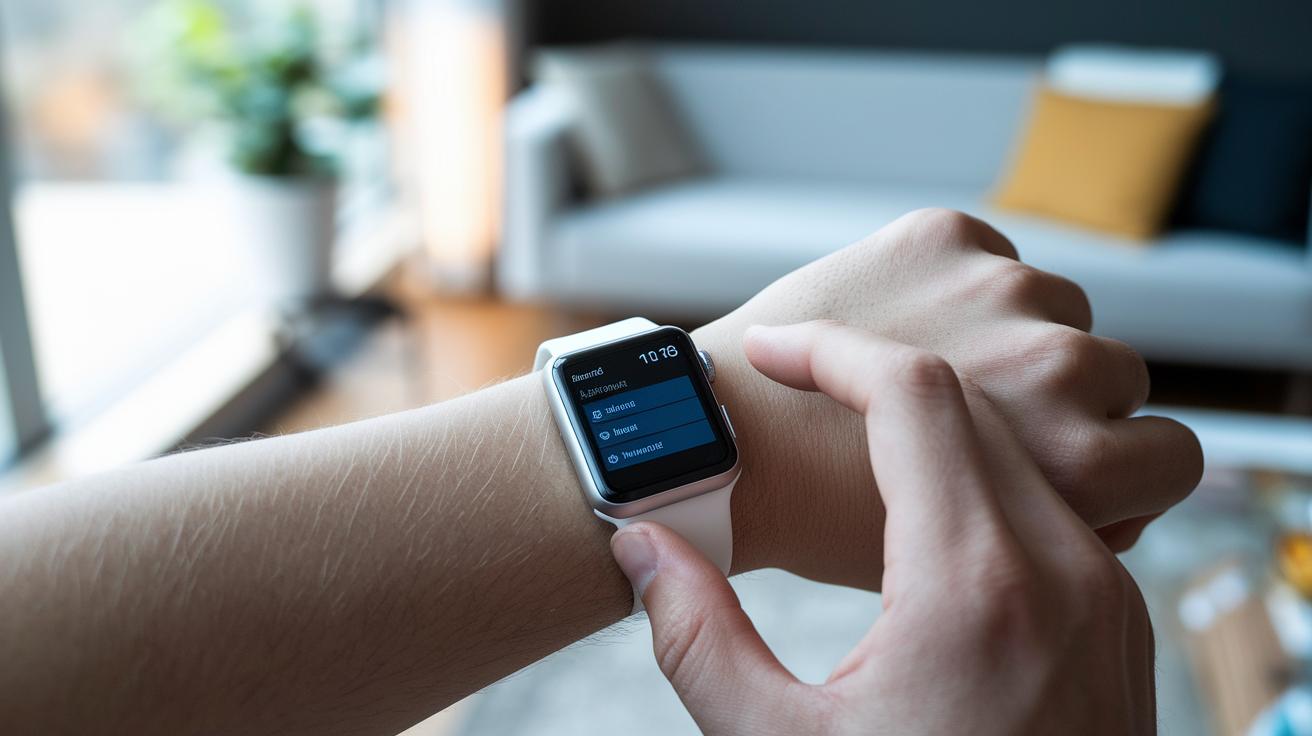
Smartwatches come in many models and price ranges, so it helps to look at a few key factors before making a choice. Established brands combine reliable connectivity, long-lasting build, and specific features to meet different needs. When choosing a smartwatch, think about your connectivity options. Basic Bluetooth models work well for everyday use, while cellular versions let you use data without your phone nearby. Keep in mind that cellular models usually cost about $75 to $100 more than Bluetooth-only ones.
Take the Apple Watch SE for example. It offers a solid set of smart features that suit everyday routines. However, if you want more independence and advanced functions, you might lean toward models like the Series 9 or Ultra 2.
For outdoor lovers or multisport enthusiasts, smartwatches like the Ultra 2 or Garmin Epix can be worth the extra cost. The Ultra 2 is designed for rough conditions and comes with cellular connectivity, so you can leave your phone behind during your adventures. In contrast, the Garmin Epix is focused on tracking multiple sports, offering a robust design, reliable battery life, and accurate sensors without the added cost of cellular service.
| Model | Connectivity | Price Delta vs Bluetooth | Best For |
|---|---|---|---|
| Apple Watch SE | Bluetooth (optional cellular) | $0 | Everyday use |
| Series 9 | Bluetooth with cellular option | $75-$100 | Advanced features seekers |
| Ultra 2 | Cellular | $75-$100 | Outdoor enthusiasts |
| Garmin Epix | Bluetooth | $0 | Multisport tracking |
This guide breaks down the differences in cost and features to help you pick the smartwatch that fits both your tech needs and outdoor lifestyle.
Final Words
In the action, we reviewed how modern smartwatches combine timekeeping with smartphone tasks to keep you connected and on track. We highlighted their core features, from calls and notifications to fitness tracking and navigation aids. We also compared connectivity options and platform compatibility to reveal which models fit your everyday needs. This recap clarifies what is a smartwatch and why it could be the ideal tool for staying productive and healthy. Enjoy exploring your next wearable tech companion!
FAQ
What is a Samsung smartwatch?
A Samsung smartwatch is a wearable device that combines classic timekeeping with features like notifications, fitness tracking, and app integration through a touchscreen and sensors.
What is a smartwatch used for, and how does it work?
A smartwatch serves as a mini-computer on your wrist; it syncs with your smartphone to display calls, messages, and fitness data while running apps and tracking health metrics.
What are 10 reasons to buy a smartwatch?
Ten reasons include managing calls and texts from your wrist, tracking your fitness and health, accessing apps, using voice commands, receiving navigation prompts, making mobile payments, improving productivity, monitoring sleep, setting reminders, and enjoying hands-free convenience.
What is a smartwatch app?
A smartwatch app is a streamlined application built specifically for wearables, letting you track fitness, control music, manage notifications, and access other services directly on your wrist.
What are the features and benefits of a smartwatch?
Smartwatch features include calling, messaging, fitness tracking, voice assistants, and calendar alerts. Benefits cover enhanced productivity, accessible health insights, and convenient communication from your wrist.
What are the disadvantages of a smartwatch?
Disadvantages include limited battery life, a small display that may constrain complex interactions, and many models needing a paired smartphone for full functionality.
What is the purpose of a smartwatch?
The purpose of a smartwatch is to offer on-the-go connectivity, health monitoring, and daily productivity by extending your smartphone’s features to a compact, wearable device.
Can I leave my phone at home and use my smartwatch?
Some models, particularly cellular versions, allow you to use your smartwatch without a phone, though many features still work best when paired with a smartphone.
Do smartwatches require a phone?
Generally, smartwatches require a smartphone for initial setup and syncing notifications, but cellular models can operate independently for calls and basic data when needed.