
Ever thought a budget laptop might just handle your daily tasks without cutting corners? In this guide, we show you how to land a dependable laptop for under $500. We looked at models that offer long-lasting battery life, steady connectivity, and extra features like a touchscreen. Whether you need something lightweight for school or hardware that can handle your binge-watching, our picks deliver real-world performance without hurting your wallet. Quality tech really doesn't have to come with a high price tag.
Top Laptops Under $500: Expert-Vetted Picks
We've picked out some great laptops under $500 that blend solid everyday performance with smart features. These models offer dependable battery life, smooth connectivity, and handy extras like touchscreens for a versatile experience.
| Model | Processor | Key Feature | Price & Battery |
|---|---|---|---|
| Acer Aspire 3 (A315-24P) | AMD Ryzen | Wi-Fi 6, ~17-hour battery | $319.98 |
| Lenovo Flex 5i Chromebook Plus | Intel Core i3 | 8GB RAM, backlit keyboard | ~$460 |
| Lenovo Chromebook Duet Gen 9 | Intel Core i3 | 11″ detachable, stylus support | $335 |
| Dell Inspiron 15 (3535) | AMD Ryzen 5 7520U | 15.6″ 120 Hz display | Under $400 |
| Acer Chromebook Plus 515 | Core i3 | UFS storage, 1080p webcam | $390 |
| Asus Chromebook Plus CX34 (2025) | Core i5 | 1080p touch, Wi-Fi 7 | $499.99 |
The Acer Aspire 3 is a solid pick if you need an affordable laptop that lasts all day, even if it offers fewer ports than some might like. The Lenovo Flex 5i Chromebook Plus scores high with its backlit keyboard and portability, though its Chrome OS could feel a bit limiting if you need a full desktop experience. For students or on-the-go users, the Lenovo Chromebook Duet gives a flexible, detachable design while balancing performance trade-offs. The Dell Inspiron 15 stands out with its bright 120 Hz display, perfect for streaming and casual gaming, but note its keyboard lacks backlighting. The Acer Chromebook Plus 515 brings fast UFS storage and clear video calls, with a keyboard that might feel a bit shallow. Finally, the Asus Chromebook Plus CX34 rounds out our list by delivering modern features like Wi-Fi 7 and a responsive touch display at the upper end of this budget range.
Essential Specifications for Laptops Under $500

When picking a laptop under $500, it's smart to focus on the core parts that really impact everyday use, like the processor, memory, storage, battery, and connectivity. We want a laptop that performs well without breaking the bank, and that means knowing which features to prioritize.
- CPU: Look for models with Intel Core i3 or i5 or AMD Ryzen 3 or 5. These chips keep your device running smoothly without extra software clutter that could slow you down.
- RAM: If you only have 4 GB, you might notice some lag with web browsing and multitasking. We recommend 8 GB for a much smoother experience.
- Storage: Decide between eMMC and SSD solutions. SSDs give you faster boot times and quicker app launches, making everyday tasks feel snappy.
- Battery Life: Aim for a laptop that runs 10 to 17 hours on a charge. Models with Wi-Fi 6 and Bluetooth 5.x usually deliver better connectivity.
- Connectivity: Make sure the laptop supports the latest wireless standards and has enough ports to plug in your devices without needing extra adapters.
Balancing these features against cost is key. In this price range, some parts might be a bit scaled back to keep the price low. Knowing what matters most for your everyday tasks will help you choose a laptop that fits both your needs and your budget.
Chromebook vs Windows Laptops Under $500
When you're looking for a laptop under $500, you mainly have two choices: Chromebooks or Windows laptops. Chromebooks run on ChromeOS, a lightweight system that cuts down on extra background tasks. This means they feel fast for everyday activities like browsing the web and streaming videos, plus they tend to have better battery life. They're a great pick if you mostly use online apps and enjoy streaming shows.
On the flip side, affordable Windows laptops are a solid choice when you need offline apps or specific programs like Microsoft Office. They typically support touchscreens better and work well with older software, making them handy for light gaming or using legacy programs. Although their speed tests might not match up to Chromebooks, they can handle a wider range of everyday tasks.
Ultimately, the right choice depends on your needs. If you spend most of your time surfing the web and using cloud-based apps, a Chromebook could be the perfect match. But if you need a laptop that works offline and offers a broader software library, a budget Windows laptop is likely the smarter option.
Budget Gaming Laptops Under $500: Realistic Expectations
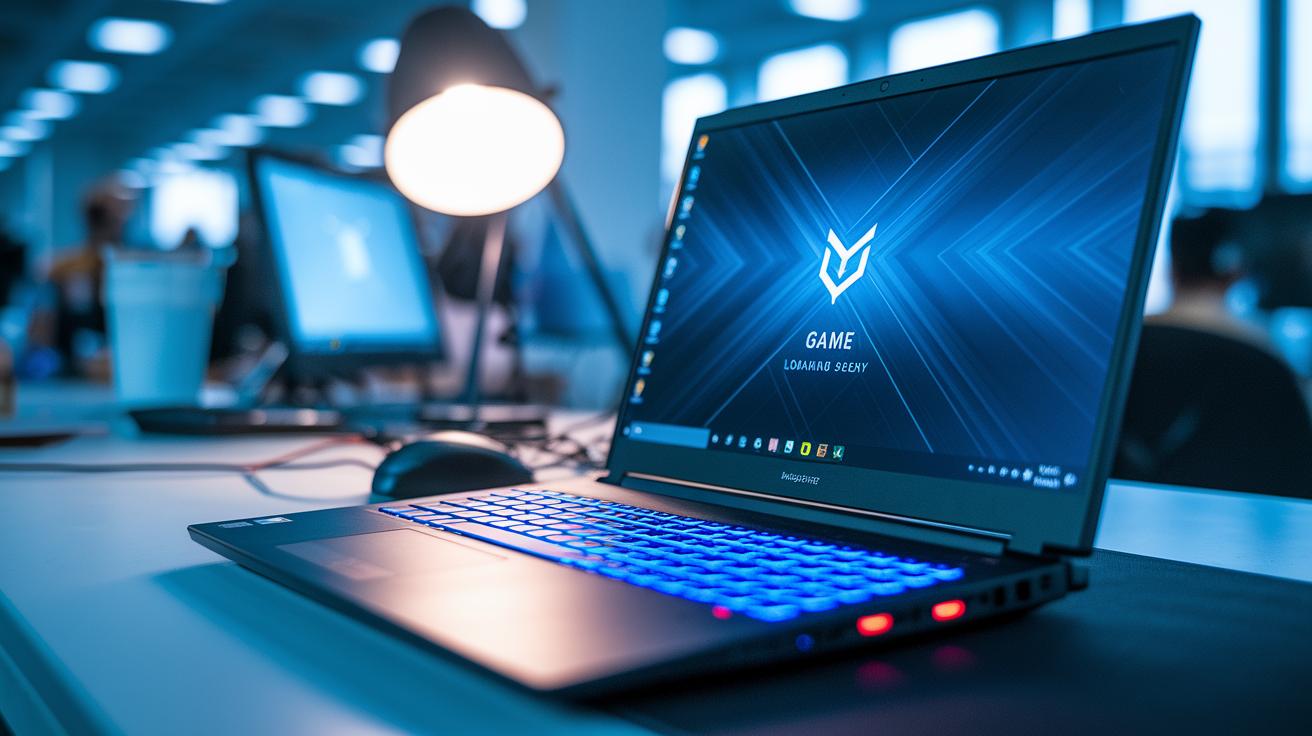
Most of these models depend on integrated graphics like Intel Iris or AMD Vega. They usually hit around 30 to 45 FPS on low settings, which is fine for simple games. The CPUs are built for everyday tasks, so trying to run heavy or ultra-detailed games will likely lead to choppy performance.
These laptops come with trade-offs such as basic display refresh rates, limited cooling, and few upgrade options. That means during long gaming sessions you may notice your fans working overtime as the device heats up, which can slow things down. They’re designed more for everyday use than for marathon gaming.
If you plan on light gaming, it's best to stick with indie or older titles. Lowering the graphics settings and resolution can help keep gameplay smooth. Adjusting in-game options like shadow quality and other extras can also boost performance.
Form Factors and Portability for Laptops Under $500
When shopping for laptops under $500, you'll see three main styles: clamshell, convertible, and detachable. Clamshell models are often the cheapest and come with a familiar keyboard and trackpad setup. Convertibles use flexible hinges to turn into a tablet, adding extra versatility. And detachable devices like the Duet Gen 9 can be used as both a laptop and a tablet, a feature many students really appreciate. Each design has its own trade-offs, so decide if you want a straightforward work machine or one that easily shifts to a touch-friendly mode.
Size and weight are also important. These laptops typically have screens between 11 inches and 15.6 inches and weigh about 2.5 to 4 pounds. A smaller, lighter laptop is easier to carry, which is perfect for travel or remote work. But if you need a more spacious screen for long work sessions, a larger display can be more comfortable. Balancing these factors is key to finding an affordable laptop that fits your needs.
Where to Find Deals on Laptops Under $500

Back-to-School and Black Friday sales are perfect chances to snag a laptop under $500. Big names like Amazon, Walmart, and Best Buy roll out instant rebates and clearance discounts during these events. If you’re a student, keep an eye out for special tech deals made just for you.
It pays to stay on top of the timing when looking for a budget laptop. Checking retailer websites often can reveal flash sales or seasonal discounts that drop the price significantly. New models arriving often signal a price drop on older ones, so comparing deals over a few weeks is a smart move.
When deciding between a new or refurbished laptop, both can be great choices. Refurbished models may offer better specs for the same price, but make sure to double-check warranty details. Retail sites like Walmart and Amazon usually show both new and refurbished options, letting you choose based on whether you need extra protection or better performance.
Upgrades and Accessories for Laptops Under $500
Even a budget laptop can feel like a powerhouse with a few smart upgrades. When you buy a laptop under $500, planning for possible improvements can make a big difference in everyday use. Simple enhancements can boost speed and extend the device's useful life.
A common upgrade is adding an SSD (solid-state drive). This switch can cut loading times dramatically and make your system feel much quicker. If your laptop has a spare slot, swapping in an SSD can turn a modest computer into a reliable companion for daily tasks. It’s a good idea to check if your model allows for additional RAM too, as many budget laptops come with memory that cannot be expanded.
Don’t overlook practical add-ons such as USB-C hubs, protective sleeves, and external drives. A low-cost warranty extension, often under $50, can also give you extra peace of mind. For more ideas on cheap upgrades, our guide on the
budget laptop is filled with tips that help improve performance and durability.
Final Words
In the action, we covered top picks, key specs, OS differences, and budget gaming insights for practical laptops under 500.
We broke down form factors and portability, detailed where to find the best deals, and explored upgrades and accessories that boost value.
Each section helped paint a clear picture for buyers who want real-world performance without overspending.
This guide leaves you well-equipped to choose consumer-approved notebook picks that meet everyday needs and long-term expectations.
FAQ
Laptops under $500 with i5 processor
Laptops under $500 with an i5 processor offer a boost in performance. For instance, models like the Asus Chromebook Plus CX34 blend modern processing, responsive touchscreens, and affordable pricing for everyday tasks.
What are the best laptops under $500, according to Consumer Reports and Reddit?
The best laptops under $500 balance affordability with reliable performance. Reviews highlight models that provide modern processors, sufficient RAM, and decent battery life. Options like the Dell Inspiron 15 and Asus Chromebook Plus CX34 consistently earn praise.
Where can I find laptops under $500 on Amazon?
Laptops under $500 on Amazon span both Chromebooks and Windows options. Many listings feature models like the Acer Aspire 3 that come highly rated for performance, battery life, and budget-friendly pricing.
Which laptops under $500 are ideal for students?
Laptops under $500 for students offer lightweight designs, long battery life, and essential connectivity. Devices such as the Lenovo Chromebook Duet Gen 9 fit study needs with versatile use as both laptop and tablet.
What Dell laptops can be found under $500?
Dell laptops under $500 provide reliable build quality and user-friendly performance. Models like the Dell Inspiron 15 deliver a sizable display and solid processing power suitable for everyday productivity tasks.
Which are the best touchscreen laptops under $500?
The best touchscreen laptops under $500 combine interactivity with cost efficiency. Models such as the Asus Chromebook Plus CX34 feature responsive 1080p touchscreens that enhance both media consumption and work tasks.
Is spending $500 on a laptop a good value?
Spending $500 on a laptop secures a device that can handle day-to-day tasks like browsing, school work, and light productivity. Though not suited for heavy gaming, it offers a reliable, value-focused computing experience.
Is a 7-year-old laptop too old for current demands?
A 7-year-old laptop often struggles with modern software and security updates. Advancements in processing and battery technology mean newer models deliver noticeably better performance and reliability for everyday use.
How much RAM do I need in a laptop?
The amount of RAM needed depends on your usage. An 8 GB configuration is ideal for smooth web browsing and running multiple apps, while 4 GB might limit performance during common tasks.