
Ever wondered if a thin gaming laptop can pack the same punch as a desktop? In this guide, we take a close look at models that push the limits of speed and graphics. We tested options made for hardcore gamers, budget players, and anyone looking for a blend of power and portability. Each laptop has its own perks, whether it's top-notch performance or great value for the price. Read on to find the machine that fits both your style and your budget, all while delivering the power you need for your favorite games.
Best Gaming Laptop: Supreme power & performance
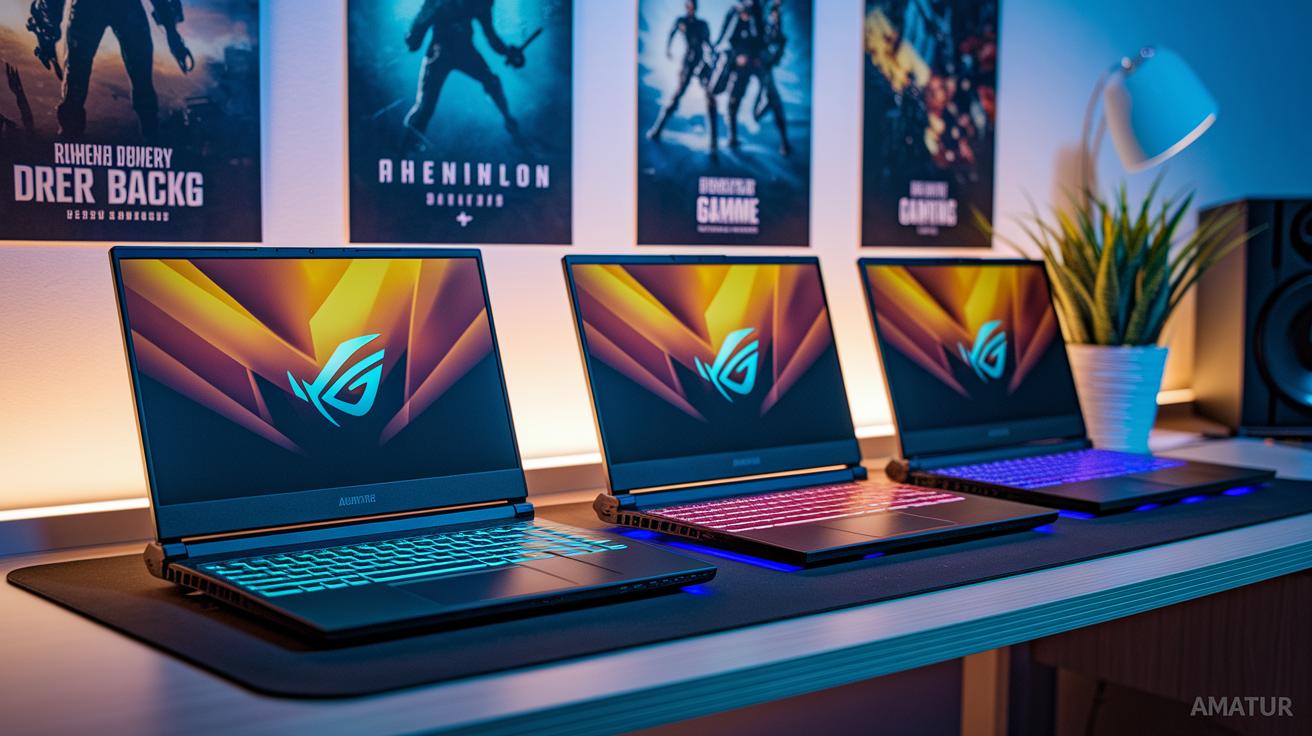
Razer Blade 18 shines as the premium choice for serious gamers. It comes with a high-end CPU and GPU that push performance to the limit, but its solid build does come with a high price tag. This model is best suited for those who want top-notch power without compromise.
MSI Katana 15 HX is a great budget-friendly option. Priced at around $999.99, it features an RTX 4050 that delivers smooth entry-level gaming performance without breaking the bank.
Gigabyte Aorus 16X offers a strong mid-range alternative. It sports a vibrant Mini LED display that makes visuals pop, although its battery life might not stand out in long sessions.
For gamers who need portability along with power, Acer Predator Triton 14 AI is a clear contender. Weighing just 3.5 lbs, this compact machine is easy to carry while still providing capable gaming performance.
Asus TUF Gaming A14 is designed with mobility in mind. The 14-inch laptop is both light at 3.22 lbs and slim at 0.78 inches, and it is well-known for its battery endurance, making it an excellent choice for gaming on the move.
Alienware 16 Area-51 is built as a desktop replacement. Its impressive performance is aimed at gamers who favor power over portability, thanks to its larger size.
Each of these laptops caters to different needs and budgets, ensuring that every gamer can find a rig that fits both their technical requirements and lifestyle.
Best Gaming Laptop Performance Benchmarks and Testing Methodology
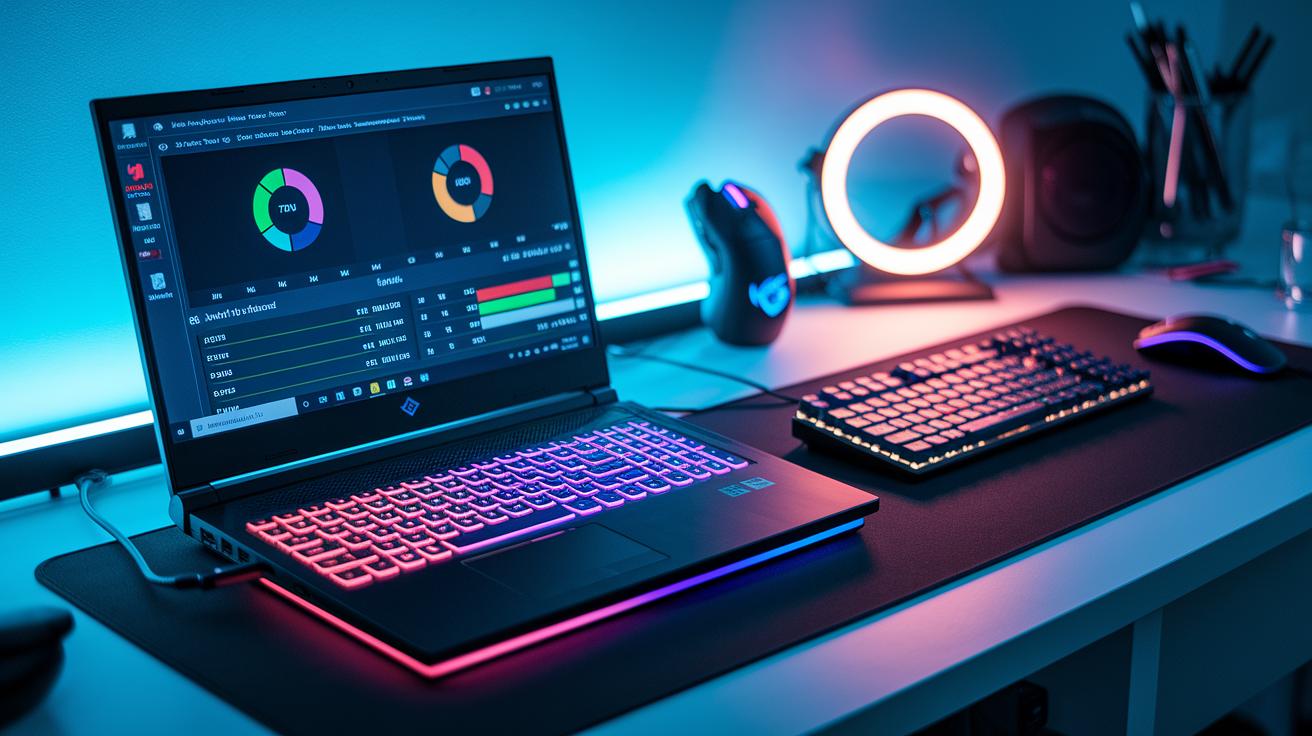
Benchmarking a gaming laptop goes beyond just looking at numbers. It’s about checking if the laptop can deliver smooth gameplay for your favorite titles. We run tests like Geekbench, Cinebench, and 3DMark to measure both the processor and graphics performance under steady conditions. Geekbench gives us a taste of basic processor speed, while Cinebench shows how well multiple cores work together, a must for handling multitasking during intense gaming.
Real-life gaming tests matter just as much. We play demanding games such as Cyberpunk 2077 and Black Myth: Wukong at their native resolutions to see the average frames per second. This way, we can spot any dips in CPU performance or instances of GPU slowing down. For instance, our Cyberpunk 2077 test delivered a steady 75 FPS on maximum settings, even in the most graphically heavy scenes.
We also track key details like steady frame rates, CPU clock stability, and GPU temperature during tough gaming sessions. Keeping these numbers consistent means the laptop is built to handle long hours of play without compromising on reliability.
Best Gaming Laptop Key Hardware Features Explained
At the core of every great gaming laptop is a powerful graphics chip. For smooth 3D gameplay, Nvidia RTX 50-series cards are essential. They come in options from RTX 5060 to RTX 5090, offering rich details that stand out in even the most graphically intense games. Just imagine playing Cyberpunk 2077 with clear reflections and realistic shadows that pull you right into the action.
The processor is another key player. For example, laptops like the Zephyrus G14 pack an AMD Ryzen 9 270 that handles everyday tasks and marathon gaming sessions with ease. Meanwhile, devices such as the Titan 18 HX AI use an Intel Core Ultra 9 285HX to juggle multiple apps and heavy gaming without missing a beat. Think of the processor like your car's engine, the more powerful it is, the faster you can accelerate.
Cooling technology also makes a big difference. Advanced solutions like dual-fan layouts or vapor-chamber designs help keep your laptop cool during long sessions, preventing slowdowns from overheating. A reliable dual-fan system keeps temperatures steady so your frame rates stay high when the action intensifies.
With a top-tier graphics chip, a robust multi-core CPU, and smart cooling technology, these gaming laptops deliver the dependable performance you need for every challenge.
Best Gaming Laptop Display and Design Innovations
Modern gaming laptops are pushing display limits with fast, responsive screens that make every game scene pop. Take the Asus ROG Zephyrus G14 for example. It sports a 14-inch OLED screen that shows images in sharp 2880×1800 detail and refreshes 120 times a second. With 500 nits of brightness, you get clear visuals even in bright surroundings.
The MSI Titan 18 HX AI steps it up with an 18-inch Mini LED 4K panel that offers 3840×2400 resolution at 120Hz. It hits 1,000 nits brightness and covers the full DCI-P3 color spectrum, so colors are vibrant and details stand out.
If you’re excited by the latest display tech, the Razer Blade 16 is hard to beat. Its 16-inch OLED display delivers a 2560×1600 resolution with an impressive 240Hz refresh rate and HDR support, which means smoother motion and richer colors during the most intense gameplay.
Even a small boost in refresh rate can change your gaming experience from choppy to seamless. These display innovations let gamers enjoy immersive visuals without sacrificing portability or performance.
Best Gaming Laptop Category Comparison Table

Below is a handy side-by-side guide that compares six top gaming laptops. We break down the key specs like CPU, GPU, RAM, storage, display details, weight, and battery capacity. Whether you're after a high-end rig or a more budget-friendly option, this quick reference will help you spot which laptop fits your gaming style and needs.
| Model | CPU | GPU | RAM | Storage | Display Specs | Weight | Battery |
|---|---|---|---|---|---|---|---|
| Zephyrus G14 | Ryzen 9 270 | RTX 5060–5080 | 16–32 GB | 1 TB SSD | 14″ OLED, 2880×1800 @120Hz, 500 nits | 3.31 lbs | 73 Wh |
| Titan 18 HX AI | Core Ultra 9 285HX | RTX 5080/5090 | 64–96 GB | 4–6 TB | 18″ Mini LED 4K, 3840×2400 @120Hz, 1,000 nits | 7.93 lbs | 99.9 Wh |
| Strix Scar 16 | Core Ultra 9 275HX | RTX 5080 | 32 GB | 2 TB | 16″ Mini LED, 2560×1600 @240Hz | 6.17 lbs | 90 Wh |
| Legion Pro 7i | Core Ultra 9 Series | RTX 5080 | 32 GB | ~1 TB SSD | 16″ OLED | ~6.20 lbs | 90 Wh |
| Razer Blade 16 | Ryzen AI 9 365 | RTX 5060–5090 | 16–64 GB | 1–4 TB | 16″ OLED, 2560×1600 @240Hz | 4.71 lbs | 90 Wh |
| Predator Triton 14 AI | Intel Core i7 | RTX 4060 | 16 GB | 512 GB SSD | 14″ IPS | 3.5 lbs | 70 Wh |
Best Gaming Laptop Buying Guide and Tips

When you're shopping for a gaming laptop, start by figuring out your budget. For around $1,000, you can snag an entry-level model that comes with 8 to 16 GB of RAM and offers enough battery life for light everyday tasks. If you have about $1,500 to $2,500 to spend, you'll find machines that blend good performance with the option to upgrade parts like storage or RAM later on. And if you need the best performance possible and don't mind investing over $3,000, high-end laptops bring top-notch components that rarely need any tinkering.
Take a close look at your upgrade options. Most gaming laptops let you swap out the RAM and storage, but the CPU (the computer's brain) and GPU (the graphics card) are usually fixed. That means you should pick carefully from the start if you want your laptop to stay current. Think of the upgradeable parts like a car’s fuel, you can change them over time to keep your machine running smoothly.
Battery life is another important factor. For everyday tasks, you might get up to 8 hours on a charge, but when you’re gaming hard, expect only 1 to 2 hours of playtime. Balancing strong performance with the need for battery longevity is key, especially if you plan to use your laptop without plugging in frequently.
Best Gaming Laptop Frequently Asked Questions

Q: What display size should I choose?
When choosing a display, think about where you'll be using your laptop most. A 14-inch screen is light and easy to carry if you're always on the go. If you need a bit more room without slowing you down, a 16-inch display offers a great balance. And if you plan to game mainly at home and want a larger, more detailed view, an 18-inch screen might be the way to go. Basically, a 14-inch screen is ideal for mobility, while a 16-inch option gives you extra screen space without feeling too bulky.
Q: What GPU and RAM should I look for?
The combination of a good GPU (graphics processing unit) and enough RAM (memory) is key for smooth gameplay. For most gamers, a dedicated Nvidia RTX series works great. For a solid performance, pairing a mid-range RTX 4070 with 16 GB of RAM is a smart choice. However, if you love high-end gaming or plan to run several programs at once, consider upgrading to an RTX 5090 with 32 GB of RAM.
Q: Where should I purchase my gaming laptop?
We recommend buying directly from trusted manufacturers like Asus, Dell, HP, or Lenovo, or through reliable retailers such as Best Buy. Shopping through these channels not only gives you access to competitive deals but also ensures you have warranty support, so you can jump into your gaming sessions with confidence.
Final Words
In the action, we reviewed a range of gaming laptops, from high-end powerhouses to budget-friendly rigs, highlighting key hardware, design, and performance benchmarks. We broke down specs like CPUs, GPUs, display innovations, and cooling systems while outlining practical buying tips and clear comparisons. Each model brings its strengths, catering to different gaming needs and budgets. If you're chasing the best gaming laptop for immersive, smooth performance, this guide offers solid insights to help you decide with confidence. Happy gaming and wise shopping!
FAQ
Q: What are the best budget gaming laptops under $1000, under $500, or cheap options?
A: The best budget gaming laptops offer smooth performance without a high price tag. For example, the MSI Katana 15 HX shows that entry-level gaming can be achieved around $1000, while models under $500 tend to have more limited features.
Q: What is considered the best gaming laptop in the world or the No. 1 option?
A: The best gaming laptop varies by priority, but high-end models like the Razer Blade 18 often rank as top choices thanks to their premium CPU/GPU combinations and build quality.
Q: Which gaming laptops are ideal for students?
A: Gaming laptops for students blend portability with sufficient power. Options like the Asus ROG Zephyrus G14 are popular for their compact design, solid performance, and long battery life, making them great for on-campus use.
Q: What feedback do Reddit users provide about gaming laptops?
A: Reddit discussions often praise models such as the Razer Blade and MSI laptops. Users appreciate their balance of performance, thermal handling, and design, highlighting them as reliable choices among gamers.
Q: Which gaming laptop brands lead the market and what should to expect in 2025?
A: Leading brands include MSI, Razer, Asus, Alienware, and Acer, with future models emphasizing advanced graphics, enhanced cooling, and higher performance to meet the evolving needs of gamers by 2025.
Q: How do models like the MSI Titan 18 HX, MSI Katana 15 HX, and Acer Predator Helios Neo 16 compare?
A: These models offer unique benefits: the MSI Titan 18 HX and Acer Predator Helios Neo 16 bring advanced features for intense gaming, while the MSI Katana 15 HX stands out as a solid budget-friendly option.
Q: How do performance benchmarks and hardware features influence gaming laptop effectiveness?
A: Performance benchmarks using tools like Geekbench and 3DMark, along with key hardware such as Nvidia RTX GPUs and efficient cooling systems, ensure smooth frame rates and reliable, sustained gaming performance.