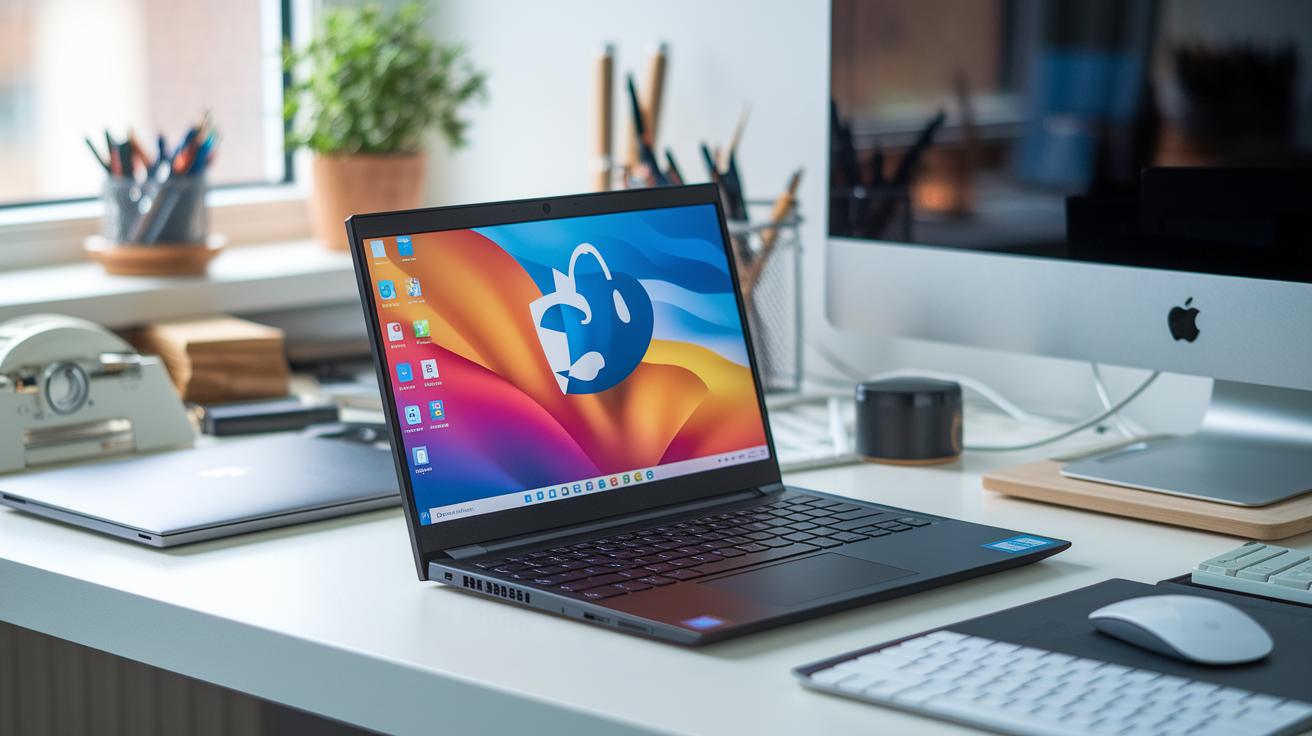
| Dell Latitude E6420/E6430 |
Intel Core i5 |
Essential Hardware Specs for a Budget Linux Notebook

When you're hunting for an affordable Linux notebook, the basics are pretty easy: aim for at least 4 GB of RAM and an SSD drive. These key components help Linux run smoothly and keep daily tasks running without a hitch, even on devices that aren’t packed with extra features.
It all starts with storage and memory. An SSD delivers faster boot times and quicker file access compared to smaller eMMC storage (especially if that eMMC is under 64 GB). For a solid experience with lightweight desktops like Xfce or Mint, pairing an SSD with a minimum of 4 GB of RAM is a no-brainer. This setup helps you avoid the slow performance that often comes with eMMC-only devices, ensuring you get a system that feels swift and reliable even on older hardware.
Also, consider getting a processor that meets your basic needs without breaking the bank. Budget-friendly CPUs like the Intel N4020 or N4120 and AMD Athlon Silver strike a good balance between cost and performance on Linux. And don’t forget to check for essential ports, USB 3.2 Type-C, HDMI, and a regular headphone jack ensure smooth connectivity. Models like the Lemur Pro and Pangolin show that the right mix of ports and chip support can really elevate your Linux experience.
Step-by-Step Guide to Installing Linux on an Inexpensive Portable Computer

When you want to try Linux on a budget notebook, start by making a Live USB. This simple tool lets you test a Linux version, whether it's Ubuntu, Mint, or even Kali, without changing your current system setup. It lets you see how the system performs on lower-end hardware and makes it easy to check that your graphics, network, and USB ports are working right. Running terminal commands like lspci and lsusb can also help you spot any missing drivers early on.
Here's how to do it:
- Build the Live USB: Download your favorite Linux distro and use a tool like Rufus or Etcher to create a bootable USB drive.
- Boot and Test Hardware: Boot from the USB and make sure every component operates as expected.
- Partition and Install Linux: Once you’re satisfied, partition your drive and do a clean installation.
- Perform Post-Install Tweaks: Adjust settings and install any extra drivers to boost performance.
After you've finished, update your kernel and firmware to keep your system stable and running smoothly. These updates improve driver support and overall performance, ensuring your affordable Linux laptop handles everyday tasks without a hitch.
Cheap Linux Laptop: Affordable Power with Style
When you’re on a tight budget, a smart choice is to go with a light Linux environment. Picking a simple distro like Xfce, Mint, or another Debian-based version means your computer uses fewer resources. This keeps things feeling quick and snappy, even on lower-end machines.
• Consider upgrading to 8 GB of RAM and swapping out eMMC storage for an SSD. This small tweak can make your system about twice as fast.
• Try tools like TLP or powertop on Ubuntu; they can boost your battery life by about 15–20%.
• Make sure your system’s kernel and firmware are up to date to take advantage of the latest improvements.
• Replace heavier applications with lighter ones to reduce the load on your system.
• Keep an eye on hardware drivers and install updates to smooth out any performance hiccups.
The key is to balance performance with cost. Simple upgrades, such as adding more memory or switching to a better storage drive, can really boost speed and battery life. Focusing on efficient parts and regular updates means even a budget Linux laptop can handle everyday tasks, coding, or multimedia work without breaking the bank.
Best Sources to Buy Affordable Ubuntu-Ready Notebooks

If you’re in the market for an Ubuntu notebook, start with official Linux PC vendors. These sellers meet strict compatibility standards and are featured on Ubuntu Certified Hardware lists. They also offer perks like free DHL Express worldwide and a two-year warranty, so you know you’re getting a device built for smooth Linux performance.
Another smart choice is buying a refurbished notebook. Marketplaces often have Dell Latitude E6420/E6430 models priced between $100 and $150 and ThinkPad X220/X230 options for about $120 to $200. These laptops have a track record of durability, making them a great pick for an affordable Ubuntu-ready system.
Keep an eye on deal-tracking sites and online forums as well. They can alert you to flash sales and special discounts. Setting up price alerts and watching for seasonal promotions can help you land a quality Ubuntu laptop without stretching your budget, and reading user reviews will ensure you’re making a reliable choice.
Final Words
In the action of our review, we explored a range of affordable Linux laptops, analyzed essential hardware specs, and walked through installing Linux on these devices. We covered practical tweaks to boost performance and shared where to find the best deals. Each section aimed to simplify your decision process when searching for a cheap linux laptop that meets everyday needs. We hope this guide helps you find a reliable, cost-effective choice that fits your lifestyle. Enjoy the smoother, streamlined experience ahead.
FAQ
Q: What options exist for affordable Linux laptops as seen on Reddit and for programming?
A: Affordable Linux laptops recommended on Reddit include models like the Lenovo IdeaPad and Acer Aspire 5, which provide dependable performance for programming and everyday tasks at a modest cost.
Q: What is the best laptop to run Linux?
A: The best laptop for Linux offers reliable hardware, compatibility, and strong performance. Many ThinkPads and select ASUS models meet these criteria, ensuring smooth operation for Linux-based tasks.
Q: Which Linux distribution works best on a low-end PC?
A: The Linux distribution best for low-end PCs typically uses lightweight desktop environments such as Xfce or Mint, providing a user-friendly experience without taxing limited system resources.
Q: Do any laptops come with Linux preinstalled?
A: Many laptops targeted at Linux users ship with Linux preinstalled, particularly from vendors specializing in open‑source systems, so no extra installation is required for a smooth start.
Q: Can I get Linux for free?
A: Linux is free to use, with distributions like Ubuntu and Mint available for download at no cost, offering an open‑source operating system that runs well on compatible budget laptops.
Q: What about Lenovo and ASUS Linux laptops?
A: Lenovo and ASUS offer models that work well with Linux; popular options include various ThinkPads and selected ASUS laptops that have proven reliable for Linux installations and day‑to‑day use.
Q: What price ranges can I expect for Linux laptops?
A: Linux laptops are available across different price ranges, from models under $300 that cover basic tasks to options near $500 offering improved performance and extra features for more demanding users.
Q: How do specific Lenovo models benefit Linux users?
A: Specific Lenovo models like the X250, ThinkPad T480, and X380 Yoga provide solid performance with Intel processors and ample RAM, making them excellent budget choices for Linux enthusiasts.
Q: What can be expected from cheap Linux laptops in 2025?
A: Cheap Linux laptops in 2025 are expected to deliver enhanced performance, better energy efficiency, and improved hardware compatibility while keeping entry‑level prices accessible for budget-conscious users.
Q: Are refurbished Lenovo laptops a good option for running Linux?
A: Refurbished Lenovo laptops offer strong Linux performance and durability, making them attractive budget-friendly options after proper testing for hardware compatibility and system support.
Stay on op - Ge the daily news in your inbox