
Ever wonder if a budget laptop can really keep up with music production? It might sound too good to be true, but many affordable laptops pack enough punch when they’re built with a solid quad‑core processor, plenty of RAM, and a speedy SSD. We found that the right budget laptop runs your digital audio workstation smoothly, keeping annoying audio drop‑outs at bay. Our review highlights models that balance price and performance, proving you don’t need to spend a fortune to produce quality music.
Selecting a Cost‑Effective Laptop for Music Production
When picking an affordable laptop for music production, the goal is balancing price with enough power to run your digital audio workstation (DAW) smoothly. You can get budget options starting at about $300, like the Samsung Chromebook Go, up to nearly $1,000 for higher-end machines such as the MacBook Air M3.
For a reliable experience, look for a machine with a quad‑core Intel i5 or Ryzen 5 (or better) and at least 8 GB of RAM, though 16 GB is ideal if you can stretch your budget. This setup helps keep audio drop-outs at bay when you’re juggling multiple plugins and sample libraries at once.
A fast SSD is key to quick load times and stable session performance. We recommend 256 GB minimum to store all your audio files without hassle. Also, having low‑latency USB or Thunderbolt ports is important to connect your external audio gear without any hiccups.
Portability and long battery life add real value, especially when you need to record or mix on the move. In our review of budget laptops for music production, we highlight models that strike the right balance between performance and price. These laptops can efficiently run DAWs like Logic Pro, Ableton Live, and FL Studio while keeping costs in check.
Hardware & Software Requirements for Budget-Friendly Music Production Laptops
A laptop with just 4 GB of RAM might run your favorite video apps, but when you stack multiple tracks and load high-quality samples in your digital audio workstation (DAW), it quickly becomes clear that more memory is needed. In our tests, we found that 8 GB of RAM is enough for basic music projects. However, if you plan to work on larger projects with many tracks and plugins, 16 GB really makes a difference by keeping your sessions smooth and steady.
A speedy SSD of at least 256 GB also matters. We noticed that sessions saved on an SSD open almost instantly, saving you time when you’re deep in the creative process. Pair that with a quad-core CPU – think Intel i5 or AMD Ryzen 5 or newer – and you’ve got a machine that can crunch through even complex mixes. In our benchmarks, these processors handled long chains of effects with ease.
When it comes to connectivity, look for laptops featuring USB-C, Thunderbolt, or USB 3.0 ports. In our studio tests, having these fast, flexible ports made connecting audio interfaces and other gear a breeze, minimizing any chance of audio dropouts. A clear 1080p display also helps; it not only makes your editing sessions more precise but reduces eye strain during long hours. Plus, a battery that lasts over 6 hours changes the game if you want to work on the go without constantly hunting for an outlet.
Pro tip from our hands-on tests: Keep background apps to a minimum and update your drivers regularly for the best DAW performance on a budget-friendly laptop.
| Component | Recommendation |
|---|---|
| RAM | Minimum 8 GB (16 GB ideal) |
| Storage | 256 GB+ SSD |
| Processor | Quad-core CPU (Intel i5/Ryzen 5 or newer) |
| Connectivity | USB-C/Thunderbolt or USB 3.0 |
Before you buy, check that your laptop supports the DAW you plan to use. Windows machines work well with Ableton Live, FL Studio, or Cubase, while macOS is a must for Logic Pro. And if you’re using a device like the Samsung Chromebook Go running Chrome OS, remember it mainly supports Android or Play Store-based music apps.
Top 6 Budget Laptops for Music Production Reviewed
If you’re in the market for an affordable music production laptop, it helps to know what each model brings to the table. We looked at budget choices that perform well, are easy to carry, and pack the features you need. Some laptops include a touchscreen for extra usability, while others boast strong processors that can handle heavy sessions with lots of plugins and sample libraries. It really comes down to balancing CPU speed, RAM, storage, and build quality when choosing the best laptop for your music-making needs.
For example, if you need something quick and portable and you aren’t planning to run full-scale desktop recording software, the Samsung Chromebook Go might be enough, even though it has its limits. On the other hand, if you often work on more demanding projects, the Apple MacBook Air M3 offers a quiet, powerful experience that can keep up with heavier production workloads.
| Model | Approx. Price | CPU | RAM | Storage | Pros | Cons |
|---|---|---|---|---|---|---|
| Samsung Chromebook Go | <$300 | Modest option; limited for desktop DAWs | 8 GB | eMMC/limited SSD | Great portability, supports Android DAWs via Play Store | Not designed for traditional DAW software |
| Acer Swift 3 | ~$300 | Intel i5/Ryzen 5 | Up to 16 GB | SSD | Upgradeable hardware, fast storage | Modest HD screen and average audio |
| ASUS VivoBook Flip | ~$318 | Decent mid-range CPU | 8 GB | SSD | 2-in-1 touchscreen design, versatile use | May slow down with very heavy sessions |
| Dell Inspiron 15 | ~$400 | Reliable Intel i5 option | 8 GB (upgradeable) | SSD | Solid for bedroom studio setups | Missing modern USB-C connectivity |
| HP Envy Notebook | ~$700 | 11th-gen Intel i7 | 16 GB | SSD | Portable with a clear FHD touch display | Priced higher compared to budget options |
| Apple MacBook Air M3 | <$1,000 | Apple M3 chip | 8–16 GB | Up to 2 TB SSD | Lightweight, quiet, and powerful performance | Works only within the Mac ecosystem |
This comparison table is a handy guide to help you decide which laptop suits your music production style and wallet. Consider each model’s pros and cons to find the best mix of performance and affordability for your projects.
Windows vs Mac Entry-Level Laptops for Music Production
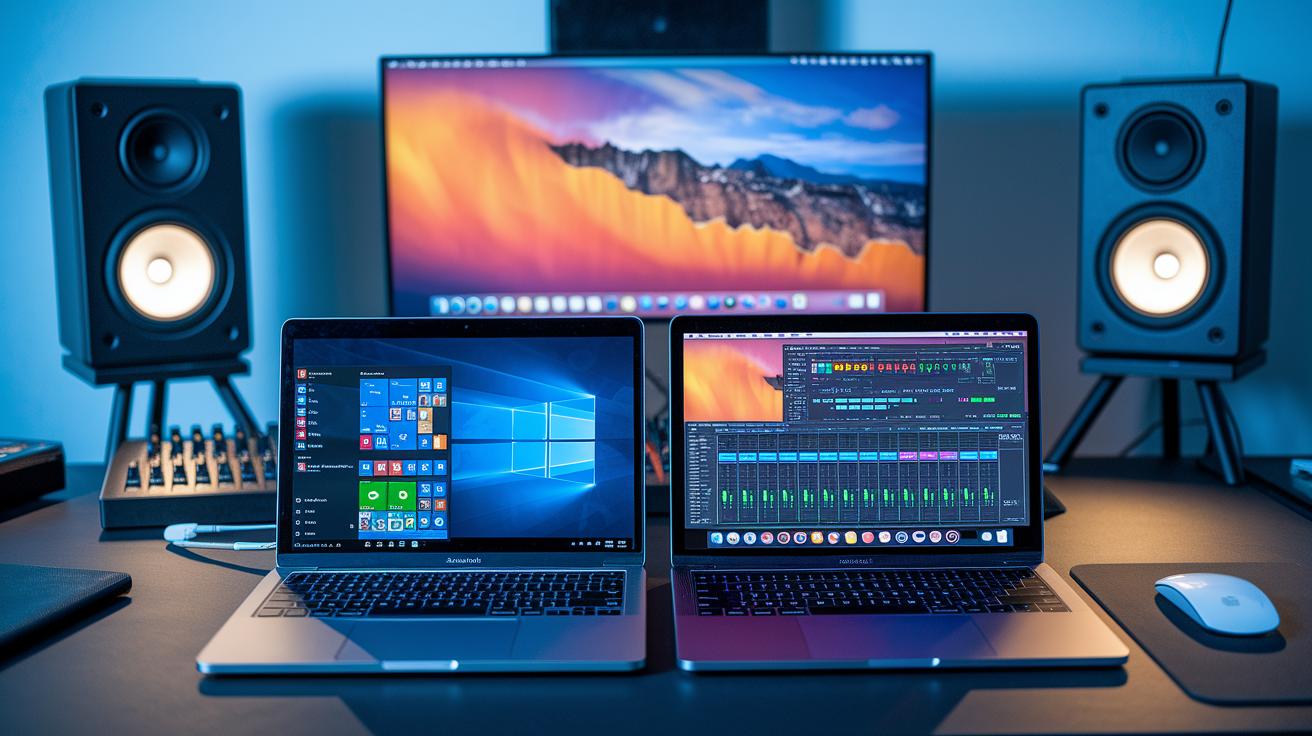
Windows Options
Windows laptops offer a flexible approach for music production. They let you easily upgrade hardware and add extra devices as needed. You might need to keep an eye on driver updates and manage older audio chipsets to lower latency, but many producers rely on these machines for their clear upgrade paths and strong compatibility with digital audio workstations.
Mac Options
Mac laptops deliver a smooth and integrated experience, especially with macOS apps like Logic Pro. Their design supports a steady workflow by efficiently managing system resources. Producers often find that the streamlined interface of the MacBook Air M2 boosts creative flow, while the MacBook Air M3 offers solid performance under $1,000, making it a smart, budget-friendly option for a stable production setup.
Tips to Optimize DAW Performance on a Budget Laptop
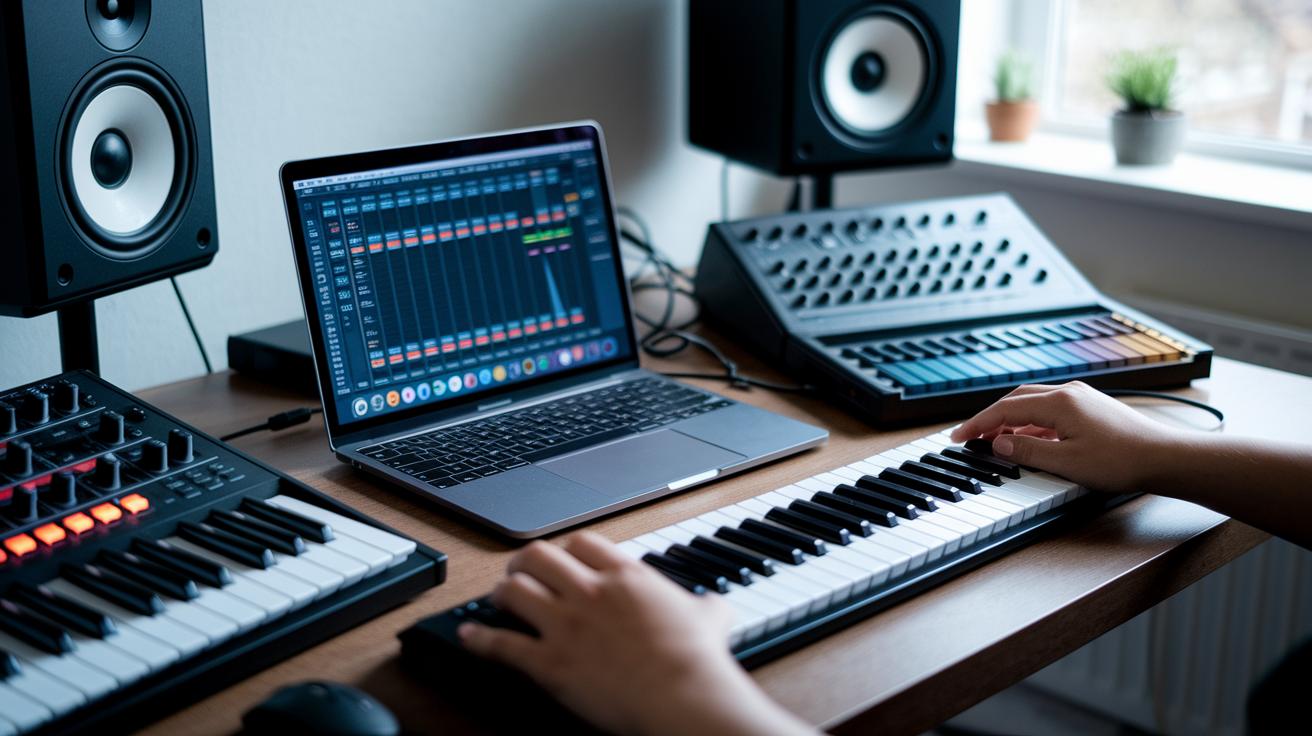
When you run a digital audio workstation on a budget laptop, small adjustments can make a big difference in how smoothly your projects run. Here are some practical steps to give your system a boost:
- Upgrade your system to 16 GB RAM if you can. More memory helps the laptop manage multiple audio tracks and plugins at once.
- Save your session files on an SSD or an external NVMe drive. Faster storage means quicker load times.
- Switch your computer’s power plan to high performance. This setting makes sure your laptop works at full capacity when running your DAW.
- Shut down background apps like antivirus programs or cloud syncing during recording sessions so your laptop isn’t distracted.
- Update your audio drivers and BIOS firmware for better compatibility and efficiency.
- Tweak your DAW’s buffer size to somewhere between 256 and 512 samples. This balance helps keep latency low while maintaining stability.
- Consider using an external USB audio interface. It can handle extra processing, letting your laptop focus on the DAW.
- Keep both your operating system and DAW software current. Updates often bring performance improvements and security patches.
Try these tips one at a time. Each small change can help your sessions feel more responsive and balanced, much like fine-tuning an instrument for clarity.
Essential Accessories for an Affordable Music Production Laptop Setup

To make the most of your music production laptop, it's smart to include a few must-have accessories. These add-ons boost connections, improve your workflow, and keep your setup easy to move around when needed.
- Western Digital WD 2 TB My Passport: This drive gives you ample storage for sample libraries and project files. It helps cut down load times while keeping your creative files safe.
- Akai MPK Mini MkIII MIDI controller: With 25 keys, pads, and knobs, this tool lets you trigger sounds and adjust settings on the fly. For instance, you can tap a pad to launch a drum loop during a live mix.
- Audio-Technica ATH-M50x over-ear headphones: These headphones deliver clear, detailed audio for mixing and monitoring sessions, so every nuance in your production comes through.
- 7-in-1 USB-C Hub: This hub expands your laptop's ports by offering USB-A, HDMI, SD card, and Gigabit Ethernet connections, ensuring your setup stays versatile.
- Dell Ultrasharp monitor (24" 1080p): A larger display provides a crisp and clear workspace, making it easier to edit and manage your sessions.
Final Words
In the action, we explored everything from essential budget laptop specs for smooth DAW operation to a hands-on review of top models. We compared Windows and macOS options, discussed hardware, and shared practical tips to maintain solid performance. We even listed key accessories that enhance your music production setup. This roundup arms you with the right info to choose the best budget laptop for music production and confidently create your next track with dependable gear. Enjoy building your studio!
FAQ
Q: What are the best budget laptops for music production according to Reddit?
A: Reddit discussions suggest models like the Acer Swift 3 and MacBook Air M3 often stand out for their balance of power, portability, and affordability in entry-level music production.
Q: What is the best budget laptop for music production under $1000?
A: Budget laptops under $1,000, such as the MacBook Air M3 or select Windows models, offer a solid mix of performance features like quad‑core processors, at least 8 GB RAM, and SSD storage for efficient DAW performance.
Q: What is the best budget laptop for music production under $500?
A: For under $500, laptops like some variants of the Acer Swift 3 or Dell Inspiron 15 deliver basic performance and portability, making them suitable for entry‑level music production tasks on a tight budget.
Q: Which laptop is best for music production and gaming?
A: Laptops such as the HP Victus 15 provide a strong CPU performance and upgrade paths, making them an attractive option for producers who also want a machine that can handle casual gaming.
Q: What is the best budget laptop for music production in 2025?
A: Emerging models featuring the latest processors and memory upgrades—like updated MacBook Air or Windows notebooks—are expected to offer the speed, connectivity, and value needed for music production in 2025.
Q: What is the best laptop for music production for beginners?
A: Beginners should opt for laptops with at least an 8 GB RAM setup, SSD storage, and a quad‑core processor, ensuring smooth DAW operation and the flexibility to upgrade as skills grow.
Q: What is the best laptop for music production under $300?
A: Under $300, options such as the Samsung Chromebook Go may work for mobile sessions with Android‑based DAWs, though they are limited for running full‑scale desktop applications.
Q: What is the best budget laptop for music production overall?
A: The best budget laptop for music production features a quad‑core CPU, at least 8 GB RAM (16 GB preferred), SSD storage, and proper connectivity, with popular choices including the MacBook Air M3 and select Windows models.
Q: Can you produce music on a cheap laptop?
A: Producing music on a cheap laptop is feasible if it meets minimum specs like 8 GB RAM, SSD storage, and a quad‑core processor, though investing in upgrades can alleviate performance limitations.
Q: What are the minimum requirements for a laptop used in music production?
A: A minimum music production laptop should have a quad‑core processor (Intel i5 or Ryzen 5), 8 GB RAM (16 GB is ideal), at least 256 GB SSD storage, and appropriate ports for low‑latency audio connectivity.