
Have you ever thought you had to spend a lot to get a laptop that handles everyday tasks? You might be surprised that laptops under $500 can easily manage browsing the web, writing documents, and even doing some light photo editing. In this article, we explore options like the Acer Aspire 3 and Asus Vivobook 15. We walk you through their key features and specs so you know exactly what you're getting. Stick with us to see how these affordable machines stack up for daily use.
Best Cheap Windows Laptops Under $500
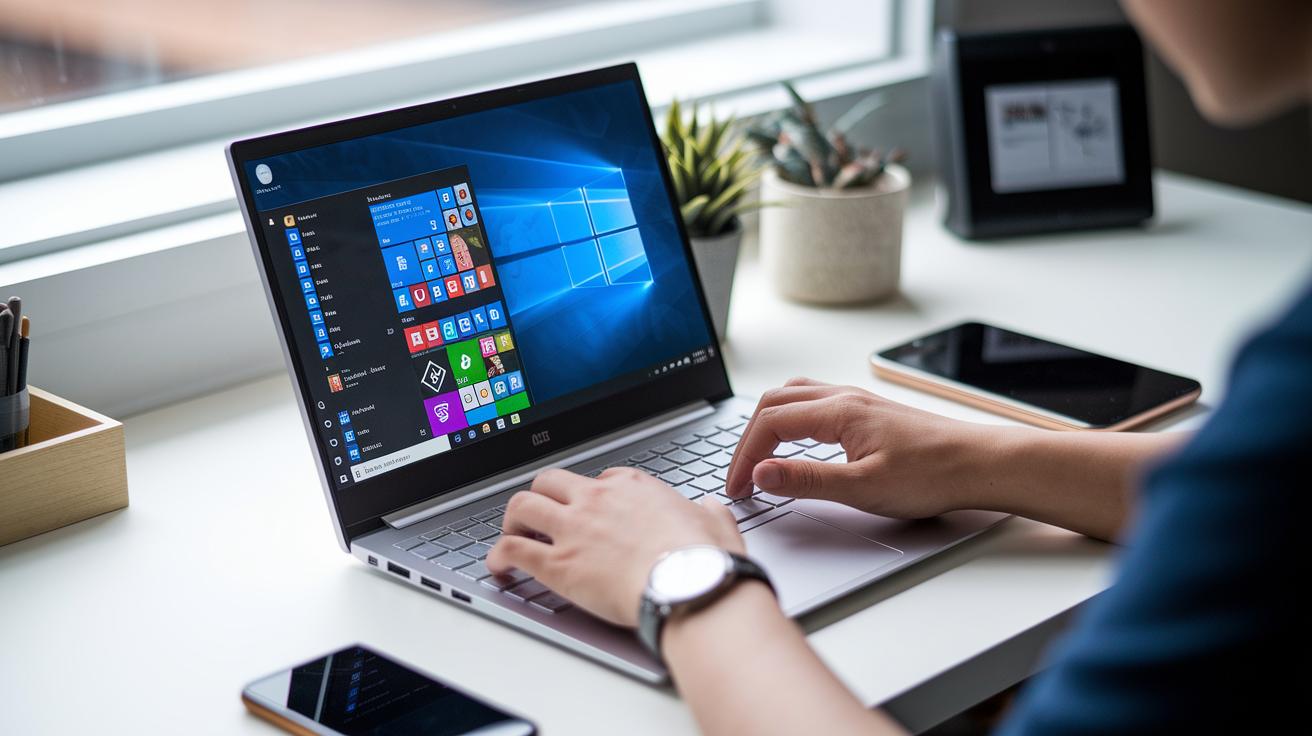
If you're shopping for a budget-friendly Windows laptop under $500, there are some solid choices designed for everyday tasks like word processing, web browsing, and light photo editing. These models typically come with entry-level Intel Celeron or AMD Athlon (or even modest Ryzen) processors paired with 128–256 GB SSD storage. They’re best suited for users with simple needs who understand that multitasking and heavy storage demands might be limited.
Take a look at the Acer Aspire 3 (A315-24P) priced at $319.98. It features an AMD Ryzen processor that delivers steady performance, speedy built-in Wi-Fi 6, and an impressive battery that can approach 17 hours on a single charge. Yes, during our testing, we were surprised to see it last almost 17 hours, a rare find in this price range.
Another standout is the Asus Vivobook 15, available for about $449. It offers a boost with 16 GB of RAM, a fingerprint reader for added security, and a backlit keyboard for easier use in low-light conditions. While it sits at the top end of the sub-$500 bracket, those extra features make it a worthwhile option if you can stretch your budget a bit.
Many other notebooks in this category cover essential computing tasks without the bells and whistles. When choosing your next laptop, it helps to compare the specs and prices closely to find the right balance for your budget and needs.
- Model: Acer Aspire 3 (A315-24P) – $319.98, AMD Ryzen, Wi-Fi 6, nearly 17-hour battery
- Model: Asus Vivobook 15 – ~$449, 16 GB RAM, fingerprint reader, backlit keyboard
Performance Specs of Cheap Windows Laptops

Looking for a budget Windows laptop? Focus on the key parts that keep everyday tasks running smoothly. You'll commonly find processors like the Intel Celeron N, AMD Ryzen 3, or Intel Core i3 that handle essential jobs like emailing, web browsing, and document editing. Choose a model with at least 8 GB of RAM so you can run multiple apps at once without slowing down.
- RAM: 8 GB minimum for smooth multitasking.
- Storage: 128–256 GB SSD for fast boot times and file access.
- Display: 13–15.6-inch 1080p screens for clear daily visuals.
- Battery Life: Around 6–10 hours, great for work and travel.
- Weight: Typically 3–4 lbs, balancing portability with screen size.
For example, one user shared that his cost-effective Windows laptop with an AMD Ryzen 3 powered through a full workday, managing nearly 9 hours of battery life on mixed use. When picking a cheap Windows machine, keep an eye on performance, portability, and display quality. This blend of specs gives you a dependable, responsive laptop that won’t break the bank.
Pros and Cons of Cheap Windows Laptops

-
Strength: Affordable models under $500, like the Acer Aspire 3, can go nearly 17 hours on a charge, enough to power you through a full workday.
-
Strength: Fast SSDs mean shorter boot times and a quicker feel when you start up or switch between apps.
-
Strength: Updated features such as Wi‑Fi 6 and backlit keyboards make everyday use smoother and more convenient.
-
Drawback: Many budget Windows 10 notebooks pack entry‑level processors that might struggle if you run too many apps at once.
-
Drawback: Basic models often come with just 4 GB of RAM, which can hold you back during more demanding tasks.
-
Drawback: The displays tend to have muted colors, so watching videos or viewing photos might not be as vibrant.
-
Drawback: Mostly built from plastic and loaded with pre‑installed Windows extras, these laptops can feel less premium and might experience slower performance out of the box.
In our tests, these laptops shine for basic tasks like web browsing and document editing. One tester mentioned that his laptop handled everyday duties well but lagged a bit when juggling several programs at the same time. This feedback shows that while these cheap Windows laptops give you great value for simple tasks, they might not be the best choice if you often push your system with heavy multitasking.
Where to Find Cheap Windows Laptop Deals

Big stores like Amazon, Best Buy, and Walmart often run budget-friendly deals on Windows laptops. For example, you might snag an Acer Aspire 3 for $319.98 on Amazon, or get an Acer Aspire 16 AI for around $562. If you're after something a bit different, keep an eye out for the Framework Laptop 12, deals around $688 sometimes pop up during major sales events like Prime Day or back-to-school promotions.
Local shops can also offer great weekly tech deals and price rollbacks that rival online discounts. Many shoppers find amazing savings during Best Buy’s weekly specials or Walmart’s seasonal promotions. A quick search for "Windows computer sale near me" might uncover special bundles or refurbished models that deliver solid performance without the high price tag. Just be sure to check key features like the processor, a minimum of 8 GB RAM, and 128–256 GB SSD storage so you don't compromise on performance. For more tips and details on finding these smart budget picks, our budget laptop resource is a great place to start.
How to Select the Best Cheap Windows Laptop

When you're hunting for a budget-friendly Windows laptop that still delivers for everyday tasks, start with a few key points. First, think about the processor. Instead of settling for a basic Celeron or Pentium chip, go for an AMD Ryzen 3 or 5 or an Intel Core i3 or i5. These options make your daily work, like browsing, document editing, and streaming, feel much snappier.
Here are some quick tips to keep in mind:
- Aim for at least 8 GB of RAM to smoothly handle multiple apps at once.
- Pick a laptop with a 256 GB SSD or larger; it helps the system boot quickly and gives you space for your files.
- Look for a 1080p IPS display to enjoy clear images whether you're watching videos or working on documents.
- A battery that lasts 8 or more hours means fewer worries about recharging during a busy day.
- Check for a mix of ports, such as USB-C, USB-A, and HDMI, to easily connect to various devices.
- Consider features like a backlit keyboard and upgradeable RAM; these can extend how long your laptop meets your needs as your workload grows.
One reviewer shared their experience by saying, "My new laptop with an Intel Core i3 and 8 GB of RAM kept pace with all my daily tasks, even on hectic office days." Following these guidelines will help you pick a dependable, low-cost Windows laptop that balances price with performance.
Final Words
In the action, we broke down the top options, laid out their key performance specs, and weighed both their strengths and shortcomings. We also showed where to find the best deals and provided a straightforward checklist to help you select your next cheap windows laptop. Each section was designed to help you balance value with expectations and make a smart purchase decision. The insights shared here aim to get you confident and ready to score a great device for your everyday needs.
FAQ
What is a cheap Windows laptop for school?
The cheap Windows laptop for school is built for note-taking and research, offering dependable battery life and basic performance. Models under $500 with at least 8GB RAM and SSD storage work well for students.
What does a cheap Windows laptop under $100 or $50 offer?
A cheap Windows laptop under $100 or $50 is rare due to cost constraints. Buyers should expect limited performance and durability, often sacrificing speed and features for a low price.
How does a cheap Windows laptop for gaming perform?
A cheap Windows laptop for gaming is designed for light or older titles. It usually delivers acceptable performance for low-demand games but may struggle with modern, graphics-intensive titles.
Where can I find cheap Windows laptops, such as on Amazon or through Reddit recommendations?
Cheap Windows laptops are available on large online retailers like Amazon and are often discussed on Reddit. Reading user reviews and checking local deal listings ensures you catch the best price.
What benefits does a cheap Windows laptop with 8GB RAM provide?
A cheap Windows laptop with 8GB RAM offers smoother multitasking over 4GB models. It handles everyday tasks, streaming, and light productivity, making it a sensible budget choice.
What is the best cheap laptop option under $500?
The best cheap laptops under $500 balance cost and essential features, offering decent processing, SSD storage, and full HD screens. Models like the Acer Aspire series and Asus Vivobook are strong contenders.
Is a 10-year-old laptop still good for everyday tasks?
A 10-year-old laptop generally handles basic tasks like browsing and word processing but lags behind modern performance standards. It may face limitations with current software and multitasking.
Can a cheap laptop run Windows 11 effectively?
Running Windows 11 on a cheap laptop is feasible if the device meets minimum system requirements, including a compatible processor, 8GB RAM, and proper storage. Always check the manufacturer’s details.
What are top features in a Windows 11 laptop expected in 2025 with high specs like 16GB RAM and a 512GB SSD?
A top Windows 11 laptop in 2025 will likely include a modern processor, 16GB RAM, a 512GB SSD, and touchscreen capabilities for versatile use, making it ideal for both productivity and multimedia consumption.
How does a Windows 11 laptop with a 17-inch display serve its user?
A Windows 11 laptop with a 17-inch display offers a large screen ideal for multitasking and media viewing. It works best in stationary environments since its size can compromise portability.
What makes a Windows laptop ideal for work on a budget?
A budget Windows laptop for work provides robust performance, a comfortable keyboard, and essential ports. Models under $500 with 8GB RAM and responsive SSDs are suitable for everyday office tasks.