
Ever thought budget laptops meant lag and unreliability? Think again. Today’s affordable notebooks pack enough power for everyday work, offer lasting battery life, and come in sleek designs. In this article, we highlight a range of models that deliver smart value without sacrificing speed or style. From speedy Mac options to versatile Windows and Chrome OS choices, you'll discover that a lower price doesn't mean cutting corners on performance. Ready to see what a budget laptop can really do?
Top Budget Laptop Picks for Value and Performance
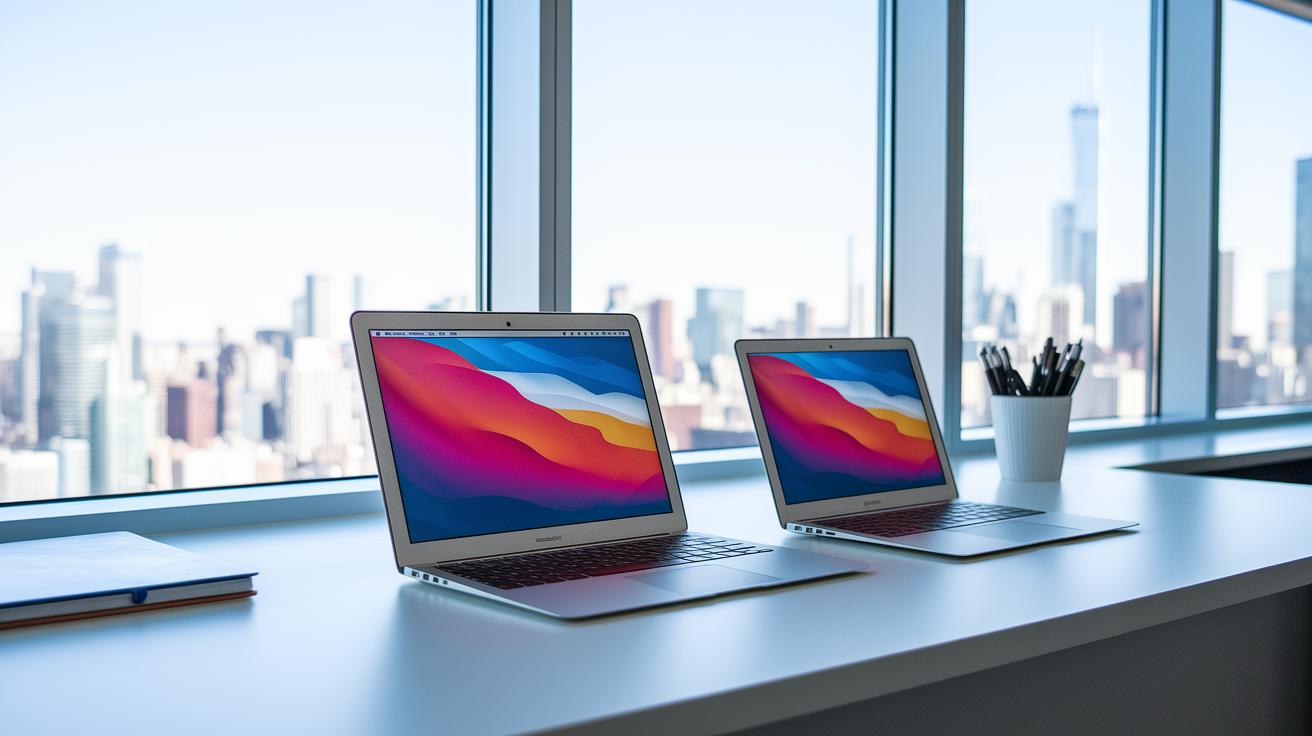
If you're on the lookout for a notebook that won't break the bank, there are plenty of options that deliver good performance at a fair price. Mac fans should check out the M4 MacBook Air 13-inch for about $750. It sports a sleek design, a bright screen, fast M4 speeds, and a battery that easily lasts more than 15 hours. If a larger display is important to you, the M4 MacBook Air 15-inch comes in at roughly $999 and offers the same long-lasting battery in a bigger format.
Windows lovers have some great choices as well. The Microsoft Surface Laptop 7, priced at around $949, comes with an Intel Core i5 chip, a stylish design, and a battery that runs for about 12 hours, perfect for everyday tasks. For those watching their spending, the Acer Aspire 3 (A315-24P) costs roughly $309. It features an AMD Ryzen 3 processor, Wi-Fi 6 support, and almost 17 hours of battery life. And if you want a larger screen, the Acer Aspire 16 AI is available for about $569 and offers a 16-inch 1080p display paired with an Intel Core i3.
Chrome OS laptops also deliver quick performance for web-based tasks. For example, the Asus Chromebook Plus CX34 is around $500 and comes with a responsive touchscreen. Meanwhile, the HP Chromebook Plus x360, at about $390, offers a convertible design along with some handy AI features. Budget-minded students and casual users might also consider the Lenovo Chromebook Duet Gen 9, which is roughly $328, or the very affordable Asus Chromebook Plus CX14, estimated at $279.
Budget Laptop Price vs. Performance Comparison

Budget laptops can be found at prices ranging from $279 to $1,569. At the lower end, from $279 to $499, many Chromebooks handle basic web browsing and everyday online tasks well. They usually come with modest storage, around 128 GB, and are built using simple materials. In the $300 to $600 range, Windows laptops offer reliable multitasking, solid connectivity, and a balanced processor to handle daily tasks.
When you step up to the $650 to $1,000 range, you’ll find ultraportable laptops featuring modern chips like the M1 or M4. These machines deliver quick, responsive performance and come with a refined build quality. Meanwhile, entry-level gaming laptops priced between $900 and $1,100, often including parts such as an RTX 5050 GPU, are designed for smooth 60 fps gameplay, making them a good choice for light to moderate gaming sessions.
Here's an interesting tidbit: early budget laptops were once seen as little more than web browsing devices. It wasn't until improved processors and faster storage arrived that they evolved into the versatile machines we see today.
| Price Range | Device Type | Key Features |
|---|---|---|
| $279 – $499 | Chromebooks | Great for basic web tasks, long battery life, limited storage |
| $300 – $600 | Windows Laptops | Solid multitasking, strong connectivity, balanced performance |
| $650 – $1,000 | Ultraportables | Efficient performance, premium build, modern chips |
| $900 – $1,100 | Entry-level Gaming Laptops | Smooth 60 fps gaming, cost-effective RTX options |
Deep Dive Into Budget Laptop Specifications and Features
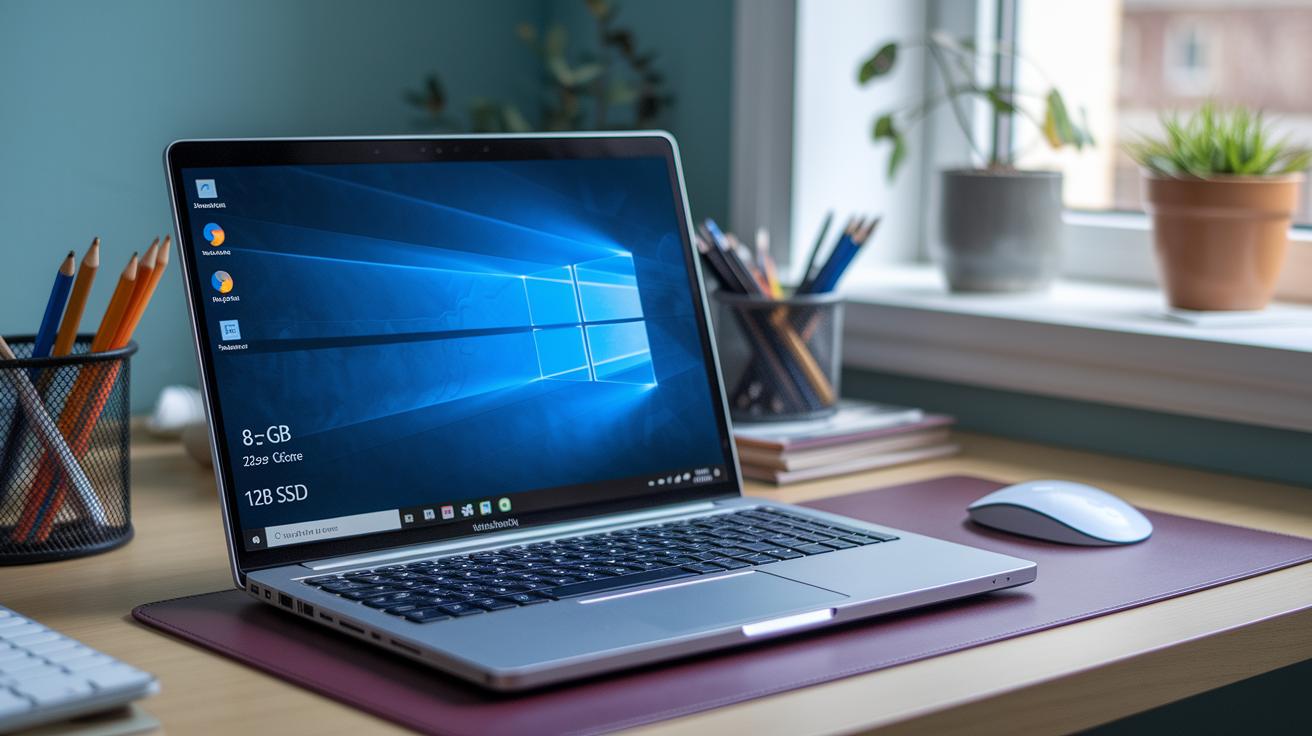
Budget laptops offer a solid mix of features without a hefty price tag. Most Windows and Chrome OS models come with 8 GB of memory, which is plenty for everyday tasks like browsing the web and running office apps. If you need more room for heavier work, models like the Vivobook 15 even step it up to 16 GB.
Storage is usually handled by a 128–256 GB SSD. This not only speeds up boot times but also makes accessing files feel quick and responsive. If you tend to store lots of large files or programs, some gaming and convertible laptops go the extra mile with 512 GB options.
Processor choices vary with the price. At entry levels, typically around or below $300, you're likely to see Intel Celeron, Intel Pentium, or AMD Athlon chips that can handle basic tasks. In the $300–$600 range, you often get Intel Core i3 or i5, or AMD Ryzen 3 or 5 processors. These offer snappier performance for everyday tasks while keeping power use low. Many budget laptops deliver battery life of 10 hours or more, and models like the Acer Aspire 3 can even stretch nearly 17 hours under light use.
Displays usually fall between 11.6″ and 16″ and come with a standard 1080p resolution. Some models provide touchscreen options, and they generally feature a mix of USB-C, USB-A ports, and a headphone jack. However, HDMI ports are rare on Chromebooks.
Budget Laptop: Smart Value, Great Performance

When you shop for a budget laptop, you'll notice that Windows, macOS, and Chrome OS devices each come with their own benefits and drawbacks.
Windows laptops usually fall in the $300 to $600 range and offer plenty of ports along with varied build quality. This makes them flexible for daily tasks and different work setups. Still, they sometimes take longer to boot, and their battery life may not be as efficient as some competing models.
-
Pros of Windows:
- A range of prices and features that suit entry-level needs
- Many port options for all your connections
- Build quality that fits different budgets
-
Cons of Windows:
- Generally slower startup compared to Chromebooks
- Battery life might not be as energy efficient
macOS models like the M1 and M4 MacBook Air start at about $650. They deliver smooth performance and feel premium, but they only offer two USB-C/Thunderbolt ports.
Chrome OS devices stand out by booting up quickly and often lasting past 12 hours on a single charge. However, they limit you with fewer desktop-class apps.
Imagine having a laptop that starts in seconds and lasts all day. It’s a smart choice for students and professionals alike.
Buyer’s Guide: How to Choose the Right Budget Laptop

When you're shopping for a budget laptop, start by figuring out exactly what you'll use it for. Whether you're browsing the web, streaming videos, handling light office work, gaming a bit, or creating content, knowing your main tasks helps narrow your options.
Decide on your budget early on. Laptops under $500 usually offer basic performance for everyday needs, while spending between $500 and $1,000 can get you a sturdier build and faster speeds. Also, consider the operating system. Windows works well if you need full desktop applications, Chrome OS is great for browser-based tasks, and macOS fits perfectly if you already use other Apple products.
When checking specs, look for at least 8 GB of RAM and a 128 GB SSD to keep the laptop running smoothly. If you plan to push it harder, find a model with 16 GB of RAM and a 256 GB SSD. Plus, models with Intel Core U-series or AMD Ryzen U-series processors tend to deliver solid battery life.
Finally, get a feel for the laptop overall. Test the keyboard for comfort, check that the display is clear, and make sure the build is durable. If you want a laptop that grows with you, look for one with upgradeable RAM or storage, or even consider a refurbished option that comes with a warranty. And remember to look for student discounts or seasonal sales to grab the best deal.
Top Budget Laptop Models Under $500: Reviews and Updated Insights
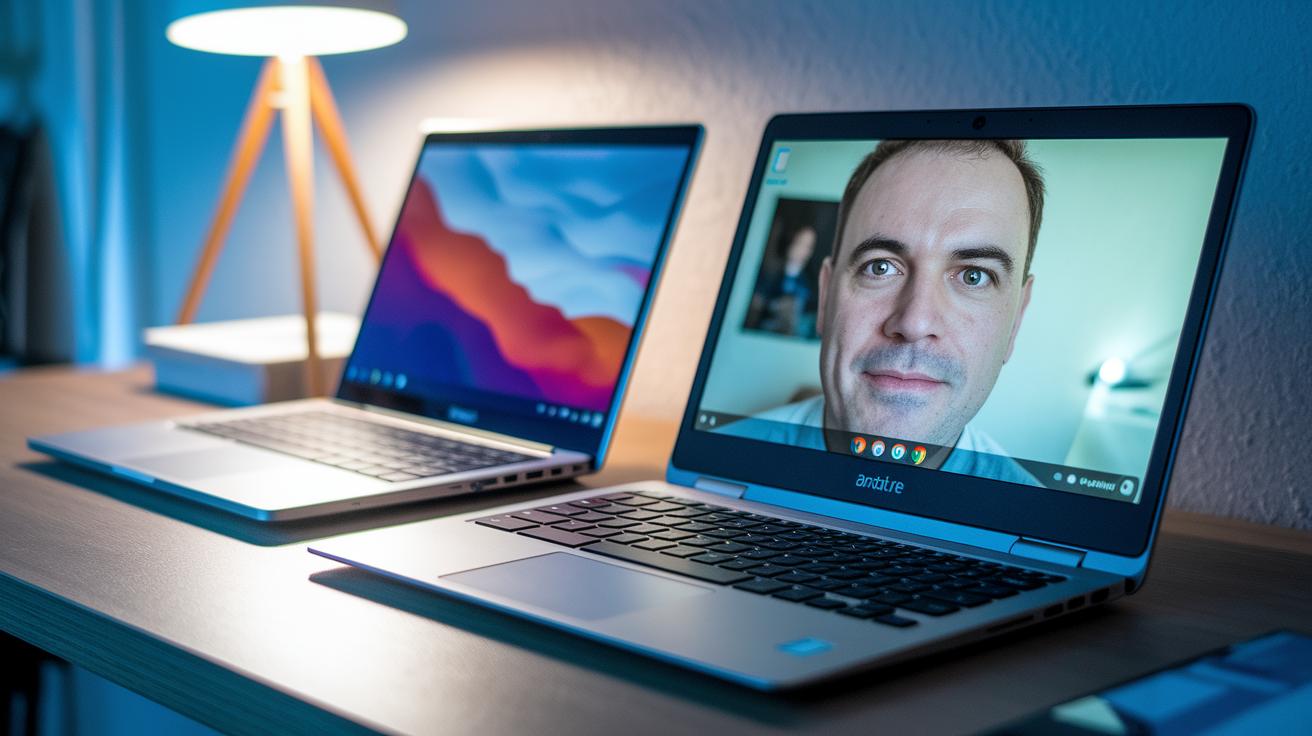
At $309, the Acer Aspire 3 (A315-24P) comes with an AMD Ryzen 3 and nearly 17 hours of battery life. Our tests show it handles everyday web browsing and video calls very well, matching the performance of pricier alternatives for regular tasks.
The HP Chromebook Plus x360, costing around $389.99, now boasts a sturdier build and a more responsive touchscreen. Improvements in Chrome OS combine with its convertible design to offer a smooth, everyday computing experience.
For $328, the Lenovo Chromebook Duet Gen 9 features a detachable tablet design that many users praise. Its responsive interface makes multitasking and note-taking easier, especially during light computing tasks.
At roughly $279, the Asus Chromebook Plus CX14 has been refreshed with a flexible chassis that offers better key feedback and stability during long sessions of web use. Its performance remains steady and reliable for everyday online applications.
The Asus Vivobook 15 (F1504VAP-SB57) impresses with 16 GB of RAM, a backlit keyboard, and a fingerprint reader, all in a lightweight 3.8-pound package. However, its battery lasts less than 8 hours, which may be a concern if you need all-day mobility.
| Model | Price | Updated Insight |
|---|---|---|
| Acer Aspire 3 (A315-24P) | $309 | Steady performance; matches higher-end laptops for everyday use. |
| HP Chromebook Plus x360 | $389.99 | Sturdier build and smoother touchscreen for daily tasks. |
| Lenovo Chromebook Duet Gen 9 | $328 | Detachable design with a responsive interface improves multitasking. |
| Asus Chromebook Plus CX14 | $279 | New flexible chassis enhances key feedback and stability. |
| Asus Vivobook 15 (F1504VAP-SB57) | Varies | Strong office performance but battery under 8 hours limits portability. |
Budget Gaming Laptop Options for Cost-Conscious Gamers
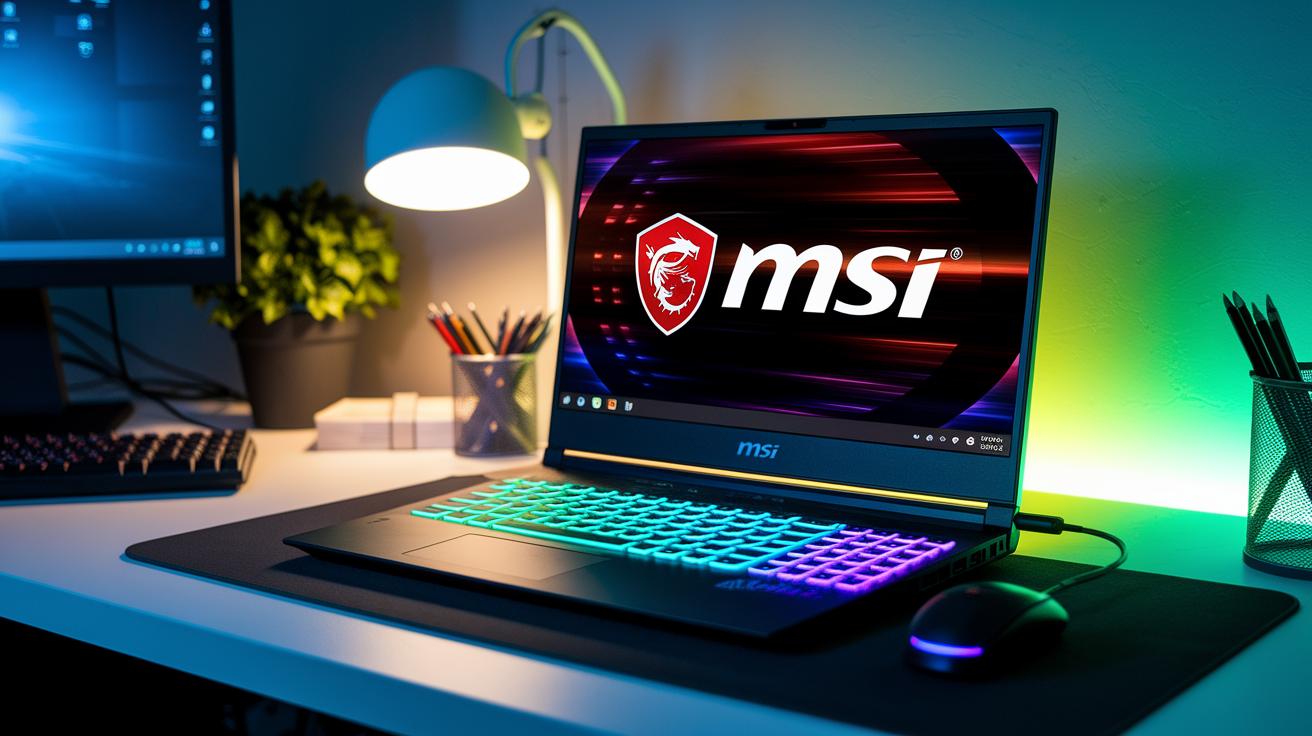
If you need a gaming laptop that won't break the bank, there are some solid choices out there. One good option is the MSI Katana 15 HX, priced around $994.50. It runs on an Intel Core HX processor and packs an Nvidia RTX 5050. This means you can enjoy smooth 1080p gaming at 60 fps. With a 512 GB SSD, it offers quick performance for everyday gaming and tasks.
If you're open to spending a bit more, the Lenovo Legion 5i Gen 10 (about $1,569) might be for you. It uses an Intel Core i7 and an RTX 3060, giving you a stronger gaming experience with reliable cooling.
For gamers who mostly play casual titles, there are other models with Ryzen 5 integrated graphics available for under $800. Most of these machines come with SSD options between 256 GB and 512 GB, so you might need extra storage if you have a large game library. Despite having a heavier build and drawing more battery power, these laptops still deliver good gaming performance at a sensible price.
Before making a purchase, it can help to check out trusted reviews and user feedback to find the model that fits your gaming needs best.
Final Words
In the action, we broke down top contenders across systems, from design and battery life to screen quality and performance. We mixed real-world testing with clear specs, giving you the lowdown on what each device offers.
We highlighted how trade-offs shape everyday use and how different platforms meet specific needs. It all comes down to matching features with your lifestyle. Enjoy finding that perfect balance with a budget laptop that delivers solid value and reliable performance.
FAQ
Q: What is the best budget laptop for students?
A: A budget laptop for students combines light design, 8GB RAM, and long battery life to handle web browsing, coursework, and remote classes while keeping costs low.
Q: What defines a good budget laptop under $500?
A: A budget laptop under $500 balances cost with everyday performance, offering basic processors, modest storage, and sufficient battery life for routine tasks like streaming and office work.
Q: What makes the best budget laptop for gaming?
A: A budget laptop for gaming optimizes entry-level graphics and CPU performance to run casual titles effectively, though it may not support the most graphics-intensive AAA games.
Q: How do discussions on Reddit help with budget laptops?
A: Reddit discussions on budget laptops provide real user feedback and practical advice, revealing hidden deals and potential performance trade-offs that help buyers make informed decisions.
Q: What features should a budget laptop for work and working from home have?
A: A budget laptop for work and working from home offers reliable processing, a comfortable keyboard, and multiple connectivity options to support video calls, document editing, and multitasking.
Q: What is the best option for a budget laptop under $300?
A: The best laptop under $300 typically features an entry‑level CPU and at least 8GB RAM with Chrome OS, making it ideal for web-based tasks and light productivity.
Q: Which is considered a good budget laptop?
A: A good budget laptop balances price, performance, and durability by offering at least 8GB RAM, SSD storage, and a sturdy build to handle daily computing needs reliably.
Q: Is a $500 laptop good?
A: A $500 laptop performs well for basic productivity, web browsing, and streaming, though it might have limitations with more demanding applications, making it best suited for light usage.
Q: How much RAM is enough for a cheap laptop?
A: For a cheap laptop, 8GB of RAM is usually sufficient for everyday productivity and multimedia tasks, while users needing more power should aim for a configuration with 16GB if possible.