
Ever wondered if a cheap laptop can still perform well? Today’s budget devices show that spending less doesn’t mean you have to sacrifice quality. They boot up quickly, keep up through a full day of work, and feature smart designs that work well whether you’re at home or on the go. We’ve picked five contenders for 2025 that combine performance and practicality, proving that great deals can come without a high price tag.
cheap laptops: Bright Deals Ahead

Looking for a laptop that won’t break the bank but still gets the job done? We’ve rounded up five top contenders for 2025 that balance low cost with dependable performance.
• 13-inch M4 MacBook Air (2025)
• Price: $799–849
• Offers robust performance with the new M4 chip and a battery that easily lasts all day
• Sleek and lightweight design makes it great for travel
• Trade-off: You might need extra adapters because it has few ports
This model surprises many with its mix of portability and power, standing up to pricier rivals.
• Acer Aspire 3 (A315-24P)
• Price: $309
• Handles email, web browsing, and basic productivity smoothly
• Reliable for everyday tasks at an unbeatable price
• Trade-off: Its design and build feel a bit outdated
Think of it as a steady, no-frills companion for daily work and light entertainment.
• Acer Chromebook Plus 514
• Price: Under $500
• Boots up quickly and runs Chrome OS with ease
• Delivers long battery life and a firm build
• Trade-off: It sticks to web-based apps and can’t run native Windows/Mac software
This Chromebook is a real winner for those who need a laptop that stays powered longer without constant charging.
• Asus Vivobook 15 (F1504VAP-SB57)
• Price: Mid-$500 range
• Packs 16 GB RAM for smooth multitasking
• Features a vibrant 15.6-inch display
• Trade-off: Battery lasts less than 8 hours and the display shows a noticeable color tint
Ideal for heavy note-taking and juggling several tasks during busy days.
• Acer Aspire Go 15
• Price: Under $500
• Provides clear visuals on a crisp 1080p display
• Comes with USB-C charging for added convenience
• Trade-off: Its design isn’t as polished as higher-end laptops
This option is perfect if you need a budget laptop that can easily switch between work and play.
Key Features of Cheap Laptops: What to Check Before Buying
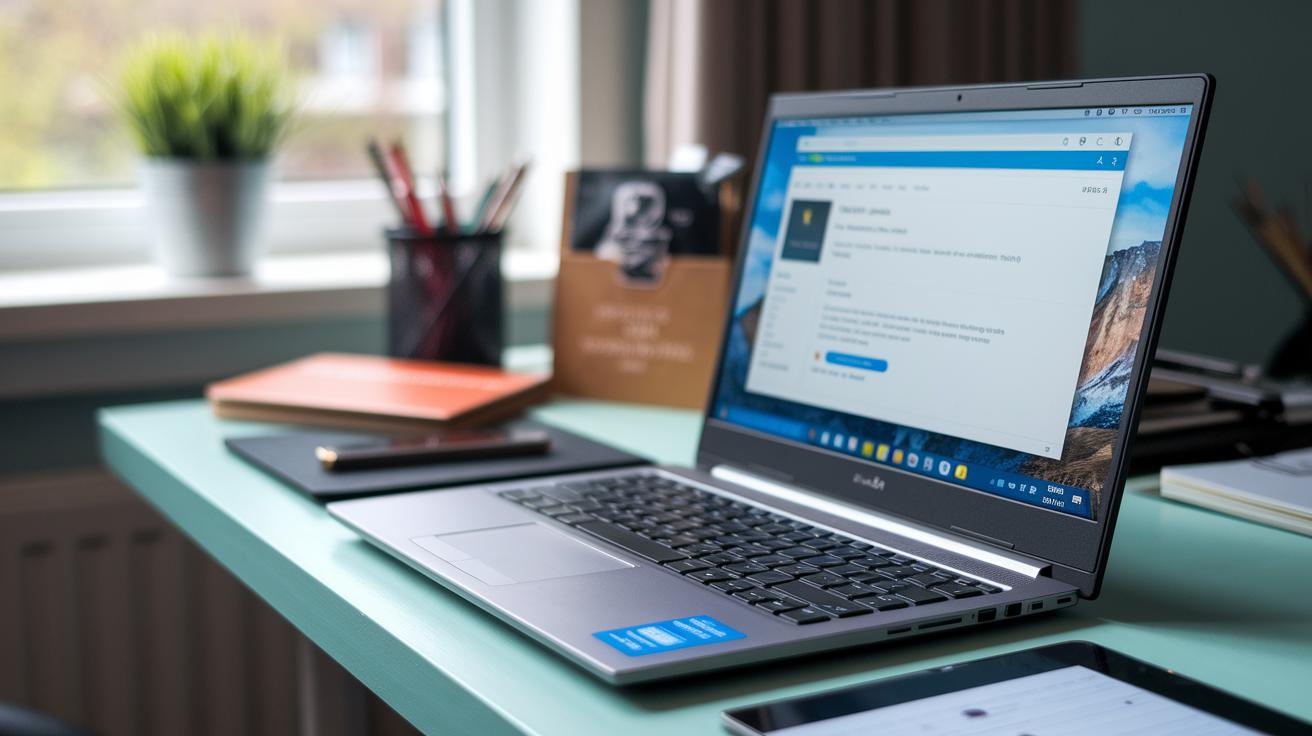
When looking at budget laptops, it's best to focus on the basics that impact daily tasks. The processor matters most. Many low-cost laptops come with Intel Celeron, Pentium, or AMD Athlon chips that handle simple web browsing and document work. But if you need a smoother experience, some models use the Intel N100 chip.
RAM is another essential ingredient. Most budget models start at 4 GB, but stepping up to 8 GB makes switching between apps noticeably faster. Storage is key too, a 128 GB SSD is typical at the entry level, while a 256 GB SSD not only speeds up boot times but offers extra space for your files.
The display is also important. Laptops usually offer either an HD or a Full HD screen. A sharper Full HD display brings clearer images, which is great for editing photos or enjoying videos. Battery life is a priority as well. Many Chromebooks now promise over 10 hours on a charge, making them a solid choice for students or people on the go.
Don’t forget about the ports. While newer laptops favor USB-C for their sleek design, having some traditional USB ports can be a lifesaver if you need to hook up older devices. Spending around $650 might even get you a design that feels more refined and sturdy.
| Parameter | Minimum Specs | Recommended Specs |
|---|---|---|
| CPU | Intel Celeron/Pentium or AMD Athlon | Intel N100 or equivalent |
| RAM | 4 GB | 8 GB |
| Storage | 128 GB SSD | 256 GB SSD |
| Display | HD | Full HD |
| Battery Life | 10+ hours | 10+ hours with optimized performance |
| Ports | Legacy and/or limited USB-C | Balanced mix of USB-C and legacy ports |
Cheap Laptops: Windows vs Chromebook vs Mac for Budget Buyers

For buyers watching their spending, there are a few operating system options, each with its own ups and downs. Windows laptops, like the Acer Aspire 3 or the Surface Laptop 7 (around $949), let you run nearly all the apps you need. They work well with specialized programs and offline tasks, though they might fall short on battery life and screen quality. One tester mentioned, "Using the Aspire 3 for everyday tasks feels familiar and robust, though the screen can seem a bit underwhelming."
Chromebooks, on the other hand, are built for speedy web surfing, offer a solid build, and boast long battery life. They power on fast and can last through busy days because they focus on web-based apps. However, if you need software that only runs on Windows or macOS, you might find these limiting. In our lab, we noted that while a Chromebook feels very responsive, you might miss having traditional desktop software.
Mac options like the 13-inch M4 MacBook Air (around $800) deliver strong performance in a sleek package with excellent battery life. They run smoothly and handle everyday tasks well, though the limited port selection and higher price could be a drawback. Ultimately, your best choice comes down to your needs, whether you value native software, versatile hardware, or streamlined web performance.
Cheap Laptops Under $500: Best Value Options
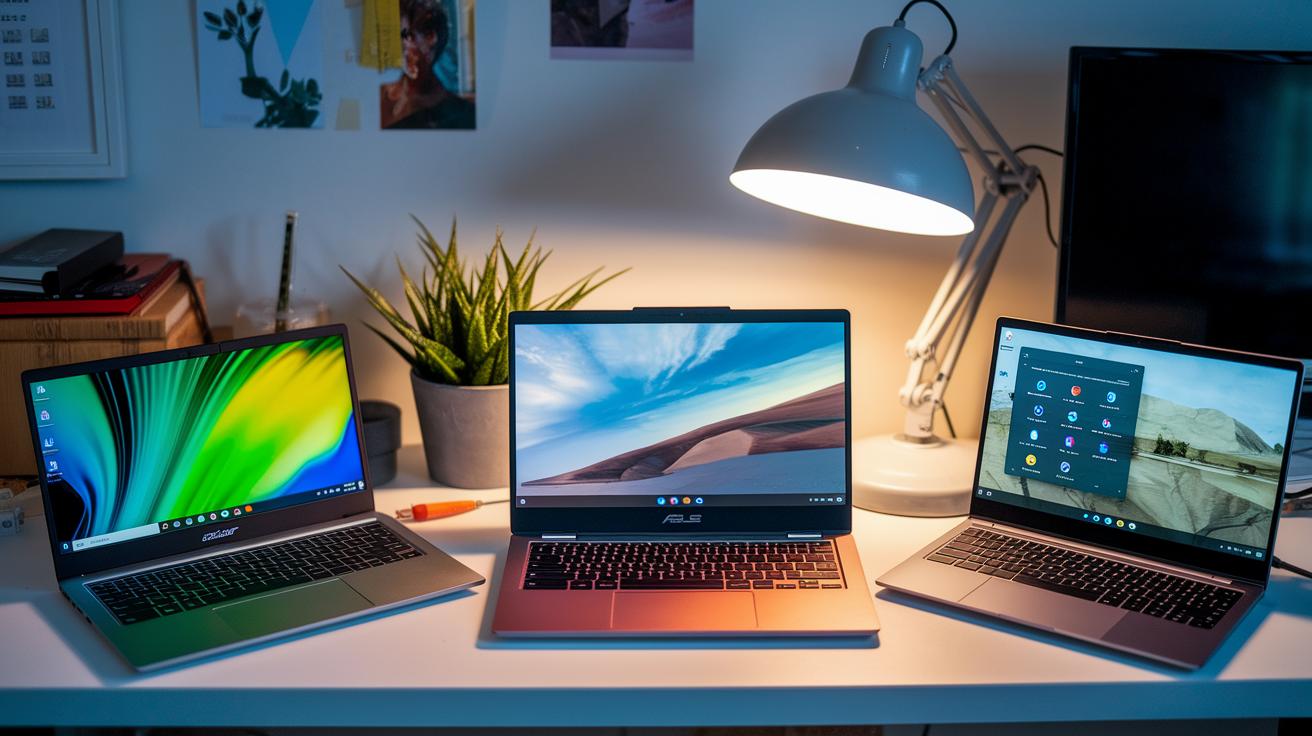
Looking for a budget laptop means accepting some trade-offs. Each model here has a unique strength that might match your everyday needs.
The Acer Aspire 3 (A315-24P) is built for daily basics. Its design feels a bit old but it works well for browsing the web and handling documents without fuss.
On the flip side, the Asus Vivobook 15 (F1504VAP-SB57) packs 16 GB of RAM which really helps if you keep several apps running at once. One tester even noted how smooth multitasking felt. Just keep in mind that you’ll likely need to charge before reaching 8 hours of use.
Then there’s the Lenovo Chromebook Duet Gen 9 at $328. It’s all about portability with a bright, responsive touch screen. Its lightweight design and streamlined operating system make it a strong pick for web-based work and media.
| Laptop Model | Price | Key Points |
|---|---|---|
| Acer Aspire 3 (A315-24P) | $309 | Great for basics; older design |
| Asus Vivobook 15 (F1504VAP-SB57) | N/A | 16 GB RAM for better multitasking; battery lasts less than 8 hours |
| Lenovo Chromebook Duet Gen 9 | $328 | Portable and touch-friendly; optimized for web tasks |
Cheap Laptops for Students: College-Ready Picks on a Budget

Students need laptops that can keep up with busy days between classes, dorms, and study sessions. We’ve spotted some options that stand out for daily use. The Acer Chromebook Plus 514 impresses with a battery that lasts all day and starts up in no time, while the Lenovo Chromebook Duet Gen 9 is a reliable pick for taking notes and doing quick web research.
College-Focused Recommendations
The Lenovo ThinkBook 16 Gen 7 is a great fit for students moving between lecture halls and dorm study areas. At roughly $800, it comes with a larger screen that makes multitasking easy, whether you're switching between assignments or accessing class materials.
The Dell Inspiron 14 2-in-1 features a durable, convertible design perfect for scribbling down notes on the go and working on group projects even in tight dorm spaces.
Cheap Gaming Laptops: Entry-Level and Budget-Friendly Options

Gaming on a budget means keeping expectations in check. For example, the MSI Katana 15 HX with an Nvidia RTX 4050 delivers a steady 60 fps in many popular games and costs under $1,000. It’s fun to play on, though the 512 GB storage might not be enough if you have a big game library.
Laptops under $500 are very rare and usually only manage light indie or older games that don’t demand heavy graphics. Instead of hoping for high-end features at that price, you might want to look into cloud gaming services. With a stable internet connection, these services stream games right to your device, letting you enjoy modern titles without needing a powerful local GPU.
If you’re exploring entry-level gaming notebooks, check out the "best budget gaming laptop" at https://techtallyhq.com?p=133 for more insights.
Finding the right mix of performance, storage, and cost is essential when shopping for a budget gaming laptop. Exploring cloud options or devices with low-power GPUs could be the best route if you’re on a strict budget.
Finding Deals on Cheap Laptops: Money-Saving Tips and Seasonal Sales

Timing your laptop purchase around big sales can make a real difference. Back-to-school, Black Friday, and Cyber Monday are the perfect times to score a quality laptop at a lower price. Many stores cut prices on models that usually cost close to $1,000, and a quick look at online price charts can help you catch the best deals.
Don't overlook refurbished laptops either. For example, a Framework Laptop 13 might be available for around $899. These units come with a warranty and have undergone a detailed check, offering a budget-friendly option without sacrificing quality. Plus, many deals include financing, letting you spread out the cost and ease the upfront burden.
Here are some practical tips to save money:
- Check deal-finder websites often
- Use online charts to compare prices
- Look into warranty and condition reports for refurbished models
- Explore seasonal sales options and financing plans
Using these tips, you can snag a laptop that fits your needs without stretching your budget.
Final Words
In the action, we reviewed options that span top specs, design elements, OS pros and cons, student-friendly choices, gaming potential, and money-saving deals. We broke down key specs like processors, battery life, and display quality, giving you a quick guide to practical pickings. Each segment offered insights to match your daily tasks and budget priorities. With our tips and tested advice, finding dependable, cheap laptops becomes straightforward and even enjoyable. Enjoy exploring these budget-friendly choices and feel confident in your next tech purchase.
FAQ
Q: Cheap laptops under 100
A: The phrase cheap laptops under 100 refers to laptops priced below $100. These options are rare and usually offer very basic features, making them suitable only for light, infrequent use.
Q: Cheap laptops under 50
A: The term cheap laptops under 50 signifies options available for less than $50. These units are extremely limited, often refurbished or outdated, and meant for minimal computing needs.
Q: Cheap laptops for gaming
A: The expression cheap laptops for gaming points to budget machines that can handle light or casual gaming tasks. These laptops usually require reduced settings or alternative gaming methods like cloud gaming for smoother performance.
Q: Cheap laptops under $500
A: The phrase cheap laptops under $500 covers devices that balance performance and affordability. Models in this range manage everyday tasks and simple gaming, though they may compromise on display quality and build materials.
Q: Amazon cheap laptops
A: The term Amazon cheap laptops refers to budget-friendly options available on Amazon. Prices and specs vary widely, so checking customer reviews and ratings is key to finding a cost-effective, reliable model.
Q: Cheap laptops Walmart
A: The phrase cheap laptops Walmart describes affordable laptop options offered at Walmart. These devices typically meet basic computing needs like schoolwork, web browsing, and streaming at a lower price point.
Q: Cheap laptops Apple
A: The term cheap laptops Apple is unusual given Apple’s premium pricing. Those looking for affordable Apple options should consider refurbished models or older MacBook Air versions that offer solid performance for a lower price.
Q: Cheap laptops HP
A: The phrase cheap laptops HP covers cost-effective machines from HP designed for everyday tasks. These laptops offer reliable performance on a budget, though high-end features and top-notch build quality are often sacrificed.
Q: Which is a good budget laptop?
A: The question about a good budget laptop indicates devices that offer balanced performance and affordability. Options like the Acer Aspire 3 combine essential specs and reliability, making them ideal for everyday computing.
Q: Are $500 laptops good?
A: The inquiry about whether $500 laptops are good suggests that machines in this price range can handle routine computing tasks effectively. They may have trade-offs in display or build quality but deliver solid performance for their cost.
Q: Which laptop is the cheapest?
A: The question regarding the cheapest laptop seeks the most affordable option available. Pricing varies with promotions and deals, so it’s advisable to check current offers from reliable retailers for the lowest price.
Q: Does Best Buy have cheap laptops?
A: The inquiry into Best Buy’s cheap laptops indicates that Best Buy offers budget options among its selections. Their inventory frequently changes, so visiting the store or website will reveal the latest cost-effective choices.