
Ever had your hybrid watch drop its connection right when you need it most? We've all been there. When minor glitches occur, a few simple steps can often save the day. Try switching Bluetooth off and on, giving the watch a soft reset, or even restarting the companion app. In this post, we'll walk you through these easy fixes to restore your watch's connectivity without any complicated tech hassle. Stick with us, and you'll have your watch back in action in no time.
Quick Troubleshooting for Hybrid Watch Connectivity Issues
Sometimes your hybrid watch might not connect because of temporary glitches or minor interference. Trying a few simple steps can often fix the problem quickly without diving into complex diagnostics.
- Turn Bluetooth off and on again on both your watch and your phone. This refreshes the connection and may solve small hiccups.
- Do a soft reset on your watch by pressing and holding the side button for 5–10 seconds. This clears temporary errors without erasing your settings.
- Make sure both devices have enough battery. Low battery levels can weaken the Bluetooth signal.
- Unpair your watch from the mobile app, then pair it again. This resets the Bluetooth handshake and often restores a steady connection.
- Restart the companion app to clear cached data or minor glitches that might block a proper connection.
If these quick steps don't work, check that your watch is within about 10 m of your phone. Look for any nearby devices or barriers that might be causing interference. If problems continue, you might need deeper troubleshooting like firmware updates or checking signal paths for any compatibility issues.
Identifying Common Causes of Hybrid Watch Connection Problems
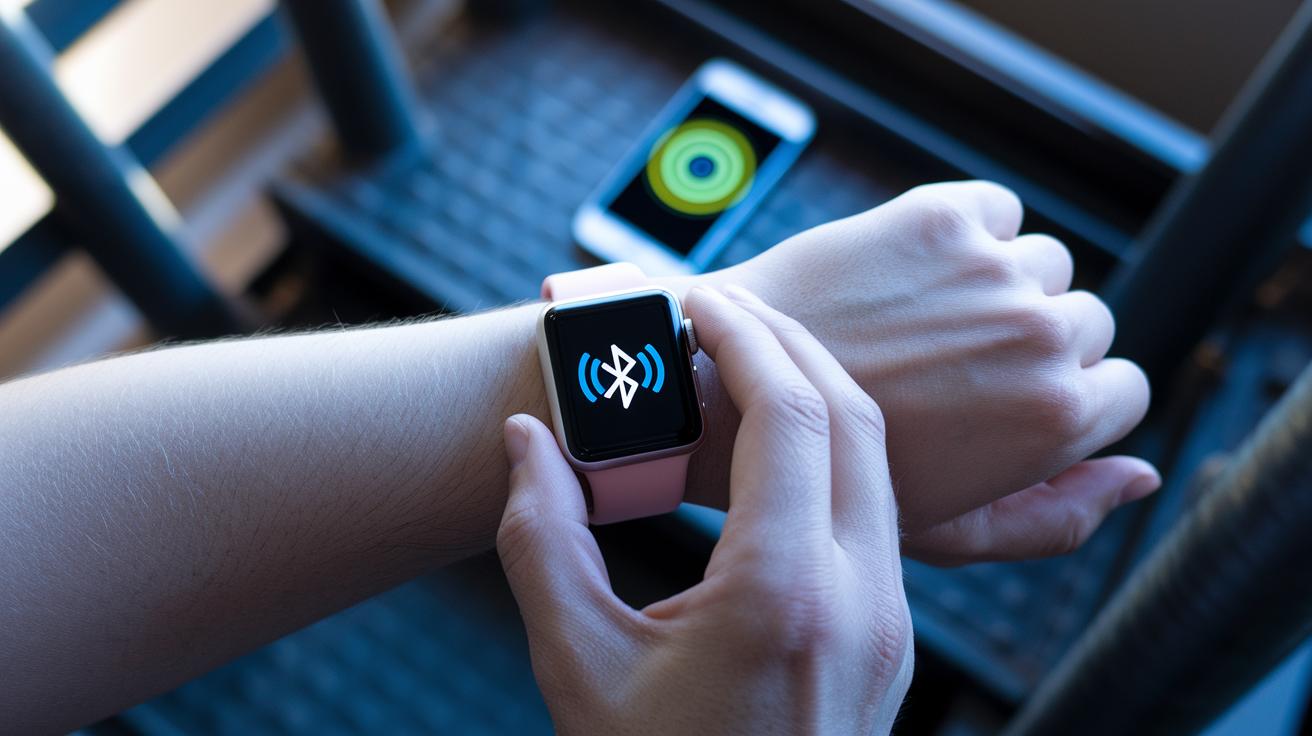
Hybrid watch issues often boil down to a few hardware concerns. For instance, if your watch battery drops below 20%, the Bluetooth signal can weaken, causing sudden drops or slow responses. Similarly, if the watch and your phone are more than 10 meters apart, the signal can fade, and even small obstacles like walls or metal objects might block it.
Software mismatches and environmental interference also play a role. Outdated firmware on either your watch or its companion app can interrupt the Bluetooth handshake, preventing a smooth connection. Plus, when multiple devices try to connect at once, the signal can get muddled. High radio frequency from nearby active Wi-Fi networks can add to the problem. Recognizing these factors helps you pinpoint whether the issue is a hardware shortcoming, a software glitch, or outside interference.
Resolving Firmware Compatibility for Hybrid Watch Connectivity
Sometimes your hybrid watch struggles to connect because the firmware on the watch and the mobile app don't match. For example, if your watch runs firmware v3.1.2 and the app is still on v2.8.0, they might not sync properly. A simple fix is to update both your watch and the app.
Checking Watch Firmware Version
To see which firmware your watch is using, open the settings and find the option labeled "About" or "Software Info." Just scroll down until you spot the firmware version. This is key because an outdated version means it's time for an over-the-air (OTA) update.
- Open watch settings
- Select “About” or “Software Info”
- Check the current firmware version
If your firmware is lower than the recommended level, updating it can fix connection problems.
Updating Companion App
Next, check the companion app on your phone. Open Google Play or the App Store, and look for an update. Installing the latest version ensures that the app and your watch use the newest communication protocols.
- Open the app store
- Look for available updates
- Review release notes for connectivity fixes
After updating both the watch firmware and the companion app, try pairing them again. This synchronized update usually resets the Bluetooth handshake and leads to a more reliable connection.
Optimizing Bluetooth and Signal Paths for Hybrid Watch Connection
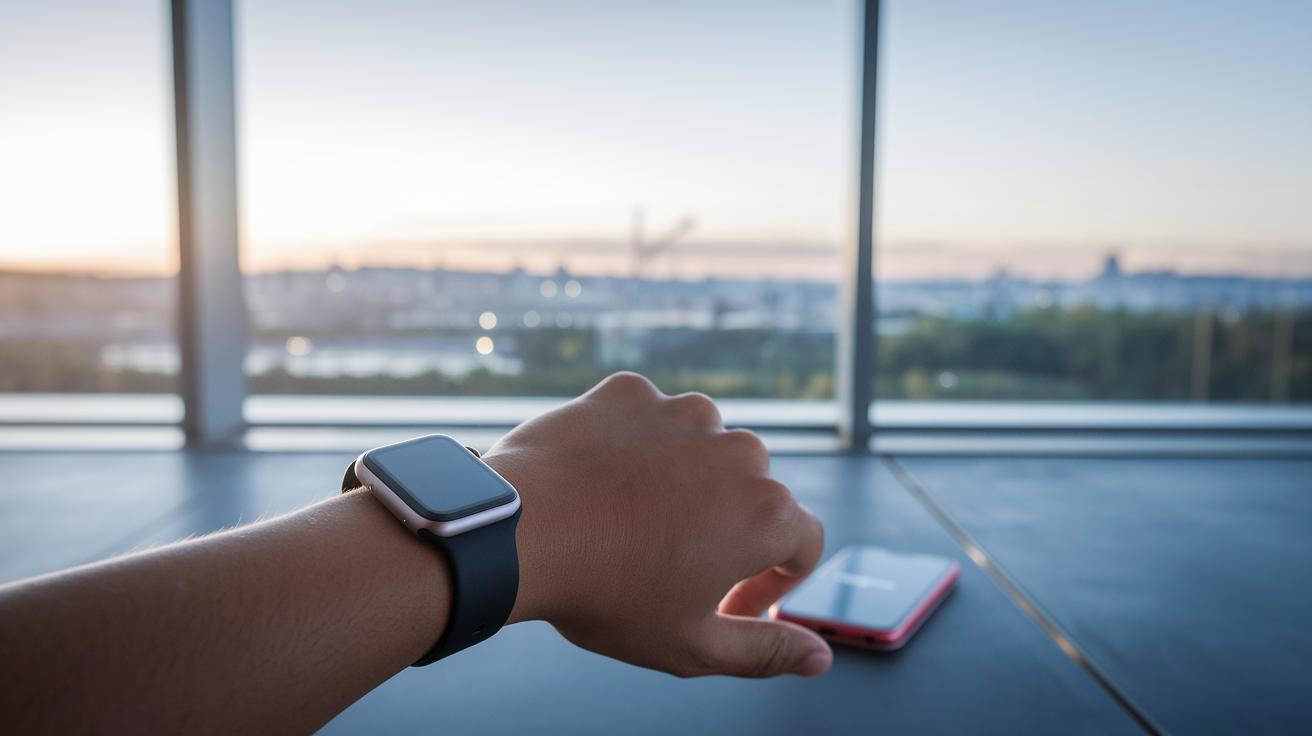
Make sure your hybrid watch stays within 10 meters of your phone and that nothing blocks the view between them. Keeping a clear path without walls or metal objects ensures a strong connection.
You can also improve your connection by tweaking your phone settings. Turn off any unused wireless radios, like 5 GHz Wi‑Fi when it's not needed, and reduce active Bluetooth connections. These changes clear up competing signals, so your watch connects faster and more reliably.
Step-by-Step Diagnostics for Hybrid Watch Synchronization Errors
If your hybrid watch still won't sync smoothly even after trying the quick fixes, it's time to dive a bit deeper. We suggest starting with the basics, making sure battery levels and firmware are in good shape, then checking other areas to spot any glitches.
- First, check that both the watch and its paired device are charged to at least 50%. This rules out any issues related to low power.
- Next, confirm that the firmware and app versions match. Make sure you’ve updated both the watch and the companion app to the latest versions they can run with.
- Then, clear out the companion app’s cache and logs to remove any temporary files that might be stopping proper communication.
- Look for any error codes on both the watch and in the app, such as ERR_CONN_TIMEOUT. Write down any codes you see when you try to connect.
- Use the connectivity test built into the companion app. This tool checks the signal strength and helps spot any specific disruptions.
- Finally, note the times when the connection drops. Seeing a pattern could mean interference happening at regular intervals or an issue with the schedule.
After each step, jot down what you've observed. If the errors keep showing up or if a clear pattern develops, it’s a good idea to contact support. A detailed log will help technicians figure out if the issue comes from hardware quirks, software hiccups, or even something in your environment.
Preventing Future Hybrid Watch Connectivity Issues
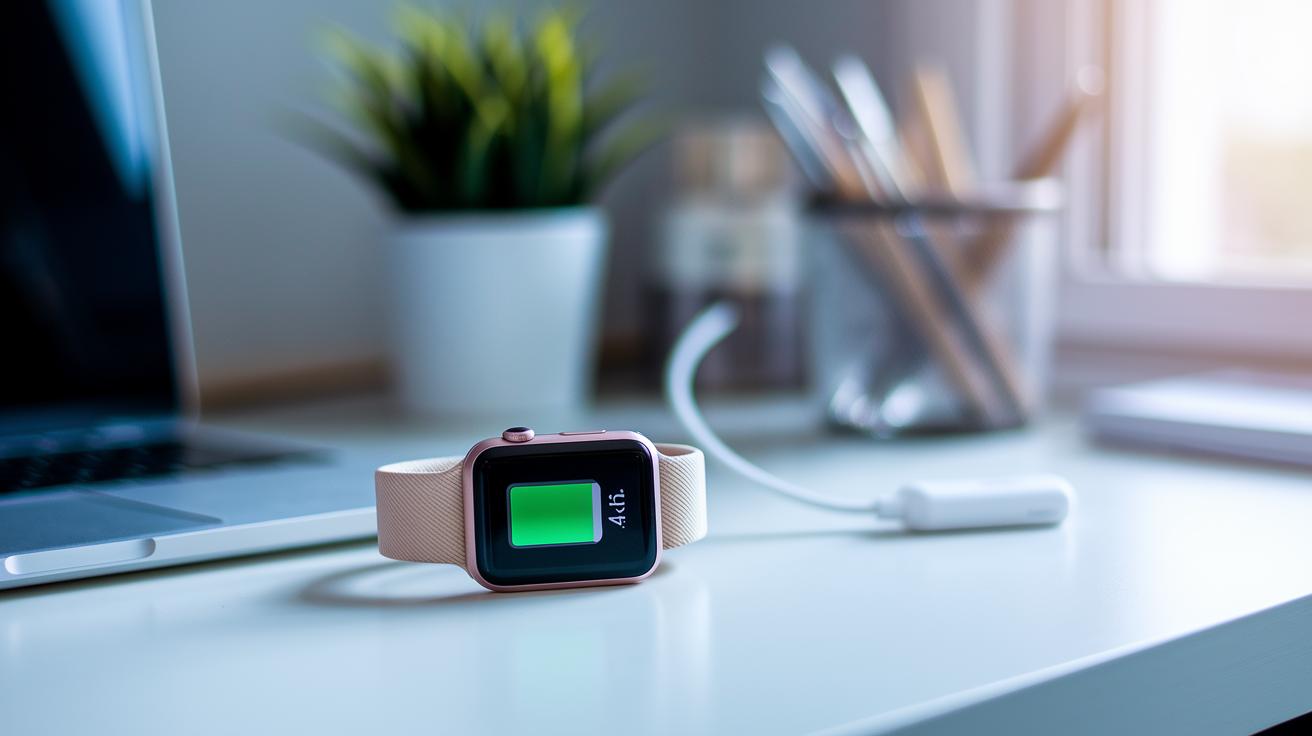
Keeping up with a few simple steps can help your hybrid watch stay connected without hiccups. We suggest checking for firmware and companion app updates once a month to keep everything running smoothly. Also, keeping the battery above 40% helps keep the radio signal strong. When you're not using your watch, close any background apps that might be scanning for Bluetooth so they don’t overwhelm the signal. This routine makes sure your devices pair reliably.
For an even steadier setup, store your watch in a room with a stable temperature and try not to link too many devices at once. Fewer active connections mean less interference and a steadier signal over time. These proactive habits mean fewer fixes later and a consistently solid performance for your watch.
Final Words
In the action, our guide walks through immediate resets and smart tweaks to address hybrid watch connectivity issues. We covered steps like toggling Bluetooth and checking battery levels, while also advising firmware updates and proper device placement.
The troubleshooting checklist keeps things clear and practical. Routine maintenance and mindful updates can go a long way in preventing future issues.
Stick with these tips to keep your hybrid watch connected and functioning smoothly. Enjoy reliable performance and stress-free use every day.
FAQ
What causes hybrid watch connectivity issues on platforms like Reddit or Samsung?
Hybrid watch connection problems often stem from Bluetooth pairing glitches, outdated firmware, low battery, or interference. Users report these problems on platforms like Reddit and Samsung devices, and basic resets usually help.
How does connecting a Fossil Hybrid watch to an iPhone work?
Connecting a Fossil Hybrid watch to an iPhone requires downloading the Fossil companion app, activating Bluetooth, and following the pairing instructions while ensuring both your watch and phone have the latest software updates.
How do I connect a Fossil Hybrid watch or Fossil watch to a phone?
To connect your Fossil watch, install the Fossil app on your phone, enable Bluetooth, and follow the on-screen prompts. Make sure your device firmware and app are updated for a smooth pairing process.
How do I reset my Fossil Hybrid watch?
Resetting your Fossil Hybrid watch involves holding the side button for about 5–10 seconds until the device restarts, which can clear minor glitches and restore proper connectivity.
Why might my Fossil watch not connect to an iPhone or have app connection issues?
Incompatibilities, outdated firmware, low battery, or signal interference can prevent your Fossil watch from connecting to an iPhone. Updating software or restarting both devices usually resolves these issues.
Why does my smart watch keep connecting and disconnecting or fail to connect?
Frequent connect-disconnect cycles typically happen due to low battery, firmware mismatches, or Bluetooth interference. Ensuring your watch’s battery is sufficient and that both devices are updated often fixes the problem.
How do I connect a hybrid watch to my phone?
To connect a hybrid watch, enable Bluetooth, update both the companion app and firmware, and follow the pairing instructions while staying within a 10-meter range to secure a reliable connection.
Do cardiologists recommend smart watches?
Cardiologists recognize smart watches as helpful for tracking heart rate and activity, yet they advise users to regard them as supplementary tools rather than primary diagnostic devices.