
Ever wondered if a slim laptop can pack the punch gamers need? Thin gaming machines prove that powerful components can live in a compact design. Picture a device weighing just around 2 kg that still features processors and graphics capable of rivaling desktop setups. You get speedy gameplay and the convenience of carrying it anywhere. In this article, we explain how smart engineering brings together performance and style, making these laptops a solid choice for gamers on the move.
Why thin gaming laptops deliver power and portability

Thin gaming laptops combine desktop-level performance with a compact, travel-friendly design. We’re talking about machines that weigh about 2 kg or less and are slim enough to measure under 17 mm thick. They sport screen sizes from 13 to 16 inches with high screen-to-body ratios (around 85–90%), which makes for an immersive experience without the bulk of traditional rigs. Take models like the Asus ROG Zephyrus G16 or Razer Blade 16, they pack high-end parts into a sleek design, perfect for gamers who want both power and style.
The magic happens with smart engineering. These laptops mix advanced processors (think Core Ultra 9 285H or Ryzen AI 9 HX 370) with strong GPUs like the RTX 5090. Manufacturers also use refined cooling systems and careful design to keep everything stable, even with powerful components squeezed into a small space. The result? Smooth, high-speed gameplay in a package that easily fits into a backpack.
Portability is a big win. Whether you’re commuting, traveling, or just moving from room to room, these lightweight machines give you the freedom to game anywhere without sacrificing performance.
Key performance specifications of thin gaming laptops
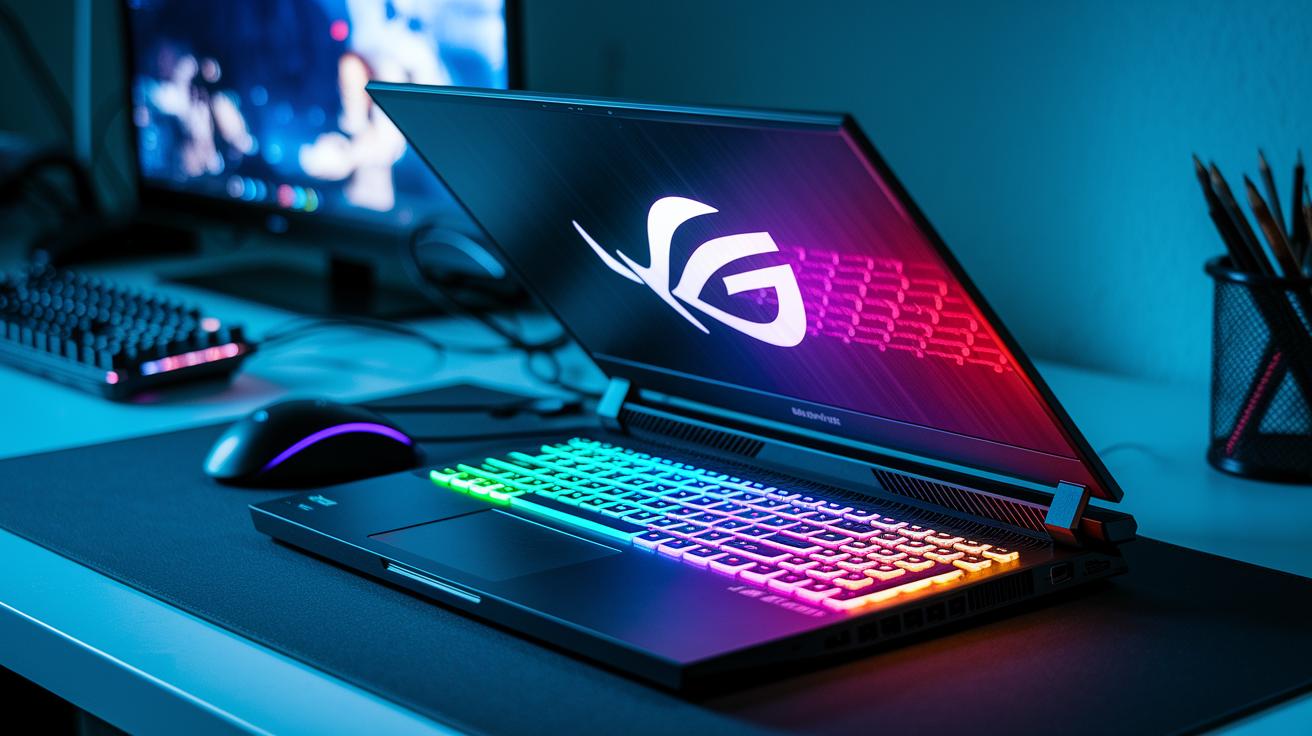
Today, slim gaming laptops blend powerful parts into a compact design that still delivers the performance gamers expect. These portable machines pack high-end hardware without weighing you down. They easily handle long, action-packed gaming sessions by balancing fast processing, top-notch graphics, and ample storage in a small form.
- CPU: Options include Intel Core Ultra 9 285H, AMD Ryzen AI 9 HX 370, and Intel Ultra 7 255HX.
- GPU: Choices range from NVIDIA RTX 5090 and RTX 5080 to RTX 5070 and RTX 5060.
- Memory: Supports up to 64 GB of RAM, which helps with multitasking and game loading.
- Display: Features displays with refresh rates from 120 Hz to 300 Hz, including OLED and QHD 1440p panels for clear, vibrant visuals.
- Storage: Equipped with dual M.2 NVMe SSD slots for fast boot times and quick access to your game library.
This powerful combination of specifications means you get smooth frame rates and crisp visuals during your most intense moments. The high-performance CPU teamed with a top-tier GPU keeps gameplay fluid, while plenty of RAM and speedy SSDs cut down on loading times. And with displays that refresh quickly and show rich detail, these thin gaming laptops offer an excellent gaming experience for those who need power on the go.
Design and portability features in thin gaming laptops
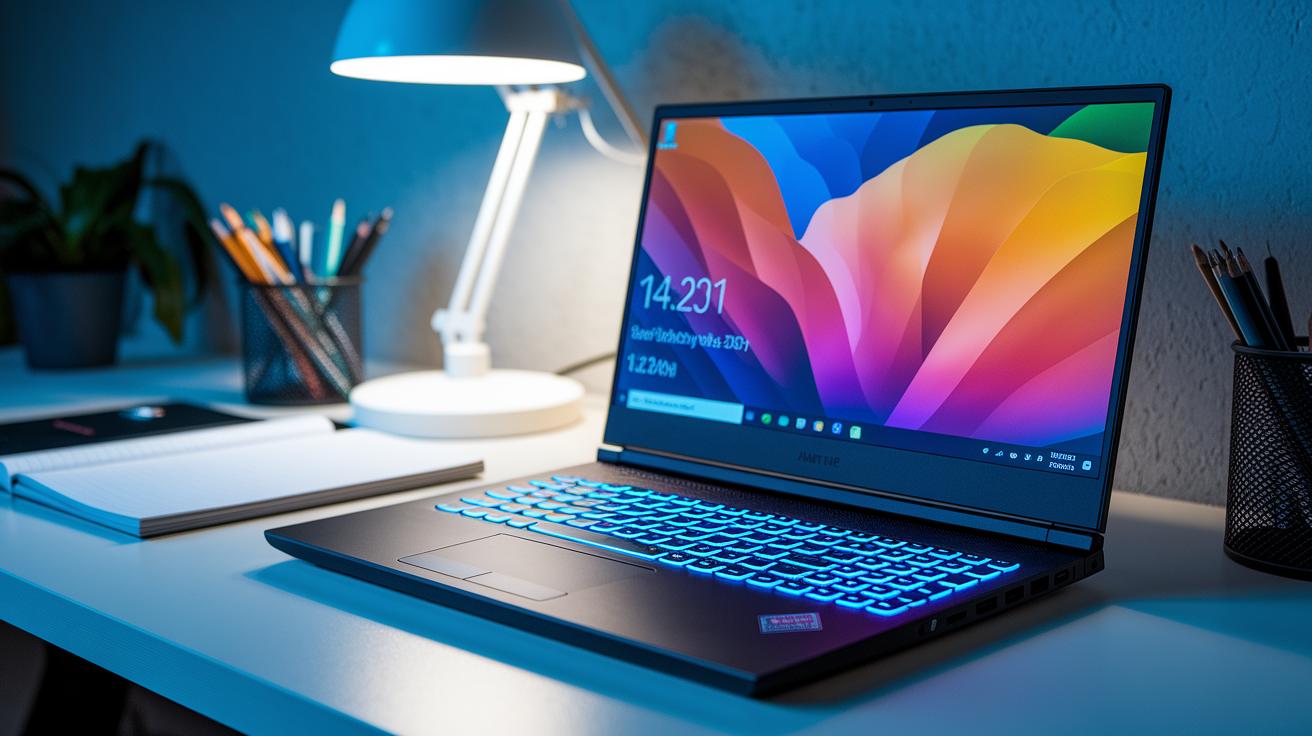
Manufacturers choose premium materials like aluminum and magnesium alloy to build these thin gaming laptops so they feel sturdy yet light. They keep the thickness around 14 to 17 mm, which means gamers get a strong machine that stays slim even when it faces intense gaming sessions.
Weighing between 1.8 kg and 2.2 kg, these laptops are built for those who need power without a heavy load. They typically come in 14″ or 16″ sizes, balancing a crisp display with ease of movement. This thoughtful design lets you enjoy high performance whether you're at home or on the move.
The laptops also sport narrow bezels, usually 5 to 7 mm wide, which gives an impressive screen-to-body ratio of 85% to 90%. That means a more immersive viewing experience. Plus, the port selection is smartly planned to meet your connectivity needs without sacrificing the slim look. Overall, these devices mix clean lines and compact form with serious performance, making them a great choice for gaming on the go.
Cooling solutions and battery life in thin gaming laptops
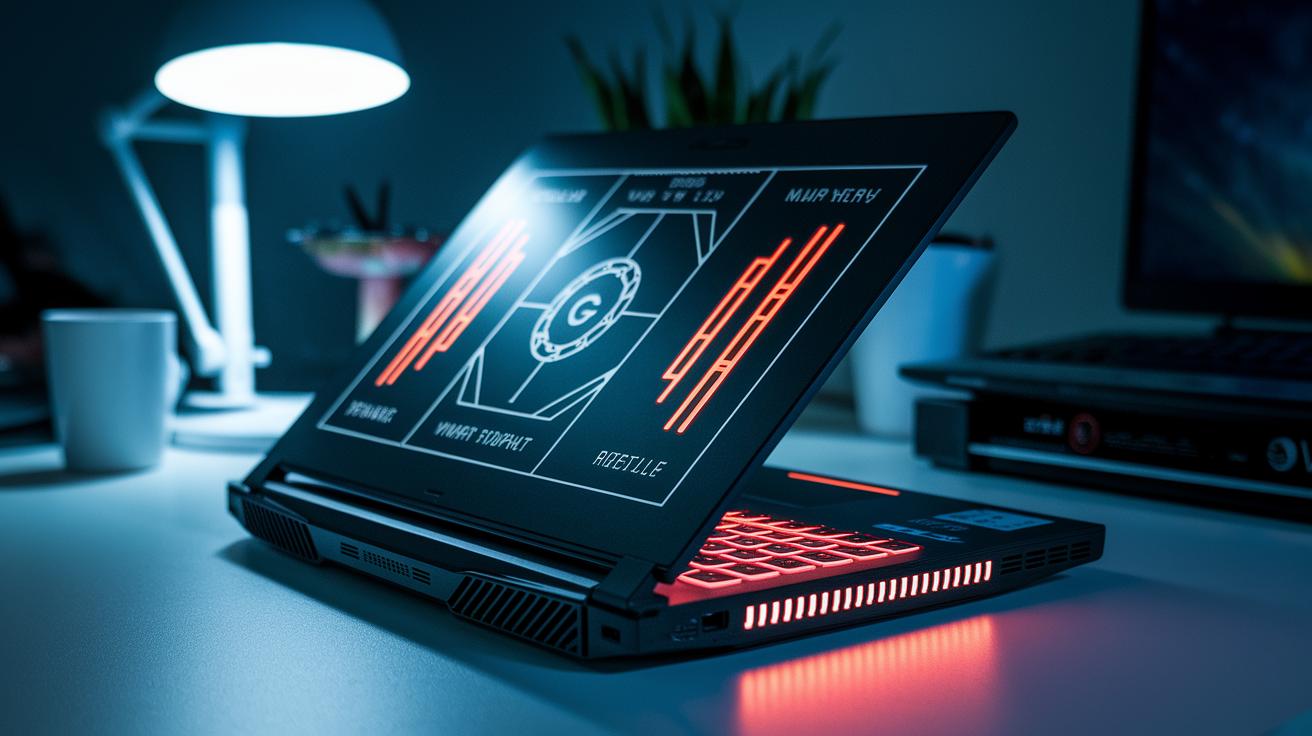
Thin gaming laptops pack high-performance hardware into bodies under 17 mm, which makes heat management a real puzzle. With such a tight space, manufacturers have to get creative to keep things cool during long, intense gaming sessions.
To tackle these challenges, makers are using advanced cooling techniques. Vapor chambers spread heat quickly, liquid metal thermal paste moves heat away from the CPU and GPU, and smart fan controls adjust speeds in real time. These methods work together to reduce thermal throttling, ensuring your gameplay stays smooth even in a slim design.
Battery life in these models typically lasts about 1 to 3 hours when gaming hard because the powerful parts draw a lot of energy. For everyday tasks like browsing and streaming, you can expect roughly 6 to 8 hours. So while gaming really pushes the battery, normal use is far less demanding.
To squeeze out a bit more battery during gaming, you can use power-saving modes, cap your frame rate, lower the screen brightness, and close apps running in the background. These tips help extend your playtime just a little longer when it matters most.
Price tiers and top value thin gaming laptops
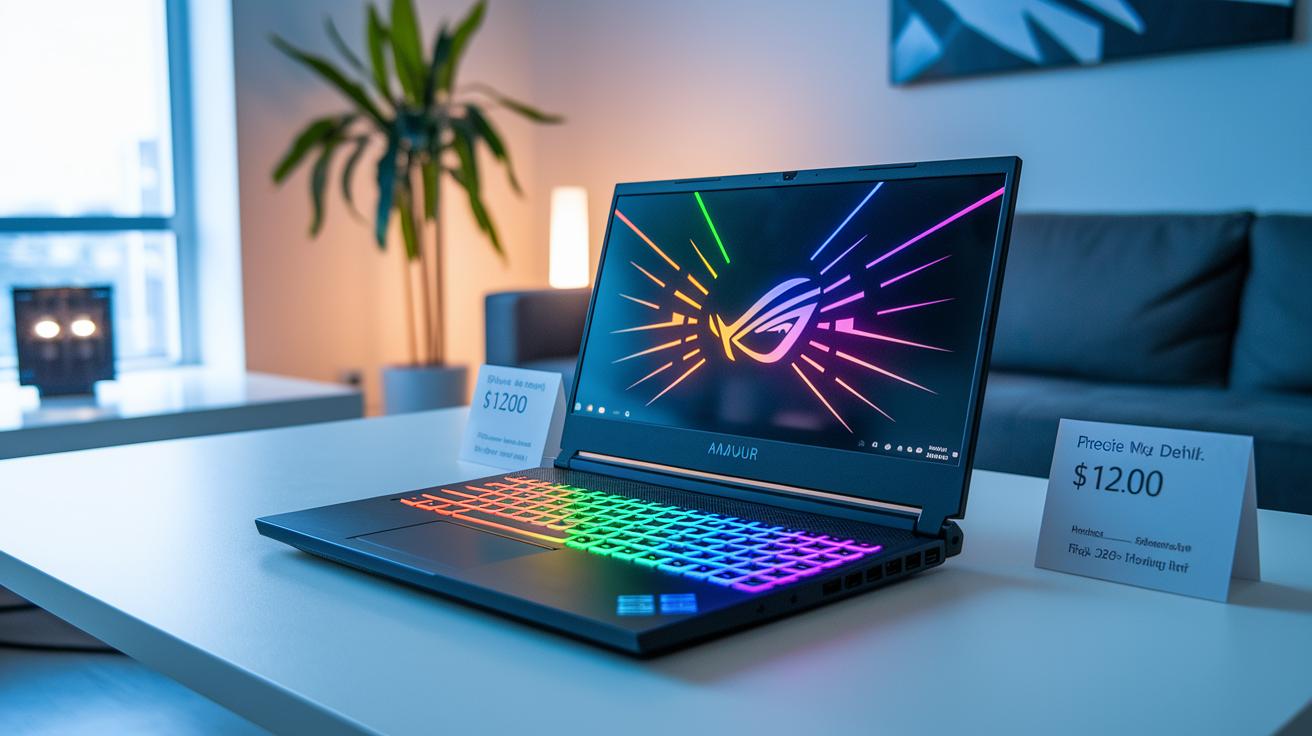
When it comes to choosing a thin gaming laptop, knowing your budget and what you expect in performance helps narrow the options. If you're new to gaming or looking for an affordable upgrade, entry-level laptops around $1,200 pack enough punch with Ryzen 7 or Ultra 7 processors and an RTX 4050. They offer just the right balance of power and portability without breaking the bank.
For a bit more performance, mid-tier models priced between $1,600 and $1,800 deliver a solid bump in power. These laptops usually feature a Core Ultra 9 285H processor with an RTX 5060 graphics card. They are great for gamers who need everyday usability plus a noticeable improvement in gaming performance, without spending a fortune.
At the high end, premium laptops that cost $2,500 or more come loaded with the latest RTX 5080 or RTX 5090 graphics cards, along with either a Core Ultra 9 285H or Ryzen AI 9 HX 370 processor. These machines are built for gamers who demand top performance in a slim design, ready to handle even the toughest gaming challenges.
A couple of standout options in this range are the Asus TUF Gaming A16 and the MSI Stealth A16 AI+. They offer competitive pricing and a well-rounded mix of features, making them great choices for those who want high performance in a lightweight package.
| Tier | Model Example | Price Range | Key Specs |
|---|---|---|---|
| Entry | Model A | ~$1,200 | Ryzen 7/Ultra 7, RTX 4050 |
| Mid | Model B | $1,600–$1,800 | Core Ultra 9 285H, RTX 5060 |
| Premium | Model C | $2,500+ | Core Ultra 9 285H/Ryzen AI 9 HX 370, RTX 5080/5090 |
| Value | Asus TUF Gaming A16 / MSI Stealth A16 AI+ | Varies | Balanced performance, competitive pricing |
In short, finding the right compact gaming laptop is all about matching your performance needs with your budget. Whether you're eyeing an entry-level machine, a mid-tier boost, or a premium model with cutting-edge specs, there's a thin gaming laptop out there that will boost your mobile gaming experience.
Recommended thin gaming laptop models for every need

Overall Best: Razer Blade 14
The Razer Blade 14 (2025) is our top pick for gamers who want power in a small package. Inside its sleek 14-inch OLED screen with a 120 Hz refresh rate, you'll find a Ryzen AI 9 365 processor paired with an RTX 5070 graphics card. Weighing in at only 1.9 kg, it offers a premium build that feels both robust and refined. The OLED display delivers rich colors and deep blacks, making every game feel vivid and immersive. Even during long, intense sessions, this model stays cool while handling demanding titles with consistent speed and clear visuals.
Best Value: Asus TUF Gaming A16
For those looking for great performance at a friendly price, the Asus TUF Gaming A16 (2025) is an excellent choice. This laptop is powered by a Core Ultra 9 285H processor and RTX 4050 graphics, working hard to offer smooth gameplay on its 16-inch display that refreshes at 165 Hz. At around $1,200, it delivers solid performance without a major dent in your wallet. Its tough design and balanced components make it a reliable option whether you're in the middle of a hectic gaming session or enjoying extended playtime at home.
Premium Pick: Razer Blade 16
If you are after a laptop that brings high-end features into a slim and portable design, the Razer Blade 16 (2025) deserves a look. This model features an Ultra 9 285H processor alongside RTX 5090 graphics, paired with a 16-inch display that refreshes at 240 Hz for buttery smooth motion. Weighing roughly 2 kg, it combines a stylish premium chassis with advanced cooling, ensuring the machine remains efficient during the most demanding games. Perfect for serious gamers who want cutting-edge hardware without sacrificing portability, this ultrabook handles intensive titles with remarkable ease and clarity.
Comparing thin gaming laptops to traditional gaming rigs
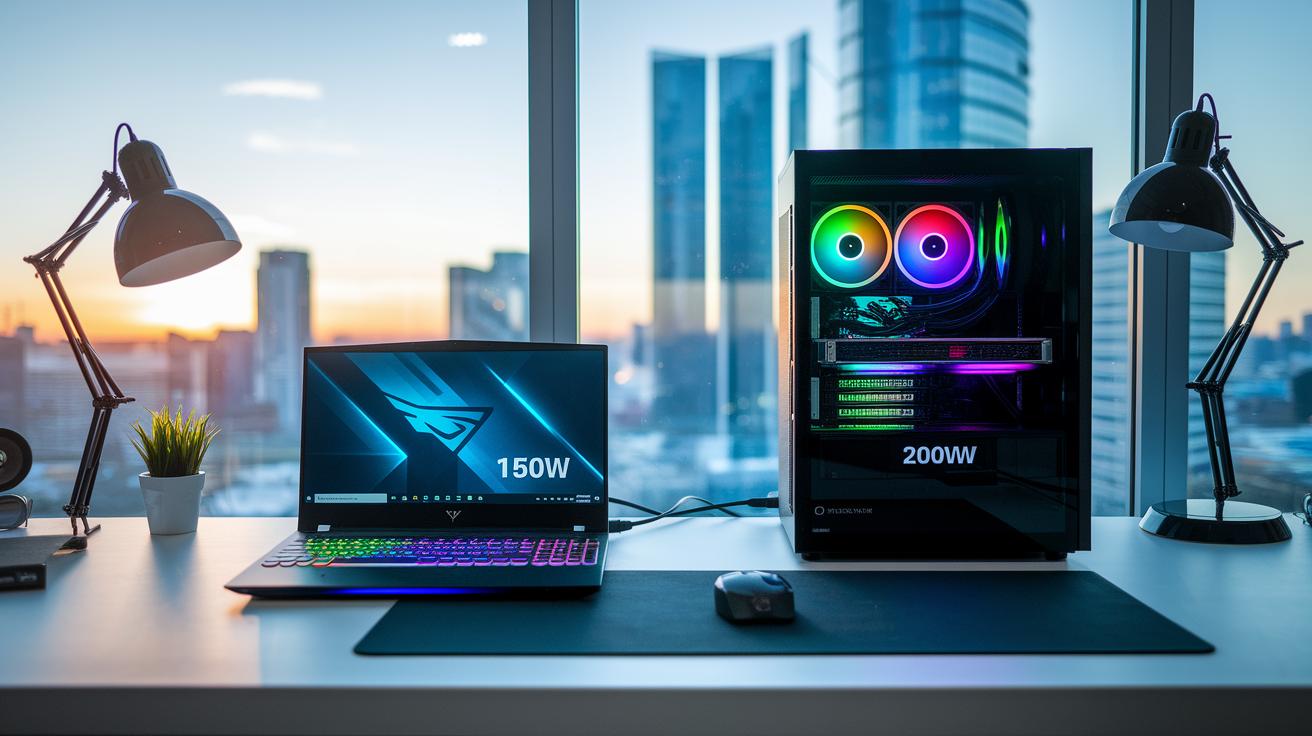
When you compare thin gaming laptops with traditional gaming rigs, size and weight quickly become the talk of the town. Traditional gaming machines are built a bit bulkier, often more than 20 mm thick and over 2.5 kg in weight, to house desktop-class GPUs that typically run at 150 to 200 W. On the other hand, thin notebooks pack in energy-efficient GPUs rated between 115 and 150 W. This clever design keeps gaming performance solid, handling everything from 1080p to QHD without weighing you down. Think of it like choosing between a hefty workstation that’s a pain to pack and a slim, travel-friendly laptop that slides right into your backpack.
Battery life and upgrade options also set these two apart. Traditional gaming rigs usually give you around 2 to 4 hours of play under heavy load and often come with extra RAM and additional SSD slots for future upgrades. In contrast, slim gaming laptops might only last 1 to 3 hours during intense sessions and typically rely on dual M.2 slots for any storage expansion. In short, thin gaming systems might skimp on battery life and upgradability, but they win big on portability.
At the end of the day, your choice really boils down to what matters most to you. If you need robust internal expansion and don’t mind carrying a heavier machine, a traditional gaming rig might be your best bet. But if you crave a sleek, lightweight design that’s easy to carry around, a thin gaming laptop is the clear winner.
Upgradability and future-proofing thin gaming laptops
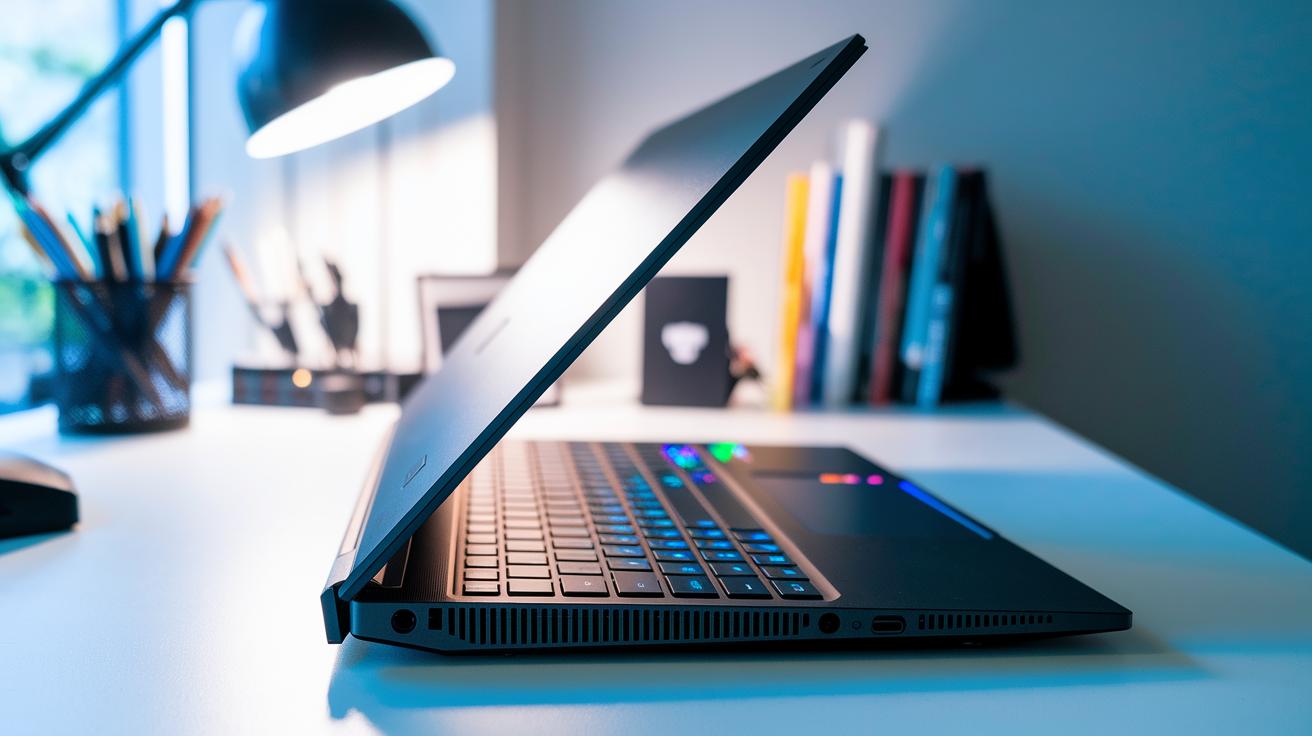
When it comes to upgrading thin gaming laptops, the main chance for improvements is in storage. CPU and GPU upgrades aren’t an option because these parts are soldered. However, many of these laptops let you boost your system with more RAM, often up to 64 GB. In some cases, you even have a user-replaceable SODIMM for memory, but other models keep it fixed. The real win is in the storage department: most systems include two M.2 NVMe slots that let you quickly swap in a new SSD. This simple change can breathe new life into your laptop as game files and software continue to grow.
On top of that, some laptops offer external upgrade paths. For instance, a few models support eGPUs via Thunderbolt 4. This means that if you ever need extra graphics power for newer games, you can connect an external GPU. There are also a few options for adding extra connectivity through external devices. Even though these upgrades are limited, they provide a valuable way to keep your system performing well and future-ready as new games and applications demand more from your hardware.
User experiences and pros & cons of thin gaming laptops

Gamers rave about these slim gaming laptops because they blend style with solid performance on the go. Many users appreciate the premium aluminum or magnesium designs that feel both durable and high-end. The high-refresh-rate displays and responsive keyboards create a smooth gaming experience, while the color-accurate screens and sturdy hinges add to the overall reliability. One reviewer put it perfectly, saying it "feels like a modern competitive ultrabook that doesn’t compromise on performance despite its sleek profile."
On the flip side, some users have noticed a few drawbacks. When pushed hard for long periods, the laptops can experience thermal throttling, which leads to a drop in performance during extended play. Battery life under heavy gaming is limited to about 1.5 hours, so you may need a power outlet handy for longer sessions. There are also occasional reports of coil whine from the ultra-thin designs, which can be distracting during quiet moments.
Before you decide to buy, weigh the benefits of a portable, premium build and responsive display against the challenges of heat management, shorter battery life during gaming, and potential coil noise. Consider if the sleek design fits your mobility needs even if it means accepting some performance compromises on long gaming sessions.
Final Words
In the action, we explored the design, performance, and value of ultra-slim gaming machines. We broke down key hardware and cooling methods, discussed design and portability, and weighed price tiers against real-world use. This deep dive shows how these compact builds pack desktop-grade power into a sleek frame. It leaves you with the insights needed to decide if a thin gaming laptop fits your lifestyle. Keep the positive impressions in mind as you seek a blend of power and portability for everyday play.
FAQ
What are the thinnest gaming laptops?
The thinnest gaming laptops feature sleek designs with chassis often under 17 mm and weights around 2 kg, packing high-performance CPUs and GPUs into a portable form factor.
What is the best thin and light gaming laptop?
The best thin and light gaming laptops combine powerful components with a slim profile, offering strong performance and portability for gamers on the move.
Are slim gaming laptops powerful enough?
Slim gaming laptops deliver robust performance with optimized CPUs and GPUs, though they may face tighter thermal limits compared to thicker rigs, making them suitable for fast-paced gaming.
Are thinner laptops better?
Thinner laptops emphasize portability and sleek design, but they can trade off on cooling efficiency and upgrade potential when compared with more robust, thicker gaming systems.
What about budget-friendly thin gaming laptops under $1,000?
Budget-friendly thin gaming laptops under $1,000 balance cost and portability by using lower-tier components like RTX 4050, making them a practical choice for casual gamers and everyday use.
How do thin gaming laptops compare to traditional gaming rigs?
Thin gaming laptops optimize power and thermal design for mobility, resulting in slightly shorter battery life and fewer upgrades, while traditional rigs offer more expansive cooling and customization.
What are some popular thin gaming laptop models?
Popular thin gaming laptop models include the Asus ROG Zephyrus G14, ASUS ROG Zephyrus G16, and the Razer Blade series, known for their robust performance and compact designs.
What does a thin gaming laptop with an RTX 4070 mean?
A thin gaming laptop featuring an RTX 4070 is equipped with a high-end graphics card, giving gamers capable visuals and smooth gameplay in a slim, portable chassis.
How are 2025 thin gaming laptops expected to evolve?
Expected thin gaming laptops in 2025 will incorporate advanced CPUs and GPUs with improved cooling and energy efficiency, resulting in even sleeker designs without compromising performance.
What insights do Reddit discussions provide on thin gaming laptops?
Reddit discussions offer firsthand user experiences and real-world performance tips, helping potential buyers understand the strengths and challenges of thin gaming laptops from community feedback.
How effective are 13-inch gaming laptops?
13-inch gaming laptops deliver excellent portability and swift responses, though their smaller screens may offer reduced immersion compared to larger models, making them ideal for users prioritizing mobility.