
Ever get bogged down with heavy equipment when you're out and about? Picture turning your briefcase into a reliable workstation that handles design, video editing, and other detailed tasks with ease. Modern mobile workstations are both light and powerful, so you can work confidently wherever you are. This smart setup boosts your efficiency on the go and frees you from the limits of bulky office gear. It's a great choice for anyone who wants to work smarter while on the move without sacrificing performance.
Portable Laptop Workstation Essentials
Portable laptop workstations let you work anywhere by turning a briefcase into a solid work surface. Take the OmniShelf, for example. It’s the first portable magnetic workstation that serves as both a briefcase and a hands-free desk. It locks in place with 3 strong industrial magnets or 4 suction cups on metal that’s at least 16 gauge thick, keeping it stable in tough spots.
Modern mobile workstations like the Dell Precision 5690 offer a great mix of light weight and power. Weighing less than 5 lbs, these laptops use AI-boosted Intel Core Ultra 9 185H processors and Nvidia RTX 5000 Ada graphics, paired with a vibrant 16-inch 4K OLED touchscreen. This means you can dive into heavy tasks, like CAD designs or high-res video editing, without being slowed down by bulky gear.
When you shop for a portable laptop workstation, look for models that come with at least 1 TB of storage and workstation-grade parts. Key features should include reliable connectivity, like Thunderbolt 4, and high-performance CPUs built for demanding apps. This blend of specs lets you work confidently, whether you're at a job site or on the move.
- Weight: under 5 lbs
- Storage: minimum 1 TB
- Processor: workstation-grade (for example, Intel Core Ultra series)
- Display: 16-inch 4K OLED options
This setup gives you the best of both worlds: easy portability and solid performance.
Key Design Features of a Portable Laptop Workstation
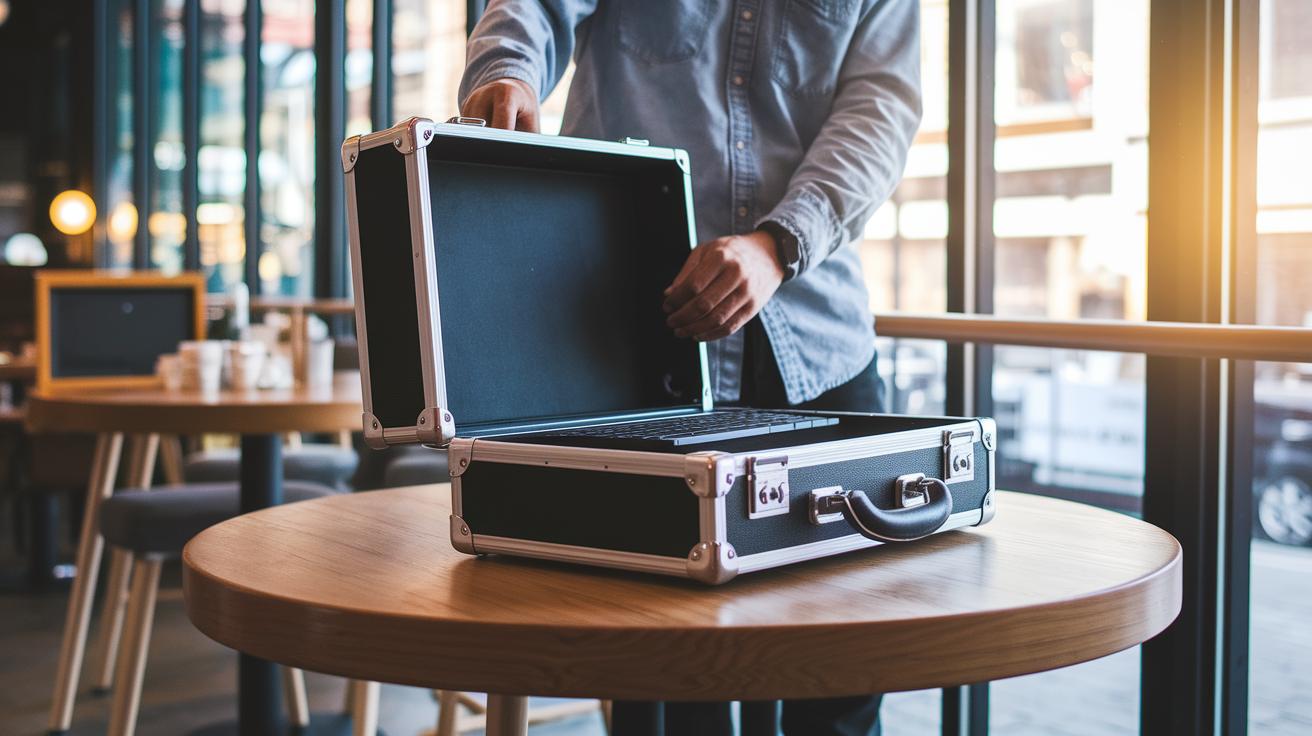
When choosing a mobile workstation, look for something light yet tough enough to handle everyday travel. The OmniShelf is a great example. Its strong briefcase design doubles as a work surface, making your mobile office setup both efficient and easy to use.
Flexibility is a must. A good laptop desk lets you change the tilt and height so you can work comfortably whether you are seated or standing. Many options offer adjustable heights between 10" and 20", turning even a small coffee shop table into a tailored workspace that helps keep you productive.
Materials also make a big difference. Using a mix of light metals and durable plastics gives you the strength you need without extra weight. Many designs now come with enterprise-level features like Intel vPro and Thunderbolt 4 to ensure fast data transfers and smooth peripheral connections. This means your workstation is always ready for any task.
| Weight | Adjustability | Connectivity |
|---|---|---|
| Lightweight yet robust | Tilt and height options (10″ to 20″) | Enterprise-level ports and standards |
Top Mobile Computing Workstation Laptops to Consider
If you need a powerful laptop that works well on the go, there are several great options to choose from. One of our favorites is the Dell Precision 5690. It comes with an AI-enhanced Intel Core Ultra 9 185H CPU and an Nvidia RTX 5000 Ada GPU paired with a stunning 16″ 4K OLED touchscreen. Weighing less than 5 lbs, it delivers the performance you need without sacrificing portability. It’s perfect for professionals who often work outside the office.
For those who need the lightest option possible, the HP ZBook Firefly 14 G11 is a top pick. It offers a 14″ screen, an Intel Core Ultra 7 165H processor, and Nvidia RTX A500 graphics in a package that weighs just 3.13 lbs. This laptop is an excellent choice for anyone who travels frequently and wants a workstation that won’t weigh them down.
The Apple MacBook Pro 14″ (2024, M4) is another solid contender. With a base M4 chip and options to upgrade to M4 Pro or M4 Max, it features a Liquid Retina XDR display and Thunderbolt 5 ports for fast data transfers. Creative professionals will love this style-savvy workstation that never compromises on performance.
If you need even more muscle for tasks like CAD and rendering, consider the Lenovo ThinkPad P16 Gen 2 or the HP ZBook Fury 16 G11. While these models are heavier, they pack enough power for demanding workloads. This way, you can choose a laptop that fits your work style, whether you prioritize portability or high-end performance.
Innovative Accessories for Your Portable Laptop Workstation
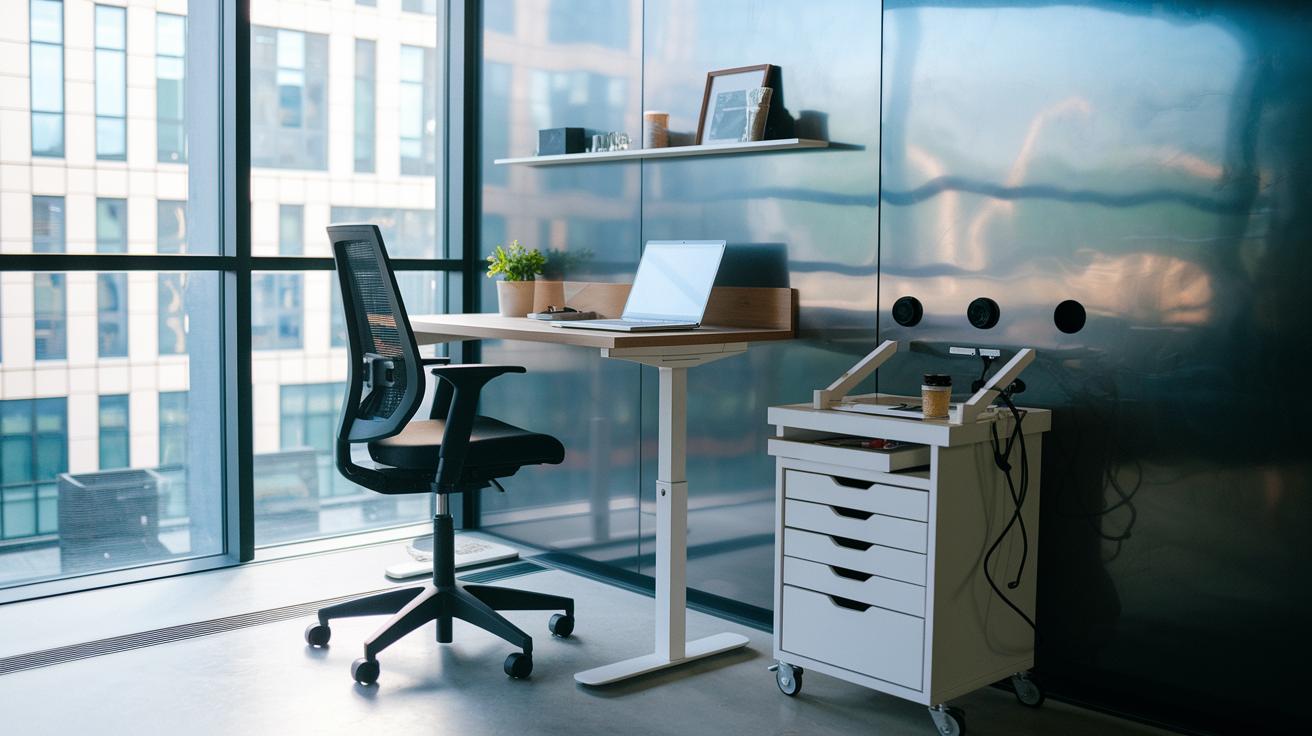
A portable laptop workstation is more than just a computer. It also includes smart add-ons that improve how you work on the go. For instance, the OmniShelf turns any metal wall or surface into an instant desk. It attaches with either three industrial magnets or four suction cups, making it a handy, travel-ready workspace with built-in storage.
Rolling laptop carts take mobility to the next level. These carts feature locking wheels, built-in drawers, and charging ports to keep your gear powered and organized. Imagine being on a job site with a cart that follows you around, offering secure storage and quick access to your essentials as you work throughout the day.
Other useful options include portable desks that come with storage compartments for managing cables and keeping accessories neat. Many of these desks weigh between 4 and 7 lbs and fold flat, so packing them up is a breeze. With a desk like this, you can leave behind extra bags for cables and gadgets.
By choosing the right accessories, whether it’s a reliable OmniShelf or a versatile rolling cart, you can set up a mobile workstation that really works for you. Each piece is designed to integrate smoothly with your laptop, boosting your productivity wherever you go.
Connectivity and Ergonomic Boosts for Portable Laptop Workstations
This portable workstation features a foldable work desk with adjustable angles from 0 to 60 degrees and a sleek design that's under 1 inch thick when folded. Its compact size doesn't sacrifice flexibility, letting you choose the best viewing angle for your needs.
Built-in cable channels neatly route USB-C and Thunderbolt wires. This smart design keeps your charging ports connected while ensuring you never have to fuss with tangled cables during travel.
The desk also adjusts in height from 10 inches to 20 inches, making it simple to switch between sitting and standing. This easy transition helps support a healthier posture without any extra hassle.
Setup and Travel Tips for an Efficient Portable Laptop Workstation
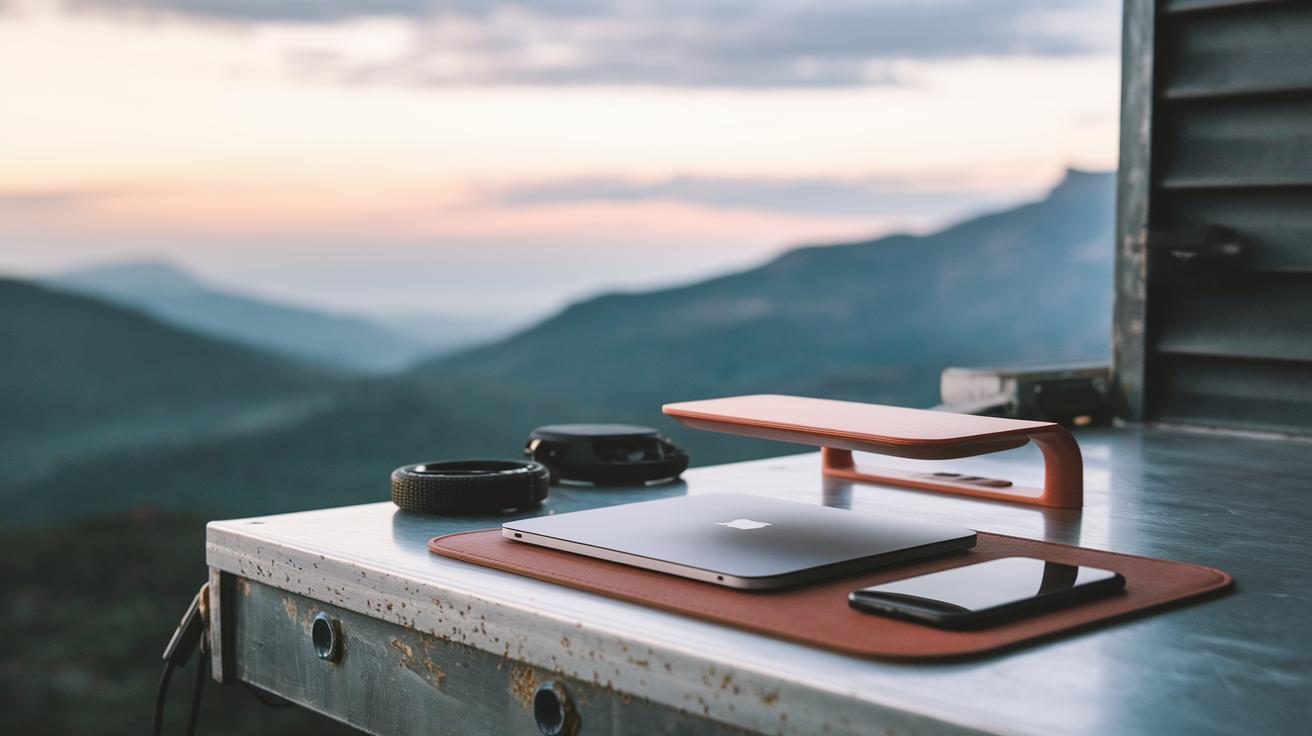
Begin with the basics. Before using a magnetic mount like OmniShelf on any metal surface, make sure it is clean and free of rust. This simple step gives you a better grip. When putting together your travel workstation, choose parts that fold or break down in under two minutes and keep the total weight below 7 lbs. That way, you get set up quickly and spend more time working.
Pack smart by taking only what you need. Bring essentials such as charging cables, a compact mouse, and spare SSD drives. If your portable office on wheels has built-in storage, use it to keep things organized rather than carrying extra bags. This strategy saves space and lightens your load without hurting your work efficiency.
Picture arriving at a site and unfolding your adjustable desk in less than two minutes. With this fast setup, you are ready to work without wasting time. The way you design your workstation makes all the difference for travel and on-site use.
- Pack only essential peripherals
- Keep components lightweight and quick to assemble
- Use integrated storage to maintain organization
Comparison of Best Travel-Friendly Portable Laptop Workstation Options
Testers found the HP ZBook Firefly 14 G11 to be a reliable travel companion. Weighing just 3.13 lbs, it travels with ease and handles multiple displays without breaking a sweat. Even under heavy multitasking, its performance stays smooth, making it a go-to option for anyone on the move.
Experts observed that the Dell Precision 5690 not only delivers strong processing power but also features a standout 16" 4K OLED display. This screen shines in varied lighting, ensuring that detailed work stays clear even when you’re switching between different environments.
Creative professionals are turning to the Apple MacBook Pro 14" (upgradable to M4 Pro/Max) for its fast Thunderbolt 5 data transfers and steady performance during graphics-intensive tasks. Its Liquid Retina XDR display is a major plus for those who create content on the go, keeping visuals sharp and vibrant in mobile settings.
The OmniShelf Portable Magnetic Workstation offers a unique setup accessory. Weighing about 4 lbs, it earns praise for its magnetic and suction cup mounts that keep lightweight laptops stable, especially in triple display setups.
| Product | Portability | User Insight | Notable Differentiator |
|---|---|---|---|
| Dell Precision 5690 | High (Under 5 lbs) | Valued for its adaptable 4K OLED display | Powerful processing for multi-screen setups |
| HP ZBook Firefly 14 G11 | Superior (3.13 lbs) | Chosen for smooth performance with triple displays | Lightweight build with reliable benchmarks |
| Apple MacBook Pro 14″ | Top-tier mobility | Praised for quick Thunderbolt 5 transfers | Liquid Retina XDR display with consistent high-speed performance |
| OmniShelf Workstation | Compact accessory (~4 lbs) | Trusted for its secure mounting with mobile setups | Innovative magnetic and suction cup design |
Final Words
In the action, we reviewed the essentials of a portable laptop workstation. We broke down design features, accessory options, and useful travel and setup tips.
We compared standout laptops and work surfaces to help you balance performance with portability. The insights on connectivity, ergonomics, and fast, secure mounting are practical for real-life work situations.
This clear rundown leaves you ready to choose the right portable laptop workstation and boost your productivity on the go. Enjoy taking your work anywhere!
FAQ
What is the best portable laptop workstation?
The best portable laptop workstation blends powerful performance and lightweight design, offering durable, workstation-grade components in a compact package ideal for on-the-go professionals.
What defines a portable laptop desk for bed or couch use?
A portable laptop desk for bed or couch use is designed with adjustable angles and a foldable structure, providing a comfortable, stable surface for working away from a traditional desk.
What is a magnetic portable laptop workstation and how does it function?
A magnetic portable laptop workstation secures your laptop to metal surfaces using industrial magnets or suction cups, ensuring a stable, hands-free work area in various settings.
Where can I find a portable laptop workstation nearby or on Amazon?
You can locate portable laptop workstations at major retailers like Amazon or local tech stores, where products are available with varied features to suit different needs and budgets.
What features does the VIVO Magnetic Portable Laptop Workstation offer?
The VIVO Magnetic Portable Laptop Workstation offers strong magnetic mounting, a compact design, and ease of setup, providing a secure and ergonomic workspace for your portable computing needs.
What are the benefits of a portable laptop desk on wheels?
A portable laptop desk on wheels offers mobility and integrated storage, allowing you to move your workstation conveniently while keeping your devices and accessories organized.
What LEVO G2 models are available for tablet and laptop setups?
LEVO G2 models include the Deluxe Tablet/iPad Floor Stand, the V16 Rolling Laptop Workstation Stand Cart, and table clamp options, all designed to provide adjustable angles, charging ports, and flexible mounting for versatile use.