
Ever wondered how some thin ultrabooks manage to pack serious power into such slim designs? It might seem confusing at first, but every spec, from the CPU to the RAM and SSD, plays a vital role in performance, battery life, and durability. In our guide, we break down each component so you can see how they work together to deliver smooth, efficient performance for your daily needs. Get ready for clear, straightforward insights that help you cut through the marketing clutter and make smart tech choices.
Key Components in Ultrabook Specs
Ultrabooks are lightweight laptops built for strong performance and battery efficiency. Intel certifies these devices by setting clear rules. For example, a 14-inch model must be no thicker than 21 mm and a 13.3-inch model no thicker than 18 mm. They also need to run on Intel’s 11th-gen (Tiger Lake), 12th-gen (Alder Lake), or 13th-gen (Rocket Lake) processors. Back when the term started around 2011–2012, these laptops had to offer at least five hours of battery life on a single charge, setting the standard for portable computing right from the start.
When we dive into ultrabook specs, we focus on several key hardware parts. The CPU handles all the computations, while the GPU takes care of graphics output. RAM acts like your computer's short-term memory, helping with smooth multitasking. SSD storage means your system boots up fast and apps load quickly. The display is critical, it doesn’t just show images but defines your interactive experience, coming in resolutions from Full HD upward. And of course, the battery keeps you mobile, while a smart, lightweight chassis makes the whole package portable and durable.
All these features come together to offer a balanced blend of performance and portability. If you need a laptop that works hard but still fits in a bag, an ultrabook delivers the processing power, clear visuals, speedy storage, and long-lasting battery life that you can rely on day after day.
CPU Architecture and Performance in Ultrabook Specs
The CPU is like the brain of your ultrabook, handling everything you ask it to do. Most models use high-performance chips such as Intel’s 11th-gen Tiger Lake, 12th-gen Alder Lake, or 13th-gen Rocket Lake, which offer a smart mix of power and efficiency. While some options like Apple’s M-series or AMD Ryzen can be found, most ultrabooks rely on Intel to meet specific certification needs. For example, Tiger Lake chips can perform 10% to 15% more instructions per cycle than older versions, making them a solid choice for everyday use.
These processors run at speeds from 1.2 GHz at base to 4.8 GHz when boosted, so you get the best of both energy-saving and intense performance. With 4 to 8 cores available, your device can handle many apps at the same time or manage heavy tasks easily. Higher clock speeds are great for single tasks that need quick responses, while more cores help when you juggle several programs at once. Tests consistently show that these efficient designs provide a smooth experience without draining power.
RAM Performance and Memory Speed in Ultrabook Specs
RAM acts like a temporary workspace for your active applications. More RAM means smoother multitasking, so if you're juggling several programs at once, having 8 GB, 16 GB, or even 32 GB can make a noticeable difference. Faster memory speeds also boost performance. For example, when you compare LPDDR5-4266 MHz with DDR4-3200 MHz, you'll find that apps load faster and transitions feel more seamless. It's like having extra desks in your office to handle multiple tasks without delay.
Ultrabooks often use memory types like DDR4 or LPDDR5, and each one comes with different speed ratings that can impact how quickly your system reacts. Some models feature soldered RAM, which means you won't be able to upgrade later, while others offer a SO-DIMM slot for expansion. This is important if you think you might need more memory down the road, so it's a good idea to check your device's upgrade options before buying.
SSD Storage Capacity and Speed Analysis in Ultrabook Specs
Solid-state drives, or SSDs, are key to making ultrabooks fast and reliable. They boot up quickly, open apps in a snap, and handle everyday bumps better than traditional hard drives because they have no moving parts. Most ultrabooks come with storage options of 256 GB, 512 GB, or 1 TB. These drives speed up file access and keep the whole system feeling responsive. For example, SATA-based SSDs clock in at about 550 MB/s, while NVMe drives can hit speeds close to 3,500 MB/s. Plus, the small size of NVMe drives helps designers build slimmer laptops without cutting performance.
| Capacity | Read Speed | Write Speed | Durability (TBW) |
|---|---|---|---|
| 256 GB SATA | 550 MB/s | 520 MB/s | 150 TBW |
| 512 GB NVMe | 3,200 MB/s | 2,800 MB/s | 300 TBW |
| 1 TB NVMe | 3,500 MB/s | 3,200 MB/s | 600 TBW |
Manufacturers pick the type of SSD based on what users need. If you want super-fast file loading and strong endurance, NVMe drives deliver top-notch read and write speeds along with high durability measured in TBW (terabytes written). On the other hand, SATA SSDs give you a good mix of performance and cost-efficiency. Their smaller size means ultrabook makers can stay slim without losing internal space. All in all, these storage options help your device handle heavy workloads smoothly, whether you're copying files, streaming videos, or running many apps at once.
Display Resolution and Brightness Metrics in Ultrabook Specs
Ultrabooks usually come with screens between 13.3 and 14 inches. This size makes them both portable and fun to use for work or entertainment. You’ll find options ranging from the classic Full HD (1920×1080) to crisper QHD (2560×1440) and even stunning 4K UHD (3840×2160). Some models feature touch-enabled IPS panels that offer wide viewing angles and consistent colors, while others use OLED screens known for their deep blacks and rich contrast. This mix lets you choose an ultrabook that fits your needs whether you’re working all day or streaming your favorite shows.
Brightness generally tops out between 300 and 500 nits. This range helps keep your screen visible outdoors without sacrificing picture quality. Manufacturers balance brightness with color accuracy and power saving, ensuring the display is clear and energy efficient. Whether you need vivid colors for creative work or a balanced screen for everyday tasks, these specs are designed to enhance your overall experience.
Battery Life Review and Power Optimization in Ultrabook Specs

Ultrabooks are often promoted to deliver up to 18 hours on a single charge, but in everyday use, you'll likely see between 12 and 14 hours. Real-world conditions like higher screen brightness, active wireless radios, and background apps lower the ideal numbers you see in the lab. Fast-charge features come in handy too, with many models reaching 50% battery in just 30 minutes, perfect for those quick breaks when you need a little extra power.
Software tweaks do a lot to help extend how long your battery lasts. Energy-saving settings adjust the CPU (the brain of the computer) and GPU (the part that handles graphics) speeds when you're doing lighter tasks, which cuts down on energy use. You can also boost battery life by turning down your screen brightness or disabling wireless features you’re not using. These small adjustments and smart component controls work together to keep your ultrabook balanced between efficient performance and extended unplugged use.
Thermal Management and Cooling Technology in Ultrabook Specs
Ultrabooks usually use CPUs with power ratings between 15 W and 28 W TDP. They manage heat with slim heat pipes, vapor chambers, or graphite sheets that quickly draw heat away. Active fans adjust their speed based on need, which means they keep the system cool and stay quiet when the work is light. Firmware even tweaks fan behavior for smaller tasks so you don't hear disruptive noise. This smart design lets ultrabooks handle high-performance work while keeping temperatures under control, making them reliable even under heavy use.
Thermal throttling can be a worry when chips run too hot, so designers optimize the internal layout to push cool air toward the most critical parts. If airflow drops, the CPU may slow down to avoid damage. They also use smart sensors to reduce fan noise by lowering speeds during light tasks. With effective cooling and clever design, ultrabooks deliver steady performance and energy efficiency. This thoughtful approach makes them great for both everyday activities and creative projects.
ultrabook specs explained: Crisp Tech Insights
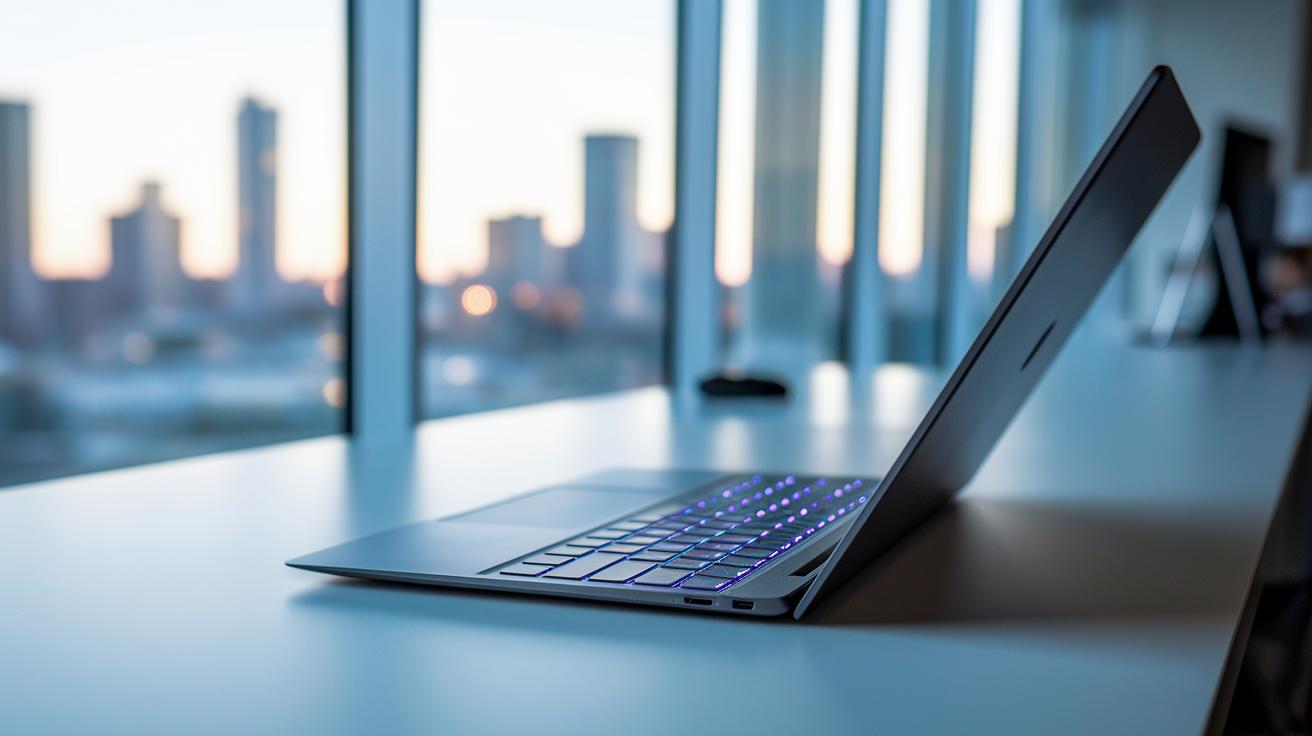
Modern ultrabooks are built to be light and portable. Most of these laptops weigh less than 3 lbs and are under 18 mm thick in their 13.3-inch models. They use top-quality materials like anodized aluminum or magnesium alloy. This slim design not only looks sharp but also boosts durability, so you get a premium feel without losing toughness.
These laptops now come with island-style backlit keyboards that make typing crisp and comfortable in any light. The glass precision touchpads deliver smooth and accurate tracking, making scrolling and multi-touch gestures feel natural in everyday tasks.
Ultrabooks also pay close attention to connectivity. They typically include a mix of ports such as USB-C with Thunderbolt 4 and USB-A 3.2. Many models also offer HDMI or mini-DisplayPort for hooking up an external display. On the wireless side, they support Wi-Fi 6/6E and Bluetooth 5.2, ensuring you stay connected whether you’re at home or on the go.
- Chassis weight and thickness specs
- Material choices (aluminum, magnesium)
- USB-C/Thunderbolt 4 vs USB-A balance
- HDMI or mini-DP inclusion
- Wi-Fi 6/6E and Bluetooth 5.2 capabilities
Final Words
in the action, we broke down what makes an ultrabook special by defining Intel’s early criteria and key components like the CPU, display, SSD, and battery.
We covered processor roles, RAM performance, and thermal management with a clear and practical approach.
All these elements combine to deliver both portability and solid performance. ultrabook specs explained offer real-world insight to help you make smart, value-focused buying decisions.
FAQ
What does Dell ultrabook specs explained mean?
The Dell ultrabook specs explained describes Dell’s slim, Intel-certified laptop features, detailing high-performance processors, fast SSD storage, and long battery life to help users understand its technical and design aspects.
What are the features of an ultrabook?
The ultrabook features include a slim, lightweight design, efficient cooling, fast SSD storage, and long battery life. These specs combine to deliver portability and robust performance for everyday tasks.
What is the difference between an ultrabook and a laptop?
The ultrabook adheres to strict design and performance standards, including thickness, weight, and power efficiency, while traditional laptops offer a broader range of sizes and features, often without these specialized criteria.
How does an ultrabook compare to a Chromebook?
An ultrabook provides high-performance Intel processors and premium build quality, whereas a Chromebook runs on Chrome OS with simpler hardware focused on web-based tasks, making them suitable for different user needs.
How can I check my laptop specs?
You can check laptop specs by accessing your system settings or using manufacturer-provided tools. Many brands, like HP, offer detailed spec lists in manuals or online PDF documents for easy reference.
Is a MacBook considered an ultrabook?
A MacBook shows many ultrabook traits with its slim design and strong performance, though it runs macOS and does not strictly follow Intel’s certification process that defines traditional ultrabooks.
How many GB of RAM is good for a laptop?
Good laptop RAM typically starts at 8GB for everyday tasks, while 16GB or more is ideal for heavy multitasking or power users who need smoother and more responsive performance.
What about Lenovo ultrabook specifications?
Lenovo ultrabooks meet ultrabook standards with slim designs and efficient performance. They typically offer premium builds, solid battery life, and competitive features designed for mobility and productivity.
What are laptop specs for HP?
HP laptop specs generally include details on the CPU, RAM, storage, display resolution, and battery life. These specifications are available in user manuals or downloadable PDFs to help users compare models.