
Ever wonder how a small ring might revolutionize your health tracking? This smart ring for Android is more than just a stylish accessory, it helps you monitor sleep, activity, and stress with apps that are straightforward and easy to use. Take models like the Oura Ring 4 and Samsung Galaxy Ring; they make keeping tabs on your daily health effortless and modern. We checked them out and found that this tiny device could be the perfect companion for your busy lifestyle.
Top Android-Compatible Smart Rings
Android fans have a great range of smart rings that mix style with smart features. The Oura Ring 4 stands out with its slim look, advanced health sensors, and eight-day battery life. It's a solid pick if you don't mind a monthly fee and already use Samsung devices. If you prefer not to pay a subscription, the Samsung Galaxy Ring offers a lightweight, comfortable design along with a smart charger case that stores extra power. For those new to smart rings, the RingConn Gen 2 Air delivers excellent entry-level value with strong battery life and works smoothly with both Android and iOS. The Amazfit Helio Ring, built with titanium alloy and a scratch-resistant finish, suits larger hands, while the Circular Ring Slim impresses with its ultra-thin, lightweight design and tougher durability.
| Model | Best For | Weight (g) | Battery Life | Subscription |
|---|---|---|---|---|
| Oura Ring 4 | Best Overall | 3–4 | 8 days | $5.99/mo |
| Samsung Galaxy Ring | Samsung Users | 3–4 | 5 days | None |
| RingConn Gen 2 Air | Best Entry-Level Value | 2.5–3 | 6–7 days | None |
| Amazfit Helio Ring | Best for Larger Hands | 3.75–4 | 5–6 days | None |
| Circular Ring Slim | Thinnest & Lightest | 2–3 | Varies | Optional |
Each smart ring brings its own set of features that fit different lifestyles and work well with Android devices. They offer detailed tracking of sleep, activity, and stress levels through clear and minimal apps. Whether you need thorough health tracking or prefer a budget-friendly, barely-there design, these rings are built to keep up with your daily routine. They provide useful data without any on-screen clutter, and their modern, clean finish makes them a perfect accessory for today's style.
Android Smart Ring Setup and Pairing Process
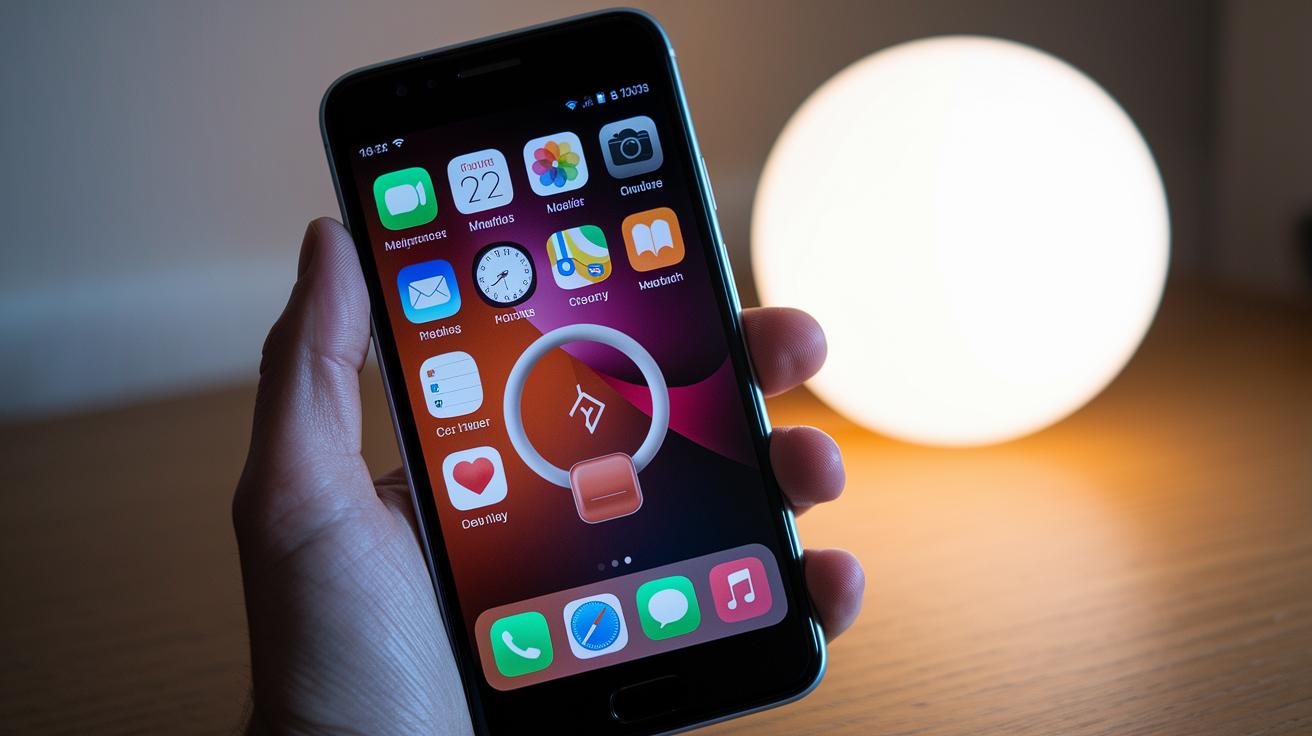
First, check that your Android device meets the ring’s compatibility needs. The Oura app works on Android 8.0 and later, while the Galaxy Ring requires the latest One UI on Android 13 or above. Once you’ve confirmed your device is set, remember that every ring model uses its own companion app, like Oura, Samsung Health, RingConn, or Zepp, to transfer fitness, sleep, and health data via Bluetooth LE. Note that these rings don’t have GPS or a display built in.
Next, start the pairing process by opening the companion app on your phone and turning on Bluetooth. Follow the on-screen instructions carefully as the app scans for your ring nearby using Bluetooth LE. For example, if you’re pairing the Samsung Galaxy Ring, you might see a prompt to enable location permissions. The process is set up to be easy and straightforward, so even if you’re new to wearable tech, you should have no trouble.
If you run into issues like sudden Bluetooth drops or your ring isn’t detected, double-check that all the necessary permissions, such as location and notifications, are enabled. A quick restart of the app or even the phone can often fix these hiccups. These simple troubleshooting steps ensure your smart ring and Android device keep exchanging data reliably.
Health Tracking and Sensor Technology in Android Rings
Android smart rings now use both optical sensors and bioimpedance sensors to keep track of your key health signs. They monitor things like heart rate, oxygen levels (SpO₂), and skin temperature by picking up tiny changes in blood flow and warmth. Some rings, such as the Prevention Circul+ smart ring, even include an FDA-approved ECG sensor to offer extra insights into how your heart is working.
These rings do more than just measure your heart rate. They also focus on sleep tracking by recording how long you sleep, how much time you spend in REM sleep, and changes in your heart rate during the night. They even watch for shifts in skin temperature and drops in oxygen levels while you sleep to give you a full picture of your nighttime health. All the data is sent to a companion app that turns the numbers into easy-to-read graphs and trends.
Different models offer different features. Some rings highlight simplicity with only the essential metrics, while others pack in more advanced sensors. For example, many models give reliable optical sensor readings, but rings like the Prevention Circul+ stand out by adding ECG tracking. This lets you choose a ring that fits your specific health tracking needs and lifestyle.
The companion apps are a big part of the experience. They turn raw data into clear visual summaries that show your fitness levels, sleep patterns, and even stress levels. This easy-to-understand information helps you keep an eye on your progress, set realistic health goals, and decide the best times for activity and rest.
Android App Integration and Notification Features

Smart ring apps turn raw sensor data into everyday insights that help you make sense of your health. The Oura app gives you clear readiness and recovery scores along with extra insights available through a subscription. Meanwhile, Samsung Health works naturally with Samsung devices to show you complete sleep and activity stats without any extra cost. The RingConn app offers detailed sleep analysis too, though you might need a little time to get used to its design. In short, each app transforms your ring's data into useful information that lets you track your daily patterns.
These rings also keep you in the loop with subtle vibration alerts for calls, texts, and reminders. Even if your phone is out of reach, a gentle buzz will let you know when something important comes in. Plus, the ring's data syncs easily with other devices, including platforms like Amazfit or Zepp. This means that your ring's insights merge smoothly with other smartwatch stats, letting you customize notifications and displays to fit your style and needs.
Battery Performance and Charging Options for Android Rings
Android smart rings come with different battery life and charging setups to suit varied lifestyles. For example, the Oura Ring 4 boasts an eight-day battery life and charges via a simple USB-C dock. It’s easy to set up and works reliably. In contrast, the Samsung Galaxy Ring lasts around five days per charge but makes up for it with a charger case that holds two full ring charges, offering extra power when you need it.
Other models, like the RingConn Gen 2 Air and the Amazfit Helio Ring, offer competitive battery performance. The RingConn Gen 2 Air typically stays powered for six to seven days and uses a magnetic cradle that simplifies daily charging. Meanwhile, the Helio Ring provides a battery life of five to six days and relies on a secure pogo-pin dock to keep you charged. These varied options underline how each design caters to different charging habits and daily routines.
Pricing and Where to Buy Android-Friendly Smart Rings
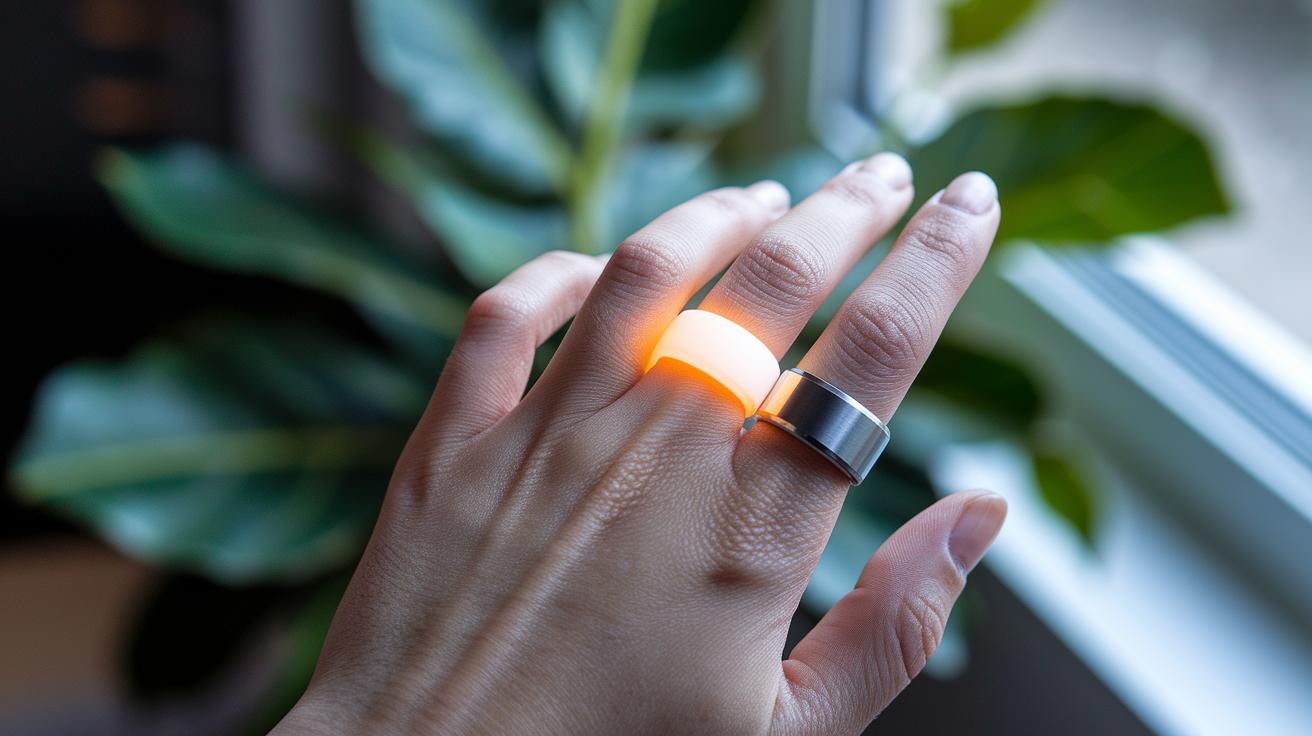
Smart ring prices can be a mix of an upfront cost and a monthly fee. For example, the Oura Ring 4 is around $299 plus a $5.99 bill each month, while the Samsung Galaxy Ring costs $299 with no ongoing fees. This means you can choose between a one-time purchase and a recurring payment depending on the advanced features and detailed tracking you want.
If you're watching your spending, you have solid options that don’t include extra fees. The RingConn Gen 2 Air comes in at roughly $219, and the Amazfit Helio Ring is around $199. Both offer strong functionality and clear health insights without straining your budget.
Smart rings are available from official brand websites, trusted Amazon listings, and authorized retailers. Keep an eye out for seasonal promotions during events like Black Friday or CES, as these deals often offer attractive discounts and added value.
Final Words
In the action, we reviewed top Android-compatible smart rings, covering hands-on setup, health tracking sensors, and app integrations that deliver reliable notifications. We explained how pairing works and broke down battery life differences along with clear pricing and buying options.
This article highlights strengths and practical trade-offs, making it easier to choose a smart ring for android that suits your needs. Enjoy exploring these rings and feel confident in picking a device that keeps your daily tech experience secure and valuable.
FAQ
Smart ring for Android Samsung
The smart ring for Android Samsung specifically targets users of Samsung devices, with options like the Samsung Galaxy Ring offering seamless integration, dependable connectivity, and a design tailored for the Samsung ecosystem.
Best smart ring for Android
The best smart ring for Android depends on individual needs; for instance, the Samsung Galaxy Ring is ideal for Samsung users, while the RingConn Gen 2 Air offers great value and broad compatibility with both Android and iOS.
Smart Ring Apple
The smart ring for Apple users is designed to work with iOS devices, with models such as the RingConn Gen 2 Air delivering cross-platform support, ensuring smooth data synchronization and health tracking for both Android and Apple users.
Women smart ring for Android
The women smart ring for Android usually refers to rings with a refined, lighter design that suits smaller fingers, providing comfort, accurate tracking, and stylish options for users seeking both form and function in their wearable tech.
Samsung Galaxy Ring
The Samsung Galaxy Ring is engineered specifically for Samsung users, featuring a lightweight design, integrated charger case, and no subscription fee, making it a standout option for those deeply invested in the Samsung ecosystem.
Google smart ring
The Google smart ring isn’t a widely available product yet, but similar devices often offer compatibility with Google’s Android ecosystem, ensuring that if it launches, it would integrate smoothly with Android notifications and health apps.
Herz P1 Smart Ring
The Herz P1 Smart Ring is another option in the smart ring space, offering competitive features and design; however, potential buyers should compare its specifications with established models to ensure it meets their specific needs.
Best smart ring
The best smart ring is defined by your ecosystem and priorities, whether it’s the advanced health sensing of the Oura Ring 4 or the value and seamless experience of the Samsung Galaxy Ring—each brings unique advantages.
What is the best smart ring for Android?
The best smart ring for Android depends on your device; for Samsung users, the Samsung Galaxy Ring is optimal, while others might opt for the RingConn Gen 2 Air, which delivers great performance and multi-platform support.
What are the disadvantages of a smart ring?
The disadvantages of a smart ring include potential connectivity issues, limited display options since data appears on paired smartphones, and occasional software glitches or subscription costs that may not suit every user.
Do smart rings have a monthly fee?
The smart rings’ monthly fee status varies; for example, the Oura Ring 4 charges $5.99 per month for premium insights, while many other models, like the Samsung Galaxy Ring, offer full functionality without recurring fees.
Is there a better ring than Oura?
There are alternatives to the Oura Ring that may be better suited to certain users; for instance, the Samsung Galaxy Ring and RingConn Gen 2 Air provide competitive features, especially for those preferring a no-subscription option or a specific ecosystem.