
Ever wonder if one device could handle both work and play without slowing you down? Convertible laptops do just that. They easily switch from a traditional laptop for work to a tablet for watching videos or jotting notes. In this guide, we skip the marketing fluff and focus on what really matters. We look at smart hinges that let the screen flip quickly, touchscreens that respond smoothly to your touch, and stylus support that makes taking notes effortless. Read on to see how these sleek machines bring together good looks and smart design for everyday efficiency.
Key Convertible Laptop Features You Need to Know
Convertible laptops (also known as 2 in 1 laptops) are built to work as both tablets and notebooks. They feature a foldable design that lets you switch between laptop, tent, stand, and tablet modes in a flash. This easy changeover is perfect for students taking handwritten notes and for professionals toggling between typing and sketching.
These laptops come with integrated touchscreens that support a stylus, making drawing and note-taking precise and natural. Many models even offer battery life that often beats regular laptops, so you can stay unplugged longer without sacrificing performance. With prices ranging from about $150 to $2,500, there’s a convertible out there for nearly every budget.
- Hinge mechanism that supports multiple orientations
- Responsive touchscreen with multi-touch capability
- Stylus input for detailed handwriting and drawing
- Performance specs that handle everyday tasks with ease
- Battery life built for long hours of use in different settings
- Portability that fits both on-the-go and desk work
- Build materials that balance durability with a lightweight design
This blend of features means you get a device that handles both touch interface convenience and full notebook functionality. You can switch quickly from typing emails to annotating documents, making multitasking a breeze in everyday work and study environments.
Advanced Hinge Mechanics for Convertible Laptops
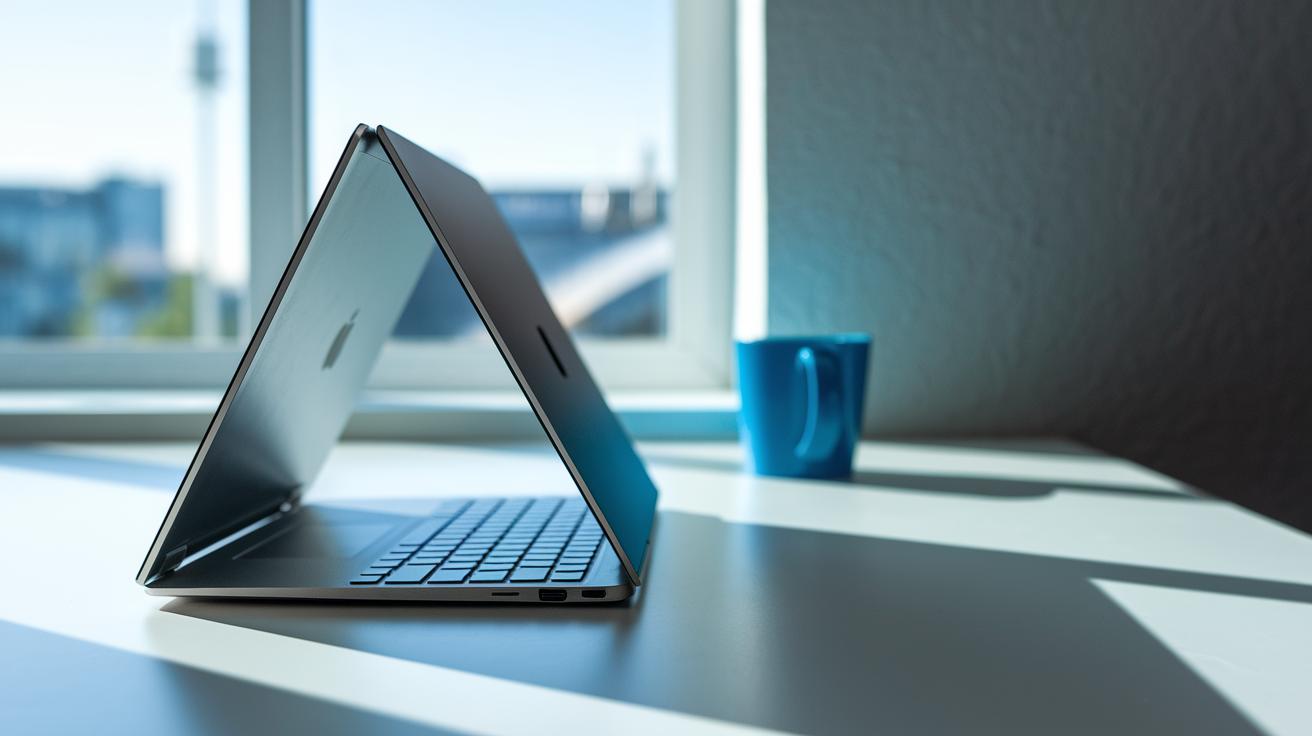
Convertible laptops count on smart hinge designs to switch easily between laptop, tent, stand, and tablet modes. The hinge is the heart of the transformation process, letting you move effortlessly between different use cases.
360-Degree Hinge Design
The 360° "Yoga-style" hinge is built with metal and alloy parts to offer sturdy, smooth movement. It’s designed to be both strong and flexible, with manufacturers testing them for 20,000 to 30,000 open and close cycles. This means you can switch to tent mode for a presentation or flip to tablet mode for note-taking without a hitch.
Detachable Keyboard Mechanisms
Some models let you detach the keyboard using a mix of magnets and simple mechanical clips. This design cuts down on weight, making the tablet easier to hold for long periods. However, it can sometimes be less rigid and a bit less powerful than models with a fixed hinge. These detachable setups are ideal if you need a device that doubles as a tablet and don’t mind a trade-off in computing strength.
Manufacturers put these hinges through tough tests, checking them with thousands of open and close cycles. This testing builds trust that your laptop will keep working smoothly day in and day out.
Touchscreen and Integrated Pen Support in Convertible Laptops
Convertible laptops blend a touch-friendly screen with built-in pen support so you can easily switch from jotting notes to enjoying media. These designs let you use a single device for both work and creative play.
Touch Interface Functionality
Many of these laptops come with IPS or OLED screens that deliver crisp images and lively colors. These displays typically reach up to 400 nits of brightness and support 10 simultaneous touch points, which means every swipe and tap feels accurate. This clear and responsive interface makes reading, browsing, and even quick media edits smooth and enjoyable.
Stylus Interaction Assessment
Built-in stylus support transforms these devices into convenient note-taking and drawing tools. The active digitizer pens can register up to 4,096 pressure levels and often include tilt detection to mimic natural handwriting and sketches. Some models even offer a dedicated spot for storing and charging the pen, ensuring it’s always ready when inspiration strikes. You can see an excellent example of a convertible laptop with stylus support by visiting this link: convertible laptop with stylus.
These combined touch and pen features turn regular note-taking into a dynamic, interactive experience. They let students and professionals quickly scribble ideas, annotate documents, and create sketches with ease. With a low touch latency averaging around 8–10 ms, your digital pen strokes feel as natural as writing on paper, boosting both productivity and creativity.
Hardware Specifications and Performance in Convertible Laptops
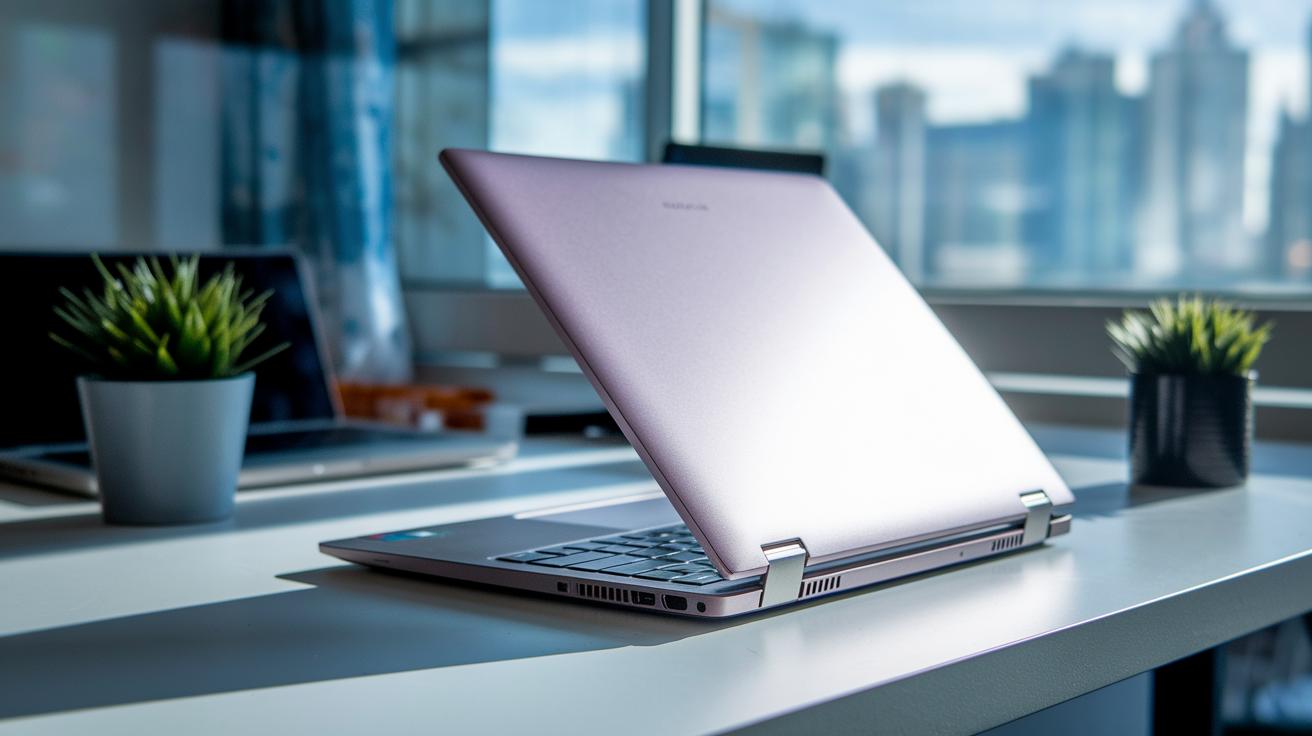
Convertible laptops often pack Intel Core i5 or i7 U-series and AMD Ryzen 5 or 7 mobile processors paired with integrated graphics. These chipsets are built to handle everyday tasks and creative apps while keeping battery life in check. Some detachable models use lower-power chips like Atom or Snapdragon to stay light and extend battery life, though you might notice a drop in processing strength.
RAM and storage play a big role in performance. Most convertibles come with 8 GB to 16 GB of LPDDR4x RAM, which makes it easy to run several apps at once. They usually start with a 256 GB NVMe SSD, which means faster data access and quick app launches compared to older hard drive setups. These components help keep your laptop responsive, whether you’re switching between tasks or running heavy apps.
When you compare lightweight convertibles meant for everyday use with more robust 2-in-1 workstations, the trade-offs are clear. Lighter laptops offer great portability and longer battery life, perfect for web browsing and office tasks. On the other hand, higher-end models like the Microsoft Surface Book 2 pack stronger GPUs, such as the GTX 1050, to handle more demanding creative or intensive applications. In the end, your choice depends on whether you need a sleek, portable design or more processing power for daily computing.
Portability, Battery Life, and Build Quality of Convertible Laptops
Convertible laptops are built to be easy to carry. They usually weigh between 2.5 and 4 pounds and have a slim profile under 0.7 inches thick. This lets you slip them into your backpack without feeling weighed down. Their lightweight design still offers solid support, which makes them a smart pick if you travel a lot or work from various spots.
Battery life is a key factor for these devices. With battery capacities between 40 Wh and 70 Wh, many models deliver 8 to 12 hours of mixed use. In everyday scenarios, this means you can browse the web, edit documents, or join video calls without always hunting for a power outlet. You can count on them to keep up with a typical work or school day.
Manufacturers choose materials that are both tough and stylish. They often use aluminum, magnesium alloy, or polycarbonate blends to build a sturdy chassis that resists scratches and keeps flex to a minimum. This choice ensures your laptop not only looks premium but also stands up well to everyday bumps and knocks.
Pros and Cons of Convertible Laptops: What to Consider

Convertible laptops have come a long way recently. Upgrades in hinge design and smarter cooling now help these devices run smoother and feel more durable. New features mean they deliver steady power while keeping things cool and reliable.
-
Pros:
- New hinge designs that boost lifespan.
- Smarter cooling keeps performance steady during heavy use.
- Firmware updates help balance battery life with processing speed.
- Improved ports and wireless options give you faster connectivity.
- Sleeker builds offer both ease of transport and strong performance.
-
Cons:
- Prices tend to be higher because you pay for premium quality.
- Some models add extra bulk to house full-power processors.
- Mode switching can sometimes trigger brief software glitches.
- The keyboard on a few models might not feel as polished.
- Compact designs can mean fewer options for future upgrades.
Think about how these changes match your daily routine to decide if the extra cost for smoother performance is worth it.
Convertible Laptop Buying Guide: Tips and Model Comparisons
When you shop for a convertible laptop, it boils down to finding the perfect mix of performance, design, and cost. Think about what you truly need, whether that's a vibrant display, solid processing power, a reliable hinge, or cool extras like built-in pen support. Understanding your key must-haves, whether for heavy creative work or everyday tasks, can really help narrow down your choices from budget models to high-end options.
| Model | Key Features | Price |
|---|---|---|
| Surface Book 2 | 13.5″ PixelSense display, GTX 1050 GPU, powerful processing | Starts at $1,500 |
| Spectre x360 | 360° aluminum chassis, 10th-gen Intel CPUs, premium look | Starts at $1,100 |
| Yoga 9i | 4K option, integrated pen garage, sleek design | Starts at $1,300 |
When matching your budget to your performance needs, consider your work style first. If you're into heavy multitasking or creative projects, a model like the Surface Book 2 might justify its higher price tag. For those after a stylish design paired with steady performance, the Spectre x360 is a great midrange pick. Meanwhile, if you value sharp displays for movies and everyday use, the Lenovo Yoga 9i offers a well-rounded choice. With prices that range from $600 to $2,500, it’s important to weigh the features against what you can spend. And don’t forget to check out build quality and extra touches like responsive touchscreens and smart accessory integration to find the laptop that fits your daily lifestyle.
Final Words
In the action, we explored how convertibles merge touchscreen ease with solid computing capabilities. We examined hinge mechanics, performance specs, battery performance, and design durability, making it clear what to expect from these hybrid devices.
This convertible laptop features guide breaks down the key factors, from stylus support to real-world battery life, to help balance style with functionality. The insights aim to empower your buying decision, leaving you ready to embrace a well-rounded tech option.
FAQ
What do popular convertible laptop features guides on Reddit discuss?
The convertible laptop features guide on Reddit highlights practical insights on design, touchscreen quality, battery performance, and hinge durability, helping users make informed decisions on versatile hybrid devices.
What is considered the best convertible laptop features guide?
The best convertible laptop features guide covers detailed specifications like touchscreen capability, stylus input, battery life, and build quality, offering a balanced evaluation for buyers seeking adaptable computing.
How are gaming convertible laptop features addressed in guides?
The gaming convertible laptop features guide focuses on high-performance hardware, efficient cooling, responsive displays, and robust build standards, ensuring that hybrid devices meet the demands of gaming scenarios.
What defines a 2-in-1 touchscreen laptop?
A 2-in-1 touchscreen laptop combines the functionality of a laptop and a tablet with a responsive touch display and often includes stylus support, enabling versatile use for productivity and creative tasks.
What distinguishes a 2-in-1 laptop tablet?
A 2-in-1 laptop tablet offers a detachable or foldable keyboard that allows it to function both as a full laptop and a tablet, delivering flexible user experiences and adaptable portability.
Which are the best 2-in-1 laptops for students?
The best 2-in-1 laptops for students feature lightweight designs, long battery life, versatile mode switching, and reliable performance, making them ideal for schoolwork, multimedia, and everyday use.
What are the disadvantages of convertible or 2-in-1 laptops?
The disadvantages of convertible laptops include potential durability issues with hinges or detachable keyboards, higher price points, and sometimes reduced performance compared to traditional clamshell laptops.
What should buyers know about convertible laptops with pen support?
Convertible laptops with pen support integrate active-digitizer technologies for precise stylus input, enhancing note-taking and creativity, though performance may vary based on pressure sensitivity and software calibration.
Are convertible laptops worth it?
Convertible laptops are worth it for users who value flexibility; they offer multiple modes, touch and pen input, and portability, which cater to varied work, study, and creative needs.
What are common problems with detachable laptops?
Common problems with detachable laptops involve issues like hinge or release mechanism wear, potential disconnections, and sometimes performance compromises in tablet mode due to lighter hardware configurations.
How do convertible laptops work?
Convertible laptops work by employing either a 360° hinge or a detachable keyboard, allowing the device to switch between laptop, tablet, tent, and stand modes to suit different usage scenarios.