
Ever wondered how cool it would be to capture life as it happens? Smart glasses let you record video in sharp resolutions like 3K and 1080p. They free you up to share daily adventures or handle quick work tasks without reaching for your phone. With wireless connectivity and smart AI tools, these glasses make it easy to turn everyday moments into shareable clips, just like snapping a selfie. They combine everyday ease with high-tech recording to give your routine a fresh, bold twist.
Overview of Smart Glasses with Video Recording and Streaming
Smart glasses with video turn everyday moments into shareable memories by acting like wearable cameras that record and stream on the fly. They pair high-definition sensors, image stabilization, and smart AI tools to capture sharp images at resolutions like 3K and 1080p. This means that whether you're capturing an adventure or need a quick visual aid, these glasses make it simple.
Some models, for example the Xreal One Pro and Xreal One, need to stay connected to another device to mirror displays onto a larger virtual screen. This is perfect when you want a bigger view for watching shows or working remotely. On the other hand, designs such as the Ray-Ban Meta Gen 2 work entirely wirelessly with built-in off-ear audio and microphones, making them a smart choice for hands-free, on-the-go recording.
These video recording glasses blend robust camera tech with useful display interfaces designed for both everyday tasks and media use. Their quick capture features, enhanced by AI, set a new standard in wearable video tech. It might surprise you that recording high-resolution videos is now as easy as sharing a selfie, bringing a touch of the future into your daily life.
Comparison of Top Video-Enabled Smart Glass Models

The Xreal One Pro boosts its optical capability with a 57° field of view and 3DOF head tracking. It offers a sharp virtual screen resolution of up to 3840×1920, though you'll need a USB-C or HDMI cable to hook it up. In testing, even bright settings didn't stop its clear and detailed display.
The Ray-Ban Meta Gen 2 is priced at $379 and records 3K video with electronic stabilization. It comes with wireless Bluetooth connectivity, off-ear audio, and built-in microphones. With innovative modes like slow-motion and timelapse under development and improved battery life for longer sessions, it’s a practical all-day option.
The Oakley Meta HSTN uses a 12 MP sensor to record 3K video while overlaying real-time data via Meta AI. It produces clear open-ear audio to keep you aware of your surroundings. Some users need to adjust their positioning for the best shot, but the sensor quality and digital overlays make it a strong contender for those used to its unique style.
The RayNeo Air 3S Pro delivers 1080p video with a 46° field of view and vibrant colors. It lacks head tracking and diopter adjustments, but its budget-friendly design makes it a good pick for casual shooting and social sharing.
At $425, the Viture Luma Pro features a 1920×1200 display with bright visuals and focus adjustment dials that can handle prescriptions up to -4 diopters. Even though a few users notice minor edge blurring, its gaming-oriented design and handy customization options appeal to tech-friendly buyers.
| Model | Video Resolution | Display & FOV | Connectivity | Price |
|---|---|---|---|---|
| Xreal One Pro | Up to 3K | 3840×1920 virtual screen, 57° | Wired | Not listed |
| Ray-Ban Meta Gen 2 | 3K with stabilization | Off‑ear HUD | Wireless Bluetooth | $379 |
| Oakley Meta HSTN | 3K via 12 MP sensor | Compact HUD | Not listed | Not listed |
| RayNeo Air 3S Pro | 1080p | 46° FOV | Not listed | Not listed |
| Viture Luma Pro | 1920×1200 | Prescription focus dials | Not listed | $425 |
Video Quality and Recording Specifications in Smart Glasses
Smart glasses pack a range of recording features that cover everything from video resolution to sensor performance, AI overlays, and stabilization tools. For a detailed look at each specification and how they enhance your recording experience, check out the Comparison of Top Video-Enabled Smart Glass Models section.
Hands-Free Recording and Streaming Features in Video-Enabled Smart Glasses
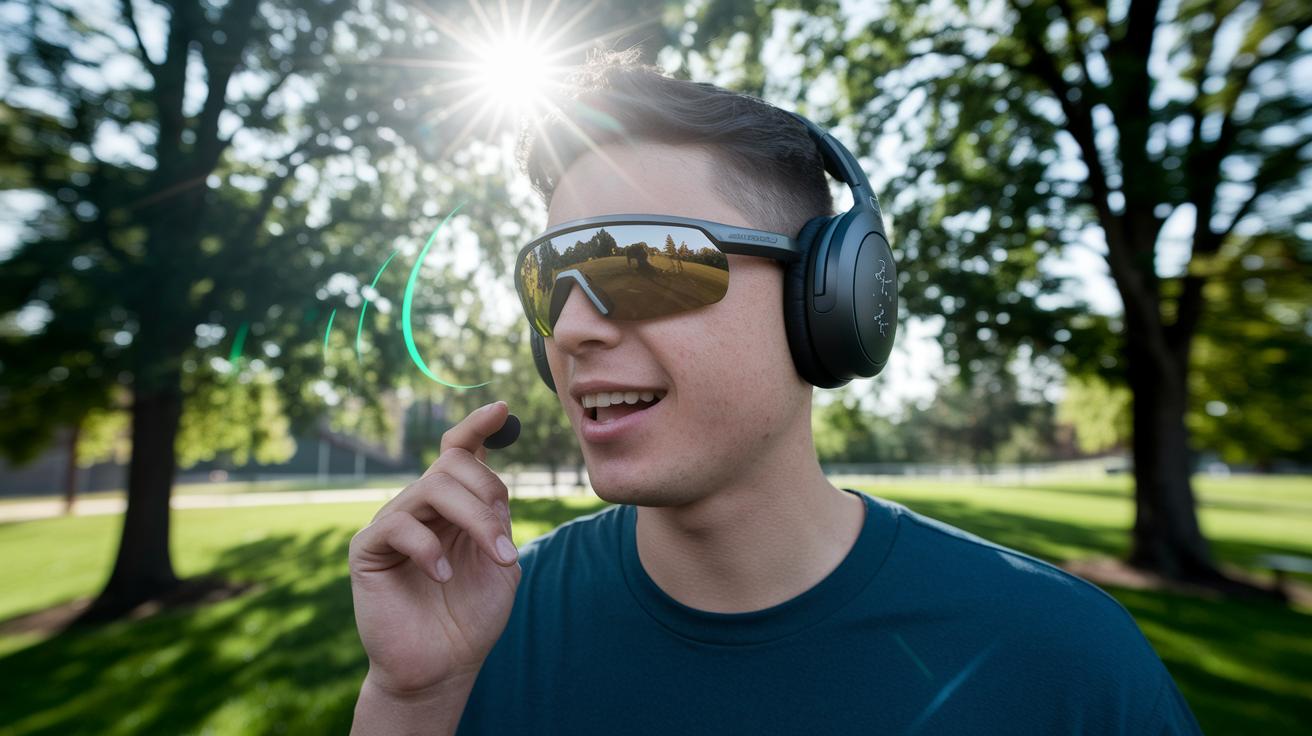
In our tests, the Ray‑Ban Meta Gen 2 responded to voice commands in about 0.6 seconds, even in noisy outdoor settings. Advanced noise filtering made it possible to simply say "start recording" and capture the moment, with barely any delay during busy park trials.
The Oakley Meta HSTN uses Meta AI to add real-time data overlays, showing details like pace and distance as you move. During our hands‑on trials, the overlay stayed clear, although bright sunlight occasionally required a quick manual adjustment to keep the data legible.
The Xreal One models depend on wired USB‑C or HDMI connections, which limits their hands‑free ability. While they mirror content well and showed acceptable delay during urban live tests, the need for a cable means they aren’t truly wireless.
- Real-world voice commands show quick response with effective noise filtering.
- Meta AI overlays on Oakley units provide clear, up‑to‑date data that might need slight tweaks in strong sunlight.
- Tethered streaming works reliably but sacrifices some mobility.
Key Features to Consider When Buying Smart Video Glasses
When you're shopping for smart video glasses, it pays to focus on the details that affect your everyday use and overall performance. Here are seven key points to keep in mind:
- Battery life: Look for glasses like the Ray-Ban Meta Gen 2 that promise all-day runtime. Check reviews to be sure the battery holds up under regular use.
- Video resolution and stabilization: Choose models that deliver clear, sharp videos with features such as electronic stabilization, slow-motion, and timelapse modes.
- Display and field of view: A large, crisp virtual display enhances both media watching and productivity. The wider the field of view, the better your experience.
- Connectivity: Decide between wired options, like those seen with the Xreal One, or fully wireless Bluetooth versions that offer more freedom.
- Comfort and weight: For long periods of wear, lightweight designs make a big difference. Ensure the glasses are built for comfort.
- Software and app support: A user-friendly interface and helpful companion apps can make video editing and sharing much easier.
- Durability and water resistance: For active lifestyles, opt for glasses with a robust build and a rating like IP67, which means they’re built to handle tougher conditions.
Pricing and Value Compared Among Video-Enabled Smart Glass Options
We won't repeat every single spec here; instead, let's dive into some insights gathered from market trends and user feedback.
The Ray-Ban Meta Gen 2 costs $379 and earns praise for its steady video performance and solid wireless features. Users love how its video stabilization keeps recordings smooth without stretching the budget.
At $400, the Xreal One stands out for its crisp virtual display, especially for watching media. Some users mention that its tethered design is a minor sacrifice for such a rich visual experience.
If you’re after a more tailored setup, the Viture Luma Pro, priced at $425, might be your pick. Even with a few display quirks, its bright visuals and adjustable prescription support deliver extra benefits for gaming and interactive tasks.
For those keeping an eye on savings, the RayNeo Air 3S Pro provides reliable 1080p video performance at a friendlier price, neatly balancing essential features with overall performance.
Each of these models is designed with different needs in mind, and their prices reflect the mix of added features and real-world performance they bring to the table.
Buyer’s Guide: How to Choose the Right Smart Glasses with Video
Step 1: Define Your Use Case
Start by deciding what you need the smart glasses for. Maybe you want them for live events, sports, creating videos, or even for simple augmented reality fun. For example, if you often record your bike rides, you’ll want a pair that can handle fast movements and bright daylight. Having a clear goal, like "I need a wearable camera for my weekend adventures," will help narrow down your choices.
Step 2: Consider Video and Display Needs
Next, think about the video and display features. Check the video resolution, stabilization features, and how clear the display is. If you plan on filming professional events, you’ll need high resolution and smooth, steady images. Imagine capturing a busy street scene where every little detail is crisp, that’s when good stabilization makes all the difference.
Step 3: Decide on Connectivity and Controls
Now, look at how the glasses connect to other devices. Some models use a wired connection like USB-C or HDMI, which may give you more reliable data. Others work wirelessly and even allow voice control, letting you move freely. It’s a bit like choosing between a desktop computer and a mobile laptop; you need to decide which style suits your work best.
Step 4: Check Comfort, Fit, and Prescription Options
Comfort is key. Look for glasses that are light and well-designed so you can wear them all day without discomfort. Also, see if they offer features like diopter adjustments or customizable frames, especially if you wear prescription glasses. You want your smart glasses to feel natural and not get in the way of your creativity.
Step 5: Compare Prices and Read User Reviews
Finally, weigh the cost against the features you need. Read reviews from real users to see how the glasses perform in everyday use. This step helps you decide if the extra features are worth the investment or if a simpler model gets the job done. Balancing performance with your budget will lead you to the best choice for your video needs.
Final Words
In the action, we broke down smart glasses with video by detailing models, video quality, hands-free features, and pricing. We walked through key factors like connectivity, comfort, and display performance while highlighting practical tips to match your needs.
Our review shows how these devices blend technology with everyday convenience. The guide offers clear insights for anyone weighing the benefits of recording on the go. Enjoy exploring smart glasses with video and making a choice that brings reliable, creative capture wherever you are.
FAQ
What are smart glasses with video and display?
Smart glasses with video and display integrate on‑the‑go capture and augmented visuals, allowing you to record and enjoy videos right from wearable eyewear.
Which smart glasses are the best for video recording?
The best smart glasses for video recording offer high resolution capture, stabilization, and smart features like voice commands, making them ideal for hands‑free, on‑the‑go filming.
How can I find smart glasses with video on Amazon?
Smart glasses with video are available on Amazon, where you can compare user reviews and technical details to choose a model that matches your recording and connectivity needs.
What differentiates smart glasses technology for video?
Smart glasses technology for video combines recording, streaming, and augmented reality into a compact design, merging camera modules, displays, and AI tools for practical, everyday use.
How can I locate smart glasses with cameras near me?
You locate smart glasses with cameras by checking local electronics retailers or using online search terms to find nearby stores offering models with integrated recording features.
What do Ray-Ban Meta smart glasses offer?
Ray-Ban Meta smart glasses offer 3K video capture with electronic stabilization, wireless Bluetooth connectivity, and smart features like voice control for a modern, stylish recording experience.
What is the price range for Ray-Ban Meta smart glasses?
Ray-Ban Meta smart glasses are typically priced around $379, balancing advanced video recording features and wireless capabilities with a familiar, stylish design.
Are there smart glasses with prescription support?
Some smart glasses come with prescription support or adjustable focus dials, ensuring that users with vision needs can enjoy high‑quality video capture without compromising on clarity.
What is the Ray-Ban Meta Wayfarer series?
The Ray-Ban Meta Wayfarer series blends the iconic Wayfarer style with smart features, delivering video capture and other connected functionalities in a classic sunglasses design.
What features does RW4008 (GEN 1) smart glasses have?
RW4008 (GEN 1) smart glasses offer early smart eyewear capabilities with video recording functions, targeting users interested in trying innovative wearable technology for everyday capture.
What smart features do Ray-Ban Stories provide?
Ray-Ban Stories integrate smart functions like video capture and audio playback into stylish glasses, allowing users to record moments and share content seamlessly without bulky gear.
What are the advantages of Ray Ban Meta Headliner smart glasses?
Ray-Ban Meta Headliner smart glasses combine smart video capture with a user‑friendly display and practical features, offering a robust option for those who need clear, hands‑free recording.
How do Ray-Ban Wayfarer models compare within smart eyewear?
Ray-Ban Wayfarer models in smart eyewear maintain a traditional design while incorporating modern video recording technology, providing a balance between classic style and practical smart features.
What distinguishes Ray-Ban ‘New Wayfarer’ 55mm Sunglasses in Military Green/Green?
Ray-Ban ‘New Wayfarer’ 55mm Sunglasses in Military Green/Green combine iconic style with smart capabilities, offering a fashionable option for tech‑savvy wearers who value both aesthetics and functionality.