
Ever wondered which laptop might be your perfect match? Convertible laptops bring touchscreen simplicity and flexible design to the table, while traditional laptops are known for their steady performance and familiar build. In this guide, we break down both options so you can see which one fits your lifestyle best. Whether you're a creative who loves sketching on the go or someone who needs a machine that can handle heavy work without a fuss, we've got the insights you need. Get ready to balance ease with performance as you decide which style fits your busy life best.
Convertible Laptop vs Traditional Laptop: A Quick Comparison
Convertible laptops, also called 2-in-1 laptops, mix the best of notebook and tablet features. They’re a hit with students, graphic designers, and casual users who enjoy switching easily between typing and touchscreen use. You usually find two types: detachable models where the keyboard comes off completely, and hybrids with a 360° rotating screen that stays attached to the keyboard.
Traditional laptops stick with the classic clamshell design. They offer solid performance with a robust build that many power users and gamers appreciate. These machines are built to feel secure and steady, even under heavy work. Convertibles often have screens that range from 12 to 17 inches and weigh less than 1.5 kg, making them very portable. On the other hand, traditional laptops can weigh anywhere from 1.2 to 2.5 kg.
If you love sketching or making notes right on your screen, a convertible could be the perfect match. But if you need a machine that handles intense processing and stays cool under pressure, a traditional laptop might be the way to go. Ultimately, your decision comes down to whether you prefer the innovative touchscreen experience or the trusted reliability of a classic clamshell.
Design & Form-factor Comparison: Convertible vs Traditional Laptops
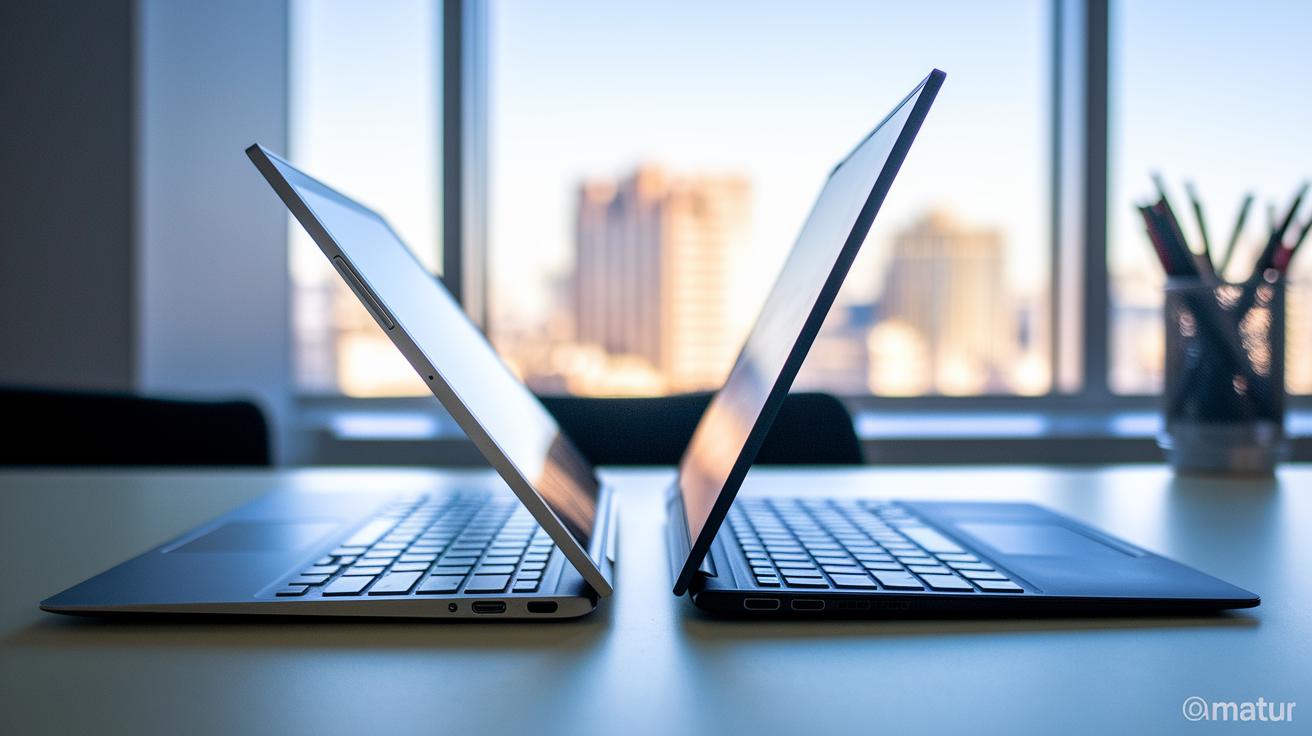
Convertibles come in a variety of styles. Some have keyboards fixed in place that rotate a full 360 degrees, letting you flip the screen around. Others let you remove the keyboard completely, turning the device into a tablet. Then there are models with reversible screens that let you switch modes without taking the keyboard off. These designs rely on sturdy materials like magnesium or carbon-alloy that keep the device solid even with frequent use.
Traditional clamshell laptops stick to a classic design. They usually feature a unibody shell made from aluminum or plastic. While they don’t offer the same flexibility as convertibles, they are known for their durability and reliability. Their fixed hinge makes them simple to use and ideal for heavy work tasks or gaming sessions.
In general, convertibles have display sizes ranging from 12 to 17 inches, with resolutions from Full HD up to 4K, and they typically weigh under 1.5 kg to keep them portable. Traditional laptops, on the other hand, usually weigh between 1.2 and 2.5 kg as they focus more on performance and efficient cooling. Designers for both types carefully consider how you might use each laptop, whether it's for quick presentations, creative sketching, or demanding gaming and content creation.
| Type | Hinge Mechanism | Typical Weight | Ideal Use |
|---|---|---|---|
| Fixed-Rotate Convertible | 360° metal hinge | 1.3 kg | Presentations & sketching |
| Detachable Convertible | Magnetic/snap dock | 1.2 kg | Tablet-first portability |
| Traditional Clamshell | Standard hinge | 1.5–2.5 kg | Heavy workloads & gaming |
Performance & Battery Longevity: Convertible vs Traditional Laptop
Convertible laptops are designed with everyday tasks in mind. They come with Intel or AMD mobile processors that are plenty fast for routine work. Most models include at least 8 GB of RAM and an SSD, which helps keep everyday applications running smoothly. Their screens, which can be Full HD to 4K, look crisp but sometimes add extra pressure on the graphics chip. So while they perform well for watching videos and editing photos, they might slow down with heavy gaming or 3D work.
Traditional clamshell laptops also use current generation processors. However, they usually feature better cooling systems with larger heat pipes and vents to manage heat during extended heavy use. This means they can handle long sessions of demanding apps without overheating. Plus, many of these laptops include dedicated GPUs, which boost graphics performance for design tasks or gaming.
Battery life is another area where these two designs differ. Some convertibles, like the Dell Inspiron 7000 2-in-1, are built for maximum efficiency and can last more than 16 hours under steady use. In contrast, clamshell laptops typically provide between 8 and 10 hours of battery life when handling tasks that push the graphics harder.
- Processing Power: Convertibles feature mobile CPUs while traditional laptops benefit from enhanced cooling systems.
- Graphics: Slim 2-in-1 convertibles usually have less powerful graphics than clamshells with dedicated GPUs.
- Battery: Some convertibles can reach up to 16 hours, while traditional laptops average 8 to 10 hours under heavy loads.
Usage Scenarios: Who Benefits from a Convertible Laptop vs Traditional Clamshell?

Academic and Creative Users
Convertibles are a great choice for students and creative pros. They come with a built-in stylus support, a responsive touchscreen, and a light design that makes them easy to carry around. You can quickly scribble notes during a lecture or sketch out detailed designs directly on the screen. With high-definition displays that deliver crisp visuals, these devices are perfect for creative work. An example is the ASUS Zenbook 14 Flip UX5401FEA-KU106X (Intel i7). This convertible mixes portability with strong performance, which is ideal if you need to switch fast between tasks like writing and designing.
Business and Professional Users
Traditional clamshell laptops are built to fit the needs of busy professionals. They feature full-size keyboards, plenty of ports, and solid security options that keep your data safe. These laptops handle heavy multitasking and long video calls with ease. Their efficient cooling systems help them run smoothly through a long day of work. The sturdy design makes sure you get reliable performance for handling complex tasks and important documents during meetings or presentations.
Entertainment and Casual Users
For those who enjoy media and casual use, convertibles offer a fun and flexible experience. The touchscreen lets you easily switch to a tablet mode for streaming videos, reading, or even light gaming. They often boast long battery life so you can watch movies or browse the web for hours without worrying about a charger. Models like the ASUS ROG Flow X13 GV301QE, with its 3840×2400 display, deliver an immersive viewing experience while remaining user-friendly for everyday activities.
Cost Consideration: Convertible vs Traditional Laptop Pricing
When it comes to cost, convertibles tend to start at about $400 for basic models and can reach up to $2,000 if you opt for premium features like a high-quality touchscreen and a sturdy hinge. In simple terms, you're paying more for a laptop that easily transforms into a tablet. Traditional laptops, with their simple clamshell design, are generally less expensive. You can find budget models for around $300 and mid-range ones typically between $800 and $1,500.
Think about the overall expense when planning your purchase. While both types often come with similar warranty terms, repairs for convertible-specific parts like the touchscreen or hinge might add extra costs over time.
Here’s a quick cost breakdown:
- Entry-level convertibles: $400–$600
- Premium convertibles: $1,000–$2,000
- Budget traditional laptops: $300–$500
- Mid-tier traditional laptops: $800–$1,500
This guide should help you figure out which option gives you the best value for your money.
Pros & Cons: Convertible Laptop vs Traditional Laptop

Convertible laptops let you switch between a laptop and a tablet easily. Users say the touchscreens work well even after long sessions, though tests hint that the hinge might wear out if you flip modes too often. Even with a smaller keyboard, many find these devices lightweight and easy to carry.
Traditional laptops, on the other hand, deliver steady performance under heavy use. They stay cool and run reliably over many years of work. The catch is they do not offer a tablet mode, which might be a dealbreaker if you need a touch interface for creative or casual tasks.
| Aspect | Convertible Laptop | Traditional Laptop |
|---|---|---|
| Usage Flexibility | Switches to tablet mode for different workflows | Stick with a clamshell design only |
| Durability | Touchscreen remains responsive; hinges may need extra care | Built for long-term use with consistent performance |
| User Reliability Score | Around 70% satisfaction with its dual functions | About 83% satisfaction from long-term heavy use |
Convertible Laptop vs Traditional Laptop: Your Ideal Pick
When you're picking between a convertible and a traditional laptop, begin by figuring out what you really need it for. Do you lean towards jotting down notes and getting creative with a touchscreen and stylus, or do you need a sturdy machine with plenty of ports and a full keyboard to handle heavy work?
Watch out for a few common pitfalls that could leave you unhappy later on:
- Poor build quality: Look for options with a magnesium or carbon-alloy finish instead of plastic if you want lasting durability.
- Skipping on warranty details: Hidden repair costs, like hinge servicing, can sneak up on you if you don’t read the fine print.
- Ignoring port and compatibility issues: Make sure the laptop supports all the peripherals you rely on.
- Zeroing in on just one spec: Balance the overall performance rather than focusing solely on one feature.
- Choosing maximum storage blindly: More storage isn’t always better if it comes at the cost of efficiency.
Set a clear budget, compare the CPU, RAM, and storage options side-by-side, and take a look at both expert and buyer reviews. If you can, test the keyboard and touchscreen in person. And always double-check the warranty and return policy. By following these steps, you can match a laptop’s strengths with your everyday needs and avoid the risk of buyer’s remorse.
Final Words
In the action, we compared key aspects of convertible laptops and traditional laptops, from design and performance to pricing and everyday usability. We broke down the clear strengths and trade-offs for creatives, students, business professionals, and casual users. Each section offered hands-on insights and easy-to-follow decision steps so you know what fits your budget and workflow best.
This guide helps clarify your choice when deciding on a convertible laptop vs traditional laptop, leaving you more confident and ready to pick the right device for your needs.