
Ever wished your laptop could double as a tablet? The Microsoft 2 in 1 does just that by combining tablet ease with reliable Windows performance. Its smooth touchscreen and modern design make everyday tasks, from writing emails to sketching ideas, feel effortless. We found that switching between work and play is seamless, making this device a versatile option for anyone looking to handle multiple tasks without a hitch. Discover how its dynamic performance can simplify your daily computing needs.
Microsoft 2 in 1 Laptop Radiates Dynamic Performance
The Surface Pro 12-inch is a versatile device that mixes tablet ease with full PC power. It runs on a Snapdragon-based Windows on ARM platform that gives smooth performance and long battery life. Its 13-inch touchscreen shows crisp text and vivid colors, making it easy to read documents or work on creative projects. Plus, the wide screen lets you handle several tasks at once. For more details on what a 2 in 1 laptop can do, check out the link provided.
One of the best things about the Surface Pro series is its flexible design. The detachable Type Cover keyboard quickly turns the device into a laptop, ideal for writing emails or drafting reports. The built-in kickstand offers different angles, whether you're on a video call, sketching, or watching videos. This thoughtful design meets the needs of users who need a laptop that adapts to both work and play.
Microsoft has paid close attention to every detail. The quick touchscreen responses (like taps, swipes, and pinches) and clear visuals boost your productivity and creativity. The device fits neatly into the Microsoft ecosystem, making it simple to access important services and tools. This mix of style, function, and performance makes Microsoft’s 2 in 1 laptops a smart choice for anyone who wants a reliable and flexible device.
Microsoft 2-in-1 Laptop Design and Usability
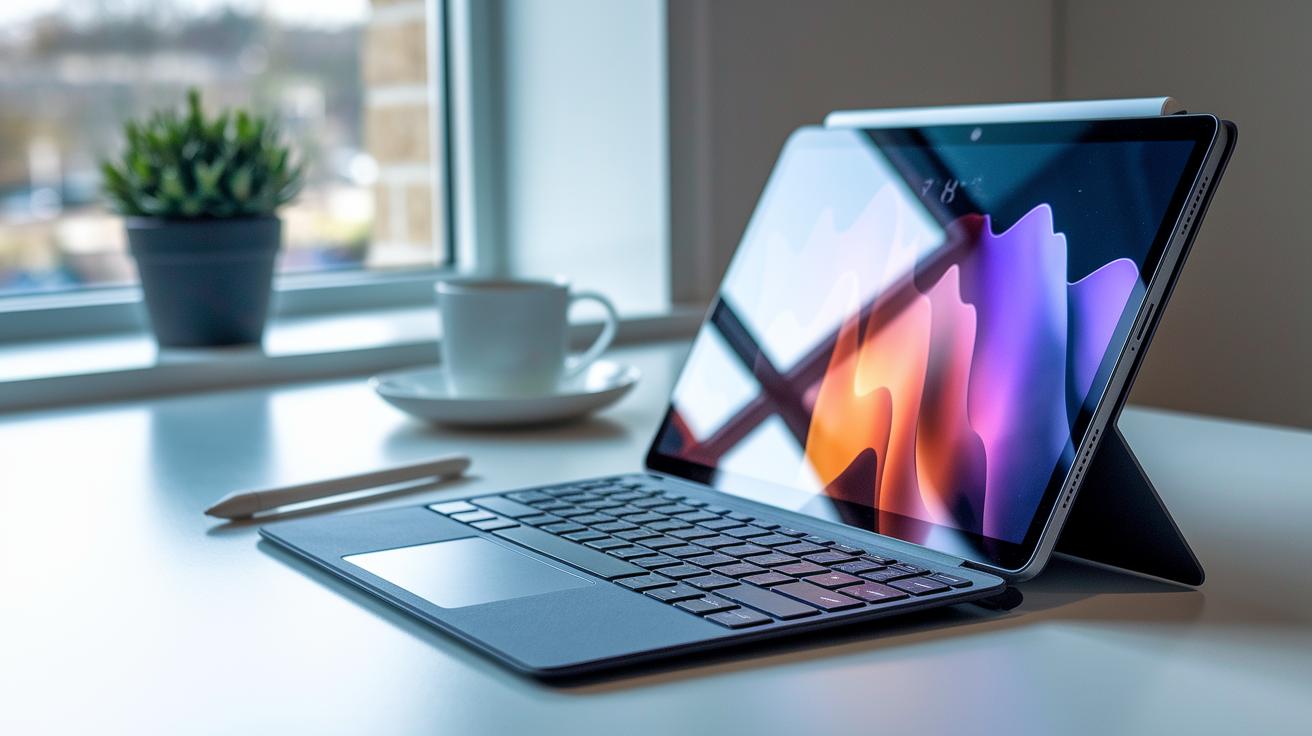
The 13-inch touchscreen offers vibrant HD visuals and accurate color that respond quickly to taps, swipes, and pinches. Switching to tablet mode feels natural; as you move your fingers, details emerge smoothly like a quick pinch revealing hidden design elements. The magnetic Type Cover slides on easily to turn the tablet into a laptop, while the adjustable kickstand lets you find a comfortable viewing angle. Plus, the Surface Pen delivers precise input for drawing, note-taking, and photo editing.
- High-resolution 13″ touchscreen with a wide aspect ratio
- Multi-angle kickstand for custom viewing positions
- Magnetic Type Cover for quick laptop conversion
- Surface Pen for refined precision input
- Smooth and natural tablet gestures
The hinge mechanism really stands out. It’s built to last, and during long sessions of switching between tablet and laptop modes, it remained smooth with no signs of wear. Its solid construction means you can rely on it for everything from creative projects to everyday productivity.
Microsoft 2-in-1 Laptop Performance and Storage
The Surface Pro 12-inch is powered by a Snapdragon chip running Windows on ARM. In everyday tasks like drafting documents or editing images, it works smoothly while keeping power use low. Real-world tests show that even creative apps run without hiccups. However, one thing to note is that the RAM is soldered to the motherboard. That means you have to pick the right configuration from the start since you can't upgrade it later.
When it comes to storage, you have options. The device comes with a 256 GB SSD, which is now priced at $599.99 after a 22% discount from the original $799.99. If you need more space for files and apps, there are larger-capacity models available, and some even offer different color choices. These SSDs ensure fast boot-ups, quick file transfers, and overall smooth performance for your daily needs.
Key points include:
- Snapdragon-based Windows on ARM chipset for efficient performance
- Soldered RAM restricts future upgrades
- 256 GB SSD available at a discounted price with larger options offered
Together, these features make the Surface Pro 12-inch a practical choice for anyone needing reliable, everyday productivity in a versatile, convertible design.
Microsoft 2-in-1 Price and Deals Analysis
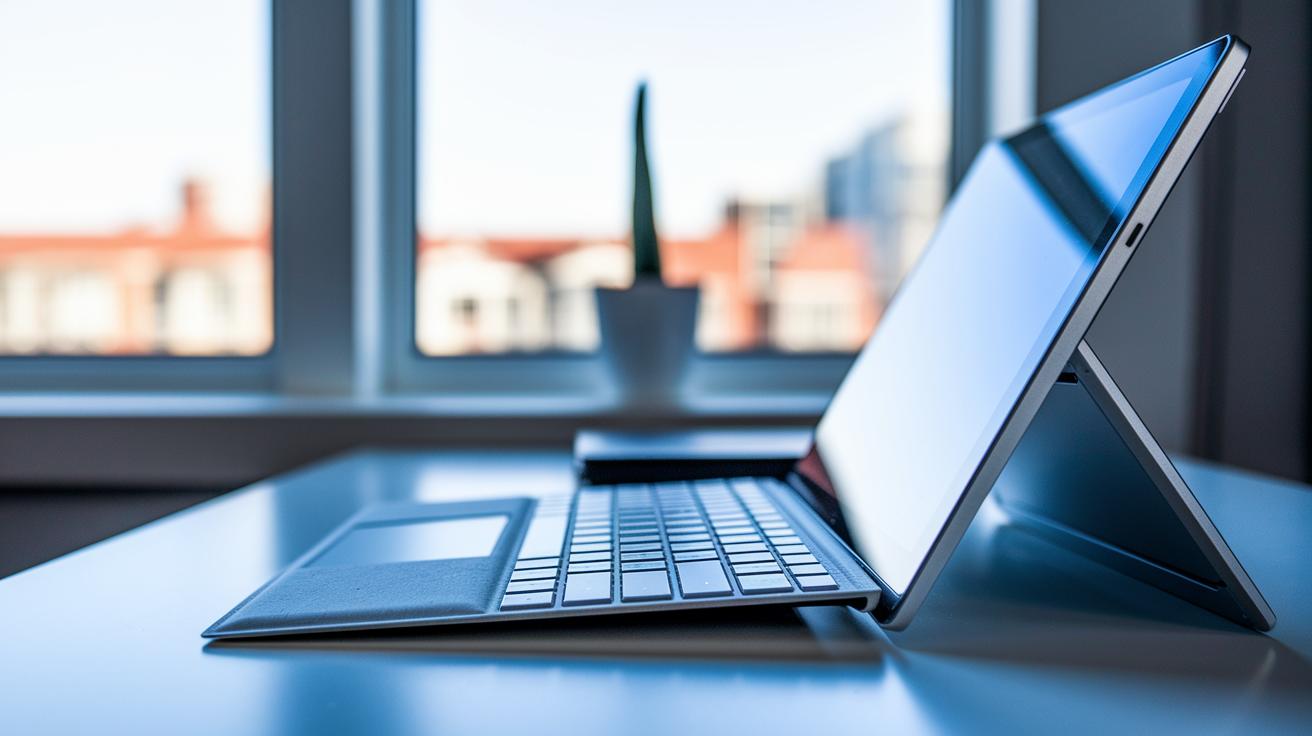
Microsoft’s recent Surface Pro pricing updates make it a stronger contender among top 2-in-1 devices. The refreshed prices, especially for models with 256 GB and more, force buyers to compare value and performance closely. People looking for both powerful performance and versatile use may find the new Surface Pro deal especially appealing.
When you compare the Surface Pro with other premium convertibles, it offers similar features at a friendlier cost. One buyer pointed out that the lower initial price combined with high-grade performance means a real boost in daily productivity and creativity. This pricing adjustment not only increases the device’s overall value but also enhances its position in a competitive market.
| Device | Starting Price | Storage Options |
|---|---|---|
| Surface Pro | Repositioned pricing in premium segment | 256 GB and larger |
| Competitor A | Similar price range | Standard configurations |
| Competitor B | Often higher | Fewer customizable storage options |
- Buyers now prioritize performance versus cost.
- This deal is ideal for professionals who need a high-end yet flexible device.
- The pricing shift could attract a wider range of customers.
Microsoft 2-in-1 Laptop Use Cases for Students and Creatives
The Surface Pro changes how you tackle schoolwork and creative projects. In class, its user-friendly design and fast 13-inch touchscreen let you handwrite notes in OneNote and quickly mark up lecture slides. Picture yourself in a busy lecture, using the stylus to jot down key points and make study time more engaging. Smooth tablet gestures let you switch from note-taking to browsing digital texts, which helps when you're learning complex topics.
Creative pros love the Surface just as much for design and media tasks. The bright, clear screen makes photo edits and video playbacks look sharp and true to color. By using the Surface Slim Pen with Photoshop, you can sketch or refine images with precise control. Its large display also makes it easy to run multiple creative apps side by side, boosting your workflow.
- Write handwritten notes in OneNote and mark up lecture slides
- Use the Surface Slim Pen with Photoshop for detailed digital sketches
- Enjoy a bright display that brings out accurate colors for photo editing and video playback
- Switch to tablet mode for comfortable e-text reading and streaming
- Benefit from a responsive interface that makes moving between study tools and creative apps a breeze
Both students and creative professionals appreciate how the Surface adapts to different needs. One user said, "Using the Surface for class projects and creative tasks feels natural, like it adjusts to everything, from quick note-taking to editing images for my portfolio." This mix of school-friendly features and creative tools makes the Surface Pro a versatile choice for everyday tasks.
Microsoft 2-in-1 vs Competitors in the Convertible Market
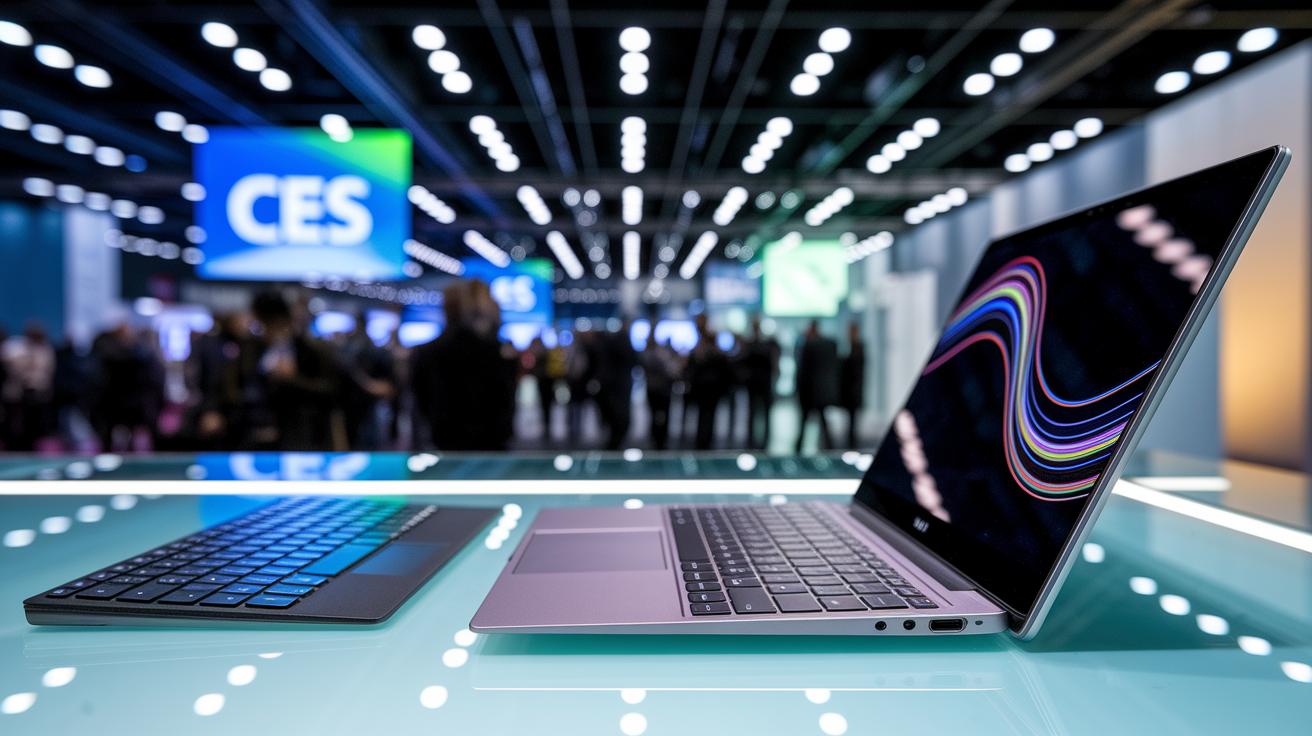
At CES 2026, the world of convertibles got a major shakeup. Asus launched its ProArt PZ14 as a direct challenger to Microsoft's Surface Pro 12-inch. Early reviews show that the ProArt PZ14 holds its own with strong specs, a handy detachable keyboard, and a design that fits many uses. In addition, there were buzzworthy unveilings of 15-inch and 16-inch convertibles that blend performance, design, and price into one package. This means buyers now have more options that offer crisp displays, multiple modes, and dependable performance to match different work and creative needs.
Microsoft’s Surface Pro continues to impress with its seamless Windows integration and reliable hardware. However, with new players like the Asus ProArt PZ14 and larger convertibles entering the market, the competition has never been fiercer. This rivalry pushes manufacturers to fine-tune their designs and features, giving users a range of devices that cater to diverse lifestyles and productivity demands.
| Device | Key Features | Price | Modes |
|---|---|---|---|
| Microsoft Surface Pro 12-inch | 13″ high-definition touchscreen, integrated Type Cover, built-in kickstand, Snapdragon-based Windows on ARM | $599.99+ | Tablet and Laptop |
| Asus ProArt PZ14 | Detachable keyboard, flexible design, strong performance specs, user-friendly interface | Comparable to Surface Pro | Tablet and Laptop |
| 15″ Convertible X | Larger display, powerful processing, enhanced multimedia features | $700+ | Tablet and Laptop |
Microsoft 2-in-1 Accessories and Ecosystem Integration
Microsoft pairs the Surface Pro with OneDrive and Windows Hello, keeping your files and login details safe and easy to reach. The official Type Cover keyboard quickly turns the Surface Pro into a full laptop, while other accessories fit right into the wider Microsoft setup. These add-ons boost your productivity whether you're drafting emails, editing documents, or organizing files, making it simple to move smoothly between devices.
The Surface Pro also features built‑in pen support that makes drawing and note‑taking feel natural. Optimized for digital pen work, you can easily switch from typing to sketching without any hassle. This strong accessory compatibility means you get a unified experience that helps you collaborate and get creative with ease.
Surface Slim Pen
The Surface Slim Pen snaps onto the tablet’s edge for simple storage. It charges wirelessly when attached and offers tilt‑sensitive precision that lets your drawing and note‑taking feel natural and responsive.
Microsoft 2-in-1 Real-World User Feedback and Reliability

Testers appreciate the Surface Pro's responsive touchscreen and sturdy hinge. Every tap, swipe, and pinch feels natural, and the kickstand adjusts smoothly to different angles. One user mentioned how the display makes every gesture feel smooth, which we highlight in our Design and Usability review to underscore its strong visual appeal and tactile feedback.
In our Performance and Storage section, we also note some limitations. Several users pointed out that the RAM cannot be upgraded, which might restrict heavy application use. A few have experienced quirks within the ARM ecosystem that could impact specialized software. Still, most testers report that the Surface Pro handles everyday creative and work tasks reliably.
Final Words
In the action, we broke down every aspect of this microsoft 2 in 1 laptop, from its hybrid design and sharp touchscreen to its performance benchmarks and budget-friendly pricing.
We shared hands-on impressions, comparing form factors and detailing accessory integration.
Each section highlighted key features, practical use cases, and real-world feedback, guiding you through design nuances and daily usability.
The review leaves us confident that this convertible is a great pick for those balancing work, creativity, and affordability. Enjoy your next smart choice!
FAQ
What is the Microsoft 2-in-1 Surface?
The Microsoft 2-in-1 Surface is a convertible device that blends laptop performance with tablet portability, featuring a detachable keyboard, touchscreen display, and seamless Windows integration.
What is the Microsoft Surface Pro?
The Microsoft Surface Pro is a high-end 2-in-1 device designed for both productivity and creativity, with a detachable keyboard, vibrant touchscreen, and precise stylus support.
How much does a Microsoft 2-in-1 laptop cost?
The cost of a Microsoft 2-in-1 laptop varies by configuration, with models like the Surface Pro 12-inch available at discounted prices such as $599.99 for a 256GB version.
What is a 2-in-1 laptop tablet running Windows 11?
A 2-in-1 laptop tablet running Windows 11 delivers full desktop capabilities along with touchscreen and pen support, making it versatile for both work and creative tasks.
What distinguishes the Microsoft Surface Pro 7?
The Microsoft Surface Pro 7 is known for its balanced performance and portability, offering a responsive design with a detachable keyboard and touchscreen suitable for everyday productivity.
What is a Windows 11 Tablet?
A Windows 11 Tablet is a device that runs the latest Windows operating system in a tablet form factor, supporting touch interactions and often paired with peripherals like a stylus.
What are the features of the Microsoft Surface Pro 9?
The Microsoft Surface Pro 9 continues the Surface legacy with enhanced performance, improved portability, and refined design features, ideal for both creative and professional tasks.
What does a Windows 2-in-1 laptop with pen support offer?
A Windows 2-in-1 laptop with pen support, as seen in the Surface series, offers precise stylus input for drawing, note-taking, and creative editing, adding extra functionality to everyday tasks.
Does Microsoft offer a 2-in-1 laptop?
Yes, Microsoft offers several 2-in-1 laptops, notably in its Surface Pro series, which combine laptop power and tablet flexibility for diverse computing needs.
Are 2-in-1 laptops worth buying?
2-in-1 laptops are worth buying if you value the flexibility of tablet and laptop modes, combining portability with solid performance for both work and leisure activities.
What are the disadvantages of a 2-in-1 laptop?
A disadvantage of a 2-in-1 laptop can be limited upgradability, such as soldered RAM, and in some cases, performance may not match that of traditional laptops for very demanding tasks.
Why did Microsoft discontinue the Surface Duo?
Microsoft discontinued the Surface Duo due to shifting market priorities and challenges, opting to focus on products that better integrate with its core device ecosystem.