
Ever wondered if a thin laptop could keep up with your busy day? The Dell Inspiron 14 2-in-1 shows that you don’t have to choose between sleek design and solid performance.
This laptop offers different setup options so you can use it in the way that works best for you. Under the hood, it runs on an AMD Ryzen processor (the chip that handles all your tasks), which means it stays quick even when you juggle multiple projects. Its crisp touchscreen display makes everyday activities a breeze, while the fast SSD keeps everything running smoothly.
Whether you pick the base model or go for an upgraded version, the Inspiron 14 2-in-1 is designed for people who need both power and flexibility. It’s a smart choice for anyone looking to mix style with substance in their everyday tech.
Dell Inspiron 14 2-in-1: Specifications, Variants, and Pricing
We looked at the Inspiron 14 2-in-1 and found it offers two setups to suit everyday needs. The everyday version comes with an AMD Ryzen 5 7530U (six-core) paired with AMD Radeon graphics, 8 GB of RAM, and a speedy 512 GB NVMe SSD. It also sports a lively 14-inch touchscreen with a clear 1,920×1,200 resolution in a 16:10 format. This model goes for $749.99. If you need extra power, the upgraded model steps it up with a Ryzen 7 7730U, 16 GB of RAM, and a 1 TB SSD at $949.99. Discounts can lower the cost by about $200, and trade-in or refurbished options may bring the price closer to $600.
| Configuration | Processor | Memory | Storage | Price |
|---|---|---|---|---|
| Base | AMD Ryzen 5 7530U (6 cores) | 8 GB | 512 GB NVMe SSD | $749.99 |
| Upgraded | AMD Ryzen 7 7730U | 16 GB | 1 TB SSD | $949.99 |
This laptop is very slim at 0.73 inches thick, measures 12.4 inches wide by 8.9 inches deep, and weighs 3.48 pounds. These stats make it perfect for lap use rather than a full tablet experience. You can also choose additional upgrades during purchase to tailor performance to your needs, especially when Dell offers promotions.
Dell Inspiron 14 2-in-1 Design and Build Quality
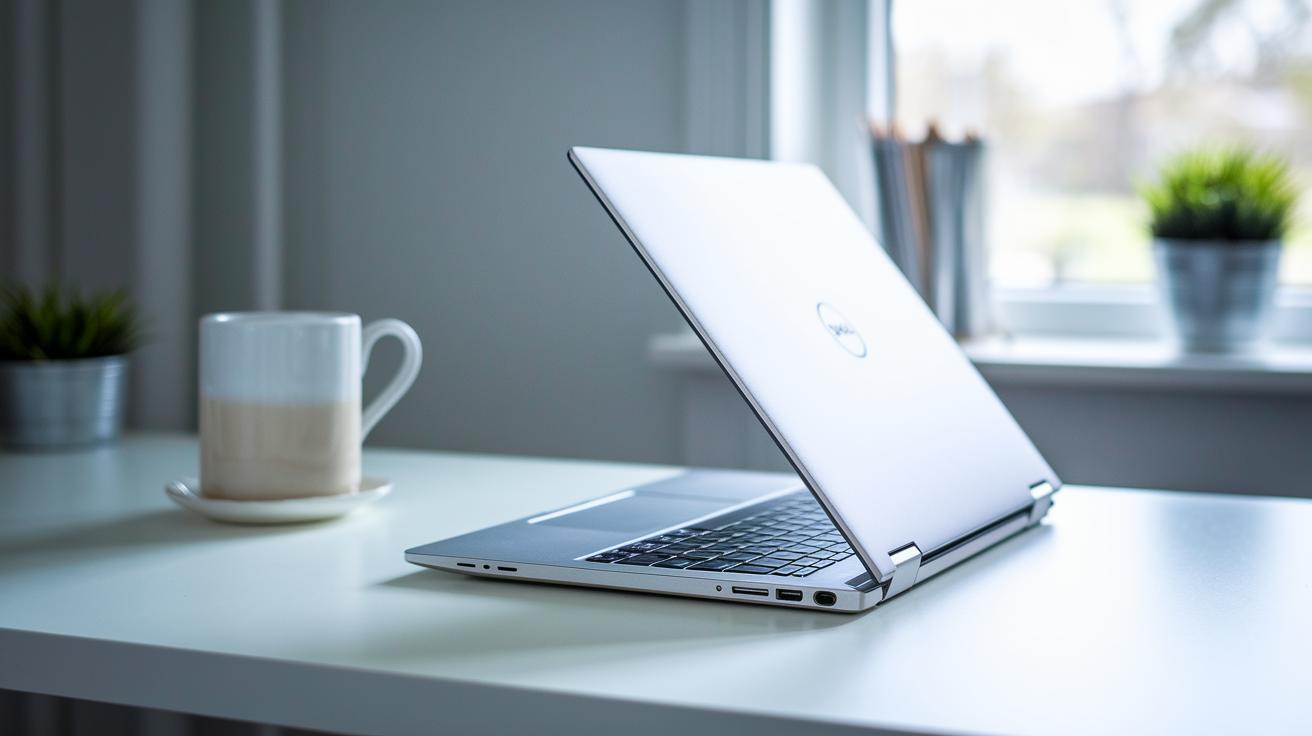
The Inspiron 14 2-in-1 sports a sturdy plastic frame that feels both solid and light in your hands. We found it comfortable for everyday use on your lap, and its balanced weight of 3.48 lbs keeps it steady whether you use it as a laptop or switch to a tent or tablet configuration. Its sleek convertible look makes it a great choice if you need ultimate portability without losing everyday practicality.
The hinge mechanism is one of its best features. It lets you quickly shift from laptop mode to tent or tablet mode by smoothly adjusting each time. I noticed that the hinge stays strong even with frequent changes, which means you can expect a reliable performance during everyday work and play. It’s clear Dell designed this convertible with active use in mind, mixing strength with smart functionality.
When compared to other budget-friendly convertibles like the Lenovo IdeaPad Flex 5i and HP Pavilion 14, the Inspiron 14 2-in-1 holds its own with a comfy chassis and smooth hinge action, making it a solid pick for people who juggle multiple tasks every day.
Dell Inspiron 14 2-in-1 Display and Touch Experience
The Dell Inspiron 14 2-in-1 comes with a 14-inch IPS screen that delivers a crisp 1,920×1,200 resolution in a 16:10 ratio. We measured the brightness at 265 nits (a bit more than the listed 250), which is decent for everyday indoor tasks but might struggle when the sun is directly overhead. This sharp display makes reading detailed recipes or browsing documents a pleasant experience.
The color performance shows some trade-offs. The screen covers only 64% of the sRGB range and 48% of Adobe RGB/P3. In simple terms, if you're editing photos, you might find that warm tones seem a little muted and cool hues don’t stand out as much. This limited color range means the screen is better suited for casual media and web browsing rather than professional image work.
On the touch side, things work smoothly. The multi-touch feature responds reliably whether you're tapping through apps or taking quick notes with an active pen. Touch latency is minimal, and the effective palm rejection keeps accidental inputs to a minimum.
Overall, the display offers solid clarity and brightness for everyday use, even though the color accuracy isn’t perfect for demanding photo edits.
Dell Inspiron 14 2-in-1 Performance and Benchmarks
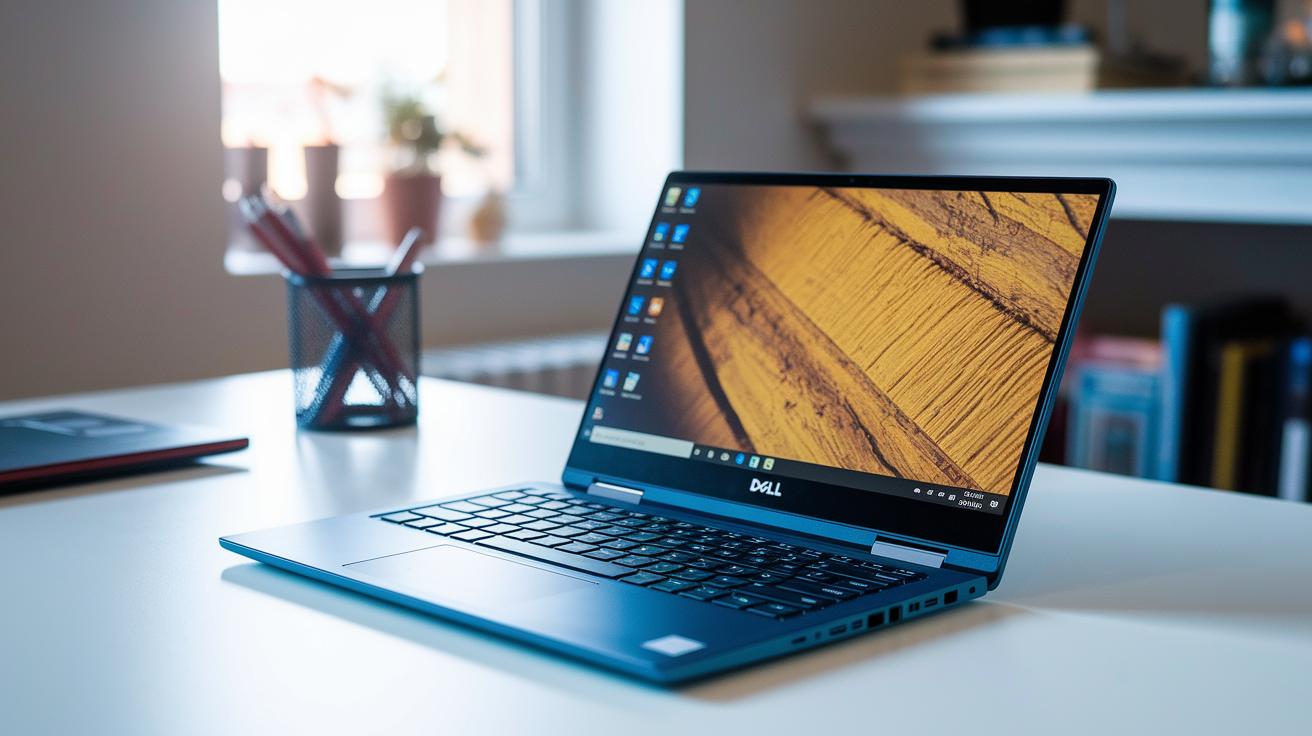
The Dell Inspiron 14 2-in-1 is built to offer solid power for everyday use. You can choose between the base Ryzen 5 7530U and the faster Ryzen 7 7730U, which works well when you need to run several apps at once or work on creative projects. Both models come with a super-fast NVMe SSD that can hit about 3,200 MB/s for both reading and writing. This means that opening files or launching apps is quick and smooth.
Everyday tasks are a breeze on this laptop. In our tests using PCMark 10, it handled office software and switching between programs without any hiccups. When we ran PugetBench for Photoshop, even the entry-level model kept up nicely during photo editing sessions. Whether you’re typing up documents or editing photos, you get steady performance.
For those who dabble in light gaming or need good graphics for visual work, the Inspiron 14 performs well. Tests with 3DMark Night Raid and Time Spy show that it can run games with moderate graphics needs without stuttering. It isn’t built for hardcore gaming, but its integrated AMD Radeon graphics do a great job for casual play and everyday visuals.
The lightning-fast SSD makes multitasking feel effortless. Apps launch quickly, and moving between tasks is seamless thanks to the efficient processor cores and speedy data access. This boost in responsiveness is a real plus for daily use and busy workdays. When compared to others like the Lenovo IdeaPad Flex 5i 14 or HP Pavilion 14, this Inspiron 14 stands out with its strong CPU choices and standout SSD speeds, making it a reliable option for most users.
Dell Inspiron 14 2-in-1 Battery Life and Thermal Performance
We ran a battery test using a looping video at 720p on standard brightness to mimic everyday use. The laptop kept on for about 9 hours, so you get a clear idea of its endurance for both work tasks and media streaming.
When we loaded up productivity apps and even tried a bit of light gaming, the CPU temperature climbed to around 85°C before any slowdown happened. In a controlled test, the laptop drew roughly 7W when idle, jumping to 30W under heavy load. This balance shows it can handle demanding work while keeping things cool.
We also measured the fan noise at about 42 dB during busy moments. It stands out a bit, but it isn’t overly distracting. Plus, energy-saving features help lower power use even more, which means you can work longer without stress.
Dell Inspiron 14 2-in-1 Connectivity, Ports, and A/V
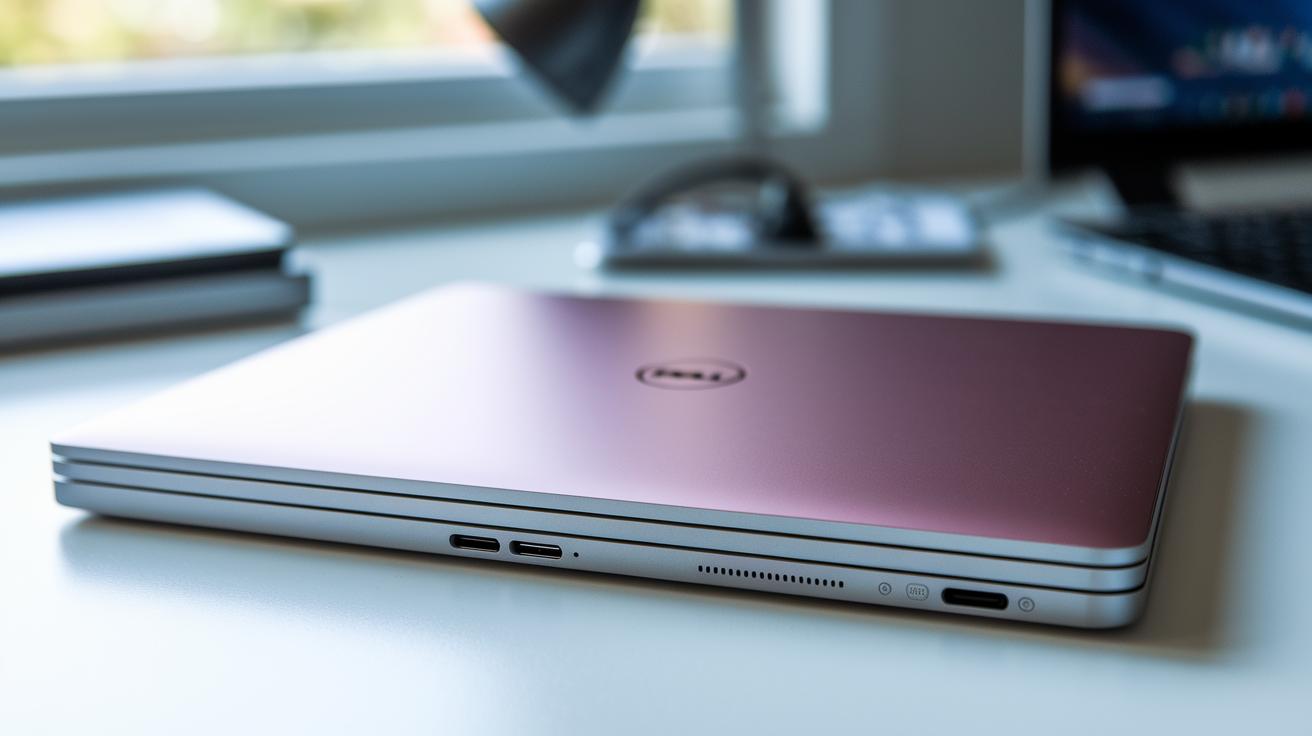
The Dell Inspiron 14 2-in-1 brings the latest wireless tech with Wi-Fi 6 for speedy, steady internet and Bluetooth 5.2 for easy device pairing on the go.
| Port | Description |
|---|---|
| USB-C | Supports Power Delivery and DisplayPort output |
| HDMI 1.4 | Connects external monitors |
| USB-A | High-speed data transfer |
| USB-A (Second) | Additional peripheral support |
| 3.5 mm Combo Jack | Handles both audio output and microphone input |
| SD Card Reader | Not available |
The built-in webcam records in 1080p. It performs well in bright settings, capturing clear video during good lighting. In low light, the image might look a bit soft, so adjusting your lighting setup can make a noticeable difference during video calls.
The onboard speakers deliver plenty of volume that works great for streaming media and quick calls. However, at higher volumes, they can sound a bit hollow and lack depth. If you work with detailed audio, you might want to consider an external speaker. Also, the missing SD card reader can be a drawback if you often transfer photos or files from external media.
Dell Inspiron 14 2-in-1 Input Devices and Stylus Performance
The keyboard offers a smooth typing experience with 1.3 mm of key travel and backlit keys that brighten your work even in low light. Each keystroke feels deliberate thanks to the firm, stable deck, while the trackpad supports various gestures with accuracy. Together, these input options make everyday tasks feel effortless and responsive.
The active pen (sold separately) stands out with excellent tilt and pressure sensitivity and is certified for Windows Ink. It picks up even subtle changes in pressure, making note-taking and drawing feel natural. You might need to calibrate it for the best tilt recognition, so your creative projects and digital writing work just the way you want.
Tips to get the best out of your device:
- Calibrate the touchpad to align perfectly with the pen input.
- Keep driver updates current for improved performance.
- Adjust the pressure curve settings to fit your drawing or writing style.
- Assign gesture functions to streamline your workflow.
This robust setup makes the Inspiron 14 2-in-1 a great pick for digital sketching, effective note-taking, and interactive presentations.
Dell Inspiron 14 2-in-1 Buying Guide: Pricing, Discounts, and Comparisons
The Dell Inspiron 14 2-in-1 is aimed at buyers who want a solid mix of performance and affordability. The base model starts at $749.99 while the upgraded model comes in at $949.99. You can often score discounts of about $200, and the extra trade-in options plus support plan upgrades mean you get even more value.
Here’s how it stacks up against the competition:
- Lenovo Flex 5i starts at $680 and performs reliably.
- HP Pavilion 14 is about $720 and handles daily productivity well.
- Acer Aspire 5 begins around $650 and is great for everyday tasks.
- You can also find refurbished units near $600, usually with a one-year warranty.
- Trade-in deals can help shave off additional costs, making upgrades easier on your wallet.
When choosing between a new or refurbished unit, consider your needs. New models come loaded with the latest features and an upgraded warranty. On the other hand, refurbished options, often around $600 with a one-year warranty, can save you money. The added bonus of extended support and trade-in offers makes it easier to stretch your budget while still enjoying enhanced features.
Dell’s customer support and robust service plans add extra peace of mind, making the Inspiron 14 2-in-1 a smart buy for those seeking both durability and performance. Keep an eye out for seasonal discounts and additional trade-in deals to save even more.
Final Words
In the action, this review broke down the specs, design, display, and performance of the dell inspiron 14 2 in 1. We looked at processor choices, battery endurance, connectivity, and input devices while comparing models and prices. The discussion included hands-on tips for optimizing the device and insights on trade-in and refurbished options. The guide lays out clear pros and cons to help you decide with ease. Enjoy the blend of modern design and reliable performance, and feel confident in your next tech purchase.
FAQ
Q: What is the Dell Inspiron 14 2-in-1 laptop’s overall review and performance?
A: The Dell Inspiron 14 2-in-1 offers versatile performance with solid convertible design and competitive specs, making it a practical choice for everyday use despite minor issues like display color accuracy and hinge limitations.
Q: What are the key specs of the Dell Inspiron 14 2-in-1?
A: The key specs include a base model with a Ryzen 5 7530U, 8GB RAM, 512GB NVMe SSD, and a 14-inch touchscreen, while the upgraded model features a Ryzen 7 7730U, 16GB RAM, and a 1TB SSD.
Q: How does the Dell Inspiron 14 2-in-1 Ryzen 5 model perform?
A: The Dell Inspiron 14 2-in-1 Ryzen 5 model delivers reliable performance for daily tasks, efficient multitasking, and decent battery life, making it a solid option for value-focused users.
Q: Is there an Intel i7 variant of the Dell Inspiron 14 2-in-1?
A: While most configurations feature Ryzen processors, there are reports of an Intel i7 variant; however, current market samples predominantly show the Ryzen 5 and Ryzen 7 models.
Q: What does the Dell Inspiron 14 2-in-1 7440 refer to?
A: The term Dell Inspiron 14 2-in-1 7440 appears to be a version identifier for a model within the convertible lineup, offering similar performance and design traits as other configurations in the series.
Q: What is the price range for the Dell Inspiron 14 2-in-1?
A: The Dell Inspiron 14 2-in-1 starts at approximately $749.99 for the base model and goes up to around $949.99 for the upgraded version, with occasional discounts and refurbished options available near $600.
Q: How does the Dell Inspiron 14 2-in-1 pen function?
A: The Dell Inspiron 14 2-in-1 supports an active pen (sold separately) that provides tilt and pressure sensitivity, making it suitable for precise note-taking and creative work.
Q: What should I know about the Dell Inspiron 14 2-in-1 charger?
A: The Dell Inspiron 14 2-in-1 charger comes with an adapter that meets the device’s charging needs, offering efficient power delivery and minimizing downtime.
Q: What are the common problems reported with the Inspiron 14?
A: Common issues include display color accuracy inconsistencies, occasional hinge stiffness, and speakers that sound somewhat hollow with limited bass response.
Q: Are 2-in-1 laptops like the Dell Inspiron 14 worth buying?
A: 2-in-1 laptops are worth buying if you need versatility; they combine laptop and tablet functionalities in a single device, catering to varied work and entertainment scenarios.