
Have you ever wondered if your laptop can keep up with your lifestyle? Convertible ASUS laptops change modes quickly so you can handle school assignments, creative projects, or even a few games without missing a beat. They feature bright displays, fast processors, and handy extras like a stylus to make everyday tasks easier. In this post, we explore our favorite ASUS models that combine smart design with solid performance. Get ready to see how these devices can boost both your work and play.
Top ASUS Convertible Laptop Picks for Versatile Use
When picking a convertible laptop, we look at the screen, processing power, memory, storage, and extra features that make each model unique. Whether you need a bright touchscreen for creative work, a fast processor for everyday tasks, or extras like a fingerprint sensor or stylus support, ASUS has a range that fits different needs.
We selected each model for its ability to handle daily tasks and creative projects. For example, the ZenBook series with its Intel Core i7 is built for smooth multitasking, while the AMD Ryzen 9 in the ProArt PX13 offers real creative power. The display options vary from Full HD to stunning OLED panels, making sure you get a clear, vibrant view. Plus, there are plenty of storage choices and modern features like Thunderbolt 4 or dedicated graphics to choose from.
| Model | Display | Processor | RAM | Storage | Price |
|---|---|---|---|---|---|
| ZenBook Flip S UX370UA-XH74T-BL | 13.3″ Touchscreen | Intel Core i7-8550U | 16 GB | 512 GB SSD | ~$1,500 |
| ZenBook Flip 14 UX461UN-DS74T | 14″ Full HD WideView | Intel Core i7-8565U | 16 GB LPDDR3 | 512 GB NVMe SSD | ~$1,400 |
| ZenBook 3 Deluxe UX490UA-XH74-BL | 14″ FHD Ultrathin | Intel Core i7-8550U | 16 GB | 512 GB SSD | ~$1,400 |
| ZenBook 13 UX325EA-XS74 | 13.3″ OLED FHD NanoEdge | Intel Core i7-1165G7 | 16 GB LPDDR4X | 512 GB SSD | ~$1,500 |
| ZenBook Flip S UX371EA-XH77T | 13.3″ 4K UHD OLED | Intel Core i7-1165G7 | 16 GB | 1 TB SSD | ~$1,800 |
| ProArt PX13 | OLED Touchscreen | AMD Ryzen 9 HX 370 | 16 GB | Varies* | $1,889.99 |
Each laptop is made for a different kind of user. The ZenBook Flip series works well for professionals who are always on the move and need a mix of power and portability. The ZenBook 3 Deluxe adds extra security with a fingerprint sensor, while the ZenBook 13 is perfect for those who want a next-level display. And if you are a creative professional looking for strong performance and innovative features, the ProArt PX13 might be the best pick for you.
ASUS Convertible Laptop Design and Build Quality
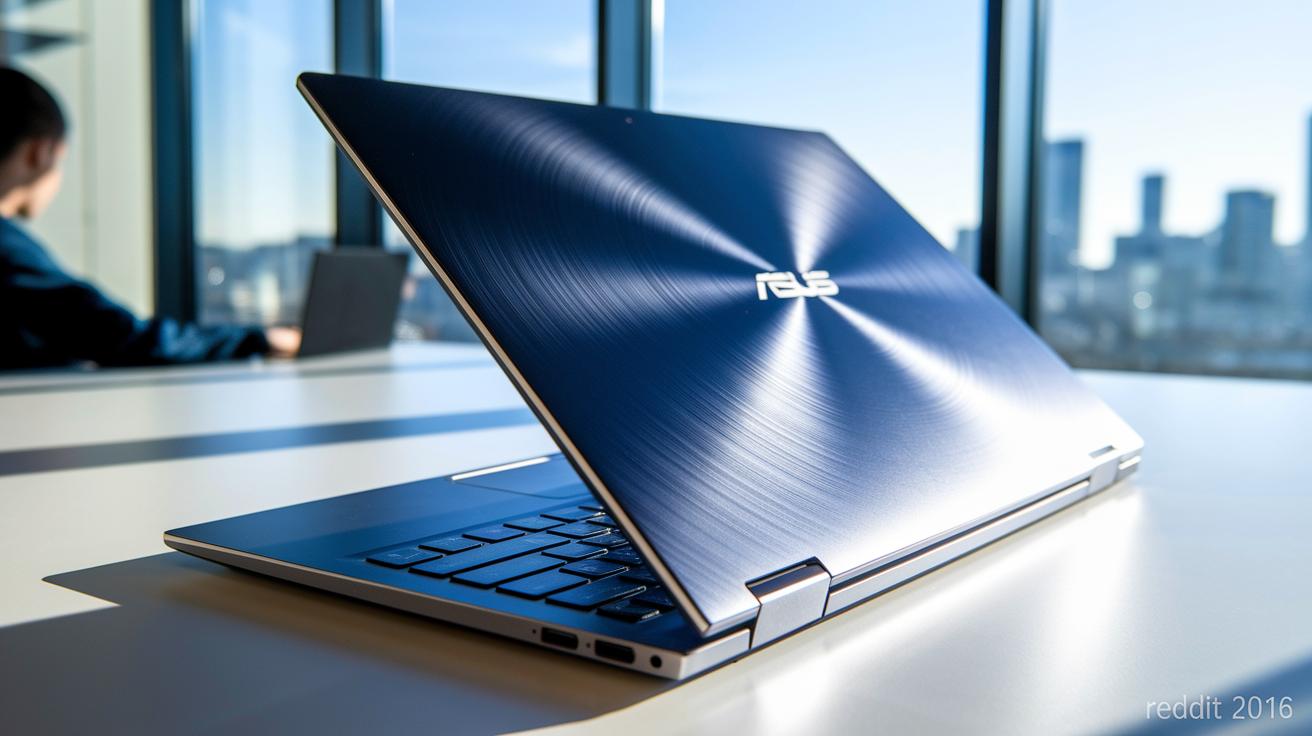
ASUS convertible laptops are built with a focus on portability and durability. They offer a sturdy design without sacrificing lightness, making them perfect for shifting between different work setups.
360-Degree Hinge Mechanisms
The ZenBook Flip series and ProArt models feature a unique 360-degree ErgoLift hinge that makes changing modes effortless. One moment, you’re typing on a keyboard; the next, you’re using the bright, responsive touchscreen for sketching or watching a movie. This smooth pivot lets you adapt to any task quickly and easily.
Materials and Weight
Thanks to an all-metal unibody aluminum design, these laptops feel both refined and rugged. Weighing roughly 2.4 lbs (1.1 kg), they’re ideal for travel. Plus, the slim NanoEdge bezels provide an immersive viewing experience while keeping the device attractive and durable for everyday use.
Stylus and DialPad Support
For those who love to create, the ProArt PX13 steps up with built-in stylus support for precise, on-screen drawing. It also includes a secondary DialPad touchpad for extra control during creative or multimedia tasks. This combination sets it apart in the crowded convertible market.
Performance Benchmarks and Storage Speeds in ASUS Convertible Laptops
ASUS convertible laptops pack plenty of processing muscle for both creative tasks and everyday work. You can choose from a range of processors like the Intel Core i7-8550U, i7-8565U, and i7-1165G7. For those who push their devices hard on multimedia projects, the ProArt PX13 even offers an AMD Ryzen 9 HX 370. With integrated graphics such as the Intel Iris Xe, these machines handle high-resolution visuals and creative apps smoothly. On top of that, the ZenBook Flip 14 can be upgraded with a dedicated GeForce MX150 option, making graphic-intensive tasks like content creation and video streaming even smoother. With 16 GB of LPDDR3 or LPDDR4X memory, you can keep multiple applications running at the same time without missing a beat.
ASUS also shines when it comes to storage speed. Nearly all the models come with a 512 GB NVMe PCIe SSD that helps you boot up quickly and access files in a snap. For users who need more space, the ZenBook Flip S UX371EA even offers a 1 TB SSD option, perfect for storing large media projects and extensive work files. Fast read and write speeds keep the system responsive when you're working on file-heavy projects. Plus, ASUS uses smart thermal management with slim heat pipes and dual fans to keep the laptops cool during long sessions. This cooling design helps prevent overheating and ensures steady performance, even when you're streaming HD content or using resource-heavy apps for extended periods.
ASUS Convertible Laptop Pricing Options and Budget Guide
When shopping for an ASUS convertible, price plays a big role in choosing the right one. ASUS breaks down its options into three clear tiers so you can easily find a laptop that fits your needs, whether you want a simple, reliable model or a powerhouse packed with advanced features.
- Budget Tier ($700–$1,000): These models, like the basic Vivobook Flip, cover all the essentials without a high price tag.
- Mid Tier ($1,000–$1,500): Options such as the ZenBook Flip 14 and ZenBook 3 Deluxe deliver strong performance and stylish touches like sharp displays and fingerprint sensors.
- Premium Tier ($1,500+): For users who need extra power and special features, options like the ZenBook Flip S and ProArt PX13 (priced at $1,889.99) come with faster processors, OLED screens, and design elements aimed at heavy multimedia work.
Think about how you'll use your laptop daily when deciding on your budget. Students and those handling everyday tasks might find the budget tier exactly right. Business users seeking a mix of power and portability will likely love the mid tier, while creative professionals needing the latest tech should take a closer look at the premium tier.
Choosing the Right ASUS Convertible Laptop for Your Needs
When you’re shopping for an ASUS convertible, it helps to focus on real-world performance rather than just checking off broad feature lists. For creative work, go beyond the OLED screen and stylus support. Look for reviews that mention calibrated color accuracy and smooth, precise drawing experiences so you know what to expect during your digital sketches.
If you travel a lot or use your laptop for video editing and class note-taking, check detailed performance tests that include battery endurance and responsiveness during streaming and office tasks. Business users should also look for features like fingerprint sensors and verified results on quick app switching, which prove that the device can handle daily multitasking securely.
| Usage Scenario | Key Features to Compare | User Guidance |
|---|---|---|
| Creative Work | OLED display, stylus precision, color accuracy scores | Review benchmarks and user feedback on drawing fluidity |
| Mobile Professionals | Lightweight design, smooth mode transitions, long battery life | Check hands-on tests for travel usability and everyday efficiency |
| Multimedia Editing | Balanced graphics (like MX150), reliable battery performance | Look for tests that confirm performance in video streaming and editing |
| Business Users | Fingerprint sensor, secure login, fast app switching | Consider reviews that detail security features and multitasking speed |
ASUS Convertible Laptop vs Competitor 2-in-1 Models
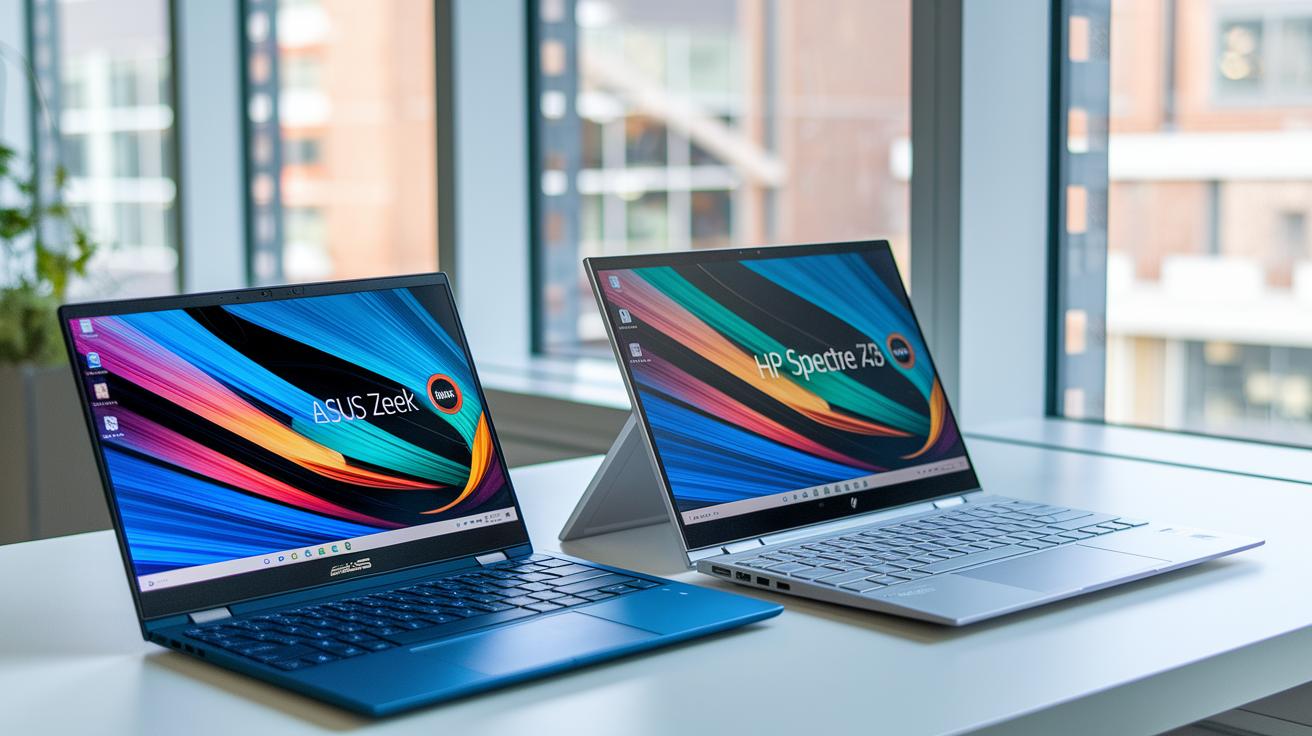
ASUS convertibles have really made their mark in the 2-in-1 space. They stand strong against popular models like the HP Spectre x360, Lenovo Yoga, and Dell XPS 13 2-in-1, offering creative designs, solid performance, and prices that make sense. It’s clear from reviews that these laptops are great picks for anyone looking for style, flexibility, and reliable performance.
Differences with HP Spectre x360
When you put the ZenBook Flip S side by side with the HP Spectre x360 13-AE052NR, design and build quality quickly come into focus. The HP model is usually available as a certified refurbished unit with a 13.3-inch touchscreen and a Core i7-8550U processor. In contrast, the ZenBook Flip S impresses with its smooth hinge that lets you switch modes effortlessly. Plus, its range of ports, including Thunderbolt 4, shows it’s built for today and tomorrow. Both can handle your daily tasks well, but the ZenBook Flip S offers a premium feel at a friendlier price without needing to go refurbished.
Lenovo Yoga and Dell XPS 2-in-1 Comparison
The Lenovo Yoga series and Dell XPS 13 2-in-1 each have their own strengths. Lenovo gives you options like up to a 14-inch display and a variety of RAM and storage setups, making it a flexible choice for different work styles. Dell’s XPS 13 2-in-1, meanwhile, focuses on a sleek, almost edge-to-edge display in a refined chassis, perfect if you crave a high-end look. In comparison, ASUS laptops hold their own with a clear, vibrant screen, a keyboard that feels great to type on, and a design that keeps things light. They even offer models like the ROG Flow X16 convertible for those with niche gaming interests. All these choices highlight just how competitive the 2-in-1 market is and why ASUS continues to be a solid option for both everyday and creative users.
Final Words
In the action, we evaluated top ASUS convertibles by focusing on display quality, processor strength, and unique features for every user need. We weighed design innovations, hands-on performance, and clear pricing tiers to show you how each model aligns with different lifestyles.
Our insights make it easier to pick a convertible laptop asus that fits your everyday work, creativity, or on-the-go needs. Enjoy the freedom and versatility these models offer, and move forward with confidence knowing you’ve got practical advice on your side.
FAQ
Q: What does an ASUS 2-in-1 touchscreen laptop with an Intel i7 offer?
A: The ASUS 2-in-1 touchscreen laptop featuring an Intel i7 provides versatile functionality with strong performance and a responsive display, making it ideal for work tasks, multimedia, and creative projects.
Q: What makes the best convertible ASUS laptop stand out?
A: The best convertible ASUS laptop shines with a premium build, powerful performance, and flexibility in modes. Models like the ZenBook Flip S series balance portability with robust capabilities for various use scenarios.
Q: How does the price range vary for ASUS convertible laptops?
A: ASUS convertible laptops span a wide price range—roughly $1,000 for entry-level models up to about $1,900 for premium options like the ProArt PX13. This lets users choose a model that best fits their budget and performance needs.
Q: How does an ASUS 2-in-1 gaming laptop differ from regular models?
A: An ASUS 2-in-1 gaming laptop integrates convertible design with dedicated graphics, catering to casual gamers and creative professionals who require both a flexible form factor and sufficient graphical power for light gaming and media editing.
Q: What benefits do 2-in-1 laptops with pen support offer?
A: 2-in-1 laptops with pen features, such as certain ASUS models, let you draw, annotate, and take notes directly on the screen. This enhances creative and productive tasks by combining laptop capabilities with natural stylus input.
Q: What key points are highlighted in an ASUS 2-in-1 laptop review?
A: An ASUS 2-in-1 laptop review emphasizes solid build quality, versatile form factors, and reliable performance for everyday tasks and creative projects, ensuring that the device meets both productivity and entertainment demands.
Q: Are convertible laptops worth the investment?
A: Convertible laptops are worth the investment for users who value flexibility. They offer multiple modes for work, media consumption, and creative tasks, effectively combining the benefits of a laptop and a tablet in one device.
Q: What are some potential drawbacks of an ASUS laptop?
A: The main drawbacks of an ASUS laptop can be its higher price and sometimes limited battery life on certain models. These factors are important to consider alongside performance needs and user preferences.
Q: What purposes does a convertible laptop serve?
A: A convertible laptop serves dual roles by functioning as a traditional laptop and a tablet. This duality makes it useful for work, creative endeavors, note-taking, and casual browsing, meeting a variety of everyday computing needs.