
Ever picture your laptop transforming into your own portable creative studio? A convertible laptop with a stylus isn’t just for everyday tasks, it makes taking notes and sketching ideas incredibly easy. Think of it as a trusty work computer that quickly turns into a digital sketchpad whenever inspiration strikes. In this guide, we show you the best options that pair solid performance with smart, innovative design. Whether you're at the office or nestled in your favorite corner at home, these devices are built to boost your productivity and fuel your creativity.
Best Convertible Laptops with Stylus at a Glance
Looking for a pen-friendly laptop that makes your day-to-day tasks easier? We’ve rounded up models that mix the ease of a tablet with the power of a laptop to suit your creative or work needs. The Lenovo Yoga 9i Gen 10 Aura Edition comes with a bright 14″ OLED display at 120 Hz and a strong Intel Core Ultra 7 258V processor, giving you over 13 hours on Wi-Fi. Its stylus snaps right into place so you’re always ready to take notes or sketch out ideas. If long battery life and vivid colors are what you need, check out the HP OmniBook Ultra Flip 14, which features a gorgeous 14″ 120 Hz OLED panel with stellar color precision (Delta-E under 3) and can last up to 20 hours, ideal for remote or hybrid work.
For the creative crowd, the Asus ProArt PX13 pairs a vibrant OLED screen with an AMD Ryzen AI 9 HX 370 processor and comes with innovative DialPad touchpad pen support. Meanwhile, if you’re after a larger display without losing portability, the LG Gram Pro 2-in-1 16T90SP offers a crisp 16″ OLED in a slim design (less than 15 mm thick) and nearly 18 hours of battery life, plus a wireless-charging LG Pen for extra convenience. Lastly, the Lenovo Chromebook Duet Gen 9 is a wallet-friendly option with a sharp touchscreen, bundled stylus, and keyboard, although its performance and battery life are more basic.
| Model | Price | Display | Processor | Battery Life | Stylus |
|---|---|---|---|---|---|
| Lenovo Yoga 9i Gen 10 Aura Edition | $1,349.99 | 14″ OLED, 120 Hz | Intel Core Ultra 7 258V | >13 h Wi-Fi | Magnetically attaches |
| HP OmniBook Ultra Flip 14 | N/A | 14″ 120 Hz OLED | N/A | 20 h | Included |
| Asus ProArt PX13 | ~$1,889.99 | Color-rich OLED | AMD Ryzen AI 9 HX 370 | N/A | Pen support |
| LG Gram Pro 2-in-1 16T90SP | $1,996.99 | 16″ OLED | N/A | ~18 h | Wireless-charging LG Pen |
| Lenovo Chromebook Duet Gen 9 | $335.00 | Sharp touchscreen | Middling | Moderate | Bundled |
Each option is designed to suit different needs with smart stylus integration and solid features. Whether you're taking class notes, designing creative projects, or just staying on top of work while traveling, these convertibles deliver the right mix of tactile control and digital performance to boost your everyday tasks.
In-Depth Reviews of Leading Convertible Laptops with Stylus
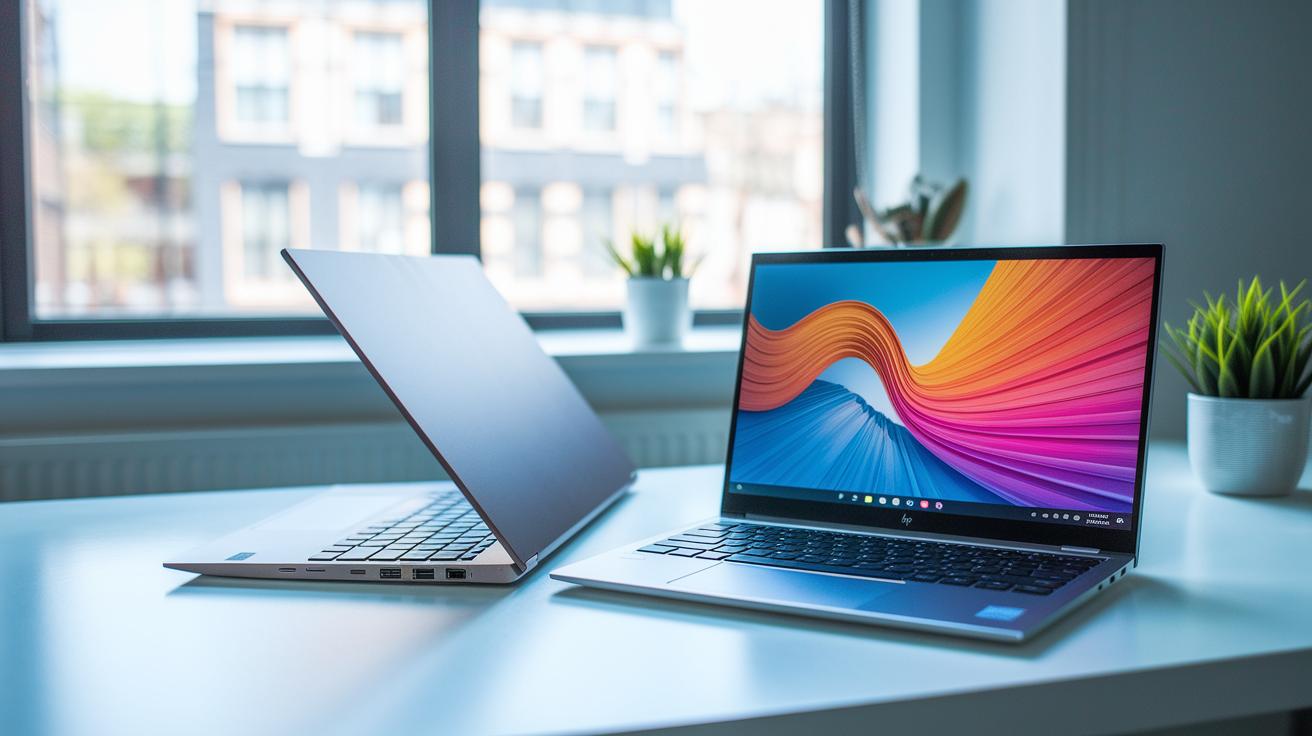
The Lenovo Yoga 9i Gen 10 Aura Edition comes with a solid aluminum design and quiet fans that keep it cool during long use. Its Intel Core Ultra 7 258V processor handles multiple tasks smoothly, and the 14-inch OLED display at 120 Hz shows off bright, clear visuals. The magnetic stylus makes it easy to switch from typing to drawing, so creatives get more from their note-taking and design sessions.
The HP OmniBook Ultra Flip 14 features a tough magnesium-alloy shell that feels both durable and stylish. Its 14-inch, 120 Hz OLED panel covers a wide range of Adobe RGB colors, which is great for getting accurate colors in photo editing and digital art. Even though its internal performance is modest, the built-in stylus and an impressive 20-hour battery life help you push through long work sessions without any hiccups.
The HP Envy x360 2-in-1 14 (2024) offers a smart mix of performance and portability. It is powered by an Intel Core Ultra 5 processor and sports a lively OLED display that improves everyday visuals. The included MPP 2.0 stylus allows for precise input, while the slim aluminum frame keeps the design light enough for on-the-go tasks. Its entry-level Intel graphics handle daily media and creative tasks without overcomplicating the experience.
The LG Gram Pro 2-in-1 16T90SP makes a strong impression with its thin profile and a vivid 16-inch OLED display that brings images to life. It boasts almost 18 hours of battery life and great built-in speakers, creating a friendly multimedia experience. The wireless-charging stylus rounds out its features, making digital drawing and note-taking smooth and boosting productivity for both work and creative projects.
Key Features to Evaluate in a Stylus-Enabled Convertible Laptop
When picking a stylus-enabled convertible laptop, pay close attention to the display, pen features, and overall performance. You want a system that handles everyday work and creative projects with ease. Look for a screen with bright, accurate colors. A brightness level of around 500 cd/m² and a Delta-E score below 3 help ensure vivid and true-to-life visuals. A 120 Hz refresh rate also makes pen strokes feel smooth and responsive.
The stylus itself should offer dependable performance. Good models use MPP 2.0 (a trusted digital inking standard) and might include features like magnetic attachment or wireless charging to make them easier to carry. Also, pressure sensitivity of up to 4,096 levels is important for achieving precise detail, whether you're drawing or annotating.
Your laptop’s processor and graphics, think Intel Core Ultra or AMD Ryzen AI, should deliver a solid balance between speed and battery life. Both designers and students benefit when the software runs a variety of creative applications smoothly. And if you're mindful of your budget, a well-reviewed budget laptop might still deliver these key features without breaking the bank.
- Screen brightness and color accuracy: around 500 cd/m² and Delta-E below 3
- 120 Hz refresh rate for smooth touchscreen performance
- Stylus with MPP 2.0, plus magnetic or wireless charging options
- Pressure sensitivity up to 4,096 levels for detailed work
- Strong CPU/GPU performance (for example, Intel Core Ultra or AMD Ryzen AI)
- Reliable battery life during stylus use
- Compatible software and overall cost-effectiveness
Convertible Laptop with Stylus for Different User Needs
For Creative Professionals
If you’re into creative work, look for a convertible that has a bright, color-accurate screen and a stylus that feels natural. Test your favorite drawing apps to make sure each pen stroke appears instantly with no lag.
For Students and Educators
For school or classroom tasks, choose a laptop with an integrated keyboard and a dependable stylus for smooth note-taking. Try a demo in-store to see if it's comfortable for long study sessions. Entry-level models like the Chromebook Duet Gen 9 can be a great starting point, just check reviews to be sure.
For Remote Workers
Remote work calls for a device that can run all day. Focus on laptops that offer over 20 hours of battery life and a full-size keyboard that feels good during long typing sessions. Testing under real work settings is key to ensuring it meets your needs.
For Budget-Conscious Buyers
If you’re keeping an eye on costs, pick a convertible that delivers essential performance and stylus support without all the extras. Look for models around $549 (after discounts) that balance build quality with a good mix of ports. Comparing a few options side by side can help you find the best fit for your needs.
Innovations in Stylus Technology for Convertible Laptops
Pen tech is moving fast and changing the way convertible laptops work. Modern active pens now offer a natural feel that makes writing or drawing feel just like paper and pencil. HP Envy laptops, for example, use Microsoft Pen Protocol (MPP 2.0) to capture even the slightest tilt and pressure. One designer said, "It’s like sketching on paper," and that shows just how smooth this experience is. These upgrades make everyday creative tasks a lot more enjoyable.
Lenovo Yoga 9i steps up the game with a magnetic stylus dock that charges the pen through pogo pins. This smart design means the pen is always ready when you need it, much like an artist’s favorite tool. A 120 Hz display also brings pen latency down to less than 20 ms, which gives nearly instant response. This quick reaction improves drawing precision and makes touch gestures feel effortless, turning routine tasks into lively interactions.
New standards such as AES and USI are on the horizon for future Windows hybrids, promising even better stylus performance. The LG Pen, with its wireless recharging built into a special slot, is a great example of this cutting-edge approach. These innovations not only improve drawing and note-taking but also provide advanced gesture support for a smoother hybrid experience, helping boost productivity every day.
Battery Life and Portability in Convertible Laptops with Stylus
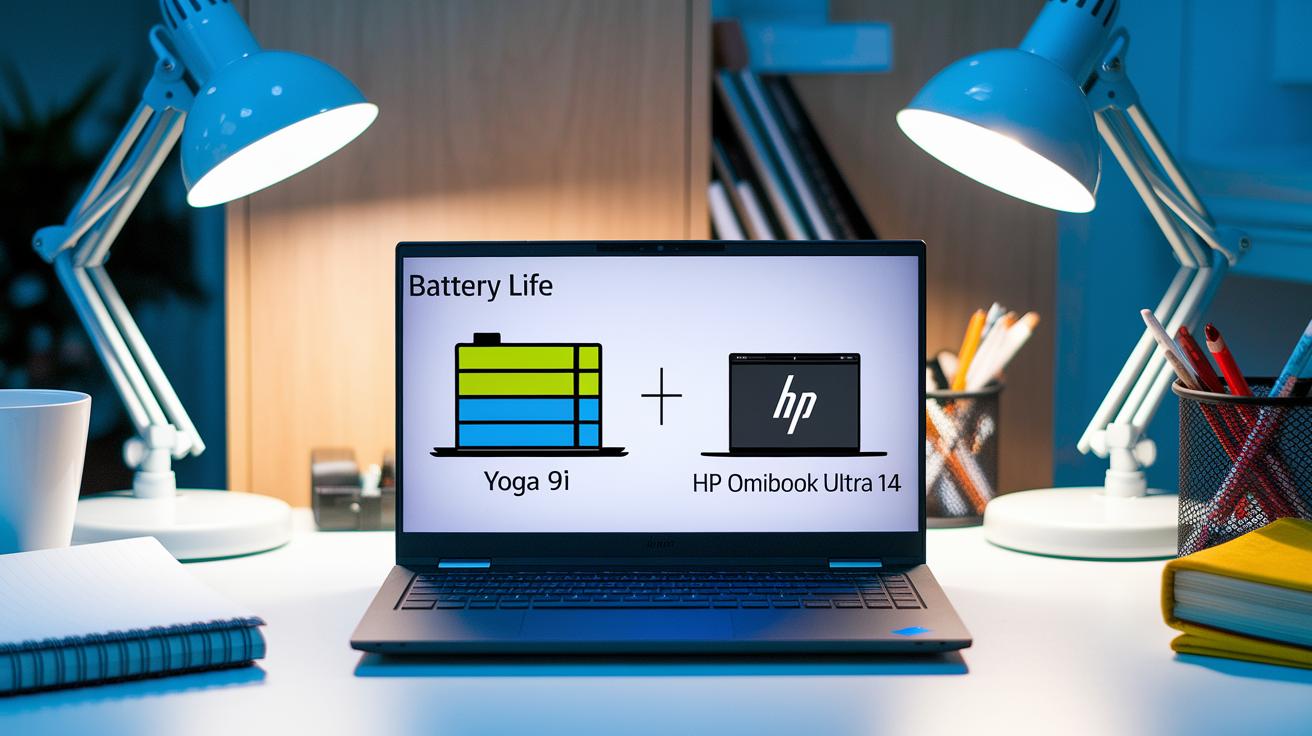
Balancing battery life and weight can make a big difference in your daily experience. Take the Lenovo Yoga 9i, for example. It clocks over 13 hours of Wi‑Fi browsing on a 1.4 kg device, which makes it perfect for quick note-taking without feeling bulky. On the other hand, the HP OmniBook Ultra Flip 14 offers up to 20 hours of battery life in an ultra-light 1.3 kg frame, letting you work longer on the move. With a light design and a built-in stylus, these devices help ensure you won’t feel weighed down during long creative sessions, imagine wielding a painter’s trusty brush.
Different design choices shape your overall performance too. The LG Gram Pro 16, for instance, is a bit heavier at 1.75 kg but offers an 18‑hour battery life and a slim 14.9 mm profile, making it great if you need more screen space. Meanwhile, the Dell Inspiron 14 7445 provides over 10 hours of use at a steady 150 nits brightness, giving you a reliable option for mobile creative work on a budget.
Price Range and Value Assessment for Stylus-Equipped Convertibles
Entry-level convertibles are aimed at those new to stylus use. For example, the Lenovo Chromebook Duet Gen 9 comes in at $335 and offers a clear touchscreen paired with a keyboard and stylus. These devices handle everyday note-taking and simple tasks but usually fall short in performance and battery life when compared to more expensive options.
Mid-range convertibles, usually priced between $800 and $1,000, offer a balanced mix of features. Think of devices like the Yoga 7 series; they combine decent processing power, a reliable display, and smooth pen integration. This makes them a solid choice for everyday use and creative projects without paying a premium.
For those looking for top-tier performance, premium models start at over $1,300. The Lenovo Yoga 9i Gen 10 Aura Edition, for example, is priced around $1,349.99 and features a high-resolution OLED display, a powerful processor, and a stylus that docks magnetically. Other high-end options, such as the Asus ProArt and LG Gram Pro, further enhance the experience with advanced multimedia capabilities and performance that nearly meets professional standards.
Frequently Asked Questions on Convertible Laptops with Stylus

Q1: How can I troubleshoot pen input issues?
If you notice a lag or erratic movement when using your stylus, try recalibrating your display, updating your driver software, or removing any bulky screen protectors that might block the signal. For example, if there is a brief delay, recalibration can help bring back smooth performance.
Q2: What are best practices for caring for your stylus?
Keep the tip clean by gently wiping it with a soft cloth and avoid dropping it. When you're not using it, store the stylus in its charging bay or in a secure slot. Think of it as a fine tool, you want to handle and store it with care.
Q3: Can my stylus support both digital note-taking and drawing?
Yes, many convertible laptops are designed to adjust settings like palm rejection and pressure sensitivity for both clear note-taking and creative sketching. This means you can easily switch between structured notes and freeform art without any loss in performance.
Q4: Can I adjust stylus settings to enhance performance?
Some devices let you customize aspects such as sensitivity and assign functions to the stylus buttons through their driver settings. If you feel the pen is not reacting as expected, tweaking these settings can help match it to your personal writing or drawing style.
Q5: Do firmware updates affect stylus performance?
Firmware updates can boost accuracy and reduce delays in stylus performance. It is a good idea to check the update notes for any improvements made specifically for stylus functionality. For example, a recent update might make pen input feel noticeably smoother.
Final Words
In the action, we walked through top models, compared panel features, pen functions, battery life, and price points. We laid out clear details on design and performance so you know what to expect from each option.
This wrap-up highlights a smart look at choosing a convertible laptop with stylus that fits everyday needs. The insights help you balance style and practicality while enjoying a device that keeps up with your lifestyle, leaving you confident about your next pick.
FAQ
What can users say about convertible laptops with stylus on Reddit?
The discussion on Reddit shows that users praise convertible laptops with stylus for their versatility, blending performance and design with practical stylus integration for creative tasks and everyday use.
How do 2-in-1 laptops with pen perform for students?
2-in-1 laptops with pen perform well for students by combining affordability, durable build quality, and reliable stylus functionality to support digital note-taking and academic productivity.
What’s considered the best convertible laptop with stylus?
The best convertible laptop with stylus offers a high-quality display, fast performance, and integrated stylus features, making it ideal for creative professionals and daily productivity users.
Which convertible laptop stands out for its stylus pen performance?
Convertible laptops that excel in stylus pen performance feature precise, low-latency input with benefits like magnetic docking and wireless charging, perfect for artists and professionals focused on digital creativity.
What makes a 2-in-1 touchscreen laptop functional?
A 2-in-1 touchscreen laptop integrates responsive touch technology with strong computing power, enabling users to swipe, tap, and type seamlessly for work, creativity, and casual browsing.
How does a 2-in-1 laptop tablet combine functionality?
A 2-in-1 laptop tablet combines the convenience of a tablet with robust laptop capabilities, allowing smooth transitions between touch-driven media consumption and productivity-focused tasks.
What benefits does a laptop with pen and touch screen offer?
A laptop with a pen and touchscreen offers dual-input capabilities, allowing users to enjoy precise handwriting, drawing, and interactive multitasking that enhances both creative work and everyday tasks.
Are there affordable options for 2-in-1 laptops with pen?
Affordable 2-in-1 laptops with pen deliver essential performance for basic productivity, digital note-taking, and casual drawing, ensuring value without sacrificing the convenience of stylus-enhanced touch functionality.